Best Minecraft Hosting Services in 2026: 8 Services Compared

- 1
 Apex HostingEasy setup and modpacksVisit
- 2
 ShockbyteBudget hostingVisit
- 3
 BisectHostingFlexible modded hostingVisit
- 4
 ScalaCubeFree start and modpacksVisit
- 5
 HostingerValue game hostingVisit
- Apex Hosting is our pick for most players because it pairs easy setup with strong modpack support and helpful service.
- Shockbyte suits budget players who want low-cost servers with solid performance.
- BisectHosting suits players who want flexible plans and good support for modded servers.
-
RAM, processor quality, location, and modpack support matter more than advertised player slots alone.
-
Backup frequency and restore testing matter more than advertised slots, since a lost world cannot be rebuilt from specs.
Quick comparison
| Product | Ideal for | Price from | Free version | |
|---|---|---|---|---|
| Apex Hosting | Easy setup and modpacks | See website | No | Visit |
| Shockbyte | Budget hosting | See website | No | Visit |
| BisectHosting | Flexible modded hosting | See website | No | Visit |
| ScalaCube | Free start and modpacks | See website | Yes | Visit |
| Hostinger | Value game hosting | See website | No | Visit |
 Sparked Host | Budget performance | See website | No | Visit |
 Nodecraft | Easy mobile-managed servers | See website | Free trial | Visit |
 MCProHosting | Long-running game hosting | See website | No | Visit |
The best minecraft hosting services
Minecraft hosting runs your world on a server so friends can join any time, with mods, plugins, and backups handled for you. The best hosts offer fast hardware, easy modpack installs, and support when a mod breaks. We compared official feature pages, pricing pages, and public reviews for the options below.
Apex Hosting
Ideal for: Easy setup and modpacks
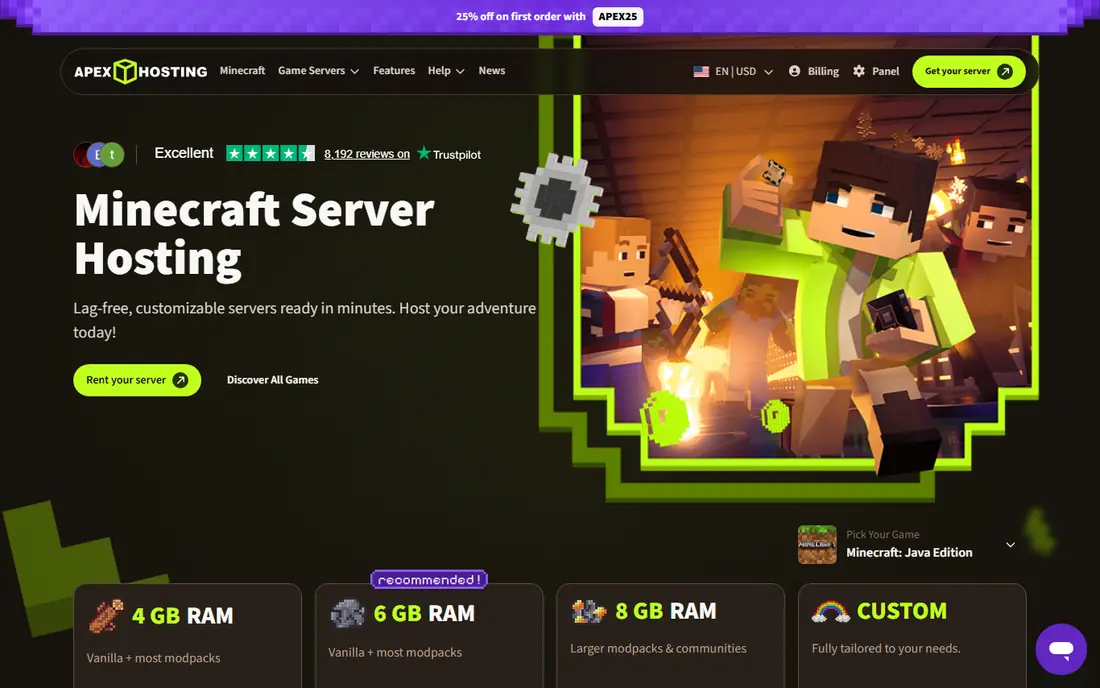
Apex Hosting is a popular Minecraft host with one-click modpack installs, a clear control panel, and support that earns good reviews. Players can launch Java or Bedrock servers, add mods and plugins, and manage backups without server admin skills. That ease makes Apex a favorite for friends-and-family servers.
Pricing rises with RAM, and heavily modded servers need larger plans. For most players who want a server up fast with modpack support, Apex is our top pick.
- One-click modpack installs
- Easy control panel
- Helpful support
- Prices rise with RAM
- Larger servers cost more
Shockbyte
Ideal for: Budget hosting
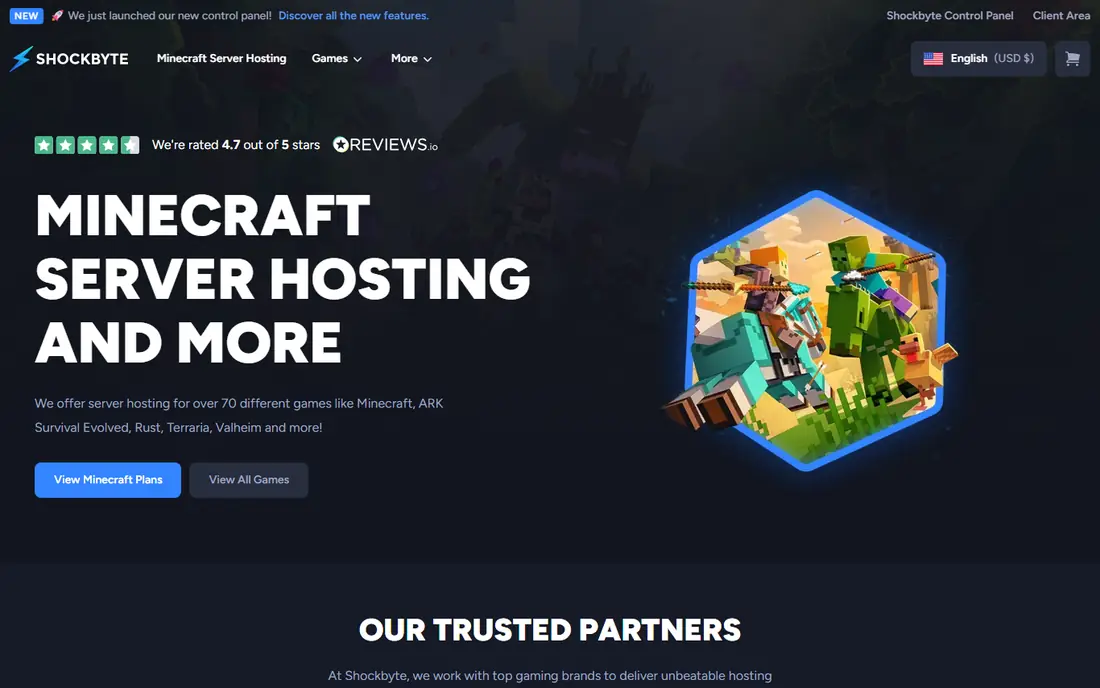
Shockbyte offers low-cost Minecraft hosting with solid performance and modpack support, which appeals to budget players and small communities. Plans cover Java and Bedrock, with automated setup and DDoS protection. For a small server with friends, the value is strong.
Support response varies in reviews, and the control panel is functional rather than polished. For budget hosting that still performs well, Shockbyte is a smart pick.
- Low starting prices
- Solid performance
- Modpack support
- Support response varies
- Panel is functional rather than polished
BisectHosting
Ideal for: Flexible modded hosting
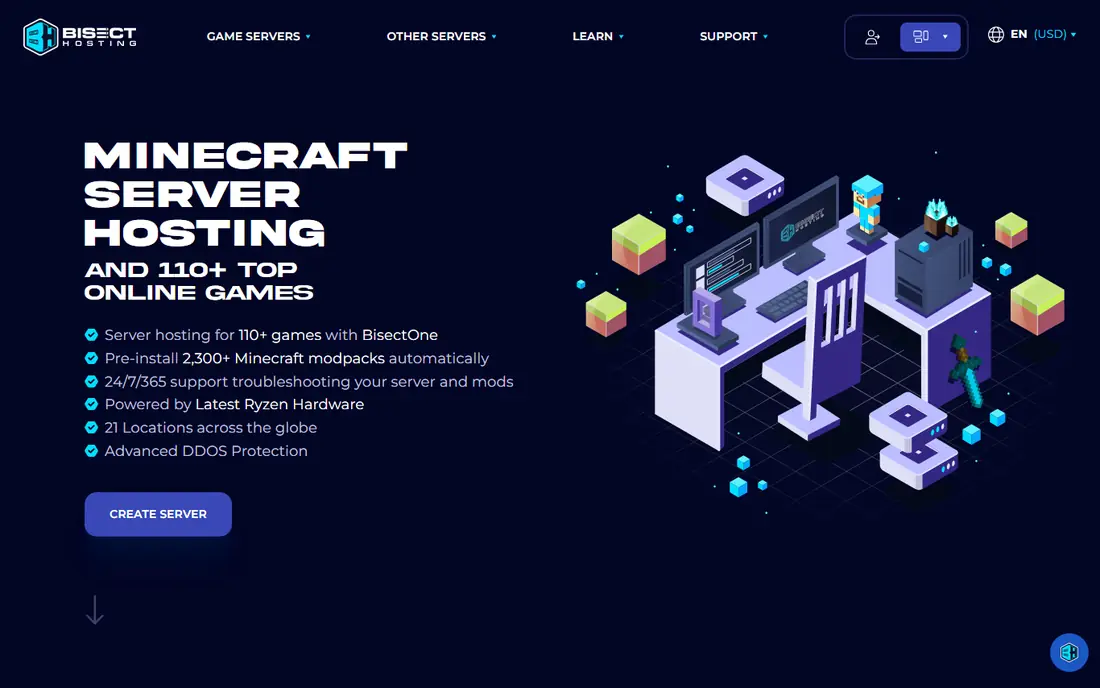
BisectHosting offers flexible Minecraft plans with strong modded server support and a helpful service team. Players can choose budget or premium hardware, install modpacks easily, and get help with mod conflicts. Daily backups on many plans add peace of mind.
Pricing varies by plan type, and premium hardware costs more. For players who want flexible, well-supported modded hosting, BisectHosting is a strong choice.
- Flexible plans
- Good modded support
- Helpful service team
- Pricing varies by plan type
- Premium plans cost more
ScalaCube
Ideal for: Free start and modpacks
ScalaCube offers a free tier for testing Minecraft servers, plus paid plans with many modpacks and a custom launcher. That free start helps new server owners test before paying. Paid plans add RAM, slots, and performance for larger communities.
Free tier performance is limited, and serious servers need paid plans. For a player who wants to test hosting free before committing, ScalaCube is a useful starting point.
- Free tier for testing
- Many modpacks
- Launcher and server tools
- Free tier limits performance
- Paid plans needed for larger servers
Hostinger
Ideal for: Value game hosting
Hostinger, known for web hosting, also offers game server plans including Minecraft, with good value pricing and global locations. The game panel covers setup, mods, and management, and the brand's scale keeps prices competitive. Players who already use Hostinger may like one account for web and game hosting.
Minecraft is one product among many, so support depth varies compared with specialist hosts. For value hosting from a large provider, Hostinger is a practical pick.
- Good value plans
- Game panel
- Global server locations
- Minecraft is one product among many
- Support depth varies
Sparked Host
Ideal for: Budget performance
Sparked Host offers budget Minecraft hosting with good hardware specs and fast setup. Modpack installs, backups, and DDoS protection cover the basics, and pricing appeals to small communities. Performance reviews are generally positive for the price.
The provider is smaller than Apex or Shockbyte, and plan details vary. For a budget server with strong hardware value, Sparked Host is worth comparing.
- Low prices with good hardware
- Fast setup
- Modpack support
- Smaller provider
- Plan details vary
Nodecraft
Ideal for: Easy mobile-managed servers
Nodecraft stands out for its mobile app, which makes server management easy from a phone. Players can start, stop, and manage servers, switch games, and handle saves without a desktop. That convenience suits players who manage servers on the move.
Pricing per server can add up for multiple worlds, and modded depth varies by game. For easy, mobile-managed Minecraft hosting, Nodecraft is a distinctive, user-friendly pick.
- Excellent mobile app
- Easy server management
- Game switching
- Pricing per server can add up
- Modded depth varies
MCProHosting
Ideal for: Long-running game hosting
MCProHosting is a long-running game server host with Minecraft plans plus many other games. Control panel tools cover mods, plugins, and backups, and the company's history gives buyers confidence. Multi-game players can host several titles with one provider.
Pricing sits above budget hosts, and the interface feels dated next to newer panels. For a long-running host with broad game support, MCProHosting is a dependable choice.
- Long industry history
- Many games supported
- Control panel tools
- Pricing sits above budget hosts
- Interface feels dated
How we picked these
We compared official feature pages, pricing pages, and public reviews, and we kept only Minecraft hosts operating in October 2026 with real Java or Bedrock server plans. We favored hosts with modpack support, backups, DDoS protection, and responsive support. We left out hosts with no Minecraft-specific tools and providers with poor uptime records.
We also compared support response quality, since server problems often appear on weekends when friends gather to play. Check support hours, response times, and whether staff help with mod conflicts or only with server uptime. A host that helps fix a broken modpack saves an evening of play that uptime guarantees cannot replace.
What to check before you choose Minecraft hosting
Start with RAM and mod needs. Vanilla servers run on modest RAM, while large modpacks need far more, so match the plan to your modpack, not just player count. Check processor quality and server location too, since both affect lag more than slot counts suggest.
Next, test the control panel and support. One-click modpack installs, backups, and fast support save hours when a mod update breaks a world. Finally, confirm Java versus Bedrock support: Java supports the widest mod range, while Bedrock suits console and mobile cross-play. Pick a host that covers the edition your group actually plays.
Player management tools deserve a look before you commit. Whitelists, bans, operator permissions, and grief protection settings keep a community server friendly, while a host panel that hides those controls makes moderation painful. Test permission setup during a trial with a friend acting as a regular player.
Performance testing should use your real modpack and player count, not the host marketing specs. Load the world, invite your usual group, and watch tick speed and lag during busy moments such as exploration and farms. A short trial at real load tells you more than any hardware list.
Questions to ask before you commit
Ask hosts about DDoS protection and uptime guarantees, since public servers attract attacks that can take a community offline for hours. Confirm mitigation capacity, response procedures, and whether protection is included or an add-on. A host without real protection leaves your world vulnerable to disruption.
Ask how world backups are stored and restored, including frequency, retention, and whether you can download backups yourself. Confirm that restores preserve mods, plugins, and player data, and test a restore on a copy before trusting the system. A backup you cannot restore is not a backup.
Ask about version support for the mods and plugins your community uses, since new Minecraft releases often break older mods. Confirm that the host supports your exact game version and mod loader, and that version switching does not wipe your world. Version flexibility matters more than a long modpack list.
Frequently asked questions
What is the best Minecraft hosting service?
Apex Hosting is our pick for most players because of easy setup, modpack support, and helpful service. Shockbyte suits budget players, while BisectHosting suits flexible modded hosting.
How much RAM do I need for a Minecraft server?
Vanilla servers for a few friends run on small plans, while modded servers need more RAM, often 4 GB or more depending on modpack size and player count. Check your modpack requirements and choose a plan with headroom for growth.
Can I host Minecraft Java and Bedrock together?
Some hosts support both editions on separate plans, and cross-play plugins exist for Java servers to accept Bedrock players, with limits. Confirm edition support with your host before buying if your group plays on mixed devices.
Is free Minecraft hosting worth it?
Free tiers such as ScalaCube suit testing, but performance, uptime, and support limits make them poor for regular communities. Paid plans from budget hosts cost little and deliver far better reliability for a friends server.
Do Minecraft hosts support mods and plugins?
Yes, most hosts here offer one-click modpack installs and plugin support for Java servers. Check modpack availability, version support, and backup tools before committing, since mod updates can break worlds without good backups.
How do I move my Minecraft world to a new host?
Most hosts offer world uploads through their control panel or FTP, so download your world files from the old host, upload them to the new one, and test before cancelling the old plan. Keep a local backup of the world during the move, and confirm mod and plugin versions match, since version mismatches can corrupt a world on first load.