Best Mobile App Analytics in 2026: 7 Tools Compared

- Firebase Analytics is the best free starting point for Android and iOS apps.
- Mixpanel and Amplitude lead for funnels, retention and cohorts in product teams.
- data.ai, formerly App Annie, suits teams tracking app store rankings and market data.
- UXCam and Smartlook add session replays that show where users struggle in an app.
Quick comparison
| Product | Ideal for | Price from | Free version | |
|---|---|---|---|---|
 Firebase Analytics | Free app analytics from Google | Free | Yes | Visit |
 Mixpanel | Product funnels for mobile apps | Free | Yes | Visit |
 Amplitude | Behavioral analytics at scale | Free | Yes | Visit |
 data.ai | App store and market intelligence | See website | No | Visit |
 UXCam | Session replays for mobile apps | Free | Yes | Visit |
 Smartlook | Replays and funnels for apps and web | Free | Yes | Visit |
 Countly | Self-hosted mobile analytics | Free | Yes | Visit |
The best mobile app analytics tools
Mobile analytics differs from web analytics: installs, app store performance, crashes, retention and in-app funnels matter more than pageviews. The tools below cover those measures, from free platform tools to deep product analytics. We compared them on event tracking, retention, crash reporting and price.
Firebase Analytics
Ideal for: Free app analytics from Google
Firebase Analytics, powered by Google Analytics 4 for Firebase, is the free default for mobile apps. It tracks events, audiences and conversions, integrates with Google Ads, and pairs with Crashlytics for crash reporting. Its free limits suit most apps, and its SDKs cover Android and iOS well.
Advanced analysis has a learning curve, and its focus is the Google ecosystem, which matters less for Apple-first teams. Product teams needing deep cohorts may add Mixpanel or Amplitude. As a free starting point, Firebase is hard to beat.
For readers focused on free app analytics from Google, Firebase Analytics is worth a trial before deciding, since the free tier or trial shows its real feel fast. Check the current plan details on the vendor site, since prices and limits change, and confirm that the version you need works on your devices.
- Free events and audiences
- Crashlytics included
- Google Ads integration
- Learning curve for advanced analysis
- Google ecosystem focus
Mixpanel
Ideal for: Product funnels for mobile apps
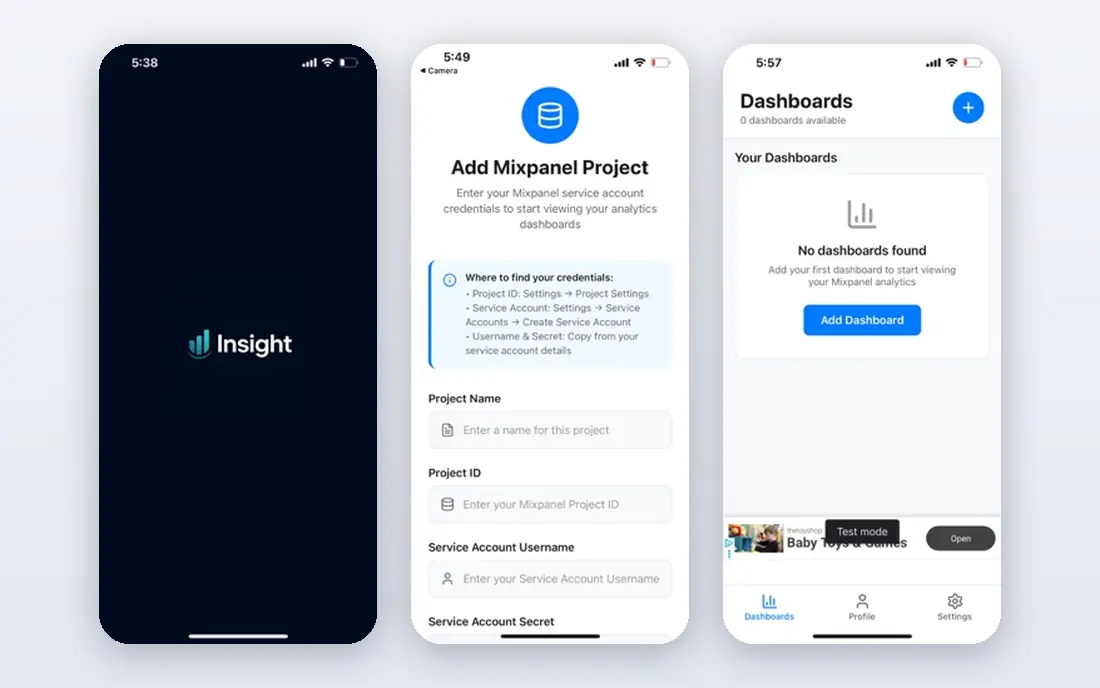
Mixpanel brings its product analytics strengths to mobile, with funnels, retention, cohorts and A/B testing for app teams. Its free tier covers meaningful volume, its mobile SDKs are mature, and its reports help teams find where users drop off in onboarding or purchase flows.
Costs grow with event volume, and good results need careful event planning upfront. It also needs a crash tool beside it for full coverage. For mobile product teams, Mixpanel is a leading choice.
We would shortlist Mixpanel for product funnels for mobile apps, and compare it directly with the two options nearest it in price before paying. Check the current plan details on the vendor site, since prices and limits change, and confirm that the version you need works on your devices.
- Funnels and retention
- Free tier
- Strong mobile SDKs
- Costs grow with events
- Setup needs event planning
Amplitude
Ideal for: Behavioral analytics at scale
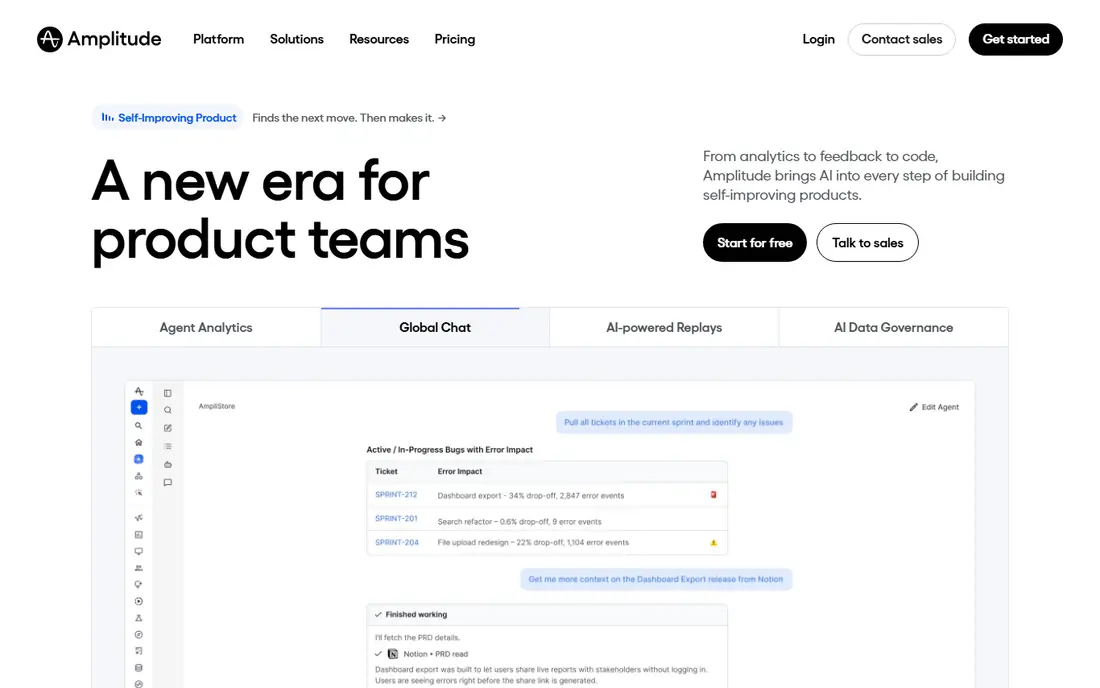
Amplitude offers behavioral analytics at scale for mobile apps, with cohorts based on user actions, funnels, retention and journey analysis. Its free tier suits startups, and its platform handles large event volumes for growing apps. Product teams use it to understand which behaviors predict retention.
The learning curve is real, and enterprise pricing at scale can be high. Smaller teams may prefer Mixpanel simplicity. For apps where behavior analysis drives product decisions, Amplitude is powerful.
If behavioral analytics at scale is your main need, Amplitude deserves a place on a shortlist, provided you test the catch described above first. Check the current plan details on the vendor site, since prices and limits change, and confirm that the version you need works on your devices.
- Behavioral cohorts
- Funnels and retention
- Free tier
- Learning curve
- Enterprise pricing at scale
data.ai
Ideal for: App store and market intelligence
data.ai, formerly App Annie, tracks app store rankings, downloads, revenue estimates and market trends, plus competitor insight across stores and categories. Marketing and strategy teams use it to size markets, track rivals and plan store optimization, which in-app tools do not cover.
Pricing is enterprise level, and it does not track in-app behavior, so teams need a second tool for product analytics. Smaller developers may find it more than they need. For market and store intelligence, data.ai is the standard.
Our view is that data.ai earns its place here for app store and market intelligence, even with the limits noted above. Check the current plan details on the vendor site, since prices and limits change, and confirm that the version you need works on your devices.
- App store rankings and downloads
- Market data
- Competitor insight
- Enterprise pricing
- In-app behavior is not its focus
UXCam
Ideal for: Session replays for mobile apps
UXCam records mobile sessions with replays and heatmaps that show where users tap, scroll and struggle, plus crash and issue detection. Its replays help product teams fix confusing flows that funnels only hint at, and its free tier suits small apps. Privacy controls mask sensitive fields.
Replay storage limits apply, and privacy settings need care for sensitive screens. It complements rather than replaces event analytics. For understanding real app use, UXCam replays are very revealing.
For readers focused on session replays for mobile apps, UXCam is worth a trial before deciding, since the free tier or trial shows its real feel fast. Check the current plan details on the vendor site, since prices and limits change, and confirm that the version you need works on your devices.
- Session replays and heatmaps for apps
- Crash and issue detection
- Free tier
- Replay storage limits
- Privacy settings need care
Smartlook
Ideal for: Replays and funnels for apps and web
Smartlook combines session replays with funnels and heatmaps for mobile apps and websites, in one tool. Its replays show user struggles, its funnels quantify drop-off, and its free tier lets small teams start without cost. Teams that run both web and app products benefit from one dashboard.
Mobile depth trails dedicated tools such as UXCam, and recording limits apply on the free tier. Larger apps need paid plans for full coverage. As a combined replay and funnel tool, Smartlook is convenient.
We would shortlist Smartlook for replays and funnels for apps and web, and compare it directly with the two options nearest it in price before paying. Check the current plan details on the vendor site, since prices and limits change, and confirm that the version you need works on your devices.
- Session replays
- Funnels and heatmaps
- Free tier
- Mobile depth trails specialists
- Recording limits on free tier
Countly
Ideal for: Self-hosted mobile analytics
Countly is an open-source mobile analytics platform with events, funnels, crashes, push notifications and user profiles, plus a self-hosted option for data ownership. Teams that need analytics on their own servers, or that prefer open source, use Countly to avoid third-party data sharing.
Self-hosting needs maintenance, and its interface is functional rather than polished. Cloud pricing applies for managed service. For teams that prioritize data ownership and open source, Countly is a distinctive choice.
If self-hosted mobile analytics is your main need, Countly deserves a place on a shortlist, provided you test the catch described above first. Check the current plan details on the vendor site, since prices and limits change, and confirm that the version you need works on your devices.
- Self-hosted option
- Events and crashes
- Push and user profiles
- Self-hosting needs maintenance
- Interface is functional
How we picked these
We compared official feature pages, pricing pages, app store listings, privacy policies and public reviews for each option below. We checked that each product is still available and that its stated plans match what the vendor publishes. We did not run hands-on tests, so our picks rest on documented features, pricing and the fit for the reader described in each section, not on lab results. Where a price could not be confirmed on the vendor site at the time of writing, we wrote See website rather than guessing. We also looked at how each option handles the everyday details that decide whether a tool gets used: setup time, device support, what happens when you cancel or downgrade, and whether help is available when something breaks. A product that looks strong on a feature list but is hard to set up, hard to leave, or poorly supported will cost more in time than it saves, so we weighed those practical points alongside price and features. Where reviewers or users reported a recurring problem, we noted it in the honest catch for that product, rather than leaving it out because the vendor page did not mention it.
How to choose mobile analytics for your app
Start with the question you need answered: acquisition, retention or a broken flow. Install one analytics SDK well, with a small set of key events, rather than tracking everything badly. Check crash reporting, since a crash spike explains retention drops that funnels alone miss. Look at privacy and consent handling for your markets, especially for kids apps or EU users. Finally, review dashboards weekly with the product team, because analytics only helps when it changes what you build next.
A final check before you commit
Run a short trial on a real task before you pay for a year or move a whole team. Use the free plan or trial to complete one full job, from setup to export or delivery, and note where you got stuck. Check the cancellation path too: can you leave and keep your data, or does leaving mean starting over? Read the pricing page for renewal rates, not just the first-year offer, and confirm what support you get on the plan you will actually buy. Finally, ask one current user about the worst part of the product, since that answer tells you more than any feature list. If the trial feels good on a real task and the exit path is clear, the choice is much safer.
Frequently asked questions
What is the best mobile app analytics tool?
Firebase Analytics is the best free starting point for most apps, with events, audiences and crash reporting. Mixpanel and Amplitude lead for deep product analysis, while data.ai suits market and store tracking.
Is Firebase Analytics free?
Yes, Firebase Analytics is free, with generous limits for most apps. Google Analytics 4 for Firebase powers its reports, and paid Google Cloud features are separate.
What is the difference between Mixpanel and Amplitude?
Both offer funnels, retention and cohorts for product teams. Mixpanel is known for ease of setup and analysis, while Amplitude emphasizes behavioral cohorts and larger-scale product analytics. Trial both on your own event data.
Do mobile analytics tools track crashes?
Firebase Crashlytics, included with Firebase, tracks crashes and errors. Mixpanel and Amplitude focus on behavior, so teams often pair them with a crash tool for full coverage.
What is app store analytics?
App store analytics tracks installs, rankings, keywords and reviews in the Apple App Store and Google Play. data.ai and Appfigures specialize in this, while Firebase and product tools focus on in-app behavior after install.