Best best mobile application management software in 2026: 7 Options Compared

- 1
 JamfApple device and app managementVisit
- 2
 Microsoft IntuneApp management for Microsoft based firmsVisit
- 3
 VMware Workspace ONECross platform device and app managementVisit
- 4
 KandjiModern Apple device managementVisit
- 5
 MosyleAffordable Apple management for schools and firmsVisit
- Our pick for most people is Jamf, because it covers the core needs well without forcing a complex setup.
- Microsoft Intune is the strongest alternative when app management for microsoft based firms matters most to you.
- Free plans vary a lot, so check what is included before you pay, and confirm renewal pricing in writing.
- The best choice depends on your budget, your team size, and how much support you want after signup.
- Shortlist two or three options, try the trial or demo where one is offered, and compare total cost over a full year.
Quick comparison
| Product | Ideal for | Price from | Free version | |
|---|---|---|---|---|
| Jamf | Apple device and app management | See website | Free trial | Visit |
| Microsoft Intune | App management for Microsoft based firms | See website | Free trial | Visit |
| VMware Workspace ONE | Cross platform device and app management | See website | Free trial | Visit |
| Kandji | Modern Apple device management | See website | Free trial | Visit |
| Mosyle | Affordable Apple management for schools and firms | See website | Yes | Visit |
 Hexnode | Cross platform management at a lower cost | See website | Free trial | Visit |
 SOTI | Enterprise mobile management for field fleets | See website | Free trial | Visit |
The best mobile application management software
We compared official feature pages, pricing pages, app store listings, privacy policies, and public reviews to build this list. The options below cover different budgets and needs, so read the fit for each one before you decide.
Jamf
Ideal for: Apple device and app management
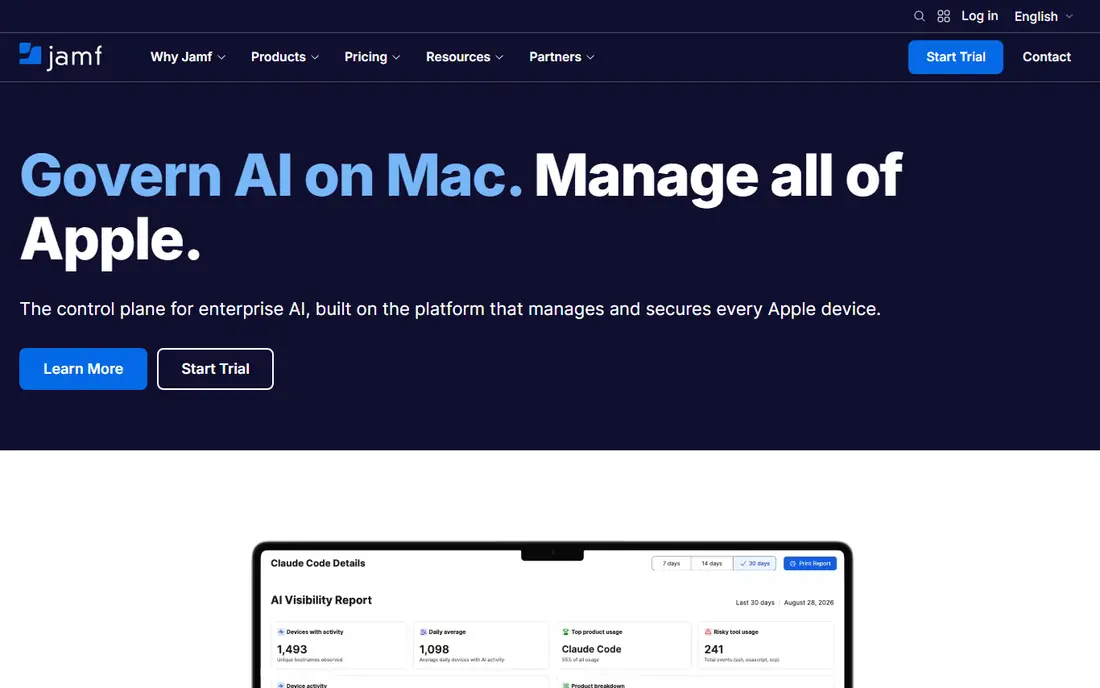
Jamf suits firms that mainly use Apple devices and want the strongest Apple management available. Its app deployment, security controls, and Apple integration are deep, and its support for Apple Business Manager helps large fleets. That Apple focus is its strength.
The catch is platform scope. It is Apple focused, so firms with many Android or Windows devices need another tool or a cross platform system. Pricing is also per device, so count your fleet carefully.
Before you pay for Jamf, confirm the current starting price and free plan on its official site. Our listing shows a starting price of See website and a free plan status of Free trial, but plans change, so check renewal pricing, included limits, and any add-ons you will need. If a trial or demo is offered, use it with a real task from your own work, since that test will tell you more than a feature list about fit, speed, and support.
- Strong Apple management
- App deployment
- Security controls
- Apple focused
- Pricing is per device
Microsoft Intune
Ideal for: App management for Microsoft based firms
Microsoft Intune suits firms that already use Microsoft 365 and want app management inside that ecosystem. App deployment, Conditional Access, and security policies work with Microsoft identity tools. That integration is a strong reason to choose it for a Microsoft based firm.
The catch is ecosystem and setup. Its best value comes for Microsoft users, and setup needs planning for policies and enrolment. Firms built on Google Workspace may prefer Workspace ONE or another cross platform tool.
Before you pay for Microsoft Intune, confirm the current starting price and free plan on its official site. Our listing shows a starting price of See website and a free plan status of Free trial, but plans change, so check renewal pricing, included limits, and any add-ons you will need. If a trial or demo is offered, use it with a real task from your own work, since that test will tell you more than a feature list about fit, speed, and support.
- App deployment
- Conditional Access
- Microsoft integration
- Best value for Microsoft 365 users
- Setup needs planning
VMware Workspace ONE
Ideal for: Cross platform device and app management
VMware Workspace ONE suits firms that need cross platform device and app management at scale. It supports Apple, Android, and Windows devices, and access controls link apps to user identity. That cross platform breadth helps mixed fleets.
The catch is enterprise scope. Pricing and setup are geared to larger firms, so a small team may find a simpler tool faster. Ask for a demo with your own device mix before you commit.
Before you pay for VMware Workspace ONE, confirm the current starting price and free plan on its official site. Our listing shows a starting price of See website and a free plan status of Free trial, but plans change, so check renewal pricing, included limits, and any add-ons you will need. If a trial or demo is offered, use it with a real task from your own work, since that test will tell you more than a feature list about fit, speed, and support.
- Cross platform management
- App deployment
- Access controls
- Enterprise pricing
- Setup needs planning
Kandji
Ideal for: Modern Apple device management
Kandji suits firms that want modern, automated Apple device management. Its automation can handle setup, updates, and security checks with less manual work, and its interface is designed for Apple fleets. That automation focus appeals to growing Apple based firms.
The catch is platform scope. It is Apple only, so mixed fleets need another tool. Pricing is per device, so estimate total cost for your full fleet before you compare it with Jamf.
Before you pay for Kandji, confirm the current starting price and free plan on its official site. Our listing shows a starting price of See website and a free plan status of Free trial, but plans change, so check renewal pricing, included limits, and any add-ons you will need. If a trial or demo is offered, use it with a real task from your own work, since that test will tell you more than a feature list about fit, speed, and support.
- Modern Apple management
- Automation
- Security controls
- Apple only
- Pricing is per device
Mosyle
Ideal for: Affordable Apple management for schools and firms
Mosyle suits schools and firms that want affordable Apple management. Its tiers cover device and app management at a lower price than some rivals, and its education focus helps schools manage student devices. That value focus is its appeal.
The catch is platform and tiering. It is Apple focused, and enterprise features vary by tier. Check the tier that includes the app management and security controls you need.
Before you pay for Mosyle, confirm the current starting price and free plan on its official site. Our listing shows a starting price of See website and a free plan status of Yes, but plans change, so check renewal pricing, included limits, and any add-ons you will need. If a trial or demo is offered, use it with a real task from your own work, since that test will tell you more than a feature list about fit, speed, and support.
- Apple device management
- App deployment
- Affordable tiers
- Apple focused
- Enterprise features vary by tier
Hexnode
Ideal for: Cross platform management at a lower cost
Hexnode suits firms that want cross platform management at a lower cost than enterprise rivals. It supports Apple, Android, and Windows devices, and app management plus kiosk mode cover common use cases. That value and breadth combination is its strength.
The catch is interface and tiering. The interface can feel busy, and enterprise features vary by plan. Test enrolment and app deployment on your own devices before you commit.
Before you pay for Hexnode, confirm the current starting price and free plan on its official site. Our listing shows a starting price of See website and a free plan status of Free trial, but plans change, so check renewal pricing, included limits, and any add-ons you will need. If a trial or demo is offered, use it with a real task from your own work, since that test will tell you more than a feature list about fit, speed, and support.
- Cross platform support
- App management
- Kiosk mode
- Interface can feel busy
- Enterprise features vary by plan
SOTI
Ideal for: Enterprise mobile management for field fleets
SOTI suits firms with large field fleets, such as logistics and retail, that need enterprise mobile management. Its tools handle rugged devices, app deployment, and remote support at scale. That field focus sets it apart from office focused tools.
The catch is enterprise scope. Pricing and setup are geared to larger fleets, so a small office team may find a simpler tool faster. Ask for a demo with your own device types before you commit.
Before you pay for SOTI, confirm the current starting price and free plan on its official site. Our listing shows a starting price of See website and a free plan status of Free trial, but plans change, so check renewal pricing, included limits, and any add-ons you will need. If a trial or demo is offered, use it with a real task from your own work, since that test will tell you more than a feature list about fit, speed, and support.
- Enterprise device management
- App deployment
- Field device support
- Enterprise pricing
- Setup needs planning
How we picked these
We started from the topic itself and kept only options that clearly fit it and are available to US buyers in October 2026. We compared official feature pages and pricing pages first, then app store listings, privacy policies, and public reviews, and we left out options with vague pricing or a poor fit even when they were well known. Our aim was a mix of widely used leaders and smaller options that do a specific job well. We did not claim hands-on testing we did not do. Instead, we weighed what each option includes at its starting price, what its free plan or trial actually allows, and where buyers commonly report friction, such as renewal pricing, limits, or support. That is why each write-up names a strength and a catch, so you can judge the trade-off for your own situation.
How to choose mobile application management software
Mobile application management should deploy, update, and secure apps on many devices without burdening users. The points below help IT teams compare tools on deployment and security rather than on device count alone.
Check platform coverage for your fleet
Apple, Android, and Windows devices need different management tools. Confirm that the software supports every platform in your fleet, including older devices you still use.
Look at app deployment and updates
Apps should deploy silently where possible and update without user action. Check how the tool handles app store apps, in house apps, and forced updates.
Confirm security and compliance controls
Remote wipe, passcode rules, and app restrictions protect company data. Check whether controls can be applied by group, and whether compliance reporting shows non compliant devices.
Test enrolment for new devices
A slow enrolment process creates IT tickets for every new hire. Test enrolment on a real device, including zero touch options where offered, before you choose.
Take your time with the final choice. A short trial, a demo, or a careful read of the pricing page often reveals more than a feature list, and it can save you a switch later.
Frequently asked questions
What is the best best mobile application management software overall?
For most buyers, Jamf is a sensible starting point because it covers the core job well. Your best option still depends on budget, team size, and the features you will actually use each week, so compare it with one close alternative before you pay.
What is mobile application management software?
Mobile application management software helps IT teams deploy, update, secure, and remove apps on mobile devices. It is often part of mobile device management, and it lets firms control which apps staff can use and protect company data inside those apps.
Is there a free option worth trying?
Some options on this list offer a free plan or a trial, while others are paid from the start. A free plan is useful for learning the basics, but check its limits on users, storage, exports, or support, since those limits often decide whether you need to upgrade.
What should I check before I pay?
Check the total price including add-ons, taxes, and renewal rates, and read the cancellation terms. Also confirm that the plan you want includes the features you need, since entry plans sometimes leave out reporting, integrations, or priority support.
How did you compare these options?
We compared official feature and pricing pages, app store listings, privacy policies, and public reviews. We favoured options with clear pricing, a clear fit for the topic, and honest limits, and we noted where pricing was not published and you need to check the vendor site.