Best Mobile Device Management Software in 2026: 8 Compared

- 1
 Jamf ProApple fleets at scaleVisit
- 2
 Microsoft IntuneMicrosoft 365 shopsVisit
- 3
 MosyleApple devices for small teamsVisit
- 4
 Kandjimodern Apple managementVisit
- 5
 Hexnode UEMcross platform device managementVisit
- Jamf leads for Apple fleets, Intune leads for Microsoft 365 shops, and Hexnode and Scalefusion suit mixed fleets.
- Free tiers from Mosyle and Miradore make MDM accessible for very small teams.
- Match the tool to your device mix first: an Apple only tool will not help a Windows fleet.
- Test enrolment and remote wipe on real devices before rolling out to the whole company.
Quick comparison
| Product | Ideal for | Price from | Free version | |
|---|---|---|---|---|
| Jamf Pro | Apple fleets at scale | See website | No | Visit |
| Microsoft Intune | Microsoft 365 shops | See website | No | Visit |
| Mosyle | Apple devices for small teams | See website | Yes | Visit |
| Kandji | modern Apple management | See website | No | Visit |
| Hexnode UEM | cross platform device management | See website | Free trial | Visit |
 ManageEngine Mobile Device Manager Plus | feature rich mixed fleets | See website | Free trial | Visit |
 Scalefusion | shared and kiosk devices | See website | Free trial | Visit |
 Miradore | free start for small fleets | See website | Yes | Visit |
The best mobile device management software
Mobile device management software lets IT teams enrol devices, push apps, enforce security policies and wipe lost devices from one console. The right tool depends on your device mix, your identity system and how much automation you need.
Jamf Pro
Ideal for: Apple fleets at scale
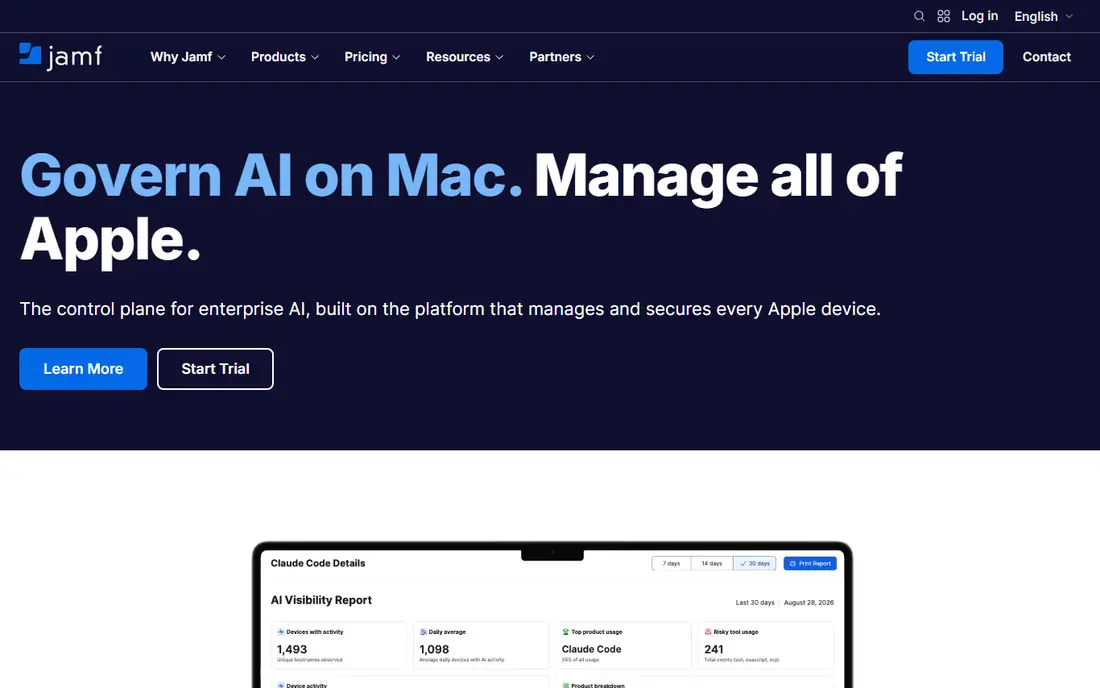
For many buyers, this is the natural starting point. Jamf Pro is the best known Apple focused MDM, managing Mac, iPhone and iPad from one console. It supports zero touch enrolment, app deployment and compliance policies for large Apple fleets. On pricing, the starting price is listed above, and where a vendor does not publish a clear price we list it as See website. Check what is included at that level, because seats, usage limits and add-ons often change the real monthly cost. It does not manage Windows or Android fleets, so mixed device companies need another tool or a second system. That trade-off does not make this a poor choice, but it does decide who should pick it. If the weakness touches your main use case, look at another option on this list. If it touches only a secondary need, the strengths here may still make it our pick for you.
- Deep Apple management
- Automation
- Strong security controls
- Apple only
- Pricing is per device
Microsoft Intune
Ideal for: Microsoft 365 shops
This is a strong choice when the basics matter most. Microsoft Intune manages Windows, Mac, iOS and Android devices and ties into Microsoft Entra and Conditional Access. For companies already on Microsoft 365, Intune Plan 1 is included in several plans, which makes it cost effective. On pricing, the starting price is listed above, and where a vendor does not publish a clear price we list it as See website. Check what is included at that level, because seats, usage limits and add-ons often change the real monthly cost. Apple specific management is less deep than Jamf, and setup requires care with Microsoft 365 configuration. That trade-off does not make this a poor choice, but it does decide who should pick it. If the weakness touches your main use case, look at another option on this list. If it touches only a secondary need, the strengths here may still make it our pick for you.
- Included in some Microsoft 365 plans
- Cross platform
- Conditional Access
- Setup needs Microsoft 365 knowledge
- Apple depth less than Jamf
Mosyle
Ideal for: Apple devices for small teams
What sets this option apart is its focus on a clear use case. Mosyle offers Apple device management with a free tier for small fleets and paid tiers for larger teams. It covers enrolment, app deployment and security policies with a simpler setup than enterprise tools. On pricing, the starting price is listed above, and where a vendor does not publish a clear price we list it as See website. Check what is included at that level, because seats, usage limits and add-ons often change the real monthly cost. It is Apple only, so companies with Windows or Android devices need a different solution. That trade-off does not make this a poor choice, but it does decide who should pick it. If the weakness touches your main use case, look at another option on this list. If it touches only a secondary need, the strengths here may still make it our pick for you.
- Free tier for up to 30 devices
- Simple Apple setup
- Good automation
- Apple only
- Advanced features need paid tiers
Kandji
Ideal for: modern Apple management
Teams that want a straightforward setup should look closely here. Kandji, now also known as Iru in some listings, offers modern Apple device management with automation. Its prebuilt controls help teams meet compliance rules without building every policy from scratch. On pricing, the starting price is listed above, and where a vendor does not publish a clear price we list it as See website. Check what is included at that level, because seats, usage limits and add-ons often change the real monthly cost. Pricing is quoted, and it is mainly aimed at Apple fleets, with Windows and Android support more limited. That trade-off does not make this a poor choice, but it does decide who should pick it. If the weakness touches your main use case, look at another option on this list. If it touches only a secondary need, the strengths here may still make it our pick for you.
- Prebuilt compliance controls
- Automation
- Clean interface
- Pricing is quoted
- Apple focused
Hexnode UEM
Ideal for: cross platform device management
This option earns its place through a different strength than the leaders. Hexnode manages Apple, Windows, Android and other platforms from one console. It suits mixed fleets, shared devices and kiosk setups, with tiers for MDM and full UEM. On pricing, the starting price is listed above, and where a vendor does not publish a clear price we list it as See website. Check what is included at that level, because seats, usage limits and add-ons often change the real monthly cost. The interface has many options, so smaller teams should test the setup flow before committing. That trade-off does not make this a poor choice, but it does decide who should pick it. If the weakness touches your main use case, look at another option on this list. If it touches only a secondary need, the strengths here may still make it our pick for you.
- Many platforms
- Kiosk mode
- Good value tiers
- Interface can feel dense
- Some features need higher tiers
ManageEngine Mobile Device Manager Plus
Ideal for: feature rich mixed fleets
For buyers with a specific need, this one deserves a closer look. ManageEngine Mobile Device Manager Plus is a feature rich option for mixed device fleets. It offers enrolment, app management, security policies and reporting, with cloud and on premises options. On pricing, the starting price is listed above, and where a vendor does not publish a clear price we list it as See website. Check what is included at that level, because seats, usage limits and add-ons often change the real monthly cost. The breadth of features means setup takes time, and the interface prioritises function over polish. That trade-off does not make this a poor choice, but it does decide who should pick it. If the weakness touches your main use case, look at another option on this list. If it touches only a secondary need, the strengths here may still make it our pick for you.
- Broad platform support
- Many policies
- On premises option
- Setup can be complex
- Interface is functional
Scalefusion
Ideal for: shared and kiosk devices
This is worth considering when budget or simplicity is a priority. Scalefusion is strong for shared devices, kiosks and frontline fleets as well as normal office devices. It manages Android, Apple, Windows and ChromeOS devices with remote actions and policy controls. On pricing, the starting price is listed above, and where a vendor does not publish a clear price we list it as See website. Check what is included at that level, because seats, usage limits and add-ons often change the real monthly cost. Its partner ecosystem is smaller than the largest MDM vendors, so check integrations you need. That trade-off does not make this a poor choice, but it does decide who should pick it. If the weakness touches your main use case, look at another option on this list. If it touches only a secondary need, the strengths here may still make it our pick for you.
- Kiosk and shared device tools
- Cross platform
- Good value
- Smaller ecosystem than large rivals
- Some features need higher plans
Miradore
Ideal for: free start for small fleets
Our shortlist would feel incomplete without this option. Miradore offers a free tier for small fleets, which makes it a low risk way to start with MDM. It covers enrolment, basic policies and remote actions across common platforms. On pricing, the starting price is listed above, and where a vendor does not publish a clear price we list it as See website. Check what is included at that level, because seats, usage limits and add-ons often change the real monthly cost. Advanced automation and reporting sit on paid plans, and it is a smaller vendor than Jamf or Microsoft. That trade-off does not make this a poor choice, but it does decide who should pick it. If the weakness touches your main use case, look at another option on this list. If it touches only a secondary need, the strengths here may still make it our pick for you.
- Free tier for up to 50 devices
- Simple setup
- Cross platform basics
- Advanced features need paid plans
- Smaller vendor
How we picked these
We compared official feature pages, pricing pages, app store listings, privacy policies and public reviews for each product on this list. We checked that each product exists, works in October 2026 and truly fits the topic, and we left out products that did not fit even when they were well known in a nearby category. We also weighed who each product suits, what it does well and where it falls short. Prices change, so where we could not verify a current price from the vendor we wrote See website. We did not claim hands-on testing that did not happen, and we focused on facts a buyer can check before paying.
How to choose an MDM tool
First, start here
Count your fleet honestly. List every platform, including phones, tablets, laptops and shared devices, and note which are company owned and which are personal. A tool that covers only one platform will leave gaps, while a cross platform tool may lack depth on Apple devices.
Next, check the details
Check enrolment and identity links. Zero touch enrolment saves hours when onboarding new staff, and links to your identity provider help with Conditional Access and compliance. Test enrolment on each platform, not just one, before you decide.
Finally, decide with confidence
Compare total cost per device. Some tools charge per device, others per user, and some are included in a bundle you already pay for. Include support, add-ons and the time needed to manage the tool. A cheap tool that needs constant manual work can cost more than a pricier automated one.
Frequently asked questions
What is mobile device management software?
Mobile device management software lets IT teams manage phones, tablets and computers from one console. It handles enrolment, app deployment, security policies, updates and remote lock or wipe. It is used for company owned and personal devices used for work.
Do small businesses need MDM?
Small businesses with company devices or staff accessing work data on personal devices benefit from basic MDM. It helps enforce screen locks, encryption and app rules, and lets you wipe work data from a lost device. Free tiers make it accessible for small fleets.
What is zero touch enrolment?
Zero touch enrolment lets a new device configure itself when first switched on, using rules set by IT. It saves manual setup and ensures policies and apps are applied from the start. Apple Business Manager and Android zero touch support this.
Can MDM wipe a personal device?
MDM can wipe work data and, depending on enrolment type, the whole device. For personal devices, managed work profiles separate work data from personal data. Check the enrolment type and privacy rules before enrolling personal phones.
Is Jamf or Intune better?
Jamf is better for Apple only fleets that need deep Apple management. Intune is better for mixed fleets already on Microsoft 365. Many companies use Intune for Windows and Jamf for Apple, but that adds cost and complexity.