Best money saving apps in 2026: 8 Options Compared

- Acorns suits spare-change investing, while Oportun and Rocket Money suit hands-off automatic saving.
- Chime, SoFi and Ally Bank give you free banking with automatic saving built in, rather than a separate app fee.
- Flat monthly fees hurt small balances most, so compare the fee against what you actually save each month.
- This is not financial advice: invested round-ups can fall in value, unlike money in a savings account.
Quick comparison
| Product | Ideal for | Price from | Free version | |
|---|---|---|---|---|
 Acorns | spare-change investing without thinking | $4 per month | No | Visit |
 Oportun | hands-off automatic saving | $5 per month | No | Visit |
 Qapital | goal-based savers who like rules | See website | No | Visit |
 Chime | free banking with automatic saving | Free | Yes | Visit |
 SoFi | high-yield saving with banking in one app | Free | Yes | Visit |
 Ally Bank | traditional savers wanting buckets and no fees | Free | Yes | Visit |
 Rocket Money | saving plus subscription and bill management | Free | Yes | Visit |
 Albert | guided saving with human advice on top | See website | Yes | Visit |
The best money saving apps
Here is our shortlist for best money saving apps, ordered from the most broadly useful picks to the more specialised ones. Every entry below is a real product you can sign up for or buy today, with pricing taken from the vendor site or app store listing where we could verify it.
Acorns
Ideal for: spare-change investing without thinking
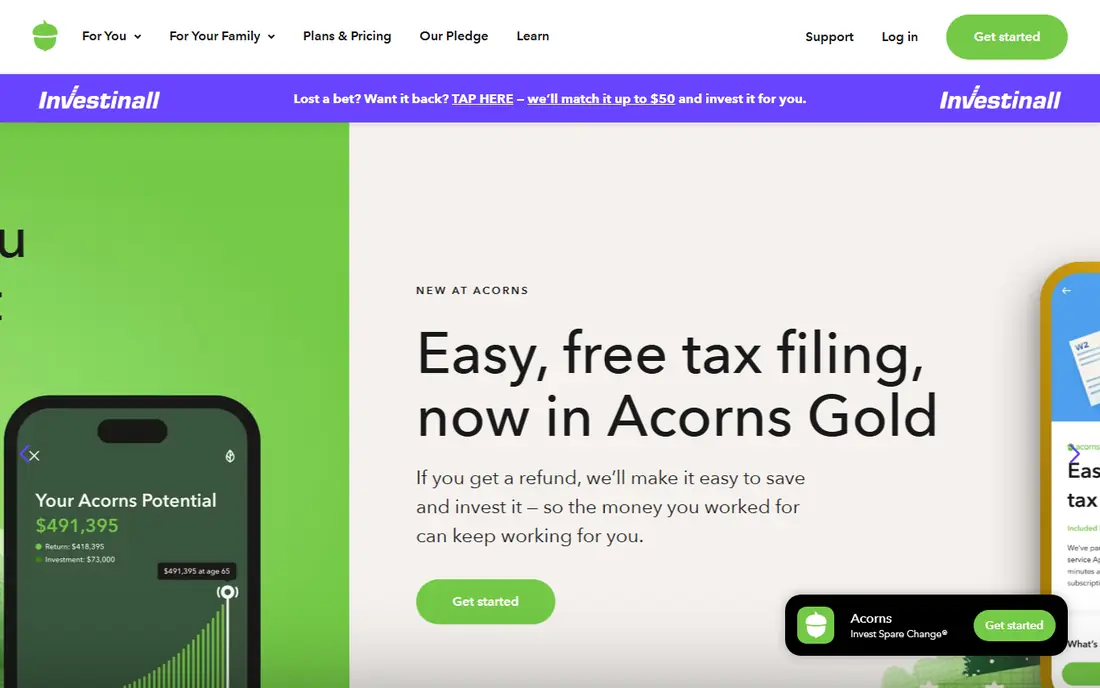
This one is aimed at spare-change investing without thinking. Acorns rounds up everyday purchases and invests the spare change in a ready-made portfolio, with recurring investments from $5 on top. The Bronze plan at $4 a month is the entry point, and the habit it builds is the real product.
The catch is that this is investing, not saving: balances can fall, and $48 a year is a large share of a small account. It suits beginners who want investing to happen automatically, not people saving for a bill due next month.
- Round-Ups invest spare change automatically
- Recurring investments from $5
- Simple portfolios
- Invested money can fall in value
- Flat fee is heavy on small balances
Oportun
Ideal for: hands-off automatic saving
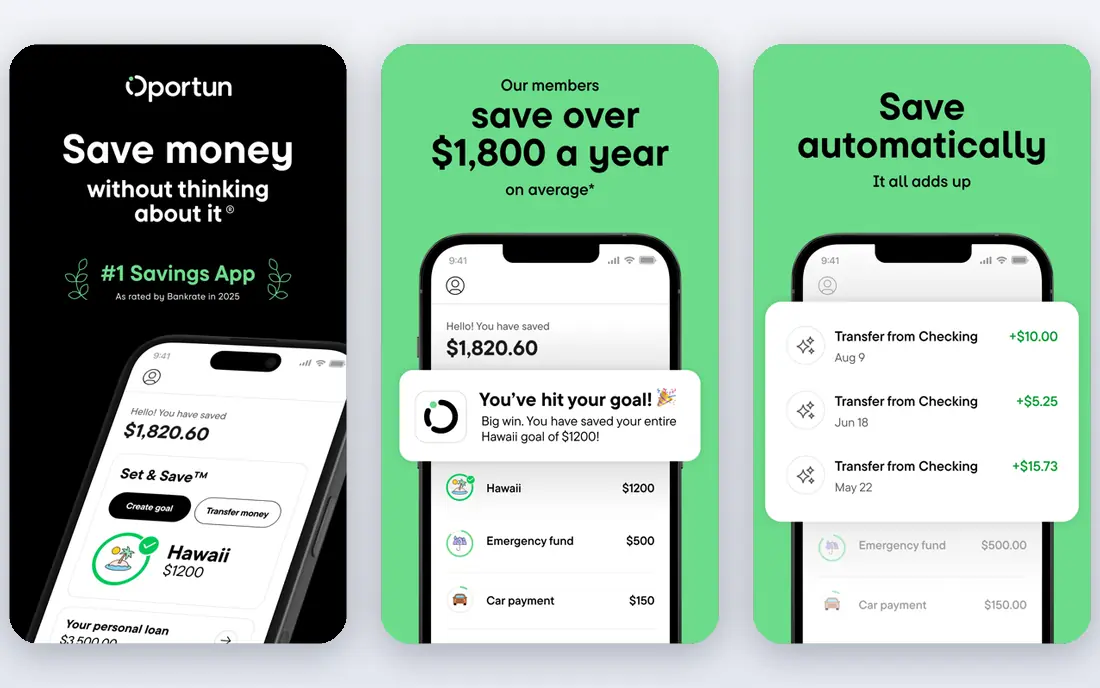
Think of Oportun as the pick for hands-off automatic saving. Oportun, formerly Digit, studies your cash flow and moves small amounts into savings automatically, so you save without setting rules or remembering transfers. It is the most hands-off option here for people who never get around to saving.
The $5 monthly fee and modest return mean it is a habit tool rather than a growth tool. If you want the highest interest, a high-yield account beats it; if you want saving to happen at all, it earns its fee.
- Automatic transfers based on cash flow
- No decisions needed
- Formerly Digit
- Monthly fee
- Savings rate is modest compared with high-yield accounts
Qapital
Ideal for: goal-based savers who like rules

For goal-based savers who like rules, Qapital deserves a close look. Qapital lets you set goals and rules, such as saving a set amount every payday or rounding up purchases, with visual tracking for each goal. It suits savers who like choosing the trigger and watching a holiday or deposit fund grow.
The best features sit behind paid plans, and it asks more setup than Oportun or Rocket Money autopilot. If rules motivate you, that setup is a feature; if not, pick a hands-off app instead.
- Goal-based rules and triggers
- Visual goal tracking
- Investing options on paid tiers
- Paid plans needed for the best features
- No free automatic saving tier
Chime
Ideal for: free banking with automatic saving
This is the option we would point free banking with automatic saving toward first. Chime is a free banking app that builds saving into everyday money: Round-Ups move spare change into savings, and Save When You Get Paid moves part of each paycheck automatically. There are no monthly fees and no minimum balance.
It is online-only, so cash deposits go through retail partners and there are no branches. For savers who want banking and saving in one free app, it is the simplest deal here.
- No monthly fees
- Round-Ups and Save When You Get Paid
- Early direct deposit
- Online-only banking
- Cash deposits need retail partners
- No branches
SoFi
Ideal for: high-yield saving with banking in one app
SoFi earns its place here for high-yield saving with banking in one app. SoFi pairs a free checking and savings account with automatic recurring transfers and a high-yield savings rate for members with eligible direct deposit. It suits savers who want interest, automation and banking in one place without a monthly app fee.
The top savings rate depends on direct deposit eligibility, so check the current terms. For savers already using SoFi for other products, the integration is a bonus.
- No account fees
- High-yield savings with direct deposit
- Automatic recurring transfers
- Best savings rate needs eligible direct deposit
- Investing products are separate
Ally Bank
Ideal for: traditional savers wanting buckets and no fees
If your shortlist is built around traditional savers wanting buckets and no fees, start with Ally Bank. Ally Bank offers a free high-yield savings account with Savings Buckets that split one account into visual goals, plus recurring transfers and a full banking suite. It suits traditional savers who want a trusted bank rather than a fintech app.
Its automation is simpler than Oportun or Rocket Money: you set transfers and buckets yourself. For savers who prefer a bank account to an app subscription, that simplicity and zero fee are the appeal.
- No monthly fees or minimums
- Savings Buckets for multiple goals
- Full banking suite
- Automation is simpler than specialist apps
- No AI-driven smart saving
Rocket Money
Ideal for: saving plus subscription and bill management
Among the options here, Rocket Money speaks most directly to saving plus subscription and bill management. Rocket Money Premium adds Smart Savings autopilot, which studies your balance and spending and moves small amounts into a separate account every few business days. The same app also cancels subscriptions and tracks budgets, so saving sits inside a wider money cleanup.
Automatic saving needs Premium, typically $7 to $14 a month, while the free plan covers budgets only. It suits people whose main leak is subscriptions and forgotten bills, not just a low savings balance.
- Smart Savings autopilot on Premium
- Subscription cancellation
- Budgets and bill tracking
- Automatic saving needs Premium, typically $7 to $14 a month
- Free plan is limited
Albert
Ideal for: guided saving with human advice on top
For readers focused on guided saving with human advice on top, Albert is a strong match. Albert combines automatic saving with budgeting insights and optional access to human financial experts on its paid Genius tier. It suits savers who want guidance as well as automation, rather than a pure round-up tool.
The most useful features need the paid tier, so free users get a lighter experience. If you want a person to ask about a savings plan, Albert is the only app here offering that in-app.
- Automatic saving plus budgeting insights
- Optional human financial advice
- Goal tracking
- Full features need the paid Genius tier
- Advice quality depends on your needs
How we picked these
We compared official feature pages, pricing pages, app store listings, privacy policies and public reviews for each product on this list, and we kept only products that exist and work today and that truly fit the topic. Where a price had changed between sources or we could not verify it on the vendor site, we wrote See website rather than print a number we could not stand behind. We also weighed who each product is really for, not just how long its feature list runs. A product with a smaller set of features can be the better buy when it matches your workflow, your budget and the size of your team, and we say so plainly in each write-up. We also checked what each product costs over a full year, not just the headline monthly price, since annual billing, seat minimums and add-on fees can change the real total by a wide margin. Free plans were judged against their limits too: a free tier that caps the exact feature you need most is not really free for your use case, and we say so in the write-up when that is the case. Where prices differed between the vendor site and review listings, we trusted the vendor site, and where we could not confirm a figure on the vendor site at all, we wrote See website rather than repeat a number from a third party. That caution is deliberate, because a wrong price is worse than no price when you are building a budget.
Fee maths: the check that decides most of these
Convert any flat fee into a percentage of your balance before subscribing. A $4 monthly fee is $48 a year, which is nearly 10 percent of a $500 balance but under 1 percent of $5,000. On a small balance, a free high-yield account usually beats a paid saving app, even if the app feels more motivating.
Also separate saving from investing in your head. Money in a savings account stays put and earns interest, while round-ups invested through Acorns or similar apps can fall in value. Keep money you need soon in savings, and only invest money you can leave alone.
Finally, before you commit to one of the options above, run it on a real task from your own work rather than a polished demo project. Use the free tier or trial for a full week, invite the people who will actually use it every day, and test the one workflow you cannot live without, whether that is exporting your data, inviting a teammate, sharing a result with a client or getting help when something breaks. Note how long each step takes and where you get stuck, since those friction points are what you will live with for months. The product that handles your real task with the least friction is the right one, even if another option looks stronger on a feature comparison page.
Frequently asked questions
What is the best money saving app?
Acorns is best for spare-change investing, Oportun is best for hands-off saving, and Chime, SoFi and Ally Bank are best for free saving inside a bank account. The right pick depends on whether you want investing, automation or interest.
Are money saving apps worth the fee?
A paid app is worth it only when the amount it helps you save exceeds its fee. On small balances, free high-yield accounts usually win, while paid apps earn their fee when they fix a habit you cannot build alone.
What is the best free money saving app?
Chime, SoFi and Ally Bank all offer free accounts with automatic saving features and no monthly fee. Rocket Money also has a free tier, but automatic saving needs its Premium plan.
Is Acorns safe?
Acorns is a regulated investment platform with SIPC protection for investments, but invested money can still fall in value. It is not a bank account, so round-ups are not FDIC-insured savings.