Best Multistreaming Software in 2026: 8 Options Compared

- 1
 Restreamstreamers who want to go live everywhereVisit
- 2
 StreamYardstreamers who want easy browser multistreamingVisit
- 3
 OBS Studiostreamers who want free multistream controlVisit
- 4
 Streamlabsstreamers who want overlays plus multistreamingVisit
- 5
 Castrstreamers who want 24 hour and live multistreamingVisit
- The strongest overall options for best multistreaming software are Restream, StreamYard, and OBS Studio, each with a different strength.
- Prices are mostly quote based, so use the official pricing page for Restream and Streamlabs before you compare totals.
- Free options exist in this list, including Restream, StreamYard, OBS Studio, but free tiers usually limit volume or features.
- The right pick depends on your budget, your current tools, and how much setup help you need, not on brand size alone.
Quick comparison
| Product | Ideal for | Price from | Free version | |
|---|---|---|---|---|
| Restream | streamers who want to go live everywhere | See website | Yes | Visit |
| StreamYard | streamers who want easy browser multistreaming | See website | Yes | Visit |
| OBS Studio | streamers who want free multistream control | See website | Yes | Visit |
| Streamlabs | streamers who want overlays plus multistreaming | See website | Yes | Visit |
| Castr | streamers who want 24 hour and live multistreaming | See website | Free trial | Visit |
 OneStream Live | streamers who want cloud multistreaming | See website | Free trial | Visit |
 LiveReacting | streamers who want interactive multistreaming | See website | Free trial | Visit |
 Prism Live Studio | mobile streamers who want multistreaming | See website | Yes | Visit |
The best multistreaming software
We compared official feature pages, pricing pages, app store listings, privacy policies, and public reviews for best multistreaming software. The list below mixes well known leaders with strong smaller options, and each write-up notes one honest weakness. Use the table above to shortlist two or three options, then check their current terms before you buy.
Restream
Ideal for: streamers who want to go live everywhere
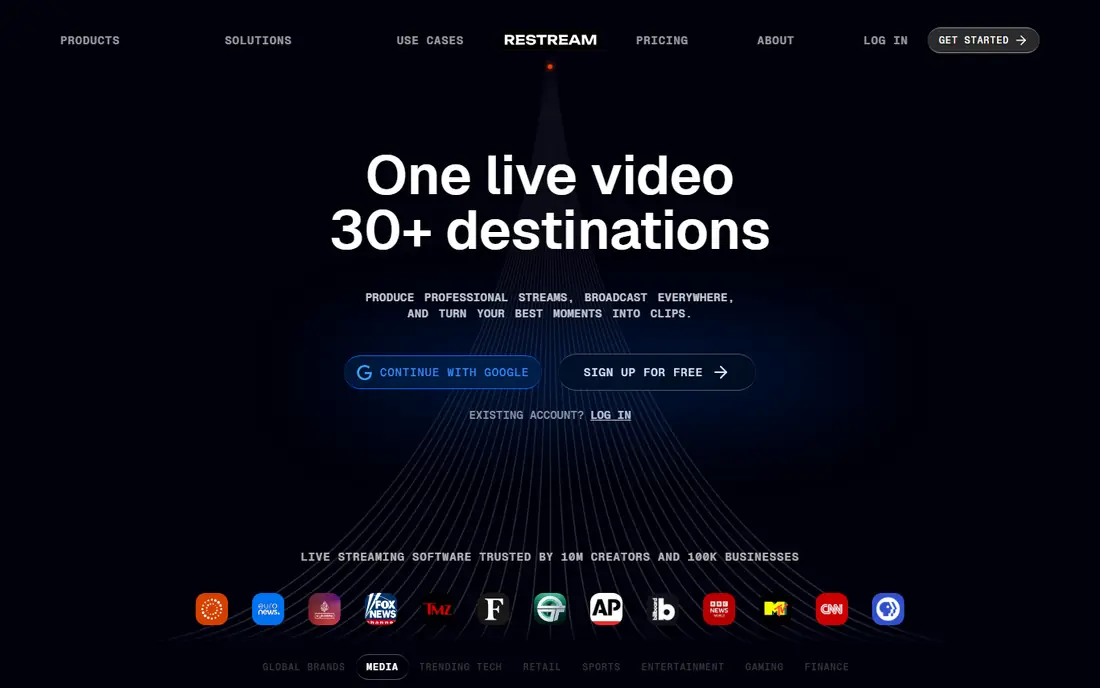
For streamers who want to go live everywhere, Restream is a strong starting point. Streams to many platforms at once from one dashboard. Offers chat, branding, and recording. Suits live creators and brands.
The honest catch is free tier has branding and quality limits. Stream quality depends on upload speed. That trade-off matters most if streamers who want to go live everywhere is your main use case, so check the current pricing page and any limits before you commit. A short trial with a real task will show whether the limits matter for your work.
- Streams to many platforms at once from one dashboard
- Offers chat, branding, and recording
- Suits live creators and brands
- Free tier has branding and quality limits
- Stream quality depends on upload speed
StreamYard
Ideal for: streamers who want easy browser multistreaming
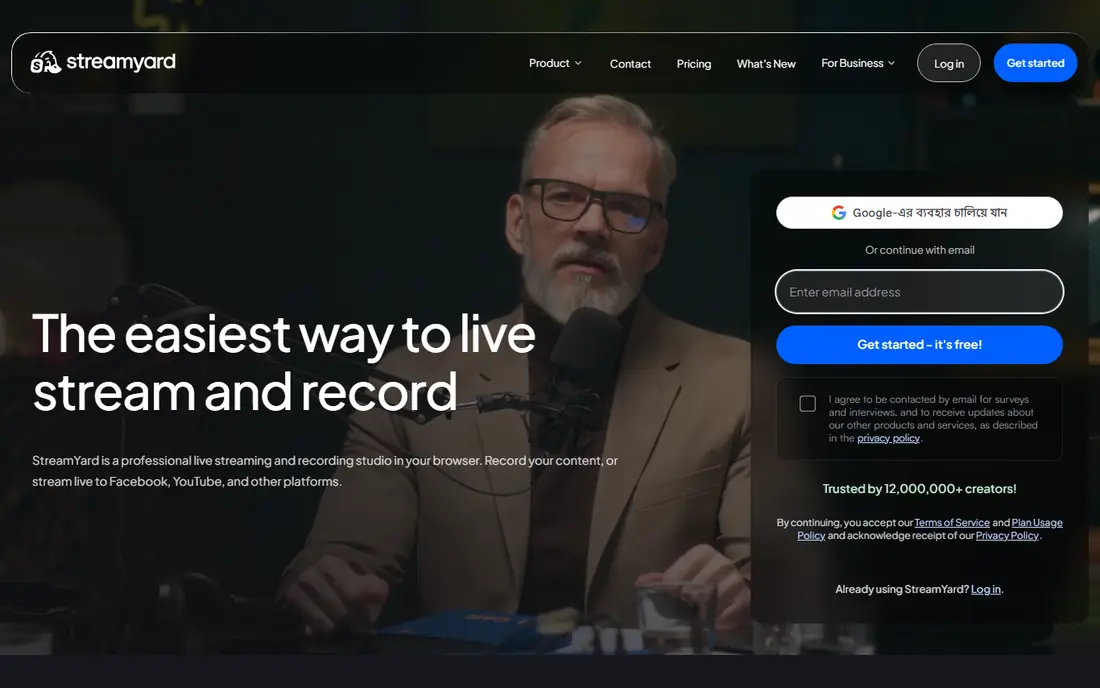
If streamers who want easy browser multistreaming is your main goal, start with StreamYard. Runs in the browser for guests and hosts. Streams to many platforms. Suits interviews and live shows.
The honest catch is free tier limits hours and branding. Quality depends on internet connection. That trade-off matters most if streamers who want easy browser multistreaming is your main use case, so check the current pricing page and any limits before you commit. A short trial with a real task will show whether the limits matter for your work.
- Runs in the browser for guests and hosts
- Streams to many platforms
- Suits interviews and live shows
- Free tier limits hours and branding
- Quality depends on internet connection
OBS Studio
Ideal for: streamers who want free multistream control
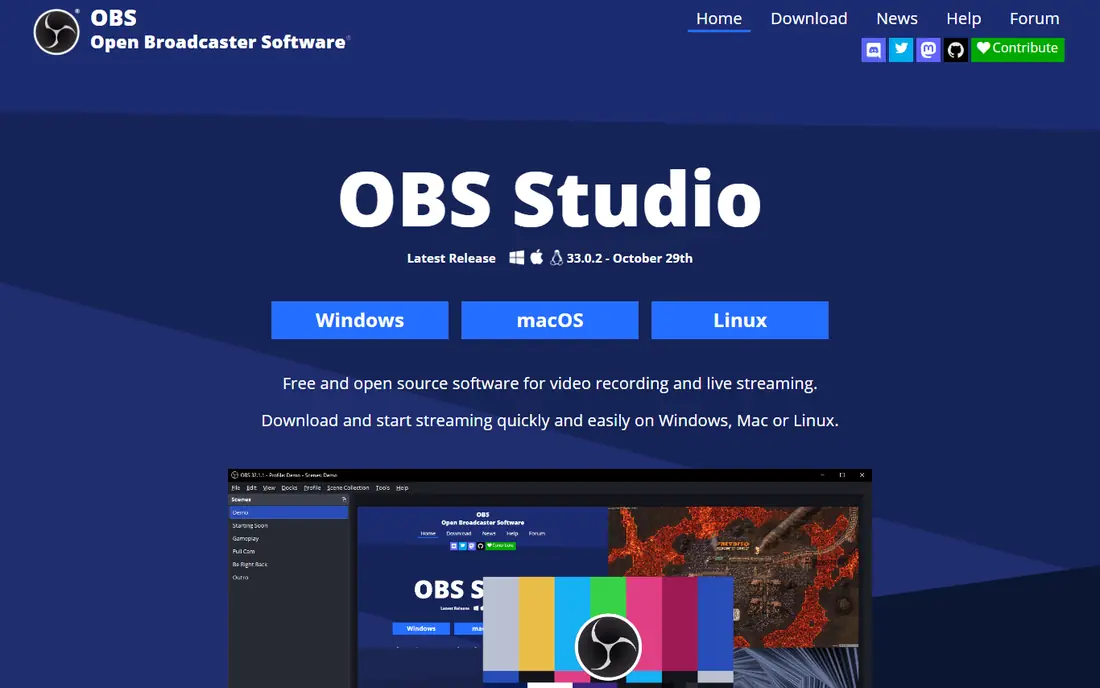
OBS Studio fits streamers who want free multistream control well, with a clear focus on that use case. Free open source streaming and recording software. Offers scenes, plugins, and custom setups. Suits technical streamers.
The honest catch is multistreaming needs plugins or a service. Setup takes learning. That trade-off matters most if streamers who want free multistream control is your main use case, so check the current pricing page and any limits before you commit. A short trial with a real task will show whether the limits matter for your work.
- Free open source streaming and recording software
- Offers scenes, plugins, and custom setups
- Suits technical streamers
- Multistreaming needs plugins or a service
- Setup takes learning
Streamlabs
Ideal for: streamers who want overlays plus multistreaming
Start your shortlist with Streamlabs if streamers who want overlays plus multistreaming matters most to you. Offers streaming tools, overlays, and alerts. Provides multistreaming on paid plans. Suits gaming and live creators.
The honest catch is multistreaming sits on paid tiers. Performance depends on computer specs. That trade-off matters most if streamers who want overlays plus multistreaming is your main use case, so check the current pricing page and any limits before you commit. A short trial with a real task will show whether the limits matter for your work.
- Offers streaming tools, overlays, and alerts
- Provides multistreaming on paid plans
- Suits gaming and live creators
- Multistreaming sits on paid tiers
- Performance depends on computer specs
Castr
Ideal for: streamers who want 24 hour and live multistreaming
For streamers who want 24 hour and live multistreaming, Castr is a strong starting point. Offers live and 24 hour multistreaming. Provides cloud streaming without a local computer. Suits channels running continuous streams.
The honest catch is pricing is based on stream quality and platforms. Setup needs platform keys. That trade-off matters most if streamers who want 24 hour and live multistreaming is your main use case, so check the current pricing page and any limits before you commit. A short trial with a real task will show whether the limits matter for your work.
- Offers live and 24 hour multistreaming
- Provides cloud streaming without a local computer
- Suits channels running continuous streams
- Pricing is based on stream quality and platforms
- Setup needs platform keys
OneStream Live
Ideal for: streamers who want cloud multistreaming
If streamers who want cloud multistreaming is your main goal, start with OneStream Live. Streams pre recorded and live video to many platforms. Offers scheduling and team features. Suits brands with planned streams.
The honest catch is free tier is limited. Live guest features are simpler than studio tools. That trade-off matters most if streamers who want cloud multistreaming is your main use case, so check the current pricing page and any limits before you commit. A short trial with a real task will show whether the limits matter for your work.
- Streams pre recorded and live video to many platforms
- Offers scheduling and team features
- Suits brands with planned streams
- Free tier is limited
- Live guest features are simpler than studio tools
LiveReacting
Ideal for: streamers who want interactive multistreaming
LiveReacting fits streamers who want interactive multistreaming well, with a clear focus on that use case. Offers interactive polls, games, and overlays for streams. Streams to major platforms. Suits audience focused live shows.
The honest catch is interactive focus may be more than simple streams need. Pricing varies by features. That trade-off matters most if streamers who want interactive multistreaming is your main use case, so check the current pricing page and any limits before you commit. A short trial with a real task will show whether the limits matter for your work.
- Offers interactive polls, games, and overlays for streams
- Streams to major platforms
- Suits audience focused live shows
- Interactive focus may be more than simple streams need
- Pricing varies by features
Prism Live Studio
Ideal for: mobile streamers who want multistreaming
Start your shortlist with Prism Live Studio if mobile streamers who want multistreaming matters most to you. Offers mobile and desktop streaming with multistreaming. Provides effects and chat tools. Suits mobile creators.
The honest catch is desktop features are lighter than OBS. Some features need a subscription. That trade-off matters most if mobile streamers who want multistreaming is your main use case, so check the current pricing page and any limits before you commit. A short trial with a real task will show whether the limits matter for your work.
- Offers mobile and desktop streaming with multistreaming
- Provides effects and chat tools
- Suits mobile creators
- Desktop features are lighter than OBS
- Some features need a subscription
How we picked these
We compared official feature pages, pricing pages, app store listings, privacy policies, and public reviews for each option in this list. We kept only products that exist and work in October 2026 and truly fit the topic, and we left out options that were too narrow, discontinued, or a poor fit. We did not claim hands-on testing that did not happen. Prices and free tiers change often, so where a price could not be verified from the vendor site we wrote See website instead of guessing a number.
What to check before you choose
- Define the job first. Write down what best multistreaming software must do for you in the next year, then drop any option that misses a must have feature.
- Check the full price. Look for per user fees, volume limits, setup costs, and renewal terms on the official pricing page.
- Test the free tier or trial. Use a real task from your work, not a demo, and note where you hit a limit.
- Check support and privacy. Read the privacy policy and support terms, and ask how your data is stored and deleted.
- Confirm fit with your current tools. Check integrations, import options, and whether you need help to migrate.
Frequently asked questions
What is the best best multistreaming software?
There is no single best pick for every buyer. Restream suits streamers who want to go live everywhere, while StreamYard suits streamers who want easy browser multistreaming. Shortlist by your budget and your current tools, then test the top two.
How much does best multistreaming software cost?
Costs vary widely in this list, and many options use quote based pricing. Check the official pricing page for each shortlisted option, and add per user, volume, and renewal costs before you compare totals.
Is there a free option for best multistreaming software?
Some options in this list offer a free tier or a free trial, but free tiers usually limit volume or features. Use a free tier to test fit, and plan for a paid plan if you need full use.
How do I choose between these options?
Start with the job you need done, then compare price, limits, support, and integrations. A short trial with a real task will tell you more than a feature list alone.
What should I check before signing up?
Check contract length, renewal terms, data export options, and privacy terms. Ask what happens to your data if you cancel, and confirm support hours for your time zone.