Best NAS Software in 2026: 8 Tools Compared

- 1
 TrueNASDIY NAS with ZFSVisit
- 2
 Synology DSMAppliance NAS systemVisit
- 3
 QNAP QTSAppliance NAS systemVisit
- 4
 UnraidFlexible home serverVisit
- 5
 OpenMediaVaultFree DIY NASVisit
- TrueNAS and Unraid suit users who build their own NAS with strong storage features.
- Synology DSM and QNAP QTS suit users who buy a NAS appliance and want a polished system.
- OpenMediaVault, XigmaNAS, and CasaOS suit DIY users who want free or simple home server software.
- Nextcloud suits users who want private cloud files, collaboration, and apps on their own server.
Quick comparison
| Product | Ideal for | Price from | Free version | |
|---|---|---|---|---|
| TrueNAS | DIY NAS with ZFS | Free | Yes | Visit |
| Synology DSM | Appliance NAS system | Free | Yes | Visit |
| QNAP QTS | Appliance NAS system | Free | Yes | Visit |
| Unraid | Flexible home server | See website | Free trial | Visit |
| OpenMediaVault | Free DIY NAS | Free | Yes | Visit |
 Nextcloud | Private cloud server | Free | Yes | Visit |
 XigmaNAS | FreeBSD NAS | Free | Yes | Visit |
 CasaOS | Simple home server | Free | Yes | Visit |
The best NAS software
We compared official feature pages, pricing pages, and app-store listings for NAS software available in October 2026. The list covers appliance systems, DIY storage platforms, and home server software, since NAS users range from appliance buyers to builders.
TrueNAS
Ideal for: DIY NAS with ZFS
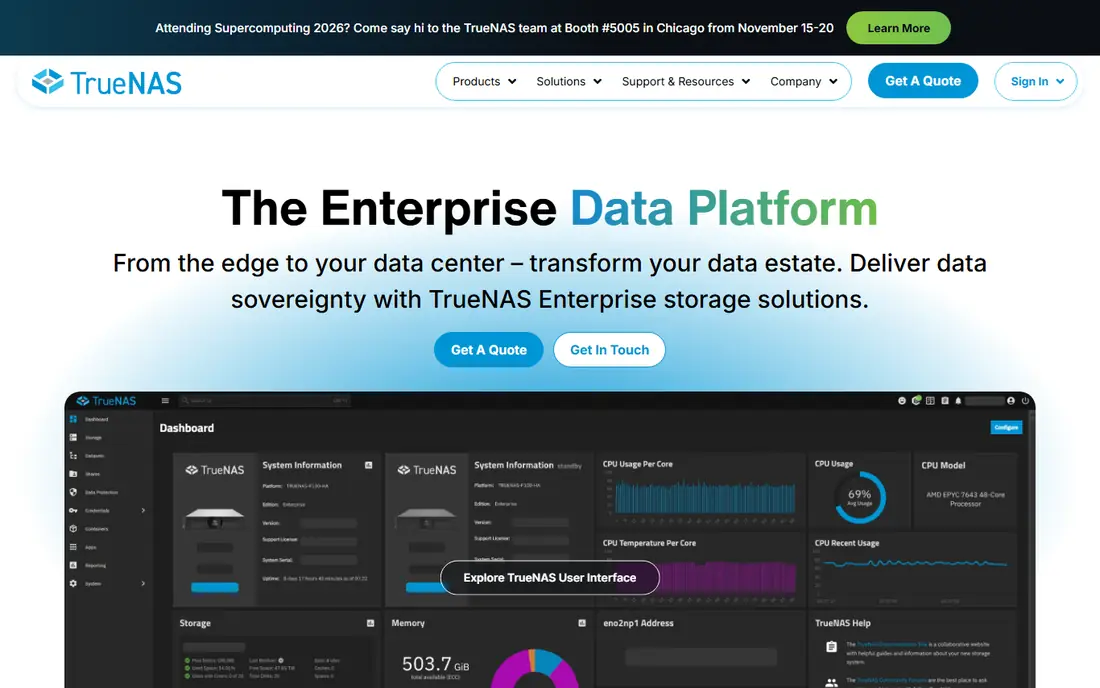
TrueNAS is a storage platform built on ZFS, with snapshots, replication, encryption, and sharing over SMB, NFS, and iSCSI. Its community edition, TrueNAS CORE and SCALE, is free, while enterprise versions add support. A web interface manages pools, datasets, and apps, with virtualization on SCALE.
TrueNAS needs compatible hardware and some learning, especially for ZFS planning. For a DIY user who wants strong, reliable storage with snapshots and replication, TrueNAS is the top choice.
- Strong ZFS storage
- Snapshots and replication
- Free community edition
- Needs compatible hardware
- Learning curve for new users
Synology DSM
Ideal for: Appliance NAS system
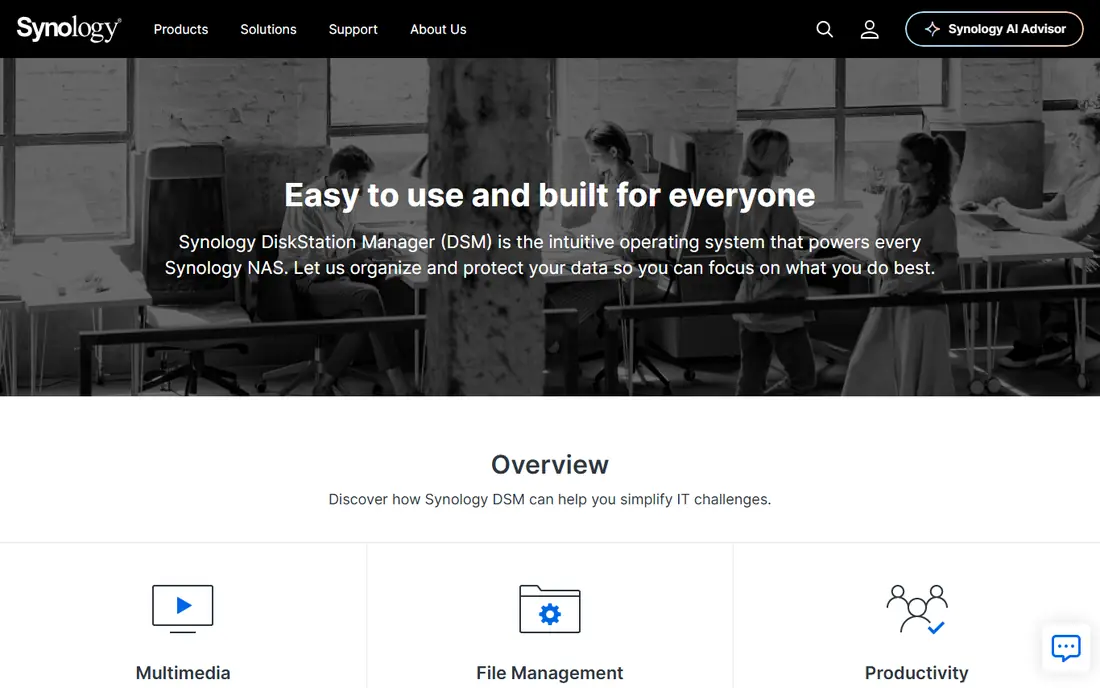
Synology DSM is the operating system for Synology NAS appliances, with a polished desktop-like interface, file sharing, backup, surveillance, and media apps. Its Package Center offers many apps, from photos to virtual machines, and its updates and support are reliable. DSM is included with Synology hardware.
DSM runs only on Synology hardware, and some apps need licenses. For a buyer who wants a polished, supported NAS without building hardware, Synology DSM is the leading choice.
- Polished interface
- Huge app package center
- Strong support and updates
- Runs on Synology hardware
- Some apps need licenses
QNAP QTS
Ideal for: Appliance NAS system
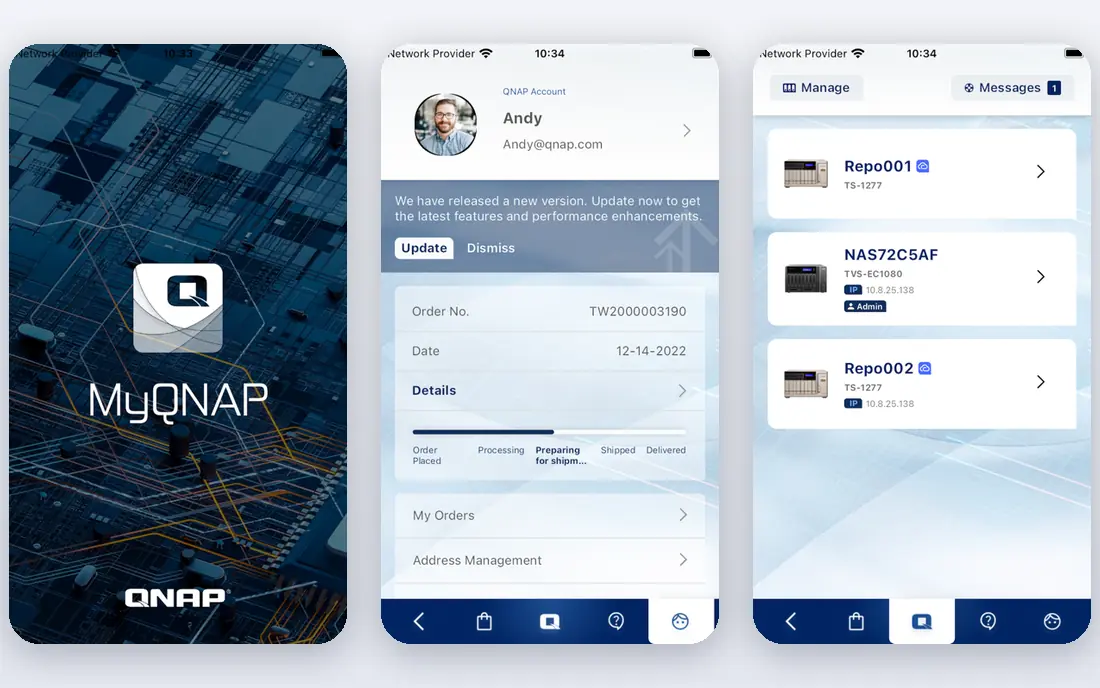
QNAP QTS is the operating system for QNAP NAS appliances, with file sharing, backup, multimedia, virtualization, and container support. Its App Center offers many apps, and its hardware range covers home users to enterprises. QTS is included with QNAP hardware.
QTS runs only on QNAP hardware, and its security history means users should keep firmware updated and follow hardening guidance. For a buyer who wants a feature-rich appliance NAS, QNAP QTS is a strong choice.
- Polished interface
- Many apps
- Strong multimedia and virtualization
- Runs on QNAP hardware
- Security history needs consideration
Unraid
Ideal for: Flexible home server
Unraid is a home server OS that lets users mix drive sizes, add drives one at a time, and run Docker containers and virtual machines. Its parity protection guards against a drive failure, while its interface manages shares, apps, and VMs. A trial covers evaluation, with paid licenses by drive count.
Unraid needs a paid license, and parity can limit write speed in some setups compared with striped RAID. For a home user who wants flexible expansion plus apps and VMs, Unraid's ease is a major advantage.
- Flexible drive mixing
- Docker and VMs
- Easy expansion
- Paid license
- Parity drive limits write speed in some setups
OpenMediaVault
Ideal for: Free DIY NAS
OpenMediaVault is a free, open-source NAS solution based on Debian, with file sharing, RAID, snapshots, and a plugin system for Docker, media, and backup apps. Its web interface manages storage, users, and services, with a community behind it. It runs on x86 and ARM hardware, including Raspberry Pi.
The interface is functional rather than polished, and setup needs some Linux comfort. For a DIY user who wants a free, Debian-based NAS, OpenMediaVault is a solid choice.
- Free and open source
- Debian-based
- Plugin system for apps
- Interface is functional
- Setup needs Linux comfort
Nextcloud
Ideal for: Private cloud server
Nextcloud is a self-hosted collaboration platform with file sync and sharing, docs, chat, calendar, and many apps, turning a server into a private cloud. It runs on a user's own hardware or VPS, with a free community edition and enterprise support. Its app ecosystem covers photos, notes, tasks, and more.
Nextcloud needs a server and setup, and performance depends on hardware and configuration. For a user who wants Google Drive-style collaboration on their own server, Nextcloud is the top choice.
- Private cloud files and collaboration
- Huge app ecosystem
- Self-hosting
- Needs a server and setup
- Performance depends on hardware
XigmaNAS
Ideal for: FreeBSD NAS
XigmaNAS is a free, open-source NAS system based on FreeBSD, with ZFS support, file sharing, and a web interface. It suits users who want a lightweight FreeBSD NAS with strong storage features, including snapshots and replication. It runs on x86 hardware and can boot from USB.
The interface is dated, and the community is smaller than TrueNAS. For a FreeBSD user who wants a free NAS with ZFS, XigmaNAS is a usable alternative to TrueNAS.
- Free and open source
- FreeBSD-based
- ZFS support
- Interface is dated
- Smaller community than TrueNAS
CasaOS
Ideal for: Simple home server
CasaOS is a simple home server OS with a clean interface, file sharing, and a Docker app store for media, smart home, and other apps. It runs on small hardware such as Raspberry Pi and mini PCs, with a focus on ease over advanced storage. A free community edition covers full use.
Storage features are fewer than TrueNAS or Unraid, since CasaOS focuses on apps and simplicity. For a beginner who wants a simple home server with apps, CasaOS is an easy starting point.
- Very simple interface
- Docker app store
- Runs on small hardware
- Fewer storage features than TrueNAS
- Newer platform
How we picked these
We compared official feature pages, pricing pages, and app-store listings for NAS software available in October 2026. We favored tools with current products, storage and sharing features, and a clear audience, from appliance buyers to DIY builders. We also weighed drive planning, network speed, and remote access, since a NAS must fit real data, real networks, and real daily use. We did not include our own product in this list.
How to choose NAS software
Start with hardware. Appliance buyers should choose Synology DSM or QNAP QTS based on hardware and app needs, while DIY builders should compare TrueNAS, Unraid, and OpenMediaVault. Simple home server users should try CasaOS, while private cloud users should try Nextcloud.
Then plan storage and backup before you buy drives. Decide on RAID or parity, snapshots, and an off-site backup, since a NAS is not a backup on its own. Test with a small pool first, confirm sharing works for your devices, and then expand.
A NAS purchase starts with drives, not software. Decide capacity, redundancy, and backup before choosing a platform, since drive count and size affect which systems make sense. For irreplaceable data such as photos, plan at least one off-site copy in addition to the NAS, because redundancy protects against drive failure, not fire, theft, or ransomware. Also check network speed: a gigabit connection limits large file transfers, while 2.5 or 10 gigabit networking helps for video editing or large backups, if your router and cabling support it. Power use and noise matter for a home NAS that runs all day, so check idle power and fan noise in reviews. Finally, test remote access and mobile apps before you commit, since a NAS you cannot reach from outside the house loses much of its value for many users.
Drive health monitoring is easy to ignore until a failure, so check what each platform reports. SMART data, scrub schedules, and email alerts for failing drives turn a surprise failure into a planned replacement, while a platform without alerts leaves you guessing. Test alert delivery during setup by simulating a warning, and confirm that alerts reach an inbox you actually read. Also plan drive replacement: know which drive sizes your system accepts, whether mixed sizes work, and how long a rebuild takes for your capacity, since a rebuild under load can take days on large arrays. Keep a cold spare drive on hand if your data matters, because waiting for a delivery during a degraded array adds risk. Monitoring plus a spare turns storage from a worry into a routine.
Frequently asked questions
What is the best NAS software?
TrueNAS suits DIY users who want strong ZFS storage, while Synology DSM suits appliance buyers who want polish and support. Unraid suits flexible home servers, and Nextcloud suits private cloud collaboration.
Is TrueNAS free?
Yes. TrueNAS CORE and SCALE community editions are free, with enterprise versions adding support and features. A compatible PC or server is needed to run it.
Can I run NAS software on an old PC?
Yes. TrueNAS, Unraid, OpenMediaVault, XigmaNAS, and CasaOS can run on an old PC or server, subject to hardware compatibility and drive capacity. Check RAM and network needs, especially for ZFS, before building.
What is the difference between Synology DSM and QNAP QTS?
Both are polished appliance systems, but DSM is known for a clean interface and reliable updates, while QTS offers a broader app and multimedia range. The choice often comes down to hardware price and app needs.
Do I still need backups if I have a NAS?
Yes. A NAS protects against a drive failure with RAID or parity, but it does not protect against fire, theft, ransomware, or accidental deletion on its own. Keep an off-site backup, such as a cloud backup or a second NAS elsewhere.
How much storage do I need for a home NAS?
It depends on what you store. A photo and document backup for a family may fit in 4 to 8 TB, while a media library with 4K video can need 20 TB or more. Start by measuring your current data, then add room for growth and redundancy, since RAID or parity uses some capacity for protection. Buy drives in a size that leaves a free bay or two for expansion, so growing storage does not mean replacing every drive at once.