How to Pick Network Documentation Software: 5 Tools Compared

- Device42 takes the first slot, best suited to discovery and dependency mapping.
- Docusnap is the one to check for automatic IT documentation.
- Check the limits for IT Glue before you commit: pricing per user adds up.
- NetBox is the only tool of the 5 with a free plan.
- Every tool from Device42 to Docusnap works by quote, with no list price shown.
Direct answer
This list puts Device42 first for discovery and dependency mapping. Alternatives: Hudu for modern IT documentation, and NetBox for open-source network source of truth. All 5 tools are compared below on price, free plan and limits.
Quick comparison
| Product | Ideal for | Price from | Free version | |
|---|---|---|---|---|
 Device42 | Discovery and dependency mapping | See website | Free trial | Visit |
 Hudu | Modern IT documentation | See website | Free trial | Visit |
 NetBox | Open-source network source of truth | See website | Yes | Visit |
 IT Glue | MSP documentation | See website | Free trial | Visit |
 Docusnap | Automatic IT documentation | See website | Free trial | Visit |
Network Documentation Software, one by one
If you are comparing network documentation software, this page covers 5 tools in one place: what each is best for, what it costs to start, whether it has a free plan, and the main limit to know about.
Device42
Ideal for: Discovery and dependency mapping
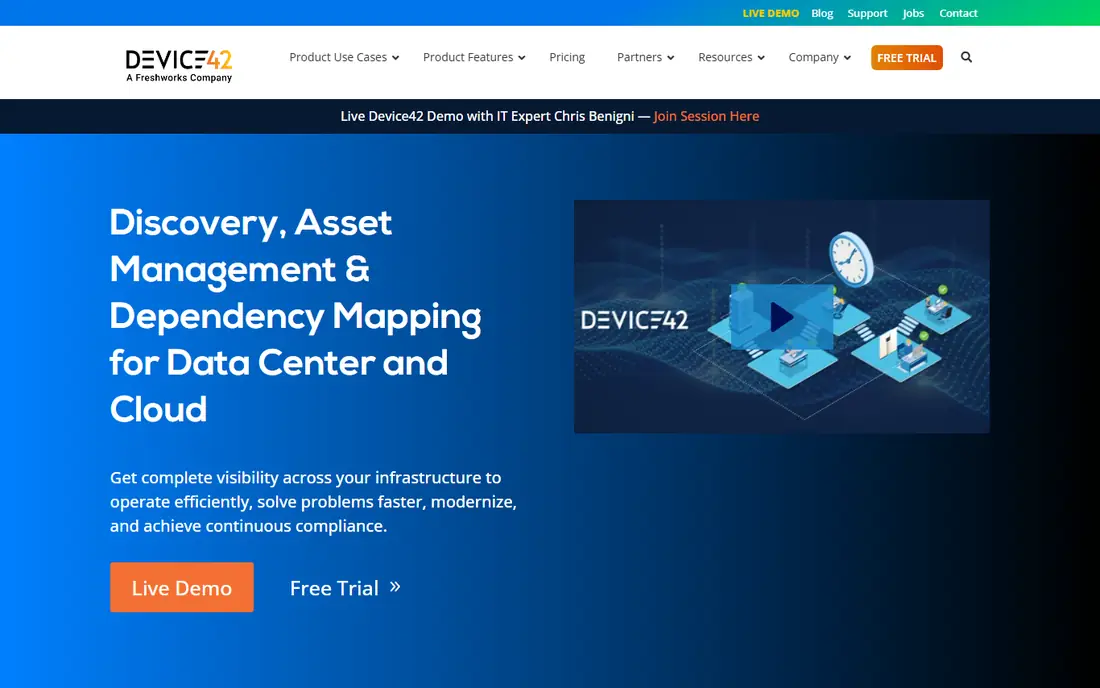
Device42 makes the most sense for discovery and dependency mapping. Device42 discovers your infrastructure automatically: servers, network devices, applications and their dependencies mapped without manual entry.
The main drawbacks: Enterprise pricing.
Beyond that, the value proposition collapses if discovery misses assets or misidentifies them, so measure the results against your known inventory before committing. In practice, run discovery on your messiest subnet first: Device42's accuracy on undocumented infrastructure is the real test, not the clean demo environment. This comparison lists no price for Device42; ask the vendor. Free access: Free trial.
- Auto-discovery builds the inventory for you
- Application dependency mapping
- Discovery needs network access to work completely
Hudu
Ideal for: Modern IT documentation
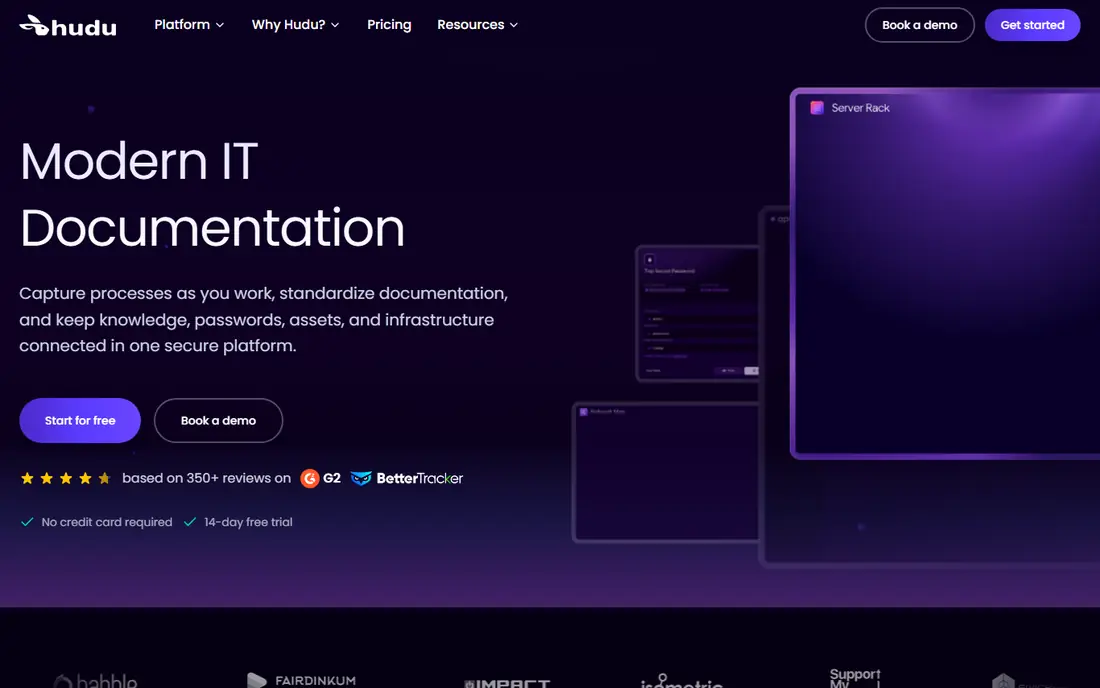
Pick Hudu if this describes you: modern IT documentation. Hudu is the modern challenger: IT documentation with a cleaner interface, a self-hosted choice for data control, and pricing that undercuts IT Glue. As for the details, feature-wise it includes the same ground: assets, passwords, procedures and client portals.
Where it falls short: Newer vendor.
In daily use, the trial should run on your intended deployment model, since the hosted and self-hosted experiences differ. Hudu has earned a loyal following among IT Glue skeptics. Pricing for Hudu is not stated here, so ask the vendor for current figures. As for free access: Free trial.
- Self-hosting choice
- Friendlier pricing than IT Glue
- Smaller integration ecosystem
NetBox
Ideal for: Open-source network source of truth

NetBox makes the most sense for open-source network source of truth. The open-source project is free; NetBox Labs gives you commercial cloud and support. It assumes networking and automation skills.
In daily use, for teams practicing infrastructure as code, NetBox is the database everything else reads from. NetBox's open-source model means the evaluation is about fit, not sales: deploy it, model your actual network, and test the IPAM and DCIM workflows with real data. This comparison lists no price for NetBox; ask the vendor. NetBox has a free plan.
Points against: You host and maintain it.
- IPAM
- Free and open source
- Needs technical staff to run well
IT Glue
Ideal for: MSP documentation
Where IT Glue fits: MSP documentation. IT Glue is where MSPs document everything about client environments: passwords, devices, domains, licenses and procedures, structured and searchable. For everyday use, test the API with your actual automation needs: IT Glue's integrations with PSA and RMM tools determine whether documentation stays current or goes stale within months.
The main drawbacks: Pricing per user layers on up.
For MSPs, standardized documentation in IT Glue is practically an industry norm. For everyday use, integrations with PSAs and RMMs keep the documentation connected to tickets and monitoring. IT Glue does not show a starting price in this comparison, so check the vendor site for current pricing. Trial and free access: Free trial.
- Purpose-built for MSP client documentation
- Searchable records
- Kaseya ownership concerns some MSPs
Docusnap
Ideal for: Automatic IT documentation
Docusnap makes the most sense for automatic IT documentation. Docusnap automates IT documentation: discovery scans the environment and creates documentation on systems, licenses, permissions and topology. For everyday use, international buyers have trendier choices.
The main drawbacks: Less known outside Europe.
Verify the generated documentation satisfies your auditors: Docusnap's reports must map to the compliance frameworks your clients need. More specifically, Docusnap's Windows-centric approach suits shops that are primarily Microsoft-based: trial the inventory and documentation generation on your actual domain. From a buyer's view, the automatic documentation output should be reviewed for completeness against your compliance needs before you depend on it. This comparison lists no price for Docusnap; ask the vendor. Trial and free access: Free trial.
- Solid in DACH markets
- License and permission reporting
- Interface reflects its age
Selection criteria
Ainotely used vendor pricing pages and product documentation as the base, then compared plans, free access and documented limits for 5 tools. Figures are shown as the vendors publish them. Billing terms, seat minimums and add-ons can change the real cost. The sequence is a judgement call: typical use case first, then pricing transparency, then free access. Use the profiles to check fit.
Pre-purchase checklist
- Ask each vendor, from Device42 to Docusnap, for a written quote; none of them publishes a starting price.
- Test the free plan from NetBox against your real workload before relying on it.
- Run a trial of Device42, Hudu, IT Glue and Docusnap with real work before paying for a year; your own workflow is the best test.
- Before choosing Device42, weigh its main limit: enterprise pricing.
- Confirm you can export your data from IT Glue, so leaving later does not mean losing records.
- Ask NetBox about contract length, onboarding fees and user minimums before you sign.
Frequently asked questions
Is Device42 the right pick for everyone comparing network documentation software?
No single tool suits every team. Device42 comes first because it fits discovery and dependency mapping, while Hudu suits modern IT documentation and NetBox suits open-source network source of truth. Match the tool to your own size, budget and workflow before deciding.
How are the tools for network documentation software ordered?
The order follows typical fit for network documentation software, with Device42 first and Docusnap last, then price clarity and free access. It is editorial judgement, not a score, so another team could rank the tools differently.
Can I try these options before paying?
Often, yes. NetBox has a free plan and Device42, Hudu, IT Glue and Docusnap offer a free trial. Use your own data and a real task during the test, and check what the free tier or trial limits before you rely on it.
What should network documentation contain?
Devices and topology, IP address assignments, credentials, configurations, circuits, warranties, procedures and contacts. If the on-call engineer needs it at 2 AM, document it.
Do these tools publish their prices?
No. None of the tools, from Device42 to Docusnap, shows a fixed starting price here, so budget time for quotes.