7 Best No Code AI App Builders for Startups for 2026

- This list starts with Softr, which is built for portals on existing data.
- A free plan is offered by 7 of the 7 tools, including Softr, Adalo, Bolt and Bubble.
- Starting prices begin at $19/month with Softr.
- Glide suits spreadsheet-to-app internal tools.
- The main caution on Bolt: token burn scales with project size.
Direct answer
Softr leads the list, best for portals on existing data. If your case is different, Adalo suits native mobile apps, flat pricing and Bolt suits browser-based AI building. The remaining 4 options are covered below with prices and limits.
Quick comparison
| Product | Ideal for | Price from | Free version | |
|---|---|---|---|---|
 Softr | Portals on existing data | From $19/month | Yes | Visit |
 Adalo | Native mobile apps, flat pricing | From $36/month | Yes | Visit |
 Bolt | Browser-based AI building | From $25/month | Yes | Visit |
 Bubble | Full-stack web apps, visual | From $59/month | Yes | Visit |
 Replit | AI agent plus full IDE | From $20/month | Yes | Visit |
 Lovable | Prompt-to-full-stack web apps | From $25/month | Yes | Visit |
 Glide | Spreadsheet-to-app internal tools | From $19/month | Yes | Visit |
Every option for no code AI app builders for startups explained
Ainotely put together this guide to no code AI app builders for startups for readers who want a clear shortlist without reading every vendor page. It compares 7 tools on starting price, free plans, who each one suits and where each one falls short.
Softr
Ideal for: Portals on existing data
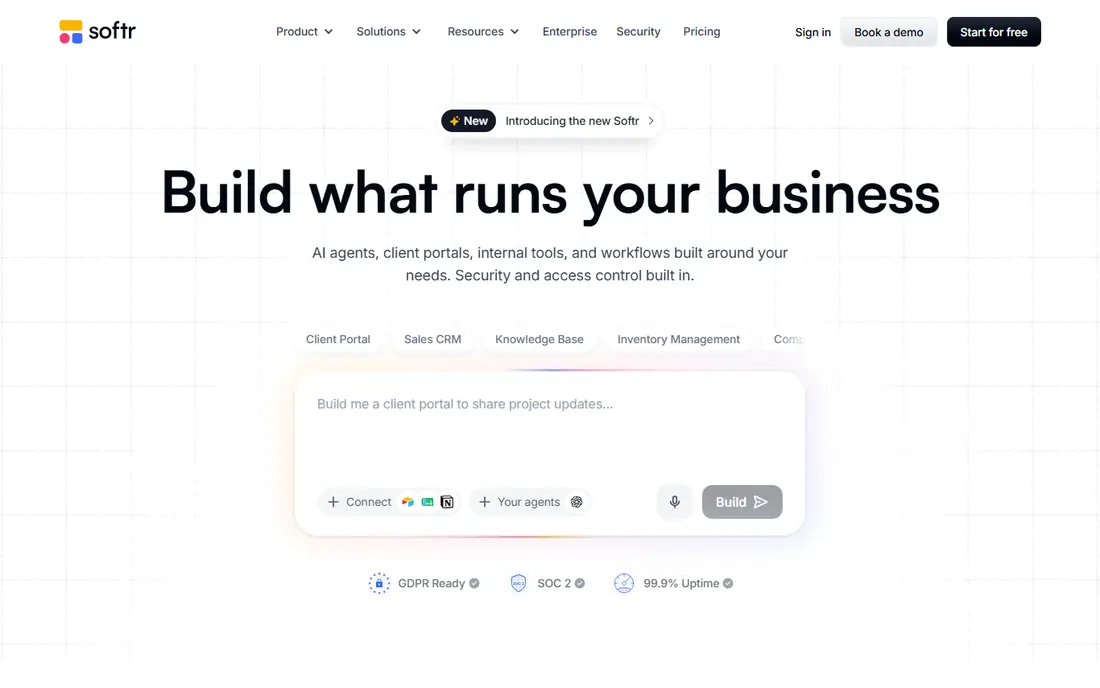
For portals on existing data, Softr is a natural candidate. For a startup whose product is a portal on structured data, that focus is a feature. Also, Softr starts where your data already lives.
Pricing is flat and published on the homepage: Free ($0, unlimited apps with usage caps), Basic $19 a month, Pro $99 and Business $329 on annual billing. As for the details, link Airtable, Google Sheets, Notion, HubSpot or its own native database, and the AI Co-Builder assembles pages, user roles and workflows into a client portal, internal tool or dashboard, frequently in hours. Beyond that, user groups control which pages and records each person sees, which is exactly the permission model portals need. The company is SOC 2 Type II compliant with data hosted in Germany. Softr pricing: From $19/month. You can start on Softr without paying.
What users get: Sheets and Notion into gated apps quick.
What to check first: Complicated custom logic eventually needs a developer.
- Ample free level
- Flat predictable pricing
- Web apps only, no app-store publishing
Adalo
Ideal for: Native mobile apps, flat pricing
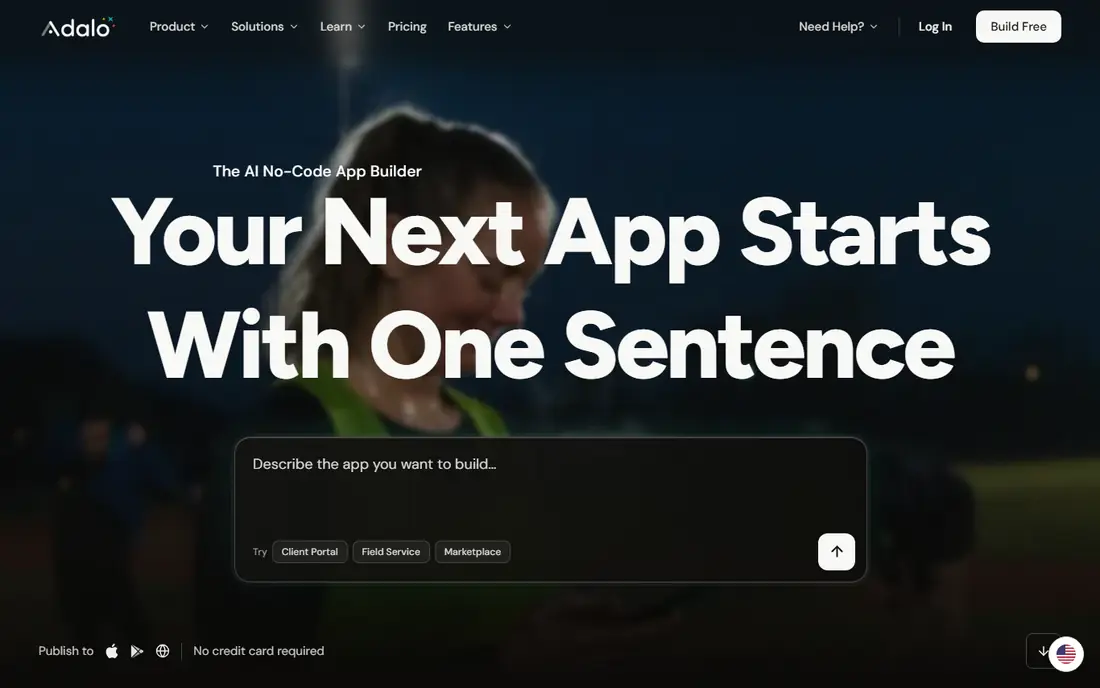
Adalo serves native mobile apps, flat pricing. Adalo occupies a specific and valuable niche: it is one of the few no-code products where a non-technical founder can go from idea to a published App Store listing.
Trade-offs to know: Less expressive than Bubble for complicated logic.
The visual multi-screen canvas designs web, iOS and Android from one project, the AI builder (Ada) creates database structure, screens and logic from a description, and publishing produces native builds instead of web wrappers. Beyond that, starter is $36 a month billed annually with native publishing and unlimited database records, Professional $52, Team from $160, per Adalo's own site. Adalo cost at the entry level: From $36/month. Adalo has a free plan.
- Publishes real native iOS and Android apps
- AI builder produces app foundations
- Design adaptability has limits
Bolt
Ideal for: Browser-based AI building
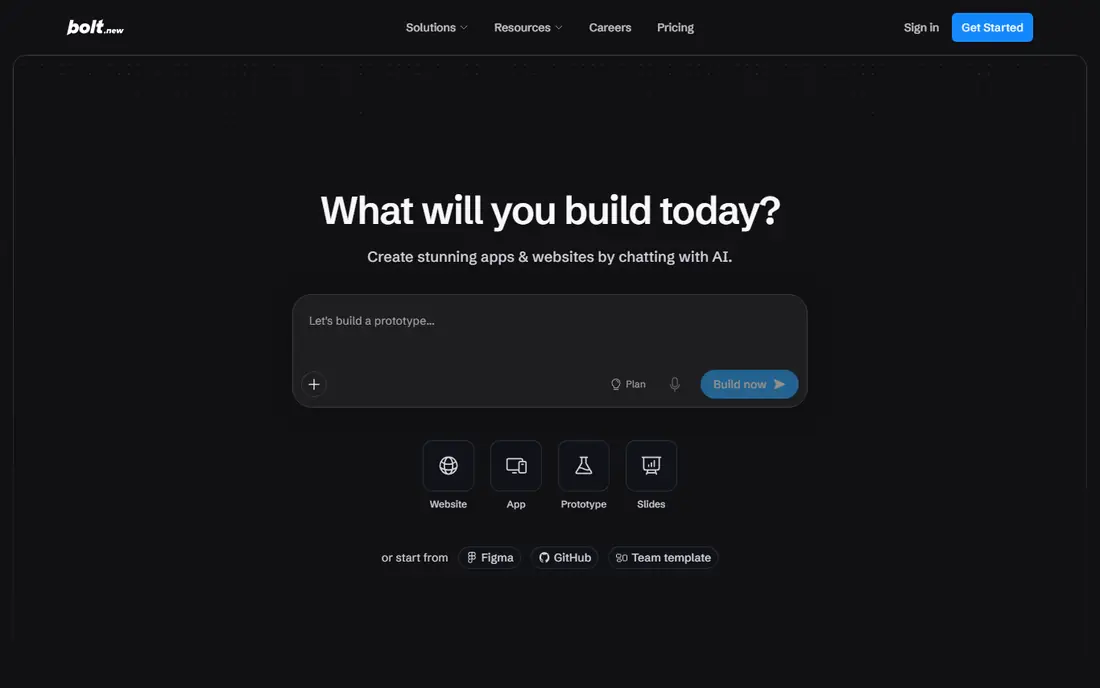
Bolt is aimed squarely at browser-based AI building. Bolt.new, from the StackBlitz team, runs a complete development environment in your browser: you prompt, it writes and runs the code. You deploy with hosting and databases included.
Trade-offs to know: Token burn scales with project size.
the main limit is structural: token consumption scales with codebase size since each request re-reads project context, so long iteration sessions on large projects burn tokens quicker than you expect. For getting something real in front of users quick, few tools match it. Pro at $25 a month brings 10M tokens with no daily cap, custom domains and token rollover, with Teams at $30 per member. From a buyer's view, there is no local setup, the code is completely visible and editable, and the free level's 1M monthly tokens (300K daily cap) is the most ample free allowance in this category. What you pay to start with Bolt: From $25/month. A free plan is available with Bolt.
Best features of Bolt: Unused Pro tokens roll over.
- No setup
- Ample free token allowance
- Optimized for prototypes more than long-lived products
Bubble
Ideal for: Full-stack web apps, visual
Bubble targets full-stack web apps, visual. Bubble is the heavyweight of visual no-code: a drag-and-drop page designer, a real database you define yourself, and a workflow engine expressive enough for multi-role SaaS apps and marketplaces. Also, inefficient workflows burn units quick, so build with pagination and narrow searches, or the meter becomes your most pricey feature.
Plans run Free ($0, no live deployment), Starter from $59 a month for web and mobile billed yearly, Growth at $209 and Team at $549, with Enterprise custom. The newer AI layer generates a first version of your app, database and workflows from a plain-language description, and everything it builds stays editable in the visual editor, which is the key difference from prompt-to-code tools: you never inherit code you cannot read. The pricing to understand is workload units, Bubble's meter for server processing. Bubble pricing: From $59/month. You can start on Bubble without paying.
Where it is weaker: No code export, so you stay on Bubble.
- Deepest visual logic of any no-code tool
- Built-in database and hosting
- Usage-based workload units can surprise
Replit
Ideal for: AI agent plus full IDE
Replit was built for AI agent plus full IDE. Replit pairs its AI Agent with a full browser-based IDE: describe the app and the agent scaffolds the project, writes code, installs packages and publishes to a live URL, with database, authentication, hosting and monitoring provisioned in the same account.
Replit cost at the entry level: From $20/month. You can start on Replit without paying.
Where it falls short: Effort-based credit pricing is hard to predict.
- Database and auth
- Built-in hosting
- Overages can dwarf the base subscription
Lovable
Ideal for: Prompt-to-full-stack web apps
Lovable is built with prompt-to-full-stack web apps in mind. Start on free, watch the credit meter for a week, then decide if Pro includes your pace. Also, the free level provides 5 daily credits (capped monthly), Pro is $25 a month for 100 credits, Business $50, Enterprise custom.
Honest limits: Design polish at times needs manual fixes.
For everyday use, for a founder who wants a clickable, shareable product this week, the speed is genuinely startling. Lovable is the purest expression of the prompt-to-app idea: type what you want in plain language and get a working web app with screens, logins, database and payments, hosted and deployed. On top of that, complicated prompts burn more credits than straightforward ones, and debugging loops can consume per month's allowance quick. So the real cost relies on how cleanly you prompt. Entry price for Lovable: From $25/month. Free access exists with Lovable. What Lovable does well: GitHub sync and custom domains.
- Get frontend
- Describe the app
- Credit burn is unpredictable on complicated builds
Glide
Ideal for: Spreadsheet-to-app internal tools
Glide serves spreadsheet-to-app internal tools. Glide's pitch is speed: link a Google Sheet, Excel file or Airtable base and get a working app in minutes, published as a progressive web app that users install from a link. High-activity apps with frequent data changes can push costs up, so model your update volume before committing.
Where it is weaker: Pricing scales with users and data updates.
For everyday use, for internal tools where the team already maintains the data in a spreadsheet, nothing here ships quicker. The template marketplace (400+ choices) spans CRMs, inventory trackers, scheduling apps and portals, and built-in workflows replace Zapier-style glue for typical automations. The tradeoffs are architectural. Glide apps are PWAs, so there is no App Store or Play Store distribution. Pricing scales on users and data updates: Free ($0), Explorer $19 a month billed yearly, Maker $49 and Business $199, with Enterprise custom, per Glide's own help center. Entry price for Glide: From $19/month. Free access exists with Glide.
- 400+ templates
- Built-in workflow automation
- Progressive web apps only, no app-store publishing
How these tools were picked
Each tool was reviewed on what its vendor publishes: price, plan limits, core features and stated drawbacks. We did not run hands-on tests. Seat minimums, billing terms and add-ons can move the real cost, so the starting prices here are a guide and not a quote. Position on the page reflects fit for a typical buyer first, with price clarity and free access breaking ties. Treat it as a guide, not a ruling.
Before you commit
- Confirm the entry price on the vendor page: Softr starts at $19/month, but seat counts and billing terms change the total.
- Look at free plan limits closely: Softr, Adalo, Bolt and others have one, and the caps decide whether it is usable for real work.
- Before choosing Softr, weigh its main limit: web apps only, no app-store publishing.
- The entry price of Bubble is only the starting point; model the full cost with seats and extras.
- Ask Softr how an export works before you move any records in; an easy exit lowers the risk.
Frequently asked questions
Can I really build a startup on no-code?
Yes, for the right kind of product. For everyday use, marketplaces, directories, internal tools, client portals and mobile MVPs ship successfully on these products every week.
What does it cost to run an app after building it?
A realistic floor for a small live app is usually $30 to $100 a month all-in, scaling with traffic and AI usage.
Which no code AI app builders for startups have a free plan?
On this list, 7 of 7 tools include a free plan, among them Softr, Adalo, Bolt and Bubble. Caps on seats, usage or features are common, so test the free plan against your real workload.
How do AI credits and tokens actually work?
They are meters for AI work. Each prompt, edit or generation consumes some amount based on its complexity, and complicated projects consume more per action than straightforward ones.
Do these tools publish their prices?
Yes. Every tool from Softr to Glide shows a starting price, though seats, add-ons and billing terms still change the final cost.
Can I try these tools before paying?
Often, yes. Softr, Adalo, Bolt and others have a free plan. Use your own data and a real task during the test, and check what the free tier or trial limits before you rely on it.