6 Top No Code AI Workflow Automation Tools Compared (2026)

- Number one here is Make, a fit for visual automation.
- Lindy is the one to check for AI teammates in Slack.
- For the cheapest start, look at Lindy: $49.99/month.
- Only 3 of the 6 tools have a free plan (Make, Zapier, Lindy), so check the caps.
- Relay.app comes with a trade-off: smaller integration catalog than Zapier or Make.
Direct answer
Make comes first here, mainly for visual automation. Relay.app fits human-in-the-loop automation; Bardeen fits browser-based AI agents. The remaining 3 options are covered below with prices and limits.
Quick comparison
| Product | Ideal for | Price from | Free version | |
|---|---|---|---|---|
 Make | Visual automation | See website | Yes | Visit |
 Relay.app | Human-in-the-loop automation | See website | No | Visit |
 Bardeen | Browser-based AI agents | See website | No | Visit |
 Zapier | Connecting apps at scale | See website | Yes | Visit |
 Relevance AI | Building an AI workforce | See website | No | Visit |
 Lindy | AI teammates in Slack | $49.99/month (Pro) | Yes | Visit |
The full no code AI workflow automation tools list
Ainotely compared 6 no code AI workflow automation tools. The goal is a practical shortlist: published prices, free plan facts, best-fit use cases and honest limits for every entry.
Make
Ideal for: Visual automation
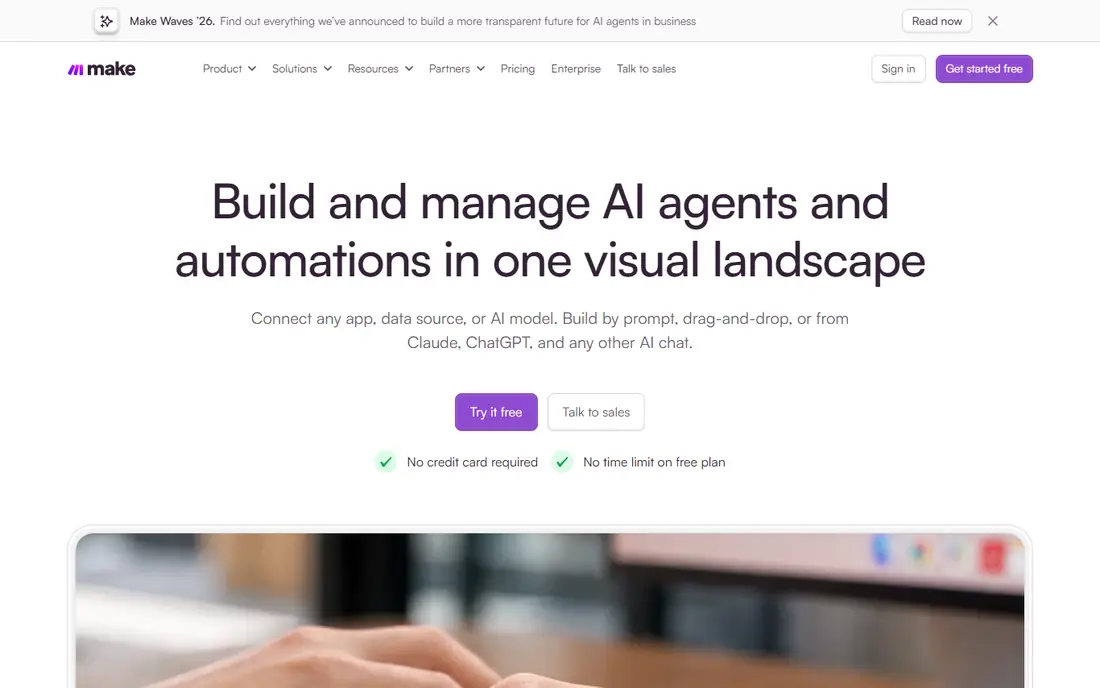
Make was built for visual automation. Make's visual canvas fits multi-step workflows with routers, filters and error handling that Zapier struggles to express.
Where it is weaker: Fewer integrations overall.
In practice, Make suits builders wanting sophisticated automation logic at fair pricing. This comparison lists no price for Make; ask the vendor. You can start on Make without paying.
- Ample free level
- Visual scenario builder takes care of complicated logic well
- Ramp-up time steeper than Zapier
Relay.app
Ideal for: Human-in-the-loop automation
Relay.app is designed for human-in-the-loop automation. Relay.app designs for supervised automation: AI and rules deal with the routine, humans approve the consequential, all inside collaborative workflows.
Relay.app does not show a starting price in this comparison, so check the vendor site for current pricing. No free plan comes with Relay.app.
Drawbacks to consider: Newer vendor.
- Collaborative workflow design
- Well suited to processes needing oversight
- Smaller integration catalog than Zapier or Make
Bardeen
Ideal for: Browser-based AI agents
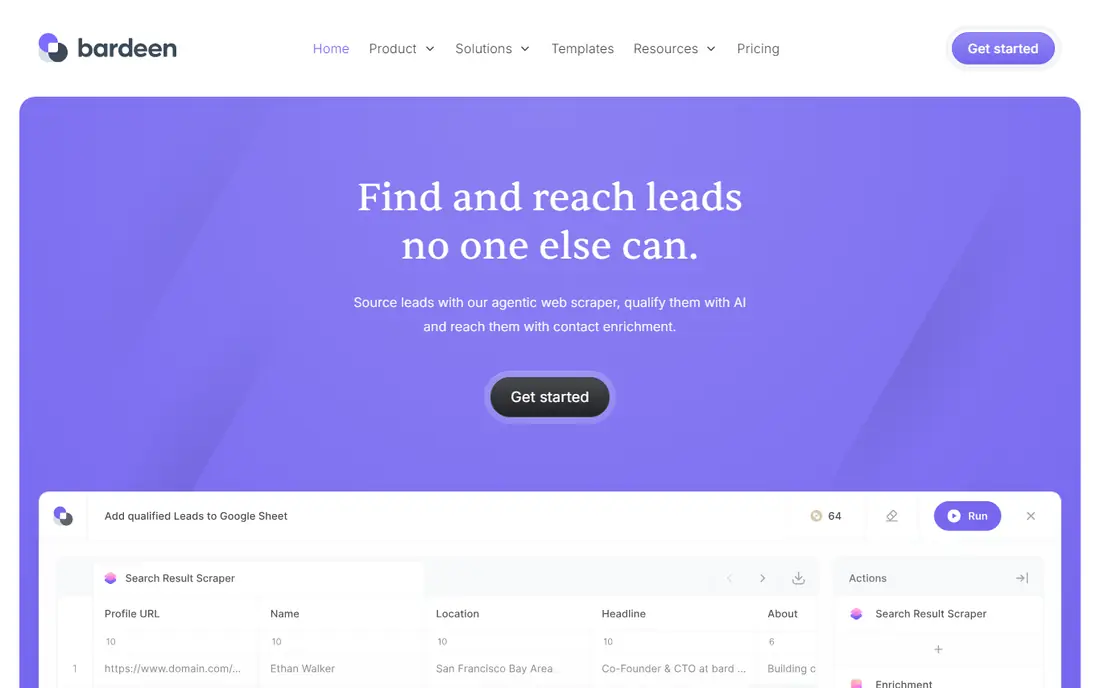
Where Bardeen fits: browser-based AI agents. Bardeen runs AI agents in the browser: scraping, data entry and multi-app workflows controlled from where knowledge workers already work.
Where it is weaker: Pricing is tiered by usage.
Reasons to shortlist it: Automates straight in the browser. On top of that, natural language building and proactive suggestions lower the skill barrier. This comparison lists no price for Bardeen; ask the vendor. Bardeen has no free tier.
- Solid for sales and recruiting workflows
- Natural language automation building
- Browser-centric model limits server-side automation
Zapier
Ideal for: Connecting apps at scale
In short, Zapier is for connecting apps at scale. Zapier remains the default automation layer: connect web apps without code, now with AI actions for summarization, classification and content generation inside Zaps.
Drawbacks to consider: Task-based pricing gets expensive at volume.
Check the vendor site for Zapier pricing; none is listed in this comparison. Zapier offers a free plan.
- 7,000-plus app integrations
- The industry standard
- Complicated logic is clunky
Relevance AI
Ideal for: Building an AI workforce
For building an AI workforce, Relevance AI is a natural candidate. Results vary with configuration quality.
Limits to weigh: Agent quality relies on setup effort.
For everyday use, Relevance AI suits firms experimenting with multi-agent operations beyond single workflows. This comparison lists no price for Relevance AI; ask the vendor. Relevance AI has no permanent free option.
- Managed infrastructure
- Prebuilt agent templates
- Pricing is custom for scale
Lindy
Ideal for: AI teammates in Slack
Lindy targets AI teammates in Slack. Lindy deploys AI teammates: describe the outcome in plain English and the agent takes care of lead follow-up, scheduling, support triage or admin ops, choosing between GPT, Claude and Gemini per task. More specifically, Lindy suits SMBs wanting AI staff for operations without hiring.
Also, agents need supervision whereas learning. The free level comes with 400 monthly credits; Pro at $49.99 layers on 5,000 credits and phone automations. What you pay to start with Lindy: $49.99/month. You can start on Lindy without paying.
Downsides: Credit-based pricing needs monitoring. What works well: AI employees that own processes end to end; Works in Slack with natural language.
- 400 free credits monthly
- Multi-model support
- Complicated setups need iteration
How we chose
Ainotely looked at what each vendor publishes: pricing, plan limits, feature coverage for no code AI workflow automation tools and stated drawbacks. No hands-on testing is claimed. Seat minimums, billing terms and add-ons can move the real cost, so the starting prices here are a guide and not a quote. The sequence is a judgement call: typical use case first, then pricing transparency, then free access. Use the profiles to check fit.
Pre-purchase checklist
- Get a written quote from Make, Relay.app, Bardeen and others; the list shows no starting price for them.
- Read the fine print on the free plans from Make, Zapier and Lindy; seat, project and feature caps differ.
- Read the limits listed for Make first: ramp-up time steeper than Zapier.
- Run a one or two week pilot of Lindy with the people who will use it every day.
- Price Relevance AI for your actual team size; headline prices rarely include add-ons or overage.
Frequently asked questions
Which no code AI workflow automation tools have a free plan?
On this list, Make, Zapier and Lindy include a free plan. Caps on seats, usage or features are common, so test the free plan against your real workload.
How are the no code AI workflow automation tools ordered?
Make sits first and Lindy last because the order follows typical fit for no code AI workflow automation tools, then price clarity and free access. It is a judgement call, so read each profile for fit and limits.
Is Make the right pick for everyone comparing no code AI workflow automation tools?
No single tool suits every team. Make comes first because it fits visual automation, while Relay.app suits human-in-the-loop automation and Bardeen suits browser-based AI agents. Match the tool to your own size, budget and workflow before deciding.
Can no-code automations manage approvals?
The pattern is straightforward: trigger on a request, notify the approver with the details, wait for approve or reject, then route accordingly with timeouts and escalations. Keep the approval interface straightforward (a button in email or chat) or approvers will ignore it.
Can I try these options before paying?
Often, yes. Make, Zapier and Lindy have a free plan. Use your own data and a real task during the test, and check what the free tier or trial limits before you rely on it.