8 Best No-Code Automation Platforms for Teams

- Zapier, Make, and Activepieces all start under $21 per month, so small teams can automate without an enterprise budget.
- IFTTT is the cheapest entry point at $2.09 per month billed annually, but it has no team or multi-user plan.
- n8n and Workato use different units, executions and credits, so compare the included allowance, not just the headline price.
- Make and Integrately prices below are corroborated from vendor-page reads, because their price cards did not render in a text crawl today.
- Free plans range from 100 tasks a month at Zapier to 1,000 credits a month at Make and Activepieces.
Quick comparison
| Product | Ideal for | Price from | Free version | |
|---|---|---|---|---|
 Zapier | Widest app library for small teams | $19.99 per month | Yes | Visit |
 Make | Visual workflows with generous credits | $9 per month | Yes | Visit |
 n8n | Technical teams that want control over workflows | EUR 20 per month | No | Visit |
 Workato | Enterprise orchestration and AI agents | $75 per month | Yes | Visit |
 Tray.ai | Orchestration with a generous trial | $50 per month | No | Visit |
 IFTTT | Simple consumer and small-team automations | $2.09 per month | Yes | Visit |
 Integrately | One-click automations for small teams | $19.99 per month | Yes | Visit |
 Activepieces | Flat pricing with a free team plan | $20 per month | Yes | Visit |
The best no-code automation platforms for teams
Zapier
Ideal for: Widest app library for small teams
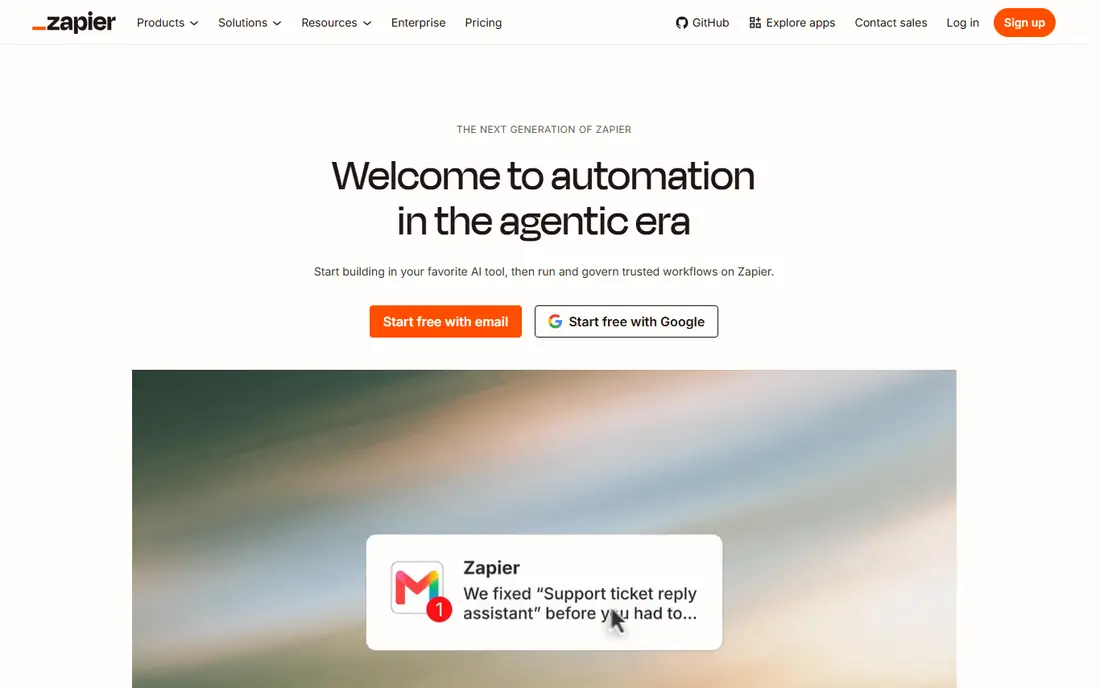
Zapier is the best-known no-code automation platform, with the widest library of app connectors, and it suits teams that want to connect sales, marketing, and support tools without writing code. Professional starts from $19.99 per month, Team starts from $69 per month, and Enterprise is quote only, according to the vendor pricing page checked on 13 November 2026. The free plan costs $0 and includes 100 tasks a month, and a 14-day Professional trial needs no credit card.
The main limit is team size. Free and Professional are single-user plans, so a team that needs several people building and editing automations must move to Team, which covers 25 users. Free is also limited to two-step Zaps, so multi-step workflows need a higher tier. Zapier suits teams that value breadth of connectors over low unit cost, and that can live inside the task limits of the plan they choose.
- Free plan with 100 tasks a month
- 14-day trial of Professional with no card required
- Free and Professional are single-user only, so multi-user use needs Team at $69 per month
- Free is limited to two-step Zaps
Make
Ideal for: Visual workflows with generous credits

Make, formerly Integromat, is a visual automation platform where teams build scenarios from modules, filters, and routers, and it suits teams that want to see data flow through each step. Core starts at $9 per month billed annually, or $10.59 per month billed monthly, for 10,000 credits, and the free plan costs $0 with 1,000 credits a month. Note that the price cards did not render in a text crawl of the vendor pricing page today, so the $9 figure is corroborated from vendor-page reads, and one November 2026 read reported Core at $11 per month billed annually, so buyers should confirm the current price in the live browser before publishing.
The credit model is the main limit to understand. Credits expire at the end of the term, and scenarios stop running when credits run out, so a busy month can halt automations. Free is also limited to 2 active scenarios and a 15-minute minimum interval. Make suits teams that build visual, multi-step workflows and want a low entry price, as long as they watch credit use.
- Free plan with 1,000 credits a month and no card
- Visual scenario builder with branching
- Credits expire at the end of the term and scenarios stop when credits run out
- Free allows only 2 active scenarios
n8n
Ideal for: Technical teams that want control over workflows
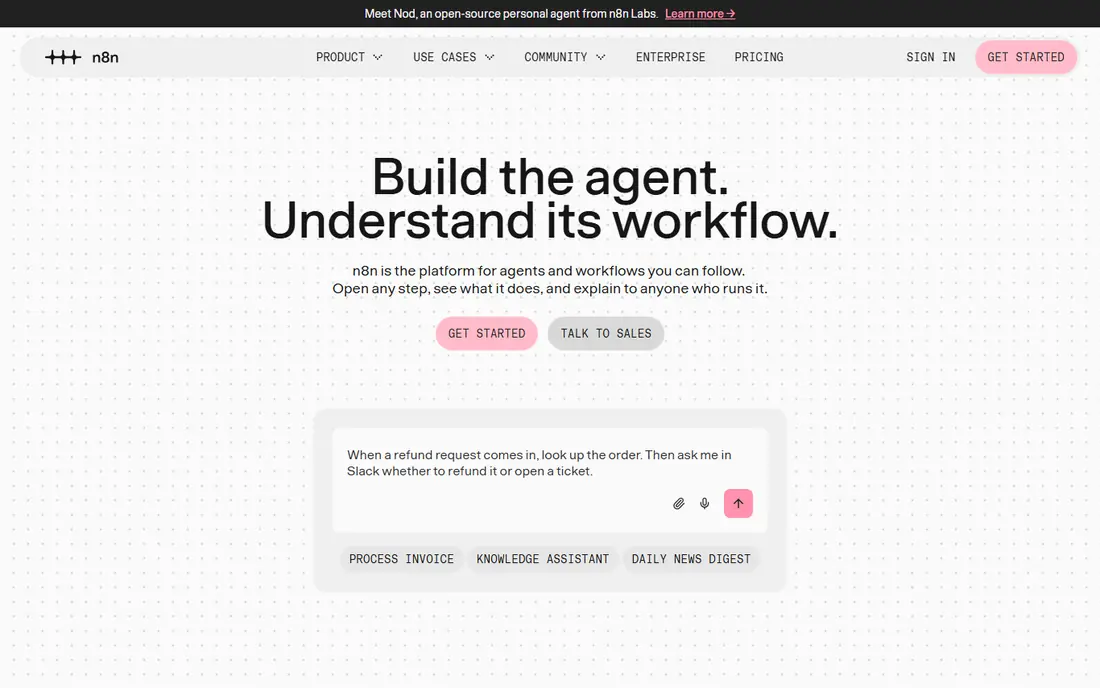
n8n is a workflow automation platform that gives technical teams more control than most no-code tools, with code nodes, webhooks, and self-hosting options alongside the visual builder. Starter costs EUR 20 per month billed annually, or EUR 24 per month billed monthly, for 2,500 executions, and Pro costs EUR 50 per month billed annually for 10,000 executions, according to the vendor pricing page checked on 13 November 2026. There is no free Cloud plan, but a 14-day trial offers Pro features capped at 1,000 executions, and the Community Edition is free to self-host.
Starter limits matter for teams. It allows only 1 shared project, 7-day execution log retention, 5 concurrent executions, and a 5-minute maximum run time. Business, at EUR 667 per month billed annually, is self-hosted only, so Cloud teams that outgrow Pro move into an Enterprise quote. n8n suits teams with technical staff who want to own their workflows, and it is a weaker fit for non-technical teams that want a fully managed setup.
- 14-day trial of Pro features with no card
- Free self-hosted Community Edition
- Starter allows only 1 shared project and 7-day log retention
- Business is self-hosted only
Workato
Ideal for: Enterprise orchestration and AI agents
Workato is an enterprise orchestration platform that now covers AI agents as well as integrations and automations, and it suits large firms that need governance, recipes, and connectors in one system. Self-service Pro starts from $75 per month for 2,500 Workato credits a month, according to the vendor docs checked on 13 November 2026, while the main pricing page is quote only for Standard, Business MCP, Enterprise MCP, and Workato ONE. The free plan costs $0 with a one-time 50,000-credit grant, which is a grant, not a monthly allowance.
The Pro limits are strict for teams. Pro is capped at 3 users per workspace, and unused credits expire at the end of the billing month with no rollover. Workato also does not publish what one credit buys for each capability, so buyers should test their own recipes during the free plan and ask sales for a credit estimate before committing to a monthly volume.
- Free plan with a one-time 50,000-credit grant
- Pro price published in vendor docs
- Pro is capped at 3 users per workspace
- Unused Pro credits expire each month with no rollover
Tray.ai
Ideal for: Orchestration with a generous trial
Tray.ai is an orchestration platform for teams that build integrations and automations across business systems, and it suits firms that want a guided trial before talking to sales. Pricing starts at $50 per month for the Tray Helix Builder Edition, according to the vendor pricing page checked on 13 November 2026, while iPaaS plans Pro, Team, and Enterprise are all quote only. There is no free plan, but the trial runs 30 days with 1 million tasks, the full connector library, no card, and no sales call.
The iPaaS plan limits are worth checking. Pro is limited to 3 workspaces, 7-day insights, and 7-day log retention, and SSO, HIPAA support, and regional hosting are Enterprise only, with some available as Team add-ons. Tray.ai suits teams that want to test at real volume during the trial, and that can accept quote-only pricing for the full iPaaS tiers.
- 30-day trial with 1 million tasks and no card
- Full connector library in the trial
- No free plan
- Pro is limited to 3 workspaces and 7-day log retention
IFTTT
Ideal for: Simple consumer and small-team automations
IFTTT is the simplest automation tool in this guide, built around Applets that connect one service to another, and it suits individuals and very small teams with simple if-this-then-that needs. Starter costs $2.09 per month billed annually, or $2.99 per month billed monthly, Pro costs $5.49 per month billed annually, and Pro+ costs $13.99 per month billed annually, according to the vendor pricing page checked on 13 November 2026. The free plan costs $0, includes 1,000 credits a month and unlimited Applets, and covers all features.
The limits are speed and teamwork. Free-plan Applets poll only every hour, while Pro and Pro+ poll every 5 minutes, and there is no team or multi-user plan on the pricing page. Multiple accounts per service need Pro+. IFTTT suits simple automations and personal productivity, and it is a weak fit for teams that need shared workspaces, approvals, or fast polling across many services.
- Free plan with 1,000 credits a month and unlimited Applets
- Cheapest entry price in this guide
- Free Applets poll only every hour
- No team or multi-user plan on the pricing page
Integrately
Ideal for: One-click automations for small teams
Integrately is a one-click automation platform that focuses on fast setup for common app pairs, and it suits small teams that want working automations in minutes rather than hours of building. Starter costs $19.99 per month billed annually, or $29.99 per month billed monthly, for 2,000 tasks, Professional costs $39 per month billed annually for 10,000 tasks, and Growth and Business rise to $99 and $239 per month billed annually. The free plan costs $0 with 100 tasks a month and 5 automations, and a 14-day trial of the higher features is offered.
Note that the plan price cards did not render in a text crawl of the vendor pricing page today, so the prices above are corroborated from vendor-page reads in October and November 2026, and buyers should confirm them in the live browser before publishing. Free is limited to single-step automations with 15-minute updates and no webhooks, and branching needs Professional or above, so teams with multi-step logic should budget for that tier.
- Free plan with 100 tasks a month and 5 automations
- One-click setup for common apps
- Free allows single-step automations only, with 15-minute updates and no webhooks
- Branching needs Professional or above
Activepieces
Ideal for: Flat pricing with a free team plan
Activepieces is an open-source automation platform built for teams, with flat monthly pricing instead of per-user billing, and it suits small teams that want predictable costs. Plus costs $20 per month flat for 10,000 credits a month, Team costs $200 per month flat for 50,000 credits a month and 25 users, and Ultimate is custom, according to the vendor pricing page checked on 13 November 2026. The free plan costs $0, needs no card, and includes 1,000 credits a month, unlimited flows, and up to 5 users.
The free plan has a hard stop on volume: flows stay on, but runs past the quota do not go through until credits refresh the next day. Plus is capped at 5 users, and SSO only starts at Team. The vendor also states that its SOC 2 programme is in progress, not certified, so regulated buyers should check the current compliance status before committing.
- Free plan with 1,000 credits a month and up to 5 users
- Flat Plus price of $20 a month
- Plus is capped at 5 users and SSO starts at Team at $200 a month
- SOC 2 programme is still in progress
Pick by team size and budget
| Team situation | Best first step | Monthly cost from | | Solo user, simple automations | IFTTT Free or Starter | $0, or $2.09 billed annually | | Small team, under $25 a month | Make Core or Activepieces Plus | $9 or $20 per month | | Small team, widest app choice | Zapier Professional | $19.99 per month, single user only | | Technical team that self-hosts | n8n Starter or Community Edition | EUR 20 per month, or $0 self-hosted | | Enterprise with governance needs | Workato Pro or Tray.ai trial | $75 per month, or $50 per month | | Team needing SSO and 25 users | Activepieces Team | $200 per month flat |
How we chose
We compared vendor pricing pages, docs, and plan tables for eight no-code automation platforms, and we checked each homepage on 13 November 2026. Zapier, n8n, Workato, Tray.ai, IFTTT, and Activepieces publish prices on their own pricing pages, so those figures are vendor-verified for today. Make and Integrately price cards did not render in a text crawl today, so their prices are corroborated from vendor-page reads, with a conflicting Make read of $11 per month billed annually noted in the Make section. No hands-on testing is claimed here, and every price and limit comes from the vendor pages listed in Sources.
What to check before you buy
- Compare the included allowance, not just the price, since Zapier counts tasks, Make counts credits, and n8n counts executions.
- Check whether credits or tasks expire, since Make credits expire at the end of the term and Workato Pro credits expire each month.
- Confirm how many users each plan allows, since Zapier Professional is single-user and Activepieces Plus is capped at 5 users.
- Check polling speed, since IFTTT Free polls every hour and Pro polls every 5 minutes.
- Ask what happens when the quota runs out, since Activepieces pauses runs until the next refresh and Make stops scenarios.
- Confirm SSO, retention, and compliance needs, since SSO starts at $200 a month at Activepieces and SOC 2 is still in progress there.
- Re-check Make and Integrately prices in the live browser, since their price cards did not render in a text crawl today.
Frequently asked questions
Which no-code automation platform is best for small teams?
Make and Activepieces are the strongest low-cost picks for small teams. Make Core starts at $9 per month billed annually with 10,000 credits, and Activepieces Plus costs $20 per month flat with 10,000 credits and up to 5 users on the free plan. Zapier is the widest choice for app coverage, but Professional is single-user only, so teams should budget for the $69 per month Team plan.
Is there a free no-code automation platform for teams?
Yes. Zapier, Make, IFTTT, Integrately, and Activepieces all offer a free plan, and Workato offers a free plan with a one-time 50,000-credit grant. Free allowances range from 100 tasks a month at Zapier and Integrately to 1,000 credits a month at Make and Activepieces. n8n has no free Cloud plan, but its Community Edition is free to self-host.
How much does Zapier cost for a team?
Professional starts at $19.99 per month, but it is single-user only, so a real team needs the Team plan from $69 per month, which covers 25 users. Enterprise is quote only. The free plan costs $0 with 100 tasks a month and two-step Zaps only, and a 14-day Professional trial needs no credit card. Check task limits before choosing a tier.
What is the cheapest no-code automation platform?
IFTTT is the cheapest entry point in this guide, with Starter at $2.09 per month billed annually and a free plan at $0. Make Core at $9 per month billed annually is the cheapest option with a visual builder and 10,000 credits. The cheapest price is not always the best fit, since IFTTT has no team plan and Make credits expire at the end of the term.
Do automation credits expire if I do not use them?
It depends on the vendor. Make credits expire at the end of the term, and Workato Pro credits expire at the end of the billing month with no rollover. Zapier tasks and n8n executions are tied to the monthly plan allowance, so buyers should check the plan terms for each tool. Always test real volume during a trial before committing to a monthly allowance.
Which platform should a technical team choose?
n8n is the best fit for technical teams, because it offers code nodes, webhooks, and a free self-hosted Community Edition, with Starter at EUR 20 per month billed annually. Activepieces is a good alternative for teams that want open-source code with flat pricing and a free team plan. Non-technical teams should look at Zapier or Make instead, since both focus on visual building.