Best No-Code Marketing Automation Tools

- Brevo is the cheapest start at $9 per month, but its automation features begin on the Standard plan at $18 per month.
- Mailchimp, ActiveCampaign and Klaviyo all bill by contacts or profiles, so price the list you will have in a year, not the list you have today.
- Zapier and Make automate across apps rather than sending email, with free plans that cover 100 tasks and 1,000 credits a month.
- HubSpot Marketing Hub Starter costs $20 per seat per month, and its free plan covers basic email with one automated action.
Quick comparison
| Product | Ideal for | Price from | Free version | |
|---|---|---|---|---|
 Mailchimp | Small businesses that want a familiar suite | $13 per month (Essentials, 500 contacts) | Yes | Visit |
 ActiveCampaign | Teams that want deep email automation | $15 per month (billed annually, Starter) | Free trial (14 days) | Visit |
 Klaviyo | Online stores that sell by email and SMS | $20 per month (Email, 500 profiles) | Yes | Visit |
 Brevo | Small teams that want low cost email | $9 per month (Starter) | Yes | Visit |
 Kit | Creators who sell to their list | $33 per month (billed annually, Creator) | Yes | Visit |
 HubSpot Marketing Hub | Teams that want CRM plus marketing | $20 per seat/month (Starter) | Yes | Visit |
 Zapier | Connecting apps without code | $19.99 per month (Professional) | Yes | Visit |
 Make | Visual workflows across many apps | $12 per month (Core, 10,000 credits) | Yes | Visit |
The best no-code marketing automation tools
Mailchimp
Ideal for: Small businesses that want a familiar suite
Mailchimp is the default email marketing tool for small businesses, and its automation covers welcome emails, abandoned cart flows and post-purchase follow-ups through a visual builder. The free plan covers 250 contacts and 500 sends a month, which suits a brand-new list. Essentials costs $13 a month for 500 contacts and adds A/B testing, scheduling and more templates, while Standard at $20 a month adds multi-step automation, dynamic content and custom reports. Premium starts at $350 a month for larger lists with phone support and predictive segmentation.
Mailchimp charges by contacts stored, not by emails sent, and unsubscribed contacts count until you archive them. At 5,000 contacts Essentials costs about $75 a month, and at 10,000 it reaches $110. Essentials also caps automation flows at 4 steps, so real multi-step journeys need Standard. A 14 day free trial is available for Standard and Essentials. For a small list that wants a familiar tool with strong templates, Mailchimp is a solid start, provided you price the list you will have in a year.
- Huge template library and 300+ integrations
- Free plan covers 250 contacts
- Essentials caps automation flows at 4 steps
- Price climbs fast as contacts grow
ActiveCampaign
Ideal for: Teams that want deep email automation
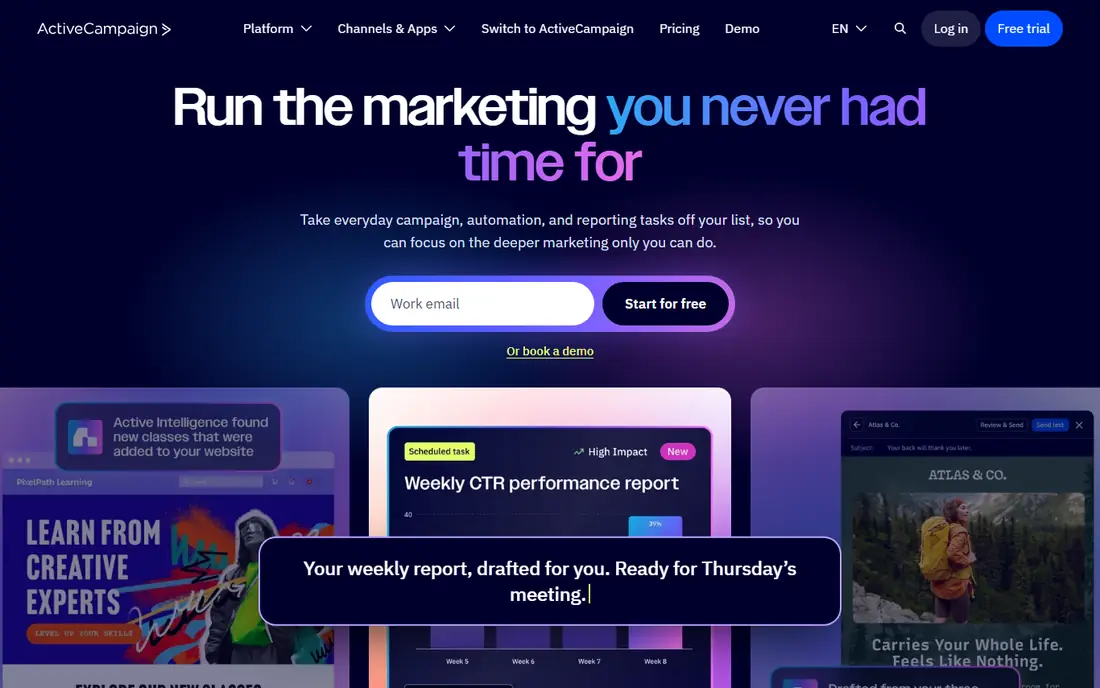
ActiveCampaign is the automation engine in this list. Its visual builder supports multi-step flows with branching, site tracking, lead scoring and a built-in CRM with deals, so a team can run email, sales and service follow-ups from one account. Starter costs $15 a month billed annually, or $19 month to month, for 1,000 contacts, and includes email marketing, basic automation, forms, landing pages and A/B testing. Plus at $49 a month adds landing pages, predictive sending and unlimited automation, while Pro at $79 adds conditional content and advanced reporting.
Starter limits are real: each automation can have only 5 actions, with 1 user and no If/Else branching, so a branching welcome series needs Plus. Accounts opened since late 2025 are also billed for every contact, including unsubscribed and bounced ones. There is no free plan, only a 14 day trial. For a team that wants deep automation and a CRM in one tool and is ready to pay for Plus, ActiveCampaign is the strongest pick here.
- Strong automation builder with a built-in CRM
- 250+ email templates
- Starter caps each automation at 5 actions
- No free plan, only a 14 day trial
Klaviyo
Ideal for: Online stores that sell by email and SMS
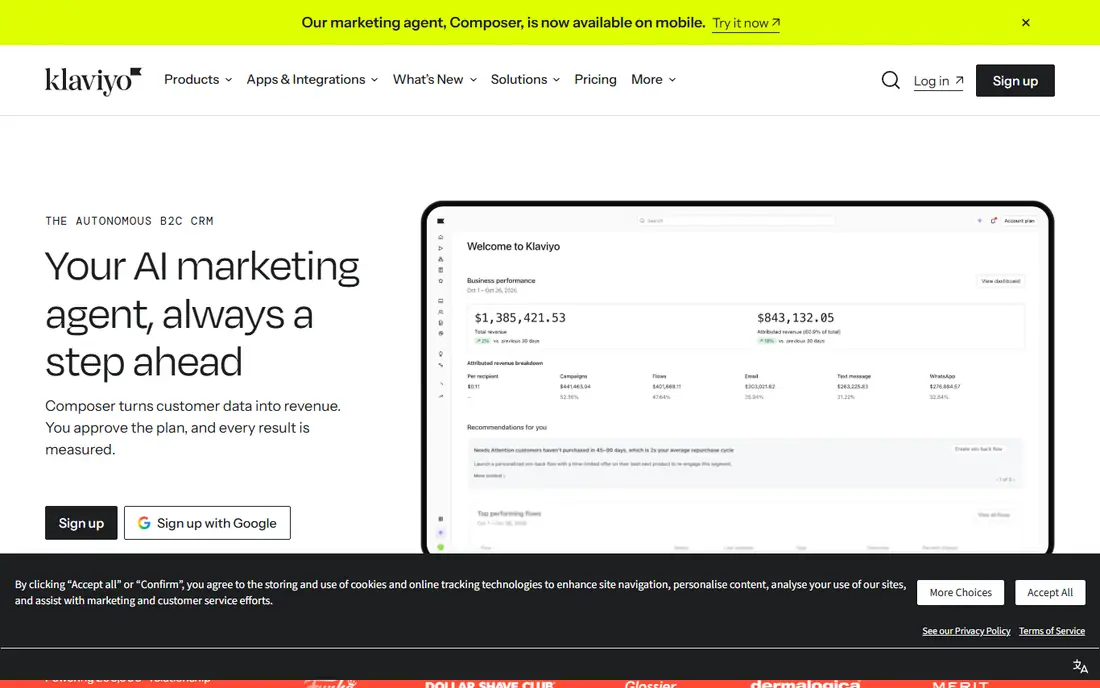
Klaviyo is built for online stores, and its strength is the depth of ecommerce data it pulls into every email and flow. Purchase history, browsing behaviour and predicted lifetime value feed segments and flows such as welcome series, abandoned cart and post-purchase follow-ups, all without code. The free plan covers 250 active profiles and 500 emails a month, plus reviews, a customer hub and an AI agent with 10 resolutions a month. The Email plan costs $20 a month for 500 active profiles and 5,000 emails, while the Marketing plan adds social marketing, reviews without order limits and more profiles.
The costs to watch are SMS and scale. Mobile messages are an add-on on the Email plan, with only $5 of mobile messages included on the free plan, and the price rises as active profiles grow. A limited-time offer cuts the first month of an eligible Marketing plan to $1 for up to 5,000 profiles. For a store that sells through Shopify, WooCommerce or a similar platform and wants email and SMS driven by purchase data, Klaviyo is the natural choice.
- Strong ecommerce data and flows
- Free plan covers 250 profiles
- SMS is an add-on cost
- Price rises with active profiles
Brevo
Ideal for: Small teams that want low cost email
Brevo bills by emails sent rather than by contacts, which makes it far cheaper than Mailchimp for a large list with modest sending. The free plan is free forever with no credit card needed, and the Starter plan costs $9 a month, or $8.08 with annual billing, for 5,000 emails a month, with a drag and drop editor, templates, an AI content generator, advanced segmentation and forms. Standard at $18 a month, or $16.17 annual, adds the marketing automation that this list is about, with unlimited multi-step workflows, A/B testing, landing pages and send time optimization.
The catch is that Starter does not include automation, so a buyer who wants flows must budget for Standard at $18 a month. SMS credits are sold separately, and removing the Brevo logo costs $10.80 a month. Professional at $449 a month adds WhatsApp, popups, push and contact scoring for larger teams. For a small team with a big list that sends a few campaigns a month, Brevo is the cheapest credible option here, as long as you count the Standard plan, not Starter, as the automation price.
- Bills by emails sent, not list size
- Free plan has no time limit
- Automation starts on Standard at $18 per month
- SMS credits cost extra
Kit
Ideal for: Creators who sell to their list
Kit, formerly ConvertKit, is built for creators who sell courses, digital products, coaching and memberships to their list. The free plan covers up to 10,000 subscribers with landing pages, opt-in forms and broadcasts, and there are no sending limits on any plan. The Creator plan costs $39 a month, or $33 a month billed annually, for 1,000 subscribers, and adds unlimited visual automations, unlimited sequences, 100 or more integrations, A/B testing and no Kit branding. Pro at $79 a month, or $66 annual, adds subscriber scoring, advanced reporting, a newsletter referral system and unlimited users.
The free plan limit matters: automations and sequences stop running on the free plan, so a creator who wants flows must move to Creator. Prices also rise in subscriber bands, from $39 at 1,000 subscribers to $59 at 3,000 and $89 at 5,000 on monthly billing. A 14 day free trial with no credit card covers Creator and Pro. For a creator who sells to a list and wants simple visual funnels without send caps, Kit is a strong fit once the list covers the Creator plan.
- Free plan covers up to 10,000 subscribers
- No sending limits on any plan
- Automations stop on the free plan
- Price rises with subscriber bands
HubSpot Marketing Hub
Ideal for: Teams that want CRM plus marketing
HubSpot Marketing Hub combines email, landing pages, forms, ads, social and automation with the free HubSpot CRM, so contacts, deals and campaigns share one record. The free plan includes 2,000 email sends a month with HubSpot branding, live chat, forms and 1 automated action. Starter costs $20 per seat per month, with a limited-time offer of $7 a seat annual or $10 monthly for new customers, and includes 1,000 marketing contacts, branding removal, email automation with up to 10 actions, landing pages and ad management. Professional costs $890 a month with 3 seats and 2,000 contacts, plus a $3,000 one-time onboarding fee, and Enterprise costs $3,600 a month.
The jump from Starter to Professional is the main risk: a 45 times monthly increase plus mandatory onboarding, with no tier in between. Starter also caps email automation at 10 actions, so complex journeys need Professional. Additional marketing contacts cost about $50 a month per 1,000 on Starter. For a team that already uses HubSpot CRM and wants marketing in the same system, Starter is a fair start, but budget for the Professional jump before you build deep automation on it.
- Free CRM with marketing tools in one place
- Strong reporting and landing pages
- Starter caps email automation at 10 actions
- Professional jumps to $890 a month
Zapier
Ideal for: Connecting apps without code
Zapier is the connector in this list rather than an email sender. It links more than 9,000 apps, so a new form submission can add a contact to Mailchimp, a new sale can post to Slack, and a new lead can create a HubSpot deal, all without code. The free plan costs $0 forever with 100 tasks a month, unlimited Zaps, Tables and Forms, and two-step Zaps. Professional starts at $19.99 a month and adds multi-step Zaps, unlimited premium apps, webhooks, AI fields and email and live chat support. Team at $69 a month adds 25 users, shared Zaps and folders, and single sign-on.
The billing unit is the task: every step in a Zap that completes an action uses tasks, and AI steps, code and connectors can use more than one task each. When you hit the task limit, Zapier switches you to pay-per-task billing unless you turn it off. A free 14 day trial of Professional needs no credit card. For a team that wants to connect its marketing tools without writing code, Zapier is the widest net here.
- Connects 9,000+ apps
- Free plan covers 100 tasks a month
- Free plan allows two-step Zaps only
- Task usage decides the real cost
Make
Ideal for: Visual workflows across many apps
Make, formerly Integromat, is a visual automation platform where you drag modules into a scenario and watch data flow between apps. It connects 3,500 or more apps, with routers, filters, iterators and error handling built into the canvas, plus AI apps, an MCP server and AI agents on every plan. The free plan covers 1,000 credits a month with no time limit, and the Core plan costs $12 a month for 10,000 credits with unlimited active scenarios, scheduling down to the minute and API access. Higher plans add more credits, teams and enterprise features, with custom pricing at the top.
The limits are the credit model and the free plan caps: each module action in a scenario counts as one credit, the free plan allows only 2 active scenarios and a 15 minute minimum interval between runs, and execution logs are kept for 7 days on free versus 30 on subscription plans. Count the modules in your busiest flows before you pick a tier, since a scenario with many steps burns credits fast. For a team that likes to see its automation as a diagram and wants strong branching and error handling, Make is the most visual tool here.
- Visual builder with routers and filters
- Free plan covers 1,000 credits a month
- Free plan allows 2 active scenarios and 15 minute intervals
- Credits decide the cost
How we chose
We compared the vendor pricing pages, plan feature lists and support documents for each tool on 2026-11-11. We checked the entry price on each pricing page, whether a free plan or trial exists, and which automation features sit on higher tiers. Four prices were corroborated from vendor-page reads dated October and early November 2026, since those pages did not render figures in the text we opened: Mailchimp Essentials $13, ActiveCampaign Starter $15 billed annually, Kit Creator $33 billed annually, and HubSpot Starter $20 per seat. We did not claim hands-on testing. Tools were picked because they automate marketing without code, from email flows to app connections.
What to check before you buy
Check the billing unit first, because it decides the real cost. Mailchimp, ActiveCampaign, Kit and Klaviyo bill by contacts or profiles, so a growing list raises the bill even if sending stays flat. Brevo bills by emails sent, so a large quiet list costs little. Zapier bills by tasks and Make by credits, so count the steps in your busiest flows. Next, check where automation actually starts: Brevo needs Standard, Mailchimp Essentials caps flows at 4 steps, ActiveCampaign Starter caps each automation at 5 actions, Kit free has no automations, and HubSpot free allows 1 automated action. Confirm the free plan limits too, since several free plans cap seats, sends or scenarios.
| List size and budget | Best starting point |
|---|---|
| Under 500 contacts, under $15 per month | Brevo Starter at $9, or Mailchimp Essentials at $13 |
| 500 to 2,000 contacts, $15 to $40 per month | Klaviyo Email at $20, or ActiveCampaign Starter at $15 billed annually |
| Creators selling to a list | Kit Creator at $33 billed annually, free up to 10,000 subscribers |
| Team on HubSpot CRM | HubSpot Marketing Hub Starter at $20 per seat |
| Connecting apps, not sending email | Zapier Professional from $19.99, or Make Core at $12 |
Frequently asked questions
What is the cheapest no-code marketing automation tool?
Brevo is the cheapest for email automation, with Standard at $18 a month including unlimited multi-step workflows, and Starter at $9 a month for sending without automation. Make Core at $12 a month is the cheapest for connecting apps, with 10,000 credits. Zapier has a free plan with 100 tasks a month. The cheapest choice depends on whether you need email flows or app connections, and on your list size.
Do these tools need any coding?
No. Every tool here is built for non-developers. The email tools use visual builders where you drag steps into a flow and set triggers such as a signup or a purchase. Zapier and Make use visual editors where you pick a trigger app and an action app. You may need to paste a tracking snippet on your site for some features, but building the automation itself needs no code.
Which tool is best for a small list under 500 contacts?
Mailchimp Essentials at $13 a month for 500 contacts is a simple start, though flows cap at 4 steps. Klaviyo Email at $20 a month suits an online store with 500 profiles. Brevo Starter at $9 suits a team that sends few emails to a large list. Kit is free up to 10,000 subscribers, but automations need Creator at $33 a month billed annually.
How does contact-based pricing work?
Contact-based pricing charges by contacts stored, not emails sent. Mailchimp Essentials costs $13 a month at 500 contacts and about $75 at 5,000. ActiveCampaign Starter costs $15 a month billed annually at 1,000 contacts. Kit Creator costs $39 a month at 1,000 subscribers and $89 at 5,000. Brevo is the exception, since it bills by emails sent.
Can Zapier or Make replace an email tool?
No, not on their own. Zapier and Make connect apps and move data between them, but they do not send marketing email or build landing pages. They work best next to an email tool: a new form signup can trigger a flow that adds the contact to Mailchimp and creates a HubSpot deal. Use them to connect your stack, and an email tool to send the email.
What happens when I outgrow the free plan?
You move to the first subscription tier, and the price depends on the billing unit. On Mailchimp, passing 250 contacts moves you to Essentials at $13 a month. On Brevo, you move up when you need automation on Standard at $18. On Zapier, passing 100 tasks moves you to Professional from $19.99, and on Make, passing 1,000 credits moves you to Core at $12.