8 Best No-Code Tools for Presentations for 2026

- No-code presentation tools let anyone build polished decks without design skills or slide-by-slide formatting.
- Gamma, Tome, and Beautiful.ai lead for AI-generated decks with smart layouts and brand controls.
- Pitch, Prezi, and Visme suit teams that want collaboration, non-linear storytelling, or visual content.
- Canva and Slidebean suit creators and startups that want templates and fast pitch decks.
- Start from your story, not a template, because a clear message beats a pretty deck every time.
Quick comparison
| Product | Ideal for | Price from | Free version | |
|---|---|---|---|---|
 Gamma | AI presentations, documents, and websites in one platform | See website | Yes | Visit |
 Tome | AI storytelling with interactive, narrative decks | See website | Yes | Visit |
 Pitch | Team collaboration and pitch decks | See website | Yes | Visit |
 Beautiful.ai | Smart slides that auto-align and stay on brand | See website | Yes | Visit |
 Prezi | Non-linear, zooming presentations that stand out | See website | Yes | Visit |
 Visme | Visual content and presentations for marketers and teams | See website | Yes | Visit |
 Canva | Templates and easy design for any presentation | See website | Yes | Visit |
 Slidebean | Startup pitch decks with AI assistance and design help | See website | No | Visit |
The best no-code tools for presentations
Gamma
Ideal for: AI presentations, documents, and websites in one platform
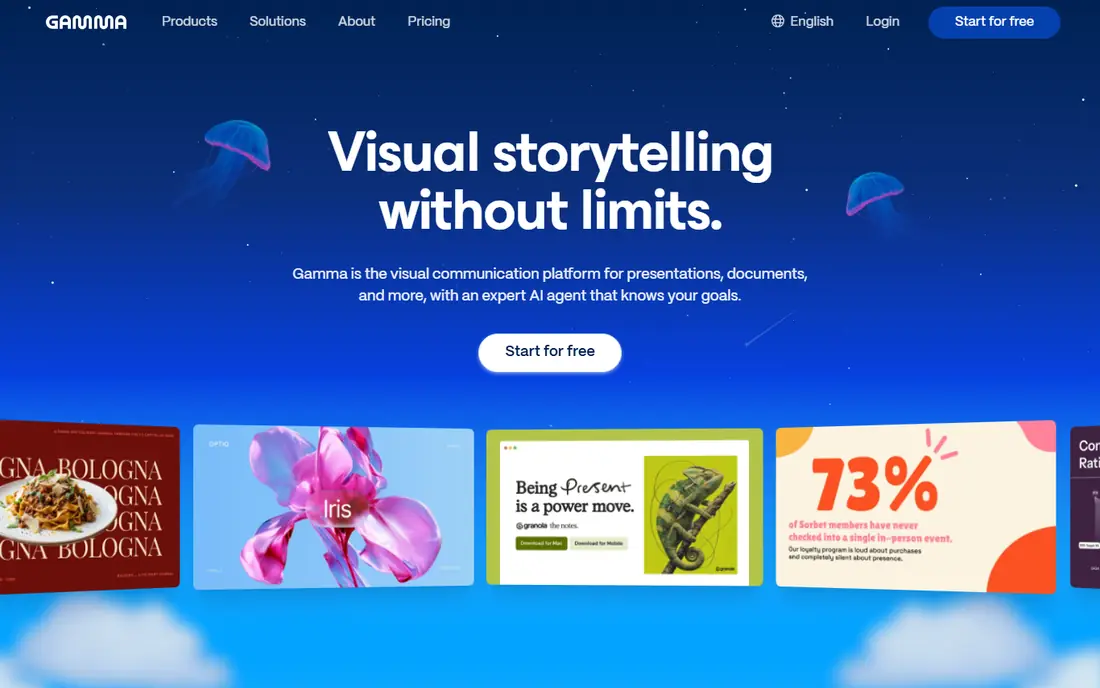
Gamma is a visual communication platform for presentations, documents, and websites, with an AI agent that orchestrates models for each part of the job. Users start with a conversation, shape an outline first, then refine in chat beside the deck, with freeform editing for full design control. Gamma imports PowerPoint and PDF files with formatting intact, pulls content from Slack, Notion, Dropbox, and more than 25 tools, and exports to PowerPoint and PDF. It offers a free plan with AI credits, with paid plans adding credits and team features. For users who want AI decks plus documents and websites in one place, Gamma is a leading choice.
- AI agent for story and design, freeform editing, PowerPoint import and export
- Credit-based pricing, AI output needs review
Tome
Ideal for: AI storytelling with interactive, narrative decks
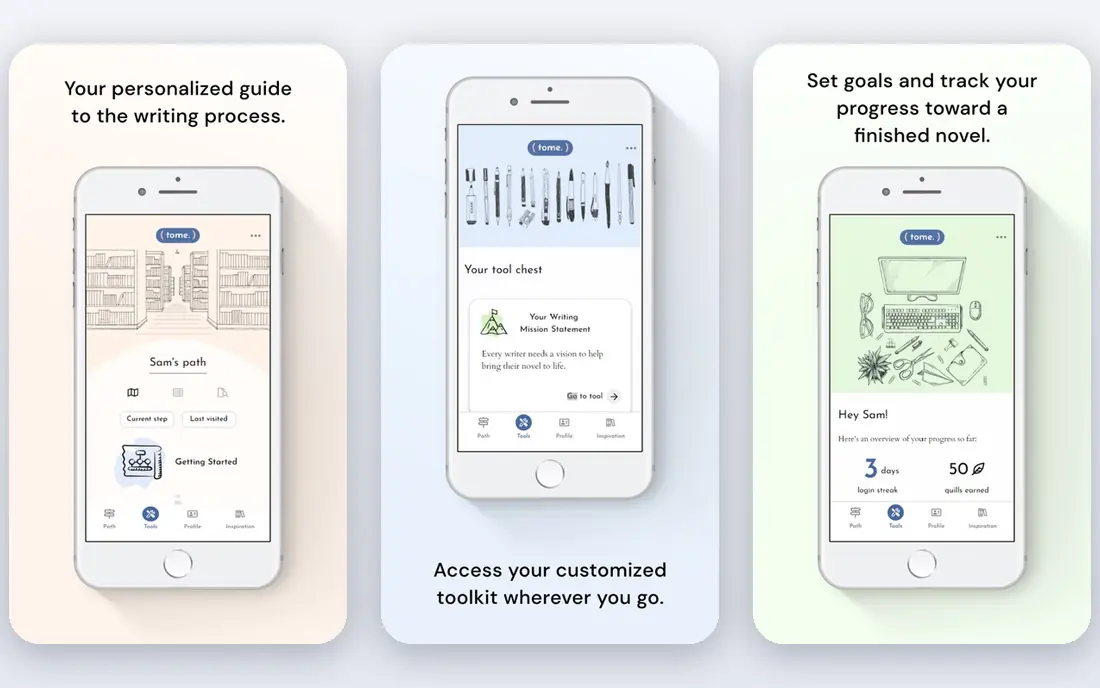
Tome is an AI storytelling platform that generates presentations as narratives rather than slide stacks, with interactive content, embedded media, and easy sharing. Users prompt a topic or paste an outline, and Tome builds a flowing deck that can be edited, restyled, and shared as a link. Its narrative approach suits pitches, updates, and stories where flow matters more than dense slides. Tome offers a free tier, with paid plans adding more AI generations and features. For creators who want presentations that read like stories, Tome is a distinctive choice.
- Narrative AI generation, interactive content, easy sharing
- Newer platform, fewer templates than Canva
Pitch
Ideal for: Team collaboration and pitch decks
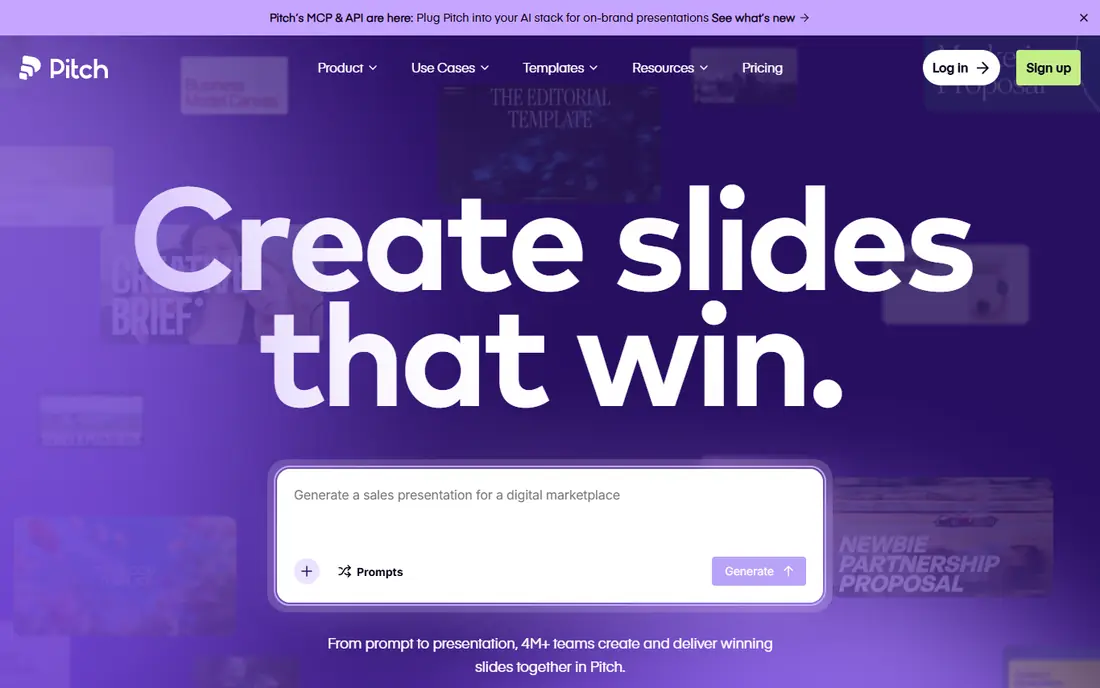
Pitch is a presentation platform built for teams, with real-time collaboration, templates, brand controls, and analytics for pitch decks and business presentations. Teams can build decks together, keep branding consistent with locked themes and shared libraries, and track how viewers engage with shared decks. Pitch offers a free tier, with paid plans adding team and enterprise features. Its collaboration depth suits startups and sales teams that iterate on decks together. For team-built pitch decks, Pitch is a strong choice.
- Real-time collaboration, templates, brand controls, analytics
- Team focus, individual users may need less structure
Beautiful.ai
Ideal for: Smart slides that auto-align and stay on brand
Beautiful.ai helps teams create polished presentations with Smart Slides that align, resize, and animate content automatically, so users focus on message rather than formatting. Its AI workflow moves from prompt or outline to a refined slide-by-slide outline, then to generated slides with a chosen theme and image style, with iteration that preserves exact copy. With more than 300 Smart Slide layouts, data-linked charts, and brand controls, Beautiful.ai suits teams that need consistent, professional decks fast. It offers a 14-day free trial with full access. For on-brand team decks, Beautiful.ai is a leading choice.
- 300 plus Smart Slide layouts, AI workflow, brand controls, 14-day trial
- Some features need paid plans, less freeform than Gamma
Prezi
Ideal for: Non-linear, zooming presentations that stand out
Prezi is a presentation platform built around a zooming canvas, where presenters move between topics on a single visual map rather than flipping through linear slides. That non-linear style suits storytellers, educators, and sales teams who want to show relationships between ideas and adapt the flow live. Prezi offers templates, video integration for remote presenting, and a free tier, with paid plans adding more features. Its style is not right for dense, data-heavy decks or formal reports, but for engaging delivery it remains distinctive. For presenters who want to stand out, Prezi is worth trying.
- Zooming canvas, engaging delivery, templates, video integration
- Non-linear style not suited to every audience, learning curve
Visme
Ideal for: Visual content and presentations for marketers and teams
Visme is a visual content platform for presentations, infographics, reports, and social graphics, with templates, data widgets, and brand kits for marketers and teams. Users can build decks with charts, maps, and interactive elements, collaborate with team members, and share or embed the result. Visme offers a free tier, with paid plans adding premium templates, brand controls, and analytics. Its breadth suits teams that make many kinds of visual content, not just decks. For presentations plus infographics and reports in one tool, Visme is a versatile choice.
- Templates, infographics, data widgets, brand kit, collaboration
- Broad tool, presentation depth varies by template
Canva
Ideal for: Templates and easy design for any presentation
Canva is the most accessible no-code presentation tool, with thousands of deck templates, drag-and-drop editing, and AI features for text, images, and layouts. Users can start from a template, customize colors and fonts, add charts and media, and present or export with ease. Canva's free tier covers most presentation needs, with Pro adding premium templates, brand kits, and AI features. Its presentation intelligence is lighter than Gamma's agent or Beautiful.ai's Smart Slides, but its template breadth and ease are unmatched. For fast, good-looking decks without a learning curve, Canva is the default choice.
- Huge template library, easy editing, AI features, free tier
- Less presentation-specific intelligence than Gamma or Beautiful.ai
Slidebean
Ideal for: Startup pitch decks with AI assistance and design help
Slidebean is a presentation platform focused on startup pitch decks, with an AI deck builder, pitch templates, and optional design services for founders raising funding. Its approach suits startups that need investor-ready decks: structured narratives, financial slides, and design polish, with AI assistance for content and layout. Slidebean offers a trial and paid plans, with design services available for teams that want expert help. Its pitch-deck focus means it is less suited to general business presentations than Gamma or Canva. For founders building a pitch deck, Slidebean is a specialist worth considering.
- Pitch deck focus, AI deck builder, templates, design services
- Pitch-deck focus, no free tier, less suited to general presentations
How we picked these
We looked for tools that let users build presentations without code or design training, covering AI generation, smart layouts, templates, or visual design. We balanced AI-first platforms, team collaboration tools, non-linear presenters, and template libraries, because presentation needs range from investor pitches to team updates. We compared official feature pages, pricing pages, documentation, and public reviews, and we left out code-based slide tools and pure design software without presentation workflows. Where a vendor did not publish a current price, we wrote "See website" rather than repeat a third-party figure.
How to build a good deck without design skills
Start with the story: one message per slide, a clear flow from problem to conclusion, and no slide that exists only because a template had a gap. Write the outline before you open any tool, then let the tool handle layout. Use one font family, a small color palette, and consistent image styles, because consistency reads as professionalism. Cut text ruthlessly: if a slide has a paragraph, it belongs in speaker notes, not on screen. Finally, rehearse with the deck, because a tool can make slides look good, but only practice makes the presentation land.
If you are still unsure, start with a free plan and move to a paid plan only when you hit its limits.
Frequently asked questions
What is a no-code presentation tool?
It is software that builds presentations through prompts, templates, or drag-and-drop editing, without coding or design training, often with AI generation and automatic layouts.
Can AI really build a good presentation?
AI can draft a strong first version from a prompt or outline, but users should review the story, facts, and design before presenting. The best results come from AI plus human editing.
Which no-code tool is best for pitch decks?
Pitch, Slidebean, and Beautiful.ai suit pitch decks, with team collaboration, pitch templates, and brand controls. Gamma also works well for AI-generated pitch narratives.
Are these tools free?
Most offer free tiers, including Gamma, Tome, Pitch, Beautiful.ai trial, Prezi, Visme, and Canva. Slidebean is paid, with a trial option.
Can I export to PowerPoint?
Yes, most tools in this list export to PowerPoint or PDF, including Gamma, Beautiful.ai, Pitch, Visme, and Canva, though formatting fidelity varies.
Do I still need design skills?
No, but taste helps. No-code tools handle layout and alignment, while users still choose the story, images, and message that make a deck effective.