Best No-Code Workflow Automation Tools in 2026: 8 Options Compared

- Zapier is our pick for teams wanting the widest app connections, while Make suits teams wanting visual workflow design.
- n8n is a strong option for technical teams wanting open automation, and Microsoft Power Automate fits companies already on Microsoft 365.
- Prices are mostly custom or vary by plan, so get a written quote and check what is included before you commit.
- Workato and Tray.ai show how different this market is, from simple tools to full enterprise platforms.
- Read the catch for each option below, because limits on price, scale and support matter as much as headline features.
Quick comparison
| Product | Ideal for | Price from | Free version | |
|---|---|---|---|---|
 Zapier | teams wanting the widest app connections | See website | Yes | Visit |
 Make | teams wanting visual workflow design | See website | Yes | Visit |
 n8n | technical teams wanting open automation | See website | Yes | Visit |
 Microsoft Power Automate | companies already on Microsoft 365 | See website | Free trial | Visit |
 Workato | enterprises wanting integration plus automation | See website | See website | Visit |
 Tray.ai | companies wanting AI led automation | See website | See website | Visit |
 IFTTT | consumers and small teams wanting simple applets | See website | Yes | Visit |
 Integrately | small businesses wanting affordable automation | See website | Yes | Visit |
The best no-code workflow automation tools
We compared official feature pages, pricing pages, app store listings where relevant, privacy policies and public reviews to build this list of best no-code workflow automation tools. Each option below truly fits the topic, and we note where pricing is custom or where a free option has real limits.
Zapier
Ideal for: teams wanting the widest app connections
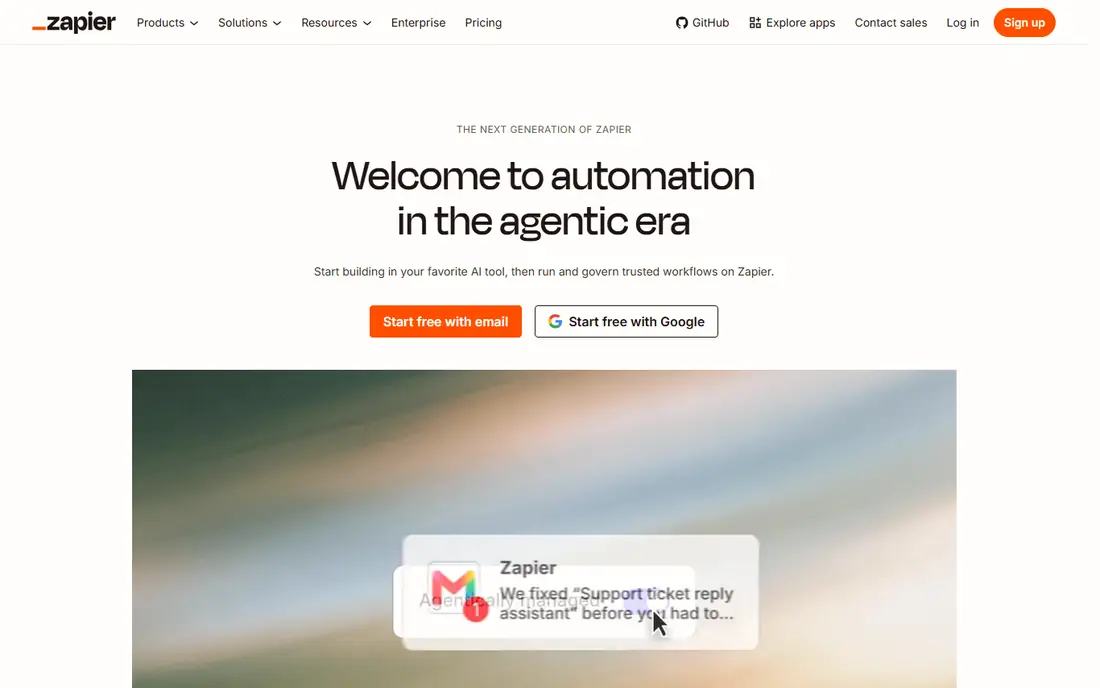
Zapier is a strong fit for teams wanting the widest app connections. Zapier is the best known no code automation tool, with a very wide range of app connections. For many buyers, that focus is the main reason to shortlist it, even when other options look similar on a feature list. Its simple builder helps teams connect apps without code in minutes. That practical detail matters in daily use, because a tool that fits your workflow will get used, while a poor fit often sits unused. We also checked how clearly the vendor explains pricing, support and limits, since vague pricing makes comparison harder. The catch is that task limits and pricing at scale deserve careful planning. Pricing is listed as See website, and the free plan status is Yes, so confirm the exact terms on the official site before you buy. If that catch affects your main use case, move to the next option rather than trying to work around it.
- Very wide app library
- Simple workflow builder
- AI and tables options
- Free tier limits tasks
- Complex workflows can cost more
- Error handling needs care
Make
Ideal for: teams wanting visual workflow design

For teams wanting visual workflow design, Make is worth a close look. Make offers a visual builder for workflows with branching, filters and data tools. For many buyers, that focus is the main reason to shortlist it, even when other options look similar on a feature list. Its visual design suits teams building more complex automations. That practical detail matters in daily use, because a tool that fits your workflow will get used, while a poor fit often sits unused. We also checked how clearly the vendor explains pricing, support and limits, since vague pricing makes comparison harder. The catch is that complex scenarios take time to learn and test. Pricing is listed as See website, and the free plan status is Yes, so confirm the exact terms on the official site before you buy. If that catch affects your main use case, move to the next option rather than trying to work around it.
- Visual workflow builder
- Many app integrations
- Flexible logic tools
- Learning curve for complex scenarios
- Pricing varies by operations
- Support varies
n8n
Ideal for: technical teams wanting open automation
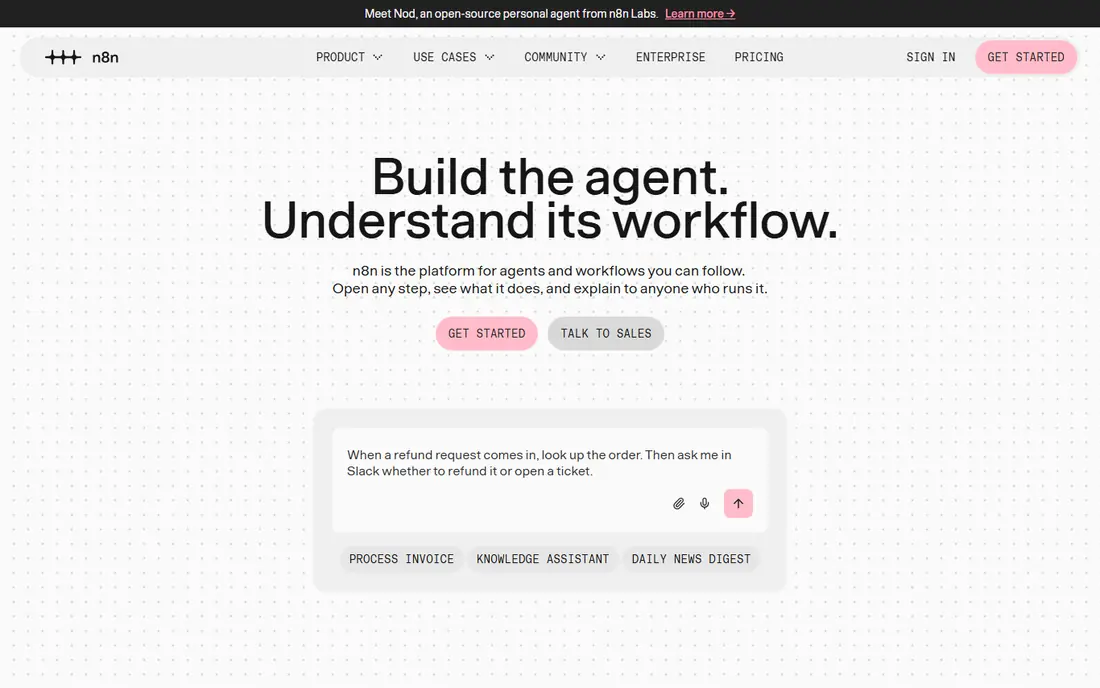
n8n stands out for technical teams wanting open automation. n8n is an open automation tool with self hosting and cloud options. For many buyers, that focus is the main reason to shortlist it, even when other options look similar on a feature list. Its flexibility suits technical teams who want control over workflows and data. That practical detail matters in daily use, because a tool that fits your workflow will get used, while a poor fit often sits unused. We also checked how clearly the vendor explains pricing, support and limits, since vague pricing makes comparison harder. The catch is that self hosted setups need maintenance and security attention. Pricing is listed as See website, and the free plan status is Yes, so confirm the exact terms on the official site before you buy. If that catch affects your main use case, move to the next option rather than trying to work around it.
- Open source automation
- Self hosting option
- Many integrations
- Self hosting needs technical care
- Cloud pricing varies
- Some integrations are community built
Microsoft Power Automate
Ideal for: companies already on Microsoft 365
If you need help with companies already on Microsoft 365, Microsoft Power Automate deserves attention. Power Automate is the natural automation choice for companies already using Microsoft 365. For many buyers, that focus is the main reason to shortlist it, even when other options look similar on a feature list. Its flows connect Outlook, Teams, SharePoint and many other apps. That practical detail matters in daily use, because a tool that fits your workflow will get used, while a poor fit often sits unused. We also checked how clearly the vendor explains pricing, support and limits, since vague pricing makes comparison harder. The catch is that licensing tiers and premium connectors should be checked before building. Pricing is listed as See website, and the free plan status is Free trial, so confirm the exact terms on the official site before you buy. If that catch affects your main use case, move to the next option rather than trying to work around it.
- Deep Microsoft 365 integration
- Desktop and cloud flows
- AI builder options
- Licensing can be confusing
- Non Microsoft integrations vary
- Premium connectors cost more
Workato
Ideal for: enterprises wanting integration plus automation
Workato is a strong fit for enterprises wanting integration plus automation. Workato offers enterprise integration and automation with governance controls. For many buyers, that focus is the main reason to shortlist it, even when other options look similar on a feature list. Its platform suits large companies connecting many systems securely. That practical detail matters in daily use, because a tool that fits your workflow will get used, while a poor fit often sits unused. We also checked how clearly the vendor explains pricing, support and limits, since vague pricing makes comparison harder. The catch is that enterprise pricing means smaller teams may prefer simpler tools. Pricing is listed as See website, and the free plan status is See website, so confirm the exact terms on the official site before you buy. If that catch affects your main use case, move to the next option rather than trying to work around it.
- Enterprise integration and automation
- Many connectors
- Governance tools
- Pricing is enterprise level
- Smaller teams may find it heavy
- Setup planning needed
Tray.ai
Ideal for: companies wanting AI led automation
For companies wanting AI led automation, Tray.ai is worth a close look. Tray.ai combines workflow automation with AI agent tools for business processes. For many buyers, that focus is the main reason to shortlist it, even when other options look similar on a feature list. Its platform suits companies automating complex, data heavy workflows. That practical detail matters in daily use, because a tool that fits your workflow will get used, while a poor fit often sits unused. We also checked how clearly the vendor explains pricing, support and limits, since vague pricing makes comparison harder. The catch is that AI outputs should be tested and governed before production use. Pricing is listed as See website, and the free plan status is See website, so confirm the exact terms on the official site before you buy. If that catch affects your main use case, move to the next option rather than trying to work around it.
- Automation with AI agents
- Many integrations
- Enterprise controls
- Pricing is custom
- AI features need careful testing
- Smaller teams may find it heavy
IFTTT
Ideal for: consumers and small teams wanting simple applets
IFTTT stands out for consumers and small teams wanting simple applets. IFTTT is a simple tool for connecting apps and smart devices with applets. For many buyers, that focus is the main reason to shortlist it, even when other options look similar on a feature list. Its easy setup suits personal and very simple business automations. That practical detail matters in daily use, because a tool that fits your workflow will get used, while a poor fit often sits unused. We also checked how clearly the vendor explains pricing, support and limits, since vague pricing makes comparison harder. The catch is that teams needing complex logic or many steps will outgrow it quickly. Pricing is listed as See website, and the free plan status is Yes, so confirm the exact terms on the official site before you buy. If that catch affects your main use case, move to the next option rather than trying to work around it.
- Simple applets for apps and devices
- Easy setup
- Consumer focus
- Free tier limits applets
- Business automation is limited
- Advanced logic is basic
Integrately
Ideal for: small businesses wanting affordable automation
If you need help with small businesses wanting affordable automation, Integrately deserves attention. Integrately offers no code automation with many integrations at affordable prices. For many buyers, that focus is the main reason to shortlist it, even when other options look similar on a feature list. Its simple builder suits small businesses automating routine tasks. That practical detail matters in daily use, because a tool that fits your workflow will get used, while a poor fit often sits unused. We also checked how clearly the vendor explains pricing, support and limits, since vague pricing makes comparison harder. The catch is that check integration depth for your exact apps before relying on it. Pricing is listed as See website, and the free plan status is Yes, so confirm the exact terms on the official site before you buy. If that catch affects your main use case, move to the next option rather than trying to work around it.
- Many app integrations
- Simple builder
- Affordable plans
- Integration depth varies
- Smaller ecosystem than leaders
- Support varies
How we picked these
We started from the topic itself and kept only products that truly fit it in October 2026. We compared official feature pages, pricing pages, app store listings where relevant, privacy policies and public reviews. We did not claim hands-on testing that did not happen, and we did not invent prices, awards, user counts or ratings. We favoured a mix of well known leaders and strong smaller options, and we kept pricing honest. Where a vendor does not publish a price, we wrote See website rather than guessing. That approach keeps the comparison useful even when exact prices need a quote.
How to choose the right option for you
Start with your main job, not the longest feature list. For best no-code workflow automation tools, write down the one outcome you need in the next three months, then check which options deliver that outcome without extra tools. A short trial or demo is worth more than a long sales call, because it shows whether the workflow fits your team. Next, check total cost, not just the headline price. Look for per user fees, usage limits, add ons, renewal prices and contract length. Ask what support is included, what happens at renewal, and how you can leave or export your data. Those answers often decide value more than a small price gap. Then check fit for your scale and skills. A tool built for large enterprises can feel heavy for a small team, while a simple tool can feel thin for a large team. Read recent public reviews, check the vendor privacy policy, and confirm support hours for your time zone. If a vendor cannot answer those questions clearly, treat that as a warning sign. Finally, shortlist two or three options and test them on a real task. For best no-code workflow automation tools, use your own data or a realistic example, not just a demo script. Compare speed, clarity and support during the test, then choose the option your team will actually use every week.