Best Note Taking App for Meetings in 2026: 8 Apps Compared

- Otter.ai and Fireflies.ai suit AI transcription, with Otter leaning to live notes and Fireflies to meeting recordings and search.
- Notion and Fellow suit shared meeting notes, with Notion leaning to docs and Fellow to agendas and action items.
- Grain and Avoma suit teams that want meeting insights, with Grain leaning to video clips and Avoma to conversation intelligence.
- Supernormal and tl;dv suit fast summaries, with Supernormal leaning to quick notes and tl;dv to timestamped clips.
Quick comparison
| Product | Ideal for | Price from | Free version | |
|---|---|---|---|---|
 Otter.ai | Live transcription | See website | Yes | Visit |
 Fireflies.ai | Meeting recording search | See website | Yes | Visit |
 Notion | Shared docs and notes | See website | Yes | Visit |
 Fellow | Agendas and action items | See website | Yes | Visit |
 Grain | Video meeting clips | See website | Yes | Visit |
 Avoma | Conversation intelligence | See website | Yes | Visit |
 Supernormal | Fast meeting summaries | See website | Yes | Visit |
 tl;dv | Timestamped meeting clips | See website | Yes | Visit |
The best note taking app for meetings
We compared official feature pages, pricing pages, and app listings to find meeting note tools with reliable capture, clear summaries, and action tracking that work in October 2026.
Otter.ai
Ideal for: Live transcription
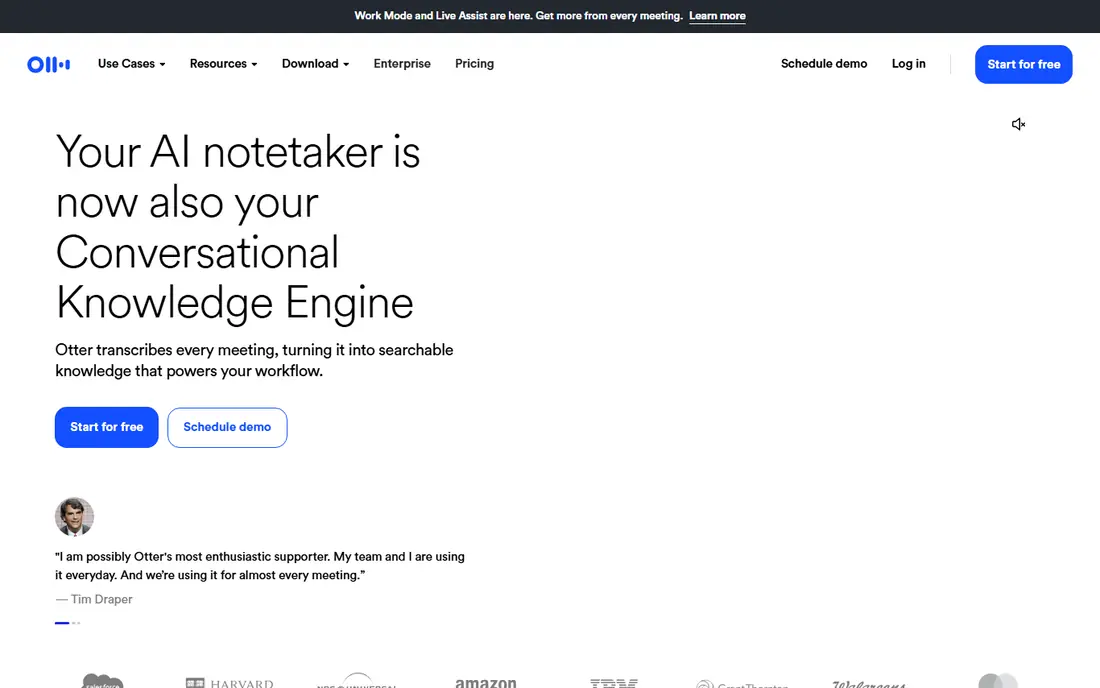
Otter.ai transcribes meetings live, with speaker labels and searchable transcripts that let you find a decision or a name without replaying an hour of audio. Summary tools highlight key points and action items, which speeds up writing minutes after a call. The app works for live meetings, uploaded audio, and video calls, making it flexible for different teams.
Accuracy varies with audio quality, accents, and background noise, so review transcripts before sharing them as official minutes. Free minutes are limited each month. Still, for live transcription and searchable notes, Otter.ai is our pick.
- Live transcription with speaker labels
- Searchable transcripts
- Summary tools
- Accuracy varies with audio quality
- Free minutes are limited
Fireflies.ai
Ideal for: Meeting recording search
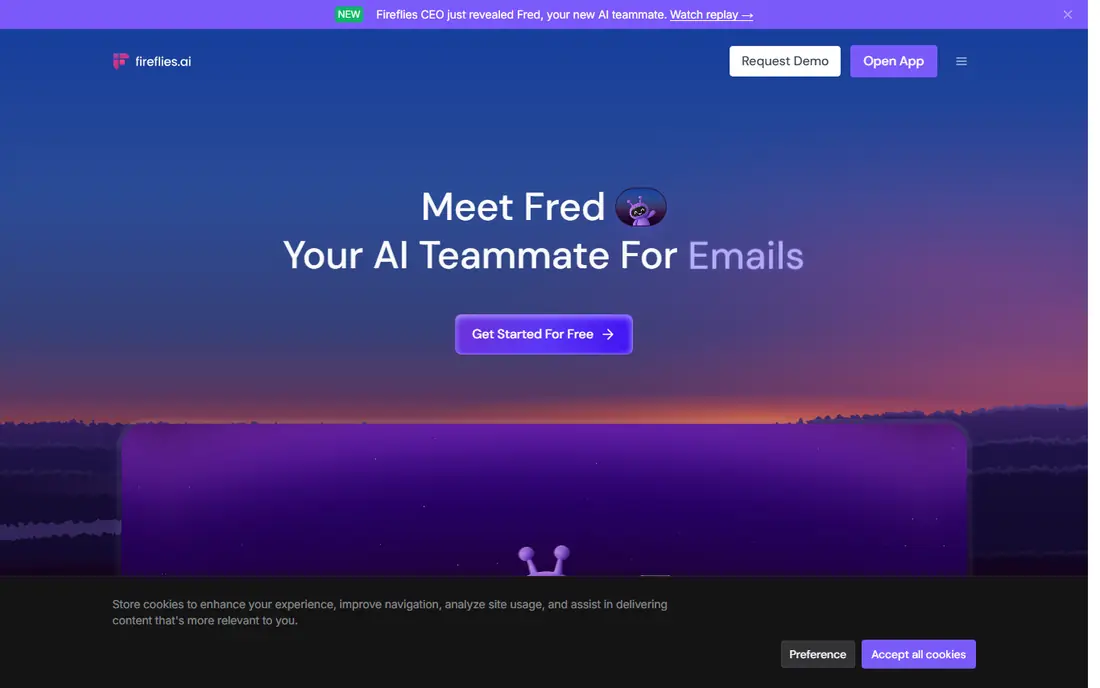
Fireflies.ai joins video calls as a bot, records and transcribes the meeting, and builds a searchable library of every conversation. That library lets you search across months of meetings for a topic, a client, or a decision, which is powerful for sales and support teams. Integrations with CRMs and task tools turn action items into follow-ups.
Some guests dislike a bot joining their meeting, so tell attendees in advance and check consent rules in your region. Free storage is limited. Still, for a searchable meeting library, Fireflies.ai is our pick.
- Records and transcribes meetings
- Searchable library
- Integrations with CRMs
- Bot joins meetings, which some guests dislike
- Free storage is limited
Notion
Ideal for: Shared docs and notes
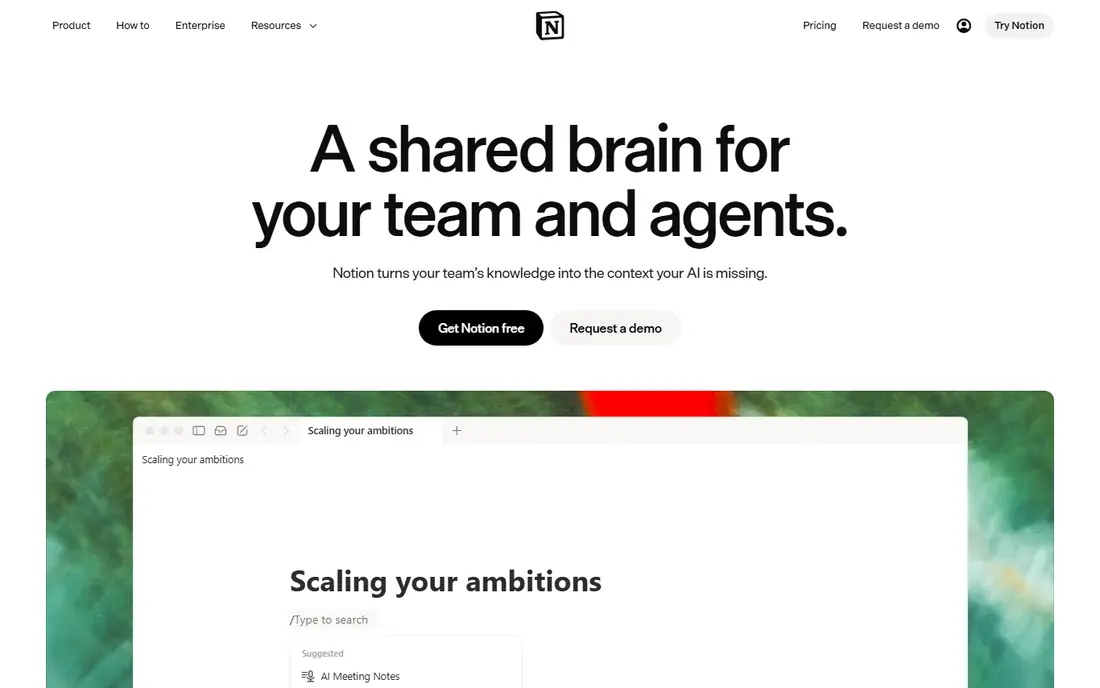
Notion suits teams that want meeting notes inside a shared workspace, with docs, databases, and templates for agendas, minutes, and action trackers. You can link notes to projects, tasks, and people, so a meeting decision stays connected to the work it affects. Templates speed up setup, and sharing controls keep notes visible to the right team only.
Notion has no built-in transcription, so notes are manual unless you pair it with Otter.ai or Fireflies.ai. That manual step suits teams that prefer human-written minutes over AI summaries. For shared, structured meeting docs, Notion is our pick.
- Flexible docs and databases
- Templates for meetings
- Team sharing
- No built-in transcription
- Manual notes only unless paired with an AI tool
Fellow
Ideal for: Agendas and action items
Fellow focuses on the meeting workflow itself, with collaborative agendas that the team builds before a call, shared notes during it, and action items tracked after it. That structure helps recurring team meetings stay focused, since agendas and follow-ups carry over from week to week. Feedback tools also let teams rate meetings and improve them over time.
It is less suited to one-off external calls than to recurring internal meetings. Still, for teams that meet regularly and lose track of action items, Fellow is our pick for agenda and follow-up discipline.
- Collaborative agendas
- Action item tracking
- Meeting feedback tools
- Best for recurring team meetings
- Less suited to one-off calls
Grain
Ideal for: Video meeting clips
Grain records video meetings and lets you highlight moments to create short, shareable clips with notes. That clip format suits sharing a key decision or a customer quote with teammates who missed the call, without sending a full recording. A team library keeps clips searchable and organized by topic or client.
Video recording needs good bandwidth and storage, and free limits apply to recording time. Still, for teams that communicate best through short video moments, Grain is our pick for meeting clips.
- Records meetings and creates shareable clips
- Highlights and notes
- Team library
- Video focus needs good bandwidth
- Free limits apply
Avoma
Ideal for: Conversation intelligence
Avoma combines transcription with conversation intelligence, tracking topics, talk patterns, and deal progress across meetings. That insight layer suits sales and customer teams who want to spot risks, follow up on promises, and coach reps from real calls. CRM sync keeps meeting data linked to deals and accounts.
The sales focus may not suit general teams, and full features need a paid plan. Still, for revenue teams that live in meetings, Avoma is our pick for turning conversations into insight.
- Transcription plus conversation insights
- Deal and topic tracking
- CRM sync
- Sales focus may not suit all teams
- Full features need a paid plan
Supernormal
Ideal for: Fast meeting summaries
Supernormal creates fast AI summaries of meetings, with action items and key points ready soon after a call ends. That speed suits busy teams who need minutes quickly, without waiting for a manual write-up. The app works with Google Meet and other meeting tools, and summaries can be shared with the team in a few clicks.
Summary quality varies with meeting clarity, so review action items before assigning them. The app is newer than Otter.ai or Fireflies.ai, with fewer integrations. Still, for fast, clean summaries, Supernormal is a solid choice.
- Fast AI summaries
- Action items
- Works with Google Meet and other tools
- Summary quality varies
- Newer app with fewer integrations
tl;dv
Ideal for: Timestamped meeting clips
tl;dv records meetings and lets you mark moments with timestamps, turning a long call into short, shareable clips with notes. That timestamping suits teams who need to revisit a specific decision without scrubbing through a full recording. The app works with Google Meet and Zoom, and clips can be shared with teammates or clients.
Free tier limits apply to recording time, and the short name can confuse search, so use the official site link. Still, for timestamped clips and fast recall, tl;dv is our pick for meeting highlights.
- Records meetings
- Timestamped notes and clips
- Works with Google Meet and Zoom
- Name can confuse search
- Free tier limits recording time
How we picked these
We compared official feature pages, pricing pages, and app listings for meeting note tools live in October 2026. We favored tools with reliable capture, clear summaries, and action tracking, covering AI transcription, shared docs, and video clips. We left out generic note apps with no meeting features and transcription tools with no meeting workflow.
What to check before you choose
Start with your meeting type. Live internal meetings suit Otter.ai or Fellow, recorded sales calls suit Fireflies.ai or Avoma, and shared docs suit Notion. Video-heavy teams suit Grain or tl;dv, while fast summaries suit Supernormal.
Next, check consent and privacy. Tell attendees when a meeting is recorded or transcribed, and check your company and local rules before using a bot. Review AI summaries before sharing them as official minutes, since errors can misstate decisions.
Finally, close the loop on action items. A summary that no one acts on helps no one, so pick a tool that tracks owners and due dates, and review open items at the start of each recurring meeting.
Before you commit to one option, spend a short trial period with your top two choices from this list. Use each one for a real task from your own work or daily routine, not just a demo, and note where you get stuck, what feels slow, and which features you actually open twice. Check the official pricing page again at that point, since free plans and paid tiers change, and confirm that the plan you need covers the users, projects, or devices you will use. Read the privacy and support pages too, especially for tools that hold personal or work data, and confirm how to export your work if you later switch. A tool that fits your routine in a two-week trial is a far better choice than a more powerful option you avoid opening, so let daily use, not a feature list alone, decide your final pick for best note taking app for meetings.
Frequently asked questions
What is the best note taking app for meetings overall?
Otter.ai is our pick for live transcription, while Fireflies.ai is our pick for a searchable meeting library. Fellow suits agendas and action items, and Notion suits shared meeting docs. Pick by whether you need transcription, structure, or sharing most.
Is there a free meeting note app?
Yes, Otter.ai, Fireflies.ai, Notion, Fellow, Grain, Avoma, Supernormal, and tl;dv all have free tiers, though minutes, storage, or features are limited. Start free and pay for the tool that matches your meeting volume.
Should I tell attendees a meeting is being recorded?
Yes, always tell attendees when recording or transcription is on, and get consent where required. Most AI tools announce a bot or show a recording indicator, but a verbal note at the start avoids surprises and builds trust.
Are AI meeting summaries accurate?
They are usually good for main points and action items, but accuracy varies with audio quality and meeting clarity. Review summaries before sharing them as minutes, and correct names, numbers, and decisions that the AI may have misheard.
Which app is best for meeting action items?
Fellow is our pick for action item tracking, with agendas and follow-ups built in. Otter.ai, Fireflies.ai, Avoma, and Supernormal also surface action items from transcripts. Choose the tool your team will actually check after each meeting.
How do I pick between the free and paid plans in this list?
Start with the free plan or trial for any best note taking app for meetings option that offers one, and use it for at least two weeks on real tasks. Upgrade only when you hit a clear limit, such as a missing feature, a user cap, or a storage limit, rather than paying on day one for features you may never use. Compare the paid tier against the next option in this list as well, since a different tool's free plan may already cover what the first tool charges for.