For adaptable audit workspaces with automation, Notion is where this list starts. Listed starting prices: Notion from $10 per member a month. Confluence fits shared audit knowledge and findings; Microsoft OneNote fits structured audit notebooks and evidence notes. The other 3 tools in the list cover narrower or pricier cases.
Choosing Note-Taking software for compliance audits usually comes down to price, fit and limits. This Ainotely guide sets 6 tools side by side on those three points, with the facts kept short and checkable.
Key takeaways
Number one here is Notion, a fit for adaptable audit workspaces with automation.
Starting prices begin at $10 per member per month with Notion.
Notion, Evernote: these are the 2 tools out of 6 that offer a free plan.
Check the limits for Google Keep before you commit: minimal structure for audit documentation.
Best for: Adaptable audit workspaces with automation
For adaptable audit workspaces with automation, Notion is a natural candidate. Since Notion is so adaptable, audit structure depends entirely on how the workspace is designed, and loose setups can become hard to trace. Formal retention and access controls need deliberate configuration.
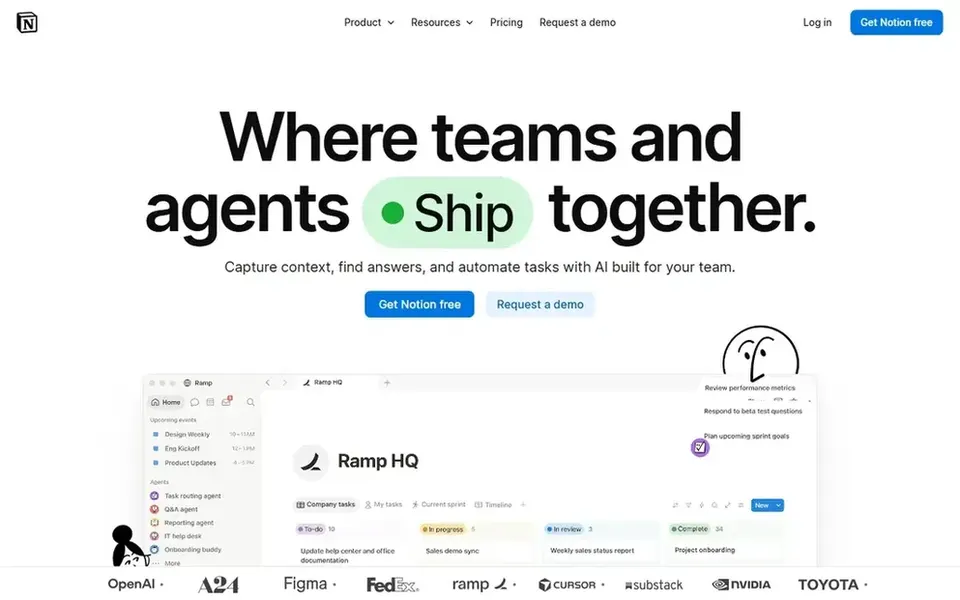
For everyday use, Notion presents itself as an AI workspace where teams build custom agents, search across apps, and automate busywork. It scales from small checklists to broader knowledge bases. The starting price for Notion: $10 per member per month. Free access exists with Notion.
What to check first: Adaptable structure needs upfront design.
Confluence was built for shared audit knowledge and findings. In an audit context, it works well as the place where policies, control descriptions, and findings are written and reviewed together.
Points against: Note capture is less fluid than dedicated apps.
Without page hygiene, audit documentation can sprawl and become hard to trace. In practice, Confluence is Atlassian's team workspace for creating and sharing knowledge, with AI that drafts, summarizes, and helps find answers. Confluence does not show a starting price in this comparison, so check the vendor site for current pricing. Trial and free access: Not stated.
Best for: Structured audit notebooks and evidence notes
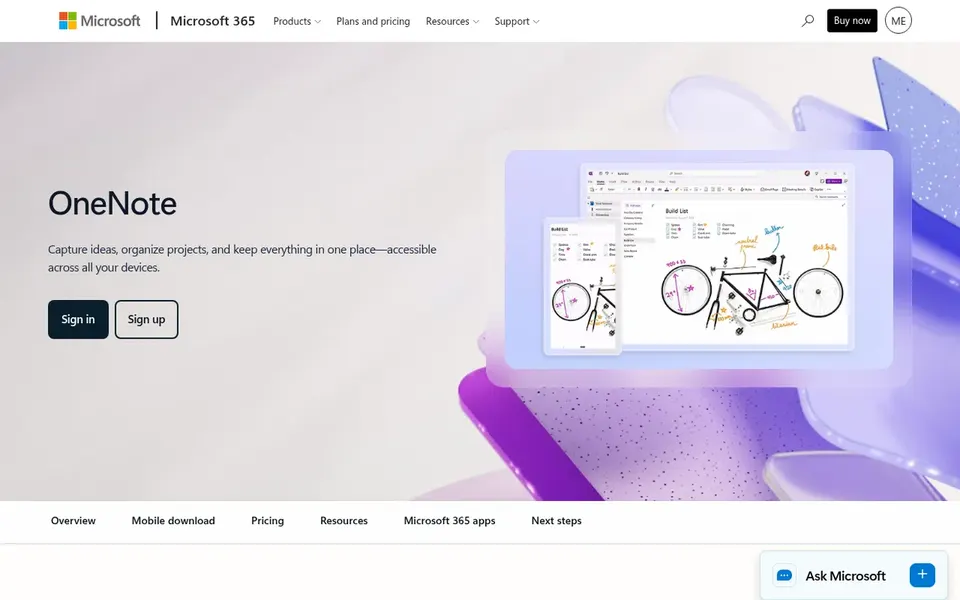
Microsoft OneNote is aimed squarely at structured audit notebooks and evidence notes. Microsoft describes tools that strengthen organization and ease collaboration, which helps when multiple people contribute notes to the same audit.
For everyday use, pick something else if your auditors need strict versioning and access control at the note level. This comparison lists no price for Microsoft OneNote; ask the vendor. Free access: Not stated.
Limits to weigh: Restricted built-in governance controls.
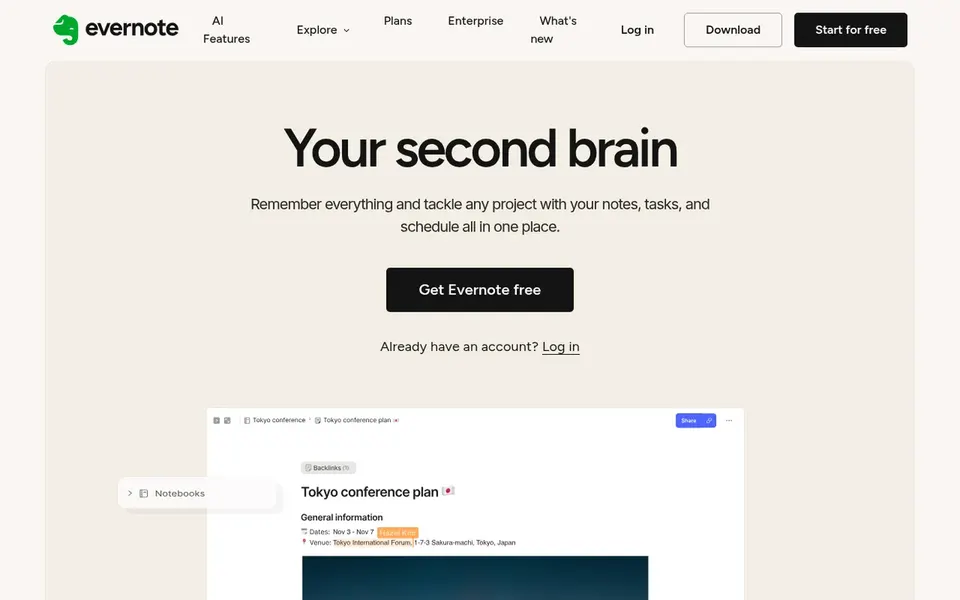
Pick Evernote if this describes you: capturing and prioritizing audit tasks. Evernote is a note-taking app that helps users capture and prioritize ideas, projects, and to-do lists so nothing falls through the cracks.
Where it falls short: Collaboration features are lighter than workspace tools.
On top of that, Evernote leans toward personal productivity, so shared governance, retention, and permission controls are restricted compared to enterprise platforms. When an audit needs controlled evidence storage or team-wide knowledge bases, a workspace tool is a better fit. Pricing for Evernote is not stated here, so ask the vendor for current figures. Evernote offers a free plan.
SharePoint targets governed storage of audit evidence. SharePoint is Microsoft's product for collaborative content management and secure file sharing, governing trusted knowledge across Microsoft 365.
Use a dedicated note app for drafting and SharePoint as the governed repository where final audit evidence is stored and shared. In practice, SharePoint is a content product instead of a note-taking tool, so writing and organizing notes is less fluid than in OneNote or Evernote. No starting price is listed for SharePoint here; confirm pricing on the vendor site. As for free access: Not stated.
Limits to weigh: Setup and administration take effort.
Get a written quote from Confluence, Microsoft OneNote, Google Keep and others; the list shows no starting price for them.
Check what the free option really includes: Notion and Evernote offer a free plan, and usage caps differ.
Read the limits listed for Notion first: adaptable structure needs upfront design.
A short pilot of Notion with your real workflow tells you more than a feature table.
List the apps you already depend on and check that Evernote supports each one on the plan you would buy.
How we picked
Selection started from tools commonly considered for Note-Taking software for compliance audits, then narrowed to 6 that have clear pricing information or a clear quote process. Plan names, prices and limits change often. Treat the figures here as a starting point and verify them with the vendor. Tools are placed by general fit for Note-Taking software for compliance audits, with price clarity and free access as tie-breakers. A different team can reasonably rank them differently.
Every price and plan detail on this page comes from the vendors’ own websites. We did not run hands-on tests unless the text says so, and we do not publish star ratings or review scores. See how we score and our disclosure.
Keep your shortlist in one place
Paste prices, trial dates and notes from this guide into Ainotely, our AI note app. It files them into a topic and pulls out tasks like “cancel trial by Friday”. Free 7-day trial, no card needed.
Not all of them. Confluence, Microsoft OneNote, Google Keep and others publish no starting price, so expect a quote request for those. The rest, Notion included, show a starting price, though seats and billing terms still change the final cost.
Can I try these tools before paying?
Often, yes. Notion and Evernote have a free plan. Use your own data and a real task during the test, and check what the free tier or trial limits before you rely on it.
Is a light note app enough for a compliance audit?
They are best used as a personal capture layer whereas formal documentation lives in a shared, controlled workspace. Match the tool to how much traceability your audit needs.
How are the tools for Note-Taking software for compliance audits ordered?
The order follows typical fit for Note-Taking software for compliance audits, with Notion first and SharePoint last, then price clarity and free access. It is editorial judgement, not a score, so another team could rank the tools differently.
Is Notion the right pick for everyone comparing Note-Taking software for compliance audits?
No single tool suits every team. Notion comes first because it fits flexible audit workspaces with automation, while Confluence suits shared audit knowledge and findings and Microsoft OneNote suits structured audit notebooks and evidence notes. Match the tool to your own size, budget and workflow before deciding.