7 Top Notes Software Options Compared (2026)

- 1
 Roam ResearchResearchers who think in linked ideasVisit
- 2
 Google KeepQuick capture and remindersVisit
- 3
 JoplinOpen-source notes you completely controlVisit
- 4
 SimplenotePlain synced notes with zero fussVisit
- 5
 ObsidianPrivate, long-term personal knowledge managementVisit
- Roam Research takes the first slot, best suited to researchers who think in linked ideas.
- 6 out of 7 tools include a free plan, among them Google Keep, Joplin, Simplenote and Obsidian.
- What to know about Google Keep first: weak organization for large note collections.
- Roam Research and Notion: pricing is by quote only, so plan time for a sales conversation.
- Bear is the one to check for Markdown notes on Apple devices.
Direct answer
Roam Research comes first here, mainly for researchers who think in linked ideas. Look at Google Keep for quick capture and reminders, and at Joplin for open-source notes you completely control. Details, prices and limits for the rest of the 7 tools are below.
Quick comparison
| Product | Ideal for | Price from | Free version | |
|---|---|---|---|---|
| Roam Research | Researchers who think in linked ideas | See website | Free trial | Visit |
| Google Keep | Quick capture and reminders | Free | Yes | Visit |
| Joplin | Open-source notes you completely control | Free | Yes | Visit |
| Simplenote | Plain synced notes with zero fuss | Free | Yes | Visit |
| Obsidian | Private, long-term personal knowledge management | Free | Yes | Visit |
 Notion | Teams combining notes, wikis, and projects | See website | Yes | Visit |
 Bear | Markdown notes on Apple devices | Free (Pro from $2.99/month) | Yes | Visit |
Every option for notes software explained
Ainotely put together this guide to notes software for readers who want a clear shortlist without reading every vendor page. It compares 7 tools on starting price, free plans, who each one suits and where each one falls short.
Roam Research
Ideal for: Researchers who think in linked ideas
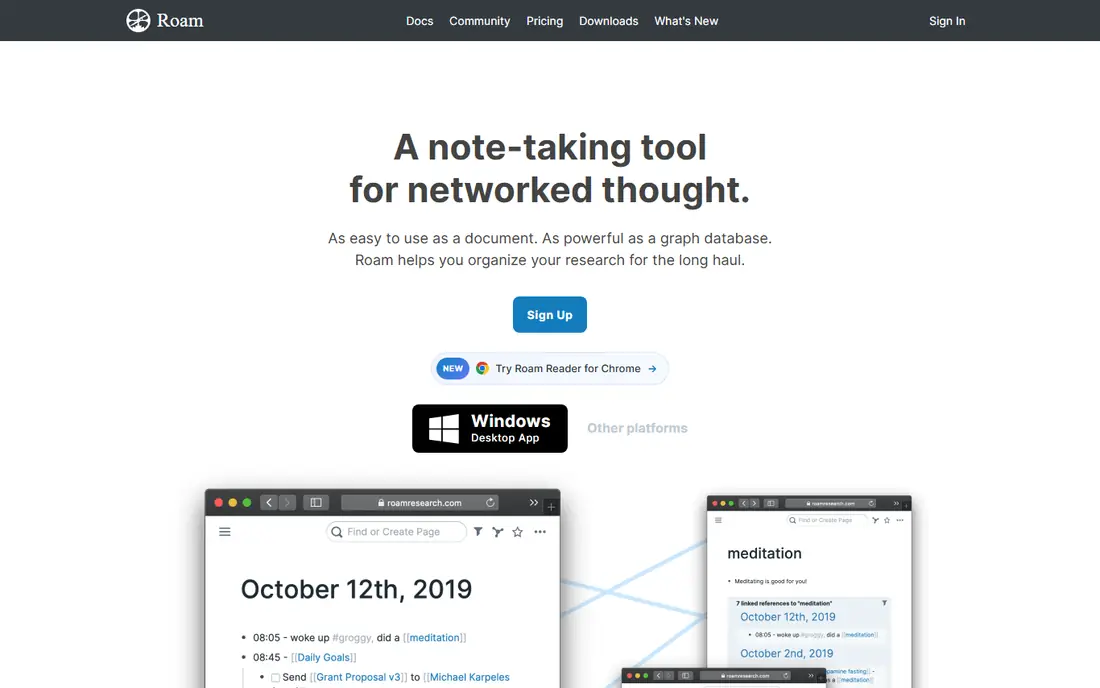
Think of Roam Research for researchers who think in linked ideas. Development has also been quieter than the open-source alternatives. On top of that, Roam Research created the "second brain" boom.
Drawbacks to consider: Subscription with no free level.
Every note is made of blocks, everything links bi-directionally, and the daily-notes page turns journaling into a research database. New users should trial it alongside Obsidian before committing to the subscription. No starting price is listed for Roam Research here; confirm pricing on the vendor site. On free options: Free trial.
- Beloved by researchers
- Daily notes workflow
- Interface is idiosyncratic
Google Keep
Ideal for: Quick capture and reminders

Google Keep works best for quick capture and reminders. It is a sticky-note app: open it, type, set a reminder, done.
Watch-outs: No real formatting or hierarchy.
More specifically, use Keep for capture and short-term reminders, and pair it with Docs or another tool here for anything you have to keep. It is free, instant, and already on your phone if you use Google services. Google Keep cost at the entry level: Free. You can start on Google Keep without paying.
- Location and time reminders
- Fastest way to jot something down
- Weak organization for large note collections
Joplin
Ideal for: Open-source notes you completely control
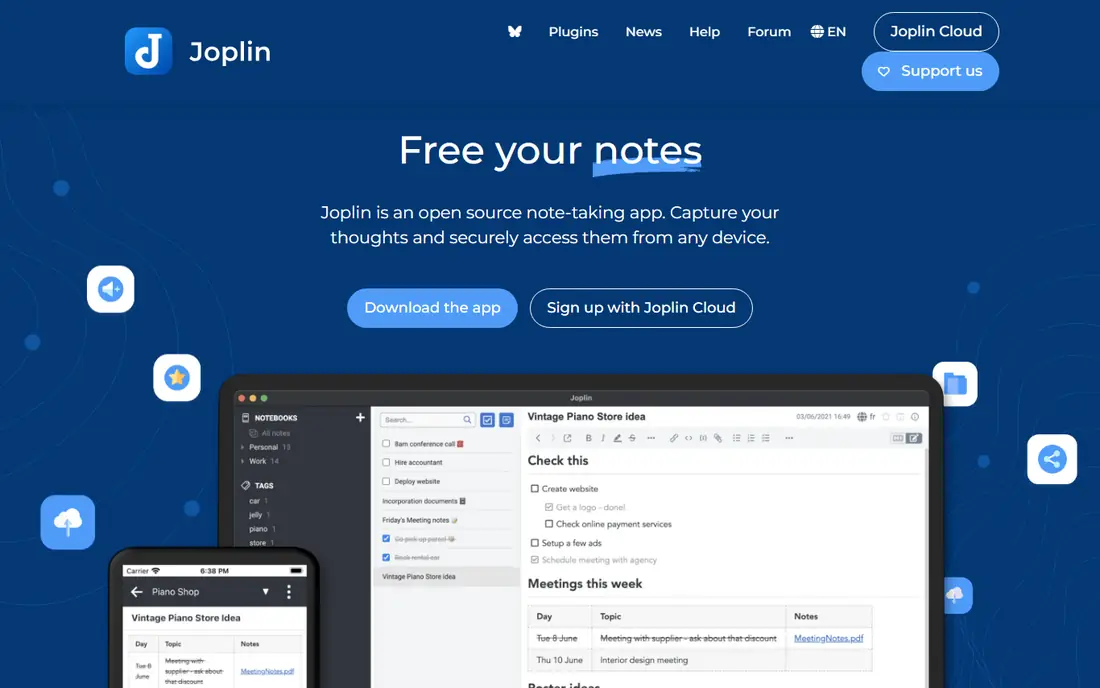
Joplin is designed for open-source notes you completely control. Your notes can sync through Joplin Cloud, Dropbox, OneDrive, or your own server, with end-to-end encryption available.
Downsides: Interface is functional instead of refined.
It gives you notebooks, tags, Markdown editing, a web clipper, and to-do lists, all free. Price to start with Joplin: Free. Joplin has a free plan.
- Web clipper and Markdown like Evernote
- Free and open source
- Sync setup takes some configuration
Simplenote
Ideal for: Plain synced notes with zero fuss
Simplenote targets plain synced notes with zero fuss. Simplenote does exactly what the name promises. It is a plain-text note app with instant sync across iOS, Android, Mac, Windows, Linux, and the web, and everything is free with no premium level waiting to upsell you.
On top of that, there is nothing else to say about features since there is nothing else. Beyond that, tags, search, note history, and Markdown support include the essentials. It is maintained by Automattic, the company behind WordPress, so it is not going anywhere. On cost, Simplenote starts like this: Free. Simplenote offers a free plan.
The main drawbacks: Minimal features by design.
- Instant sync across all systems
- Markdown support and note history
- No rich formatting or attachments
Obsidian
Ideal for: Private, long-term personal knowledge management
Obsidian targets private, long-term personal knowledge management. The app is free without meaningful limits. Links between notes, the interactive graph view, and a plugin ecosystem in the thousands make it the favorite of researchers, writers, and anyone building a personal knowledge base meant to last decades.
The business model is add-ons, not subscriptions. Also, official sync with end-to-end encryption and the Publish service for turning notes into websites cost additional; the core app stays free. Also, if you want your notes to survive any company's business decisions, Obsidian's local-files approach is the most future-proof pick here. What you pay to start with Obsidian: Free. Obsidian includes a free tier.
Honest limits: No live collaboration in the core app.
- Notes are plain Markdown files you own
- Thousands of community plugins
- Sync and publishing are premium extras
Notion
Ideal for: Teams combining notes, wikis, and projects
Notion is a good fit for teams combining notes, wikis, and projects. Notion turned the humble note into a database. Beyond that, pricing is per user a month with Plus and Business levels.
Check the current plans page since AI extras have changed the packaging. The free level is ample enough for personal use and small teams. The template gallery includes everything from meeting notes to content calendars. Check the vendor site for Notion pricing; none is listed in this comparison. Notion includes a free tier.
Watch-outs: Offline support is restricted.
- Wikis in one app
- Huge template community
- Can feel slow on very large workspaces
Bear
Ideal for: Markdown notes on Apple devices
Bear is a good fit for Markdown notes on Apple devices. Bear is what a note app feels like when design is the priority.
The Markdown editor is quick and pleasant, tags replace folders with an adaptable system, and the entire app feels instant. Bear cost at the entry level: Free. A free plan is available with Bear.
Where it is weaker: Apple only.
- Beautiful
- Tags with nested organization
- Sync needs the Pro subscription
Our selection method
The comparison looks at four things: starting price, free access, how well the feature set matches notes software, and the main limit of each tool. Treat prices as a snapshot: vendors change plans often, so check the vendor site for the figure that applies today. The order reflects how well each tool fits the most common buying scenario for notes software, then price clarity, then free plan access. It is a starting point, not a verdict.
Questions to settle before buying
- Confirm the entry price on the vendor page. For Roam Research and Notion that means a quote rather than a fixed price.
- Look at free plan limits closely: Google Keep, Joplin, Simplenote and others have one, and the caps decide whether it is usable for real work.
- Run a trial of Roam Research with real work before paying for a year; your own workflow is the best test.
- Before choosing Roam Research, weigh its main limit: subscription with no free level.
- Verify that exporting from Notion is possible on your plan and covers all your records.
- Ask Google Keep which support channels and response times come with the plan you would buy.
Frequently asked questions
Can I try these options before paying?
Often, yes. Google Keep, Joplin, Simplenote and others have a free plan and Roam Research offers a free trial. Use your own data and a real task during the test, and check what the free tier or trial limits before you rely on it.
Is Roam Research the right pick for everyone comparing notes software?
No single tool suits every team. Roam Research comes first because it fits researchers who think in linked ideas, while Google Keep suits fast capture and reminders and Joplin suits open-source notes you fully control. Match the tool to your own size, budget and workflow before deciding.
Which notes app is a good match for students?
This list starts with Roam Research, which fits researchers who think in linked ideas. For other needs, Google Keep is aimed at quick capture and reminders, and Joplin at open-source notes you completely control. Check each tool's price and main limit first.
Do these tools publish their prices?
Not all of them. Roam Research and Notion publish no starting price, so expect a quote request for those. The rest, Google Keep included, show a starting price, though seats and billing terms still change the final cost.
Which options for notes software have a free plan?
On this list, 6 of 7 tools include a free plan, among them Google Keep, Joplin, Simplenote and Obsidian. Caps on seats, usage or features are common, so test the free plan against your real workload. One other tool offers a trial instead.