Best notification software for desktop alerts in 2026: 8 Options Compared

- Our pick for most buyers is Pushover, which fits people who want simple reliable push alerts and covers the core needs in this category.
- Pushbullet is a strong alternative for buyers who want a different balance of price and features.
- Prices and free tiers vary widely, so confirm the current plan on the vendor website before you buy, since tiers change during the year.
- The best choice depends on your team size, existing tools, and the specific workflow you run every day, not only on the feature list.
- We compared official feature pages, pricing pages, app store listings, privacy policies, and public reviews for every product below.
Quick comparison
| Product | Ideal for | Price from | Free version | |
|---|---|---|---|---|
 Pushover | people who want simple reliable push alerts | See website | Free trial | Visit |
 Pushbullet | people who want phone and desktop alerts together | See website | Free trial | Visit |
 ntfy | teams that want open self hosted alerts | Free | Yes | Visit |
 Gotify | self hosted alert fans | Free | Yes | Visit |
 Pushsafer | users who want alerts with images and links | See website | Free trial | Visit |
 Slack | teams already working in Slack | See website | Yes | Visit |
 Microsoft Teams | workplaces on Microsoft 365 | See website | Yes | Visit |
 PagerDuty | operations teams handling incidents | See website | Free trial | Visit |
The best notification software for desktop alerts
Desktop alerts help teams notice urgent messages, system events, and reminders without keeping every app open all day. We compared official feature pages, pricing, app store listings, privacy policies, and public reviews, and we focused on products that truly fit this topic in October 2026.
Pushover
Ideal for: people who want simple reliable push alerts
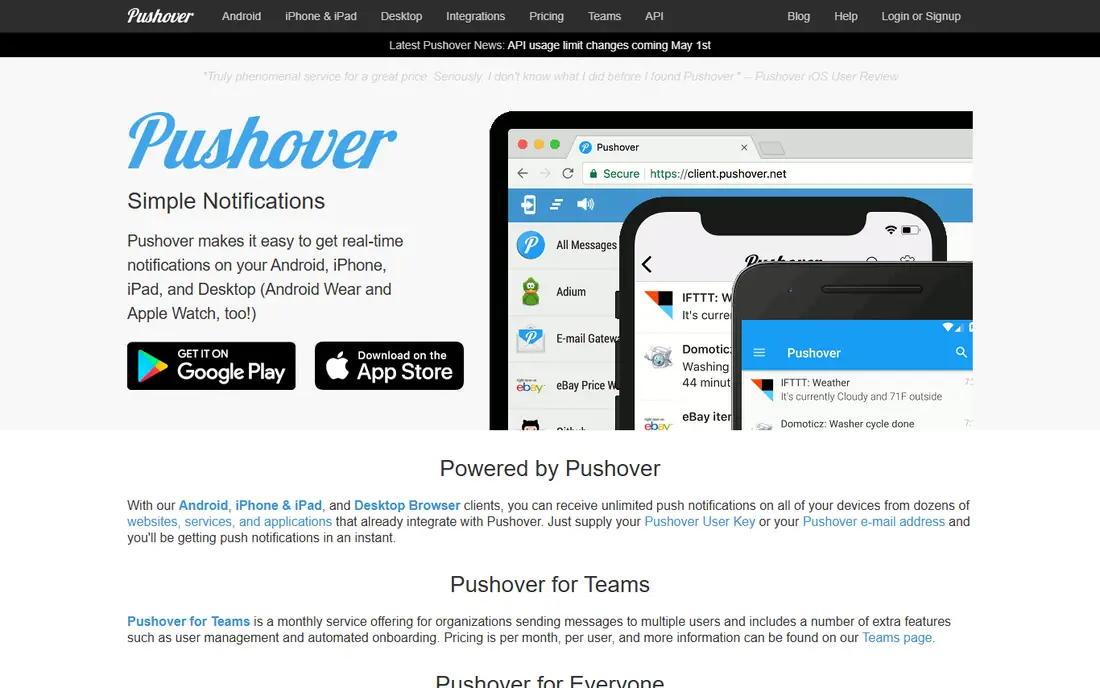
For teams weighing this category, Pushover stands out because simple setup. It fits people who want simple reliable push alerts, and its broader strengths include simple setup; reliable delivery; per device controls. In daily use, that combination matters because buyers in this category judge tools by whether routine work gets faster and clearer, not by a long feature list alone. Pricing is listed as See website, so check the vendor website for the current tier that matches your team size before you decide.
The honest catch is that no free plan for ongoing use. That weakness matters more for some buyers than others, so weigh it against how you will actually use the product each week. If the catch affects your core workflow, shortlist a different option from this list and compare it side by side on the same tasks. If it does not, Pushover remains a solid choice, and we would still recommend a trial or demo with your real data before committing to a paid plan.
- Simple setup
- Reliable delivery
- Per device controls
- No free plan for ongoing use
- Message features are basic
Pushbullet
Ideal for: people who want phone and desktop alerts together
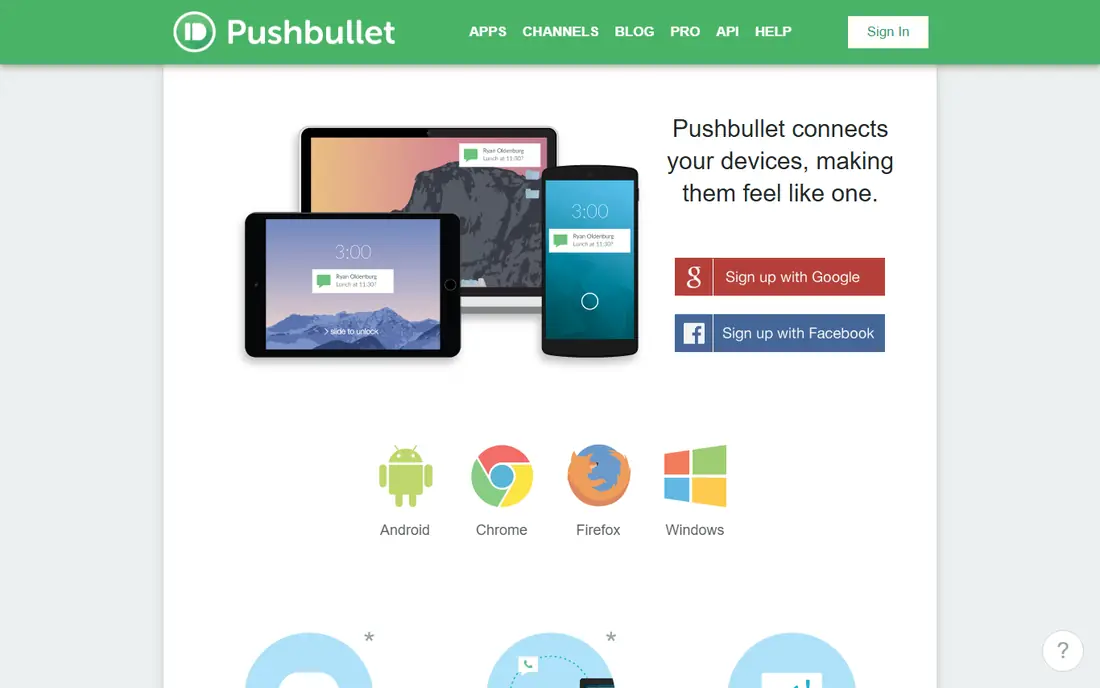
Our first look at Pushbullet focused on fit, and links phone and desktop notifications. It fits people who want phone and desktop alerts together, and its broader strengths include links phone and desktop notifications; file sharing; easy setup. In daily use, that combination matters because buyers in this category judge tools by whether routine work gets faster and clearer, not by a long feature list alone. Pricing is listed as See website, so check the vendor website for the current tier that matches your team size before you decide.
The honest catch is that free tier limits features. That weakness matters more for some buyers than others, so weigh it against how you will actually use the product each week. If the catch affects your core workflow, shortlist a different option from this list and compare it side by side on the same tasks. If it does not, Pushbullet remains a solid choice, and we would still recommend a trial or demo with your real data before committing to a paid plan.
- Links phone and desktop notifications
- File sharing
- Easy setup
- Free tier limits features
- Some features need a paid plan
ntfy
Ideal for: teams that want open self hosted alerts
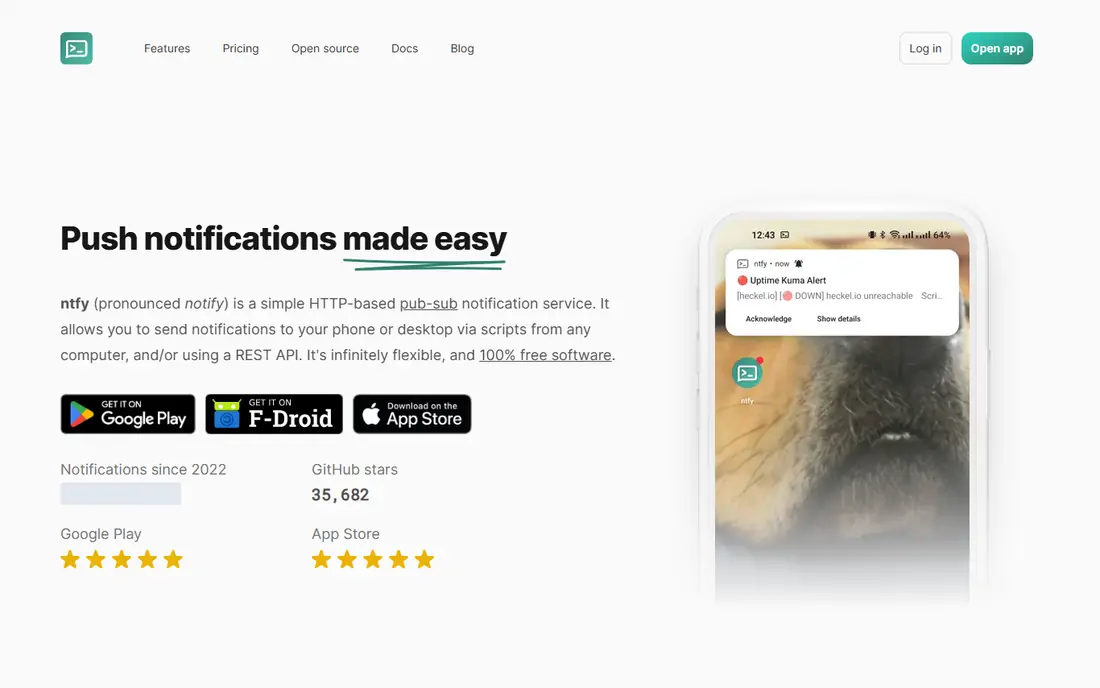
When we compared options, ntfy earned a place because open source and self hostable. It fits teams that want open self hosted alerts, and its broader strengths include open source and self hostable; simple publish and subscribe model; no account needed for basic use. In daily use, that combination matters because buyers in this category judge tools by whether routine work gets faster and clearer, not by a long feature list alone. Pricing is listed as Free, so check the vendor website for the current tier that matches your team size before you decide.
The honest catch is that self hosting needs upkeep. That weakness matters more for some buyers than others, so weigh it against how you will actually use the product each week. If the catch affects your core workflow, shortlist a different option from this list and compare it side by side on the same tasks. If it does not, ntfy remains a solid choice, and we would still recommend a trial or demo with your real data before committing to a paid plan.
- Open source and self hostable
- Simple publish and subscribe model
- No account needed for basic use
- Self hosting needs upkeep
- Interface is plain
Gotify
Ideal for: self hosted alert fans
Among the tools we reviewed, Gotify is worth attention because open source. It fits self hosted alert fans, and its broader strengths include open source; self hosted; simple API for scripts and apps. In daily use, that combination matters because buyers in this category judge tools by whether routine work gets faster and clearer, not by a long feature list alone. Pricing is listed as Free, so check the vendor website for the current tier that matches your team size before you decide.
The honest catch is that needs your own server. That weakness matters more for some buyers than others, so weigh it against how you will actually use the product each week. If the catch affects your core workflow, shortlist a different option from this list and compare it side by side on the same tasks. If it does not, Gotify remains a solid choice, and we would still recommend a trial or demo with your real data before committing to a paid plan.
- Open source
- Self hosted
- Simple API for scripts and apps
- Needs your own server
- No hosted service from the project itself
Pushsafer
Ideal for: users who want alerts with images and links
We included Pushsafer after checking its core fit, and rich alert content. It fits users who want alerts with images and links, and its broader strengths include rich alert content; device groups; API support. In daily use, that combination matters because buyers in this category judge tools by whether routine work gets faster and clearer, not by a long feature list alone. Pricing is listed as See website, so check the vendor website for the current tier that matches your team size before you decide.
The honest catch is that pricing is credit based. That weakness matters more for some buyers than others, so weigh it against how you will actually use the product each week. If the catch affects your core workflow, shortlist a different option from this list and compare it side by side on the same tasks. If it does not, Pushsafer remains a solid choice, and we would still recommend a trial or demo with your real data before committing to a paid plan.
- Rich alert content
- Device groups
- API support
- Pricing is credit based
- Setup is less polished than larger apps
Slack
Ideal for: teams already working in Slack
A closer look at Slack shows why it fits here, since alerts inside team channels. It fits teams already working in Slack, and its broader strengths include alerts inside team channels; many app links; mobile and desktop apps. In daily use, that combination matters because buyers in this category judge tools by whether routine work gets faster and clearer, not by a long feature list alone. Pricing is listed as See website, so check the vendor website for the current tier that matches your team size before you decide.
The honest catch is that alert fatigue without good channel rules. That weakness matters more for some buyers than others, so weigh it against how you will actually use the product each week. If the catch affects your core workflow, shortlist a different option from this list and compare it side by side on the same tasks. If it does not, Slack remains a solid choice, and we would still recommend a trial or demo with your real data before committing to a paid plan.
- Alerts inside team channels
- Many app links
- Mobile and desktop apps
- Alert fatigue without good channel rules
- Paid tiers for full history
Microsoft Teams
Ideal for: workplaces on Microsoft 365
For buyers who care about day to day use, Microsoft Teams matters because alerts inside Microsoft 365. It fits workplaces on Microsoft 365, and its broader strengths include alerts inside Microsoft 365; chat and meetings in one place; admin controls. In daily use, that combination matters because buyers in this category judge tools by whether routine work gets faster and clearer, not by a long feature list alone. Pricing is listed as See website, so check the vendor website for the current tier that matches your team size before you decide.
The honest catch is that notification settings need tuning. That weakness matters more for some buyers than others, so weigh it against how you will actually use the product each week. If the catch affects your core workflow, shortlist a different option from this list and compare it side by side on the same tasks. If it does not, Microsoft Teams remains a solid choice, and we would still recommend a trial or demo with your real data before committing to a paid plan.
- Alerts inside Microsoft 365
- Chat and meetings in one place
- Admin controls
- Notification settings need tuning
- Best inside Microsoft setups
PagerDuty
Ideal for: operations teams handling incidents
We kept PagerDuty on the list after reviewing its strengths, and on call schedules and escalation. It fits operations teams handling incidents, and its broader strengths include on call schedules and escalation; incident timelines; many monitoring links. In daily use, that combination matters because buyers in this category judge tools by whether routine work gets faster and clearer, not by a long feature list alone. Pricing is listed as See website, so check the vendor website for the current tier that matches your team size before you decide.
The honest catch is that price and setup suit operations teams more than casual users. That weakness matters more for some buyers than others, so weigh it against how you will actually use the product each week. If the catch affects your core workflow, shortlist a different option from this list and compare it side by side on the same tasks. If it does not, PagerDuty remains a solid choice, and we would still recommend a trial or demo with your real data before committing to a paid plan.
- On call schedules and escalation
- Incident timelines
- Many monitoring links
- Price and setup suit operations teams more than casual users
- Learning curve
How we picked these
We started from the topic itself and looked for products that exist, work in October 2026, and truly fit the use case, rather than general tools with a loose connection. We compared official feature pages, pricing pages, app store listings, privacy policies, and public reviews, and we left out products we could not verify or that did not fit. Prices are shown as listed by vendors at the time of writing, and where a price could not be verified we wrote See website instead of guessing.
What to check before you pick desktop alert software
Decide which events deserve an interruption. Alerts for everything soon become noise, so look for filters, quiet hours, and priority levels. Check which devices and operating systems are covered, and whether alerts work when an app is closed. For system alerts, confirm the delivery method, such as push, email, or webhook, and test reliability during an outage. Privacy matters too, so review what message content passes through the service. Also ask about support hours, onboarding help, and contract terms, since those practical details affect total cost and daily experience as much as headline features. A short trial with your real workflow usually reveals more than a feature checklist, so use that trial to test the tasks you repeat most often.
Frequently asked questions
How much does best notification software for desktop alerts cost?
Cost varies by vendor, team size, and tier. Some tools in this list offer a free tier or trial, while others price by quote, so check the vendor pricing page for the plan that matches your needs and confirm renewal pricing before you commit.
Is there a free option for best notification software for desktop alerts?
Some products above offer a free tier or trial, and the comparison table shows which ones do. Free tiers usually limit users, records, or advanced features, so test whether the free tier covers your core workflow before relying on it.
Which option is best for a small team?
Small teams usually do best with a tool that is quick to set up and covers the core workflow without a long implementation. From this list, start with the options marked as simple or affordable, run a trial with real tasks, and only move to an enterprise option if you outgrow it.
Can I switch tools later if I pick the wrong one?
In most cases yes, but switching cost depends on data export, integrations, and staff training. Before you buy, check export options and ask the vendor how migration works, so a future move stays practical rather than painful.
How do I stay safe with best notification software for desktop alerts?
Review the privacy policy, access controls, and data retention terms before you sign up. Limit access to sensitive data, use strong passwords and two factor authentication where offered, and check compliance needs that apply to your industry or region.