Our first pick is Adobe Learning Manager, best for personalized learning at scale. Listed starting prices: TalentLMS from $119 per month. Alternatives: TalentLMS for straightforward cloud course delivery, and LearnUpon for agent-supported learning delivery. Prices, free plans and limits for all 6 tools follow.
This Ainotely guide covers 6 onboarding LMS for gig economy workers. Each profile lists a starting price, free plan details, strengths and drawbacks, so you can drop poor fits quickly.
Key takeaways
Top of the list is Adobe Learning Manager, which targets personalized learning at scale.
What to know about TalentLMS first: less emphasis on skills intelligence.
The cheapest monthly starting price in the list is $119 per month, offered by TalentLMS.
Just one of the 6 tools, TalentLMS, has a free plan.
Absorb LMS suits enterprise training with AI support.
Adobe Learning Manager is designed for personalized learning at scale. Adobe Learning Manager is an AI-powered LMS for creating, managing and delivering personalized learning experiences at scale, handling customer training, partner education and employee skilling.
No starting price is listed for Adobe Learning Manager here; confirm pricing on the vendor site. Free plan details: Not stated.
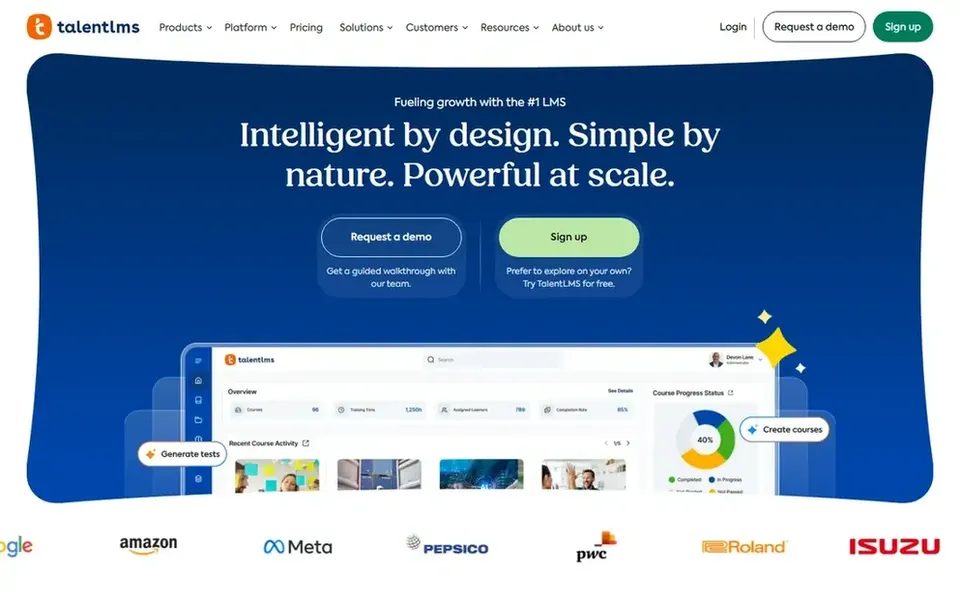
For straightforward cloud course delivery, TalentLMS is a natural candidate. That makes it a reasonable fit for gig companies that require to publish onboarding modules rapidly and get new workers through them without a long setup.
What to check first: Less emphasis on skills intelligence.
It fits teams whose priority is dependable course delivery instead of deep workforce analytics. Starting cost for TalentLMS: $119 per month. TalentLMS has a free plan.
Think of LearnUpon for agent-supported learning delivery. LearnUpon presents an agentic learning system where intelligent agents are meant to raise human capability beyond traditional LMS limits.
The main drawbacks: Gig onboarding fit should be checked.
LearnUpon shows no starting price here, so confirm the cost on the vendor site. Free plan details: Not stated.
Best for: Skills visibility across adaptable workforces
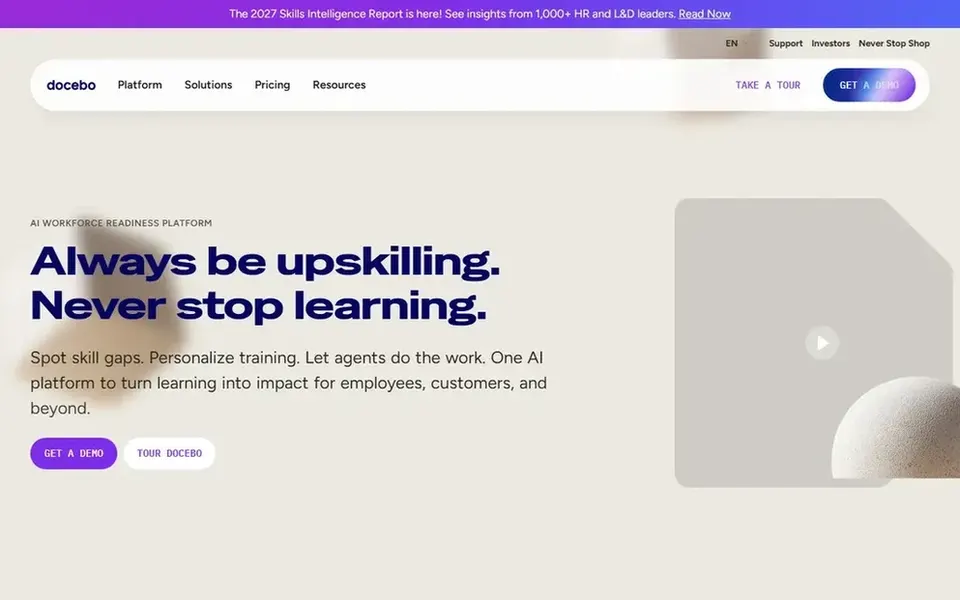
Choose Docebo for skills visibility across adaptable workforces. The breadth of the system is also its central caution: teams wanting a very straightforward course portal may find more capability than they need. More specifically, for gig onboarding, that means you can assign short training paths and then see who is ready to take work.
The main drawbacks: Wide system may need configuration.
Smaller gig operations should weigh setup effort against the skills visibility they actually need, and look at lighter tools if onboarding is the only use case. Docebo presents itself as a workforce readiness system that links skills intelligence, learning, knowledge and AI agents. Docebo shows no starting price here, so confirm the cost on the vendor site. As for free access: Not stated.
Litmos is a good fit for quick capability building at scale. Since it serves multiple audiences, teams should check how well contractor onboarding is supported in practice.
Upsides: customers and partners.
Limits to weigh: Needs review of setup for contractors.
If your only need is short worker onboarding, a more narrowly focused system may be more straightforward, so weigh the breadth against your actual workflows. Pricing for Litmos is not stated here, so ask the vendor for current figures. Free access: Not stated.
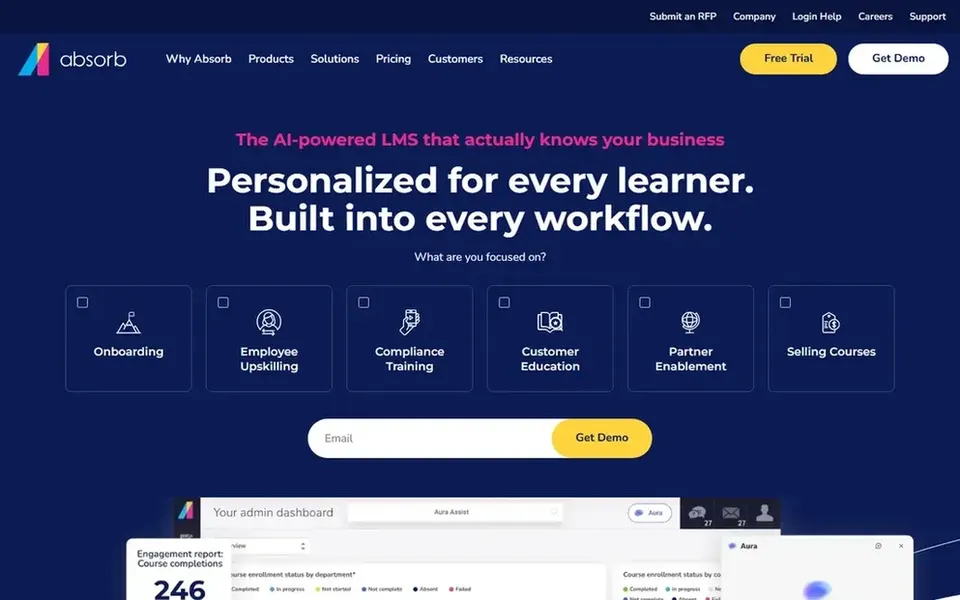
Absorb LMS serves enterprise training with AI support. Absorb LMS describes itself as an enterprise learning system with AI-powered training that proves itself in performance. It is a fit when onboarding sits inside a wider enterprise learning strategy.
The main drawbacks: Less tailored to short gig cycles.
In daily use, the enterprise framing means smaller gig products may find it heavier than needed. Beyond that, if your onboarding is a few short modules delivered at high volume, a lighter cloud tool may be quicker to run, so confirm the configuration effort before committing. No starting price is listed for Absorb LMS here; confirm pricing on the vendor site. Trial and free access: Not stated.
Ask Adobe Learning Manager, LearnUpon, Docebo and others for a written quote, since no starting price is shown.
Test the free plan from TalentLMS against your real workload before relying on it.
Read the limits listed for Adobe Learning Manager first: wide use cases may need scoping.
Test how quickly TalentLMS answers a pre-sales question; it hints at how support will feel later.
Look at which plan of Adobe Learning Manager unlocks the features you need; entry tiers are often cut down.
How we picked
The comparison looks at four things: starting price, free access, how well the feature set matches onboarding LMS for gig economy workers, and the main limit of each tool. Figures are shown as the vendors publish them. Billing terms, seat minimums and add-ons can change the real cost. Order on the page follows fit for the typical buyer first, then price transparency and free access. Your own requirements should decide the final pick.
Every price and plan detail on this page comes from the vendors’ own websites. We did not run hands-on tests unless the text says so, and we do not publish star ratings or review scores. See how we score and our disclosure.
Keep your shortlist in one place
Paste prices, trial dates and notes from this guide into Ainotely, our AI note app. It files them into a topic and pulls out tasks like “cancel trial by Friday”. Free 7-day trial, no card needed.
Which options for onboarding LMS for gig economy workers have a free plan?
TalentLMS is the only tool in this list with a free plan. Free plans usually cap users, projects or features, so check the limits on the vendor page. Each of the 6 options in this onboarding LMS for Gig Economy workers guide has its own card above with the price, free plan and limits.
Is Adobe Learning Manager the right pick for everyone comparing onboarding LMS for gig economy workers?
No single tool suits every team. Adobe Learning Manager comes first because it fits personalized learning at scale, while TalentLMS suits simple cloud course delivery and LearnUpon suits agent-supported learning delivery. Match the tool to your own size, budget and workflow before deciding.
How can I compare these tools without practical testing?
Start with documented features and stated limits on vendor sites, then map them to your onboarding steps.
Can I try these tools before paying?
Often, yes. TalentLMS has a free plan. Use your own data and a real task during the test, and check what the free tier or trial limits before you rely on it. All 6 picks in this onboarding LMS for Gig Economy workers comparison show their pricing, free plan details and main limits on the cards above.
Do these tools publish their prices?
Not all of them. Adobe Learning Manager, LearnUpon, Docebo and others publish no starting price, so expect a quote request for those. The rest, TalentLMS included, show a starting price, though seats and billing terms still change the final cost.
What should a gig economy onboarding LMS do well?
It should enroll new workers rapidly, deliver short modules on mobile and track completion across a changing group. Readiness visibility helps you know who can start taking work.