Best One Click Apply Job Apps in 2026: 7 Apps Compared

- 1
 IndeedWidest job rangeVisit
- 2
 LinkedInProfessional Easy ApplyVisit
- 3
 ZipRecruiterFast matching and alertsVisit
- 4
 GlassdoorJobs plus salary insightVisit
- 5
 SimplyHiredSimple broad job searchVisit
- Indeed is our pick for range, with the widest job listings and a widely used quick apply flow.
- LinkedIn Easy Apply suits professionals whose profile already reads like a strong CV.
- ZipRecruiter, Glassdoor, SimplyHired, Snagajob, and Monster each suit different job types, from hourly work to salaried roles.
- Quick apply works best when your profile is complete and targeted; a weak profile applied quickly still loses.
Quick comparison
| Product | Ideal for | Price from | Free version | |
|---|---|---|---|---|
| Indeed | Widest job range | Free | Yes | Visit |
| LinkedIn | Professional Easy Apply | Free | Yes | Visit |
| ZipRecruiter | Fast matching and alerts | Free | Yes | Visit |
| Glassdoor | Jobs plus salary insight | Free | Yes | Visit |
| SimplyHired | Simple broad job search | Free | Yes | Visit |
 Snagajob | Hourly and shift work | Free | Yes | Visit |
 Monster | Established job board | Free | Yes | Visit |
The best one click apply job apps
One-click apply, also called quick apply or easy apply, lets you send an application with a saved profile instead of filling in the same form for every job. It saves time, but it also makes it easy to apply for jobs you have not really considered.
We compared official app pages, help pages, and app store listings for each app below. Our pick for most people is Indeed, because its job range is widest and its quick apply flow is used by many employers.
Use quick apply wisely. A fast application still needs a relevant profile, and for jobs you truly want, a tailored CV and cover note will beat a one-click send.
Indeed
Ideal for: Widest job range
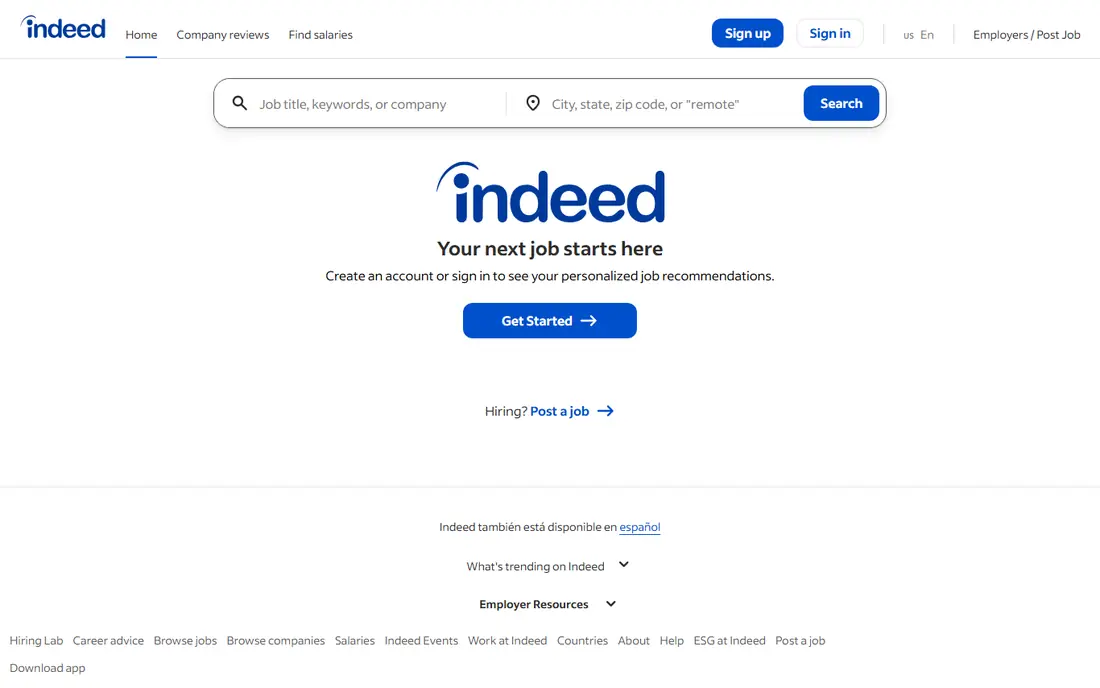
Indeed lists jobs from company sites and boards across many industries, and many postings support a quick apply flow using your saved profile and CV. That combination of range and speed is hard to beat.
The ease of applying also means popular jobs attract many applicants, so a complete profile and a relevant CV still matter. Use alerts to catch new postings early.
Our view: start here for breadth, then use specialist apps for specific job types.
Bottom line: Indeed is a strong fit for widest job range, and its main draw is very large job listings. Weigh that against the limits above before you commit, and test it with your own real work during any trial or free period.
- Very large job listings
- Quick apply on many postings
- Job alerts and saved searches
- Easy to apply for unsuitable jobs
- Competition is high on popular listings
Ideal for: Professional Easy Apply
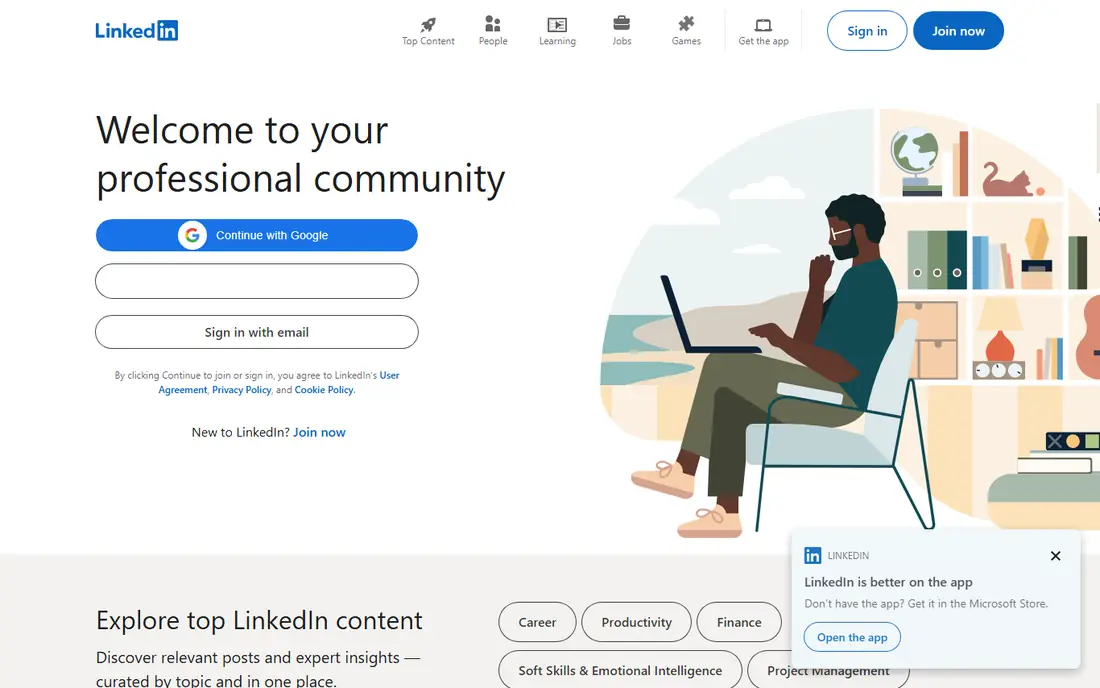
LinkedIn Easy Apply lets you apply with your profile in a few taps, and recruiters can find you even when you are not applying. For professional roles, a strong profile is itself an application asset.
Some postings redirect to employer sites for a full application, so Easy Apply does not cover every job. Keep your profile current, since employers judge it directly.
Our view: the best quick apply option for professional and office roles.
Bottom line: LinkedIn is a strong fit for professional Easy Apply, and its main draw is easy Apply on many professional roles. Weigh that against the limits above before you commit, and test it with your own real work during any trial or free period.
- Easy Apply on many professional roles
- Profile doubles as a CV
- Recruiter visibility
- Easy Apply can feel impersonal
- Some jobs still redirect to employer sites
ZipRecruiter
Ideal for: Fast matching and alerts
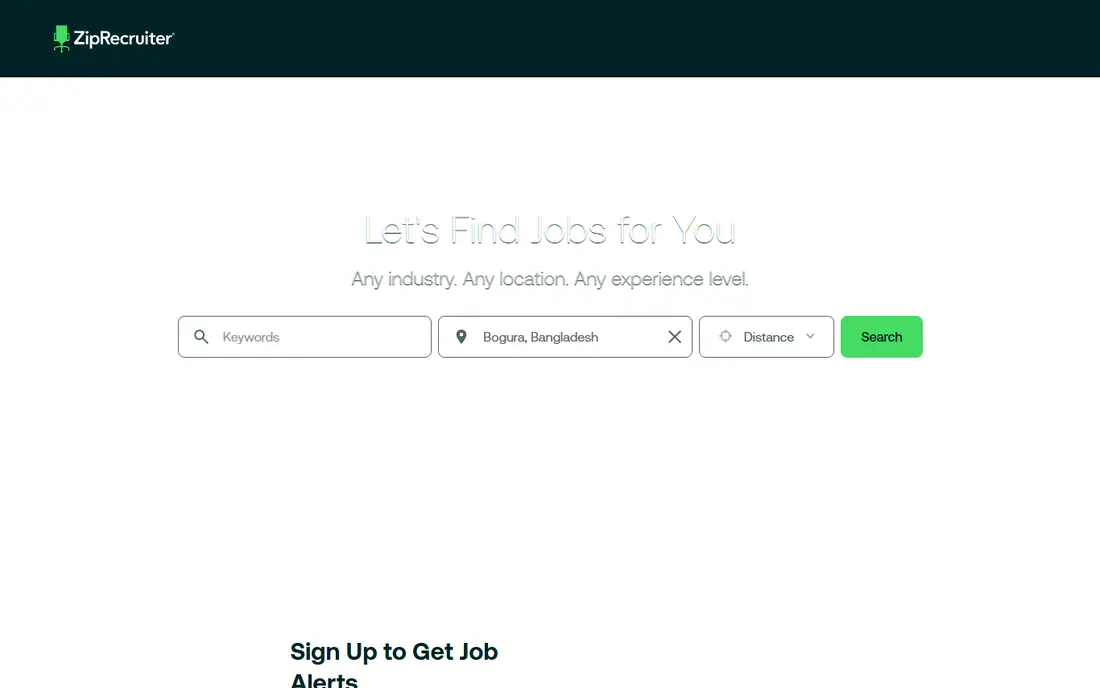
ZipRecruiter focuses on matching job seekers with employers and offers one-tap apply on many listings. Its alerts highlight jobs that match your profile, which saves search time.
Its listing range is smaller than Indeed, and some jobs appear on several boards at once. It works best as a second app alongside a larger board.
Our view: a fast, mobile-friendly second source for job alerts and quick applies.
Bottom line: ZipRecruiter is a strong fit for fast matching and alerts, and its main draw is one-tap apply on many jobs. Weigh that against the limits above before you commit, and test it with your own real work during any trial or free period.
- One-tap apply on many jobs
- Matching alerts
- Clean mobile app
- Job range is smaller than Indeed
- Some listings repeat across boards
Glassdoor
Ideal for: Jobs plus salary insight
Glassdoor combines job listings with salary ranges and employee reviews, so you can research a company before applying. Many listings support a quick apply flow.
Review and salary data depend on user submissions, so treat them as a guide rather than fact. Still, seeing pay ranges before applying helps you target jobs wisely.
Our view: the best quick apply app when company research matters as much as speed.
Bottom line: Glassdoor is a strong fit for jobs plus salary insight, and its main draw is job listings with salary and review data. Weigh that against the limits above before you commit, and test it with your own real work during any trial or free period.
- Job listings with salary and review data
- Quick apply on many roles
- Company research in one place
- Review data can be uneven
- Quick apply coverage varies by employer
SimplyHired
Ideal for: Simple broad job search
SimplyHired aggregates job listings across industries with simple search, filters, and salary estimates. It is a straightforward board for people who want a broad search without extra features.
Some listings link out to employer sites for the full application, so not every job is a one-click send. As a discovery tool, though, it covers a lot of ground quickly.
Our view: a simple, broad backup board for any job search.
Bottom line: SimplyHired is a strong fit for simple broad job search, and its main draw is broad listings across industries. Weigh that against the limits above before you commit, and test it with your own real work during any trial or free period.
- Broad listings across industries
- Simple search and alerts
- Salary estimates
- Smaller brand presence than rivals
- Some listings link out to employer sites
Snagajob
Ideal for: Hourly and shift work
Snagajob focuses on hourly and shift work in retail, food, hospitality, and logistics. Many postings support quick apply, and listings often show shift and pay details up front.
It is less useful for salaried professional roles, so white-collar seekers should use it alongside Indeed or LinkedIn. For hourly work, its focus is a real advantage.
Our view: the best quick apply app for hourly and shift-based jobs.
Bottom line: Snagajob is a strong fit for hourly and shift work, and its main draw is strong for hourly, retail, and food jobs. Weigh that against the limits above before you commit, and test it with your own real work during any trial or free period.
- Strong for hourly, retail, and food jobs
- Quick apply on many postings
- Shift info
- Less useful for salaried professional roles
- Coverage varies by city
Monster
Ideal for: Established job board
Monster is a long-running job board with listings across industries, CV building tools, and job alerts. Many postings support a quick apply flow from a saved profile.
Its interface feels dated next to newer apps, and quick apply coverage varies by employer. It remains useful as an extra source, especially for traditional industries.
Our view: a solid extra board to widen any job search.
Bottom line: Monster is a strong fit for established job board, and its main draw is long-running board. Weigh that against the limits above before you commit, and test it with your own real work during any trial or free period.
- Long-running board
- CV tools and alerts
- Broad industry coverage
- Interface feels dated
- Quick apply coverage varies
How we picked these
We compared official app pages, help pages, and app store listings, and we looked at quick apply coverage, job range, alerts, and profile tools. We favoured apps where quick apply is widely available, not just a rare feature.
We did not claim hands-on applications. Where quick apply coverage varied by employer, we said so rather than promising it for every listing.
How to use one-click apply well
Complete your profile before you apply anywhere. A quick apply sends your saved profile, so a half-finished profile will be sent just as fast as a good one. Add a clear headline, recent roles, and skills that match your target jobs.
Set alerts for your real target roles. Alerts catch new postings early, when competition is lower. Review alerts daily during an active search, and pause them when you are not looking.
Apply selectively, even when it is easy. Sending fifty rushed applications usually works worse than sending ten thoughtful ones. Use quick apply for good matches, and tailor your CV for the jobs you want most.
Track every application. Note the job, the date, and the version of your CV sent. A simple spreadsheet prevents duplicate applications and helps you follow up at the right time.
Prepare for employer follow-up. Some quick applies lead to a full application, a test, or a screening call. Keep your CV and a short summary of each role handy so you can respond fast.
Finally, use more than one app. Indeed gives range, LinkedIn gives professional visibility, and Snagajob covers hourly work. Together they catch jobs that any single board would miss.
Frequently asked questions
What is one-click apply?
One-click apply, also called quick apply or Easy Apply, lets you apply with a saved profile and CV instead of filling in a long form for each job.
Does quick apply hurt my chances?
Not by itself, but a weak or generic profile does. Quick apply works best for good matches with a complete, targeted profile, while top-choice jobs still deserve a tailored application.
Which app has the most quick apply jobs?
Indeed has the widest range overall, while LinkedIn Easy Apply is strongest for professional roles and Snagajob is strongest for hourly work.
Is there a free management software angle to job apps?
Some job seekers also use free tools to manage applications, such as spreadsheets or task apps. The job apps here focus on finding and applying, while a simple tracker helps you follow up.
How many jobs should I apply for each day?
Quality beats quantity. Ten well-matched applications usually beat fifty rushed ones, though volume matters in a very broad search. Adjust to your field and response rate.