Best One-click job apply platforms in 2026: 8 Options Compared

- Our pick for most readers is Indeed, thanks to its balance of features, clear pricing path, and broad fit for one-click job apply platforms.
- LinkedIn is the strongest alternative when you want a different approach to one-click job apply platforms without giving up core features.
- Free plans differ a lot across this list, so check what is actually included before you commit to a paid tier.
- The cheapest option is rarely the best value once you count setup time, limits, and the features your team will use every week.
Quick comparison
| Product | Ideal for | Price from | Free version | |
|---|---|---|---|---|
 Indeed | largest job board with quick apply | See website | Yes | Visit |
 LinkedIn | Easy Apply plus professional network | See website | Yes | Visit |
 ZipRecruiter | one-tap apply with matching alerts | See website | Yes | Visit |
 Glassdoor | job search plus salary and reviews | See website | Yes | Visit |
 Monster | established board with quick apply | See website | Yes | Visit |
 SimplyHired | aggregated listings with quick apply | See website | Yes | Visit |
 CareerBuilder | US job board with quick apply tools | See website | Yes | Visit |
 Snagajob | hourly and shift work with fast apply | See website | Yes | Visit |
The best one-click job apply platforms
We compared official feature pages, pricing pages, app-store listings, privacy policies, and public reviews to build this list of one-click job apply platforms. The products below cover different budgets and team sizes, so the right pick depends on how you plan to use it day to day.
Indeed
Ideal for: largest job board with quick apply
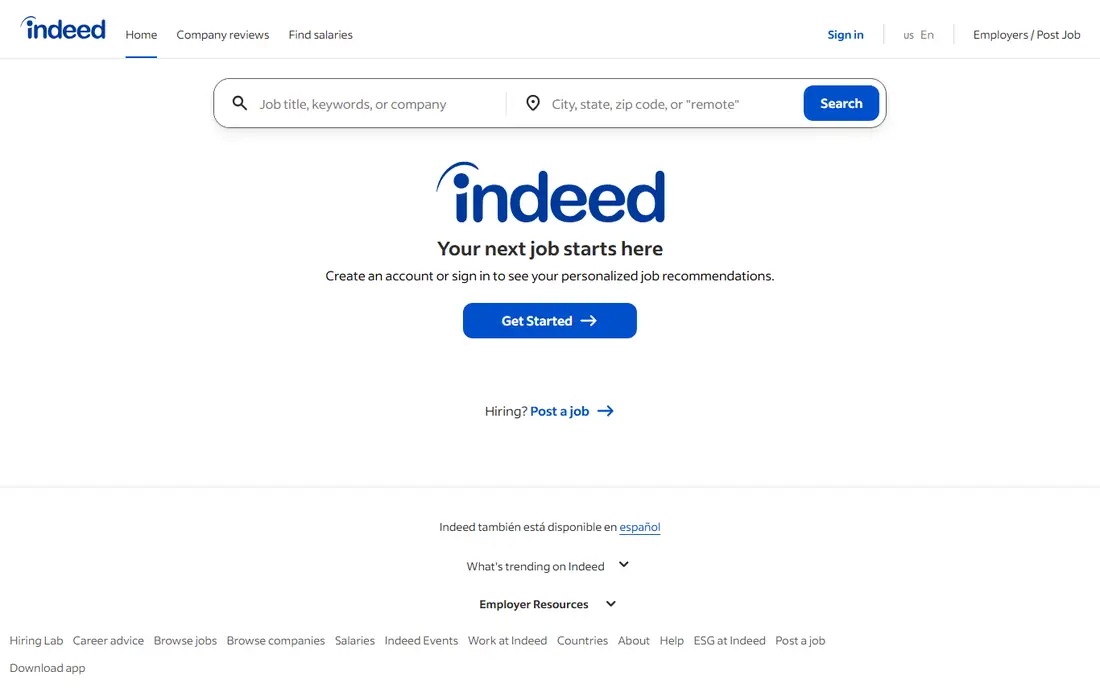
For largest job board with quick apply, Indeed is a strong place to start. We found huge job volume to be its clearest strength, and that matters because it shapes how the product feels in daily use. Quick apply on many listings adds to the appeal, especially for readers who want a tool that works without a long setup project. On pricing, the listing shows see website, with a free plan marked as yes. That combination makes it worth a trial run with your real workflow, rather than judging it from a feature page alone. Check the current pricing page before you buy, since tiers and limits change over time. The honest catch is that apply quality varies. Duplicate listings appear is also worth weighing. Even so, for readers focused on largest job board with quick apply, Indeed remains a credible pick, and it compares well with the rest of this list on balance.
- Huge job volume
- Quick apply on many listings
- Useful alerts
- Apply quality varies
- Duplicate listings appear
Ideal for: Easy Apply plus professional network

LinkedIn is built around Easy Apply plus professional network, and that focus shows in the details. We found easy apply on many roles to be its clearest strength, and that matters because it shapes how the product feels in daily use. Recruiter visibility adds to the appeal, especially for readers who want a tool that works without a long setup project. On pricing, the listing shows see website, with a free plan marked as yes. That combination makes it worth a trial run with your real workflow, rather than judging it from a feature page alone. Check the current pricing page before you buy, since tiers and limits change over time. The honest catch is that easy apply can feel impersonal. Some roles still redirect is also worth weighing. Even so, for readers focused on Easy Apply plus professional network, LinkedIn remains a credible pick, and it compares well with the rest of this list on balance.
- Easy Apply on many roles
- Recruiter visibility
- Network effects
- Easy Apply can feel impersonal
- Some roles still redirect
ZipRecruiter
Ideal for: one-tap apply with matching alerts
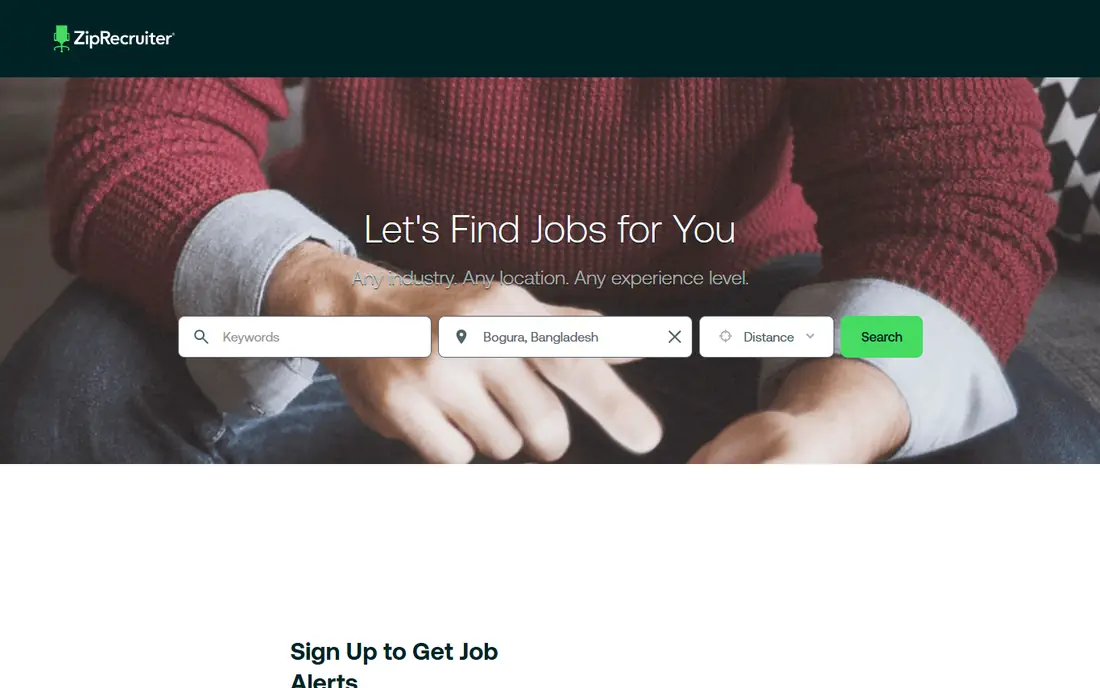
If one-tap apply with matching alerts is your priority, ZipRecruiter deserves a close look. We found fast apply flow to be its clearest strength, and that matters because it shapes how the product feels in daily use. Good matching alerts adds to the appeal, especially for readers who want a tool that works without a long setup project. On pricing, the listing shows see website, with a free plan marked as yes. That combination makes it worth a trial run with your real workflow, rather than judging it from a feature page alone. Check the current pricing page before you buy, since tiers and limits change over time. The honest catch is that job quality varies. Employer response rates differ is also worth weighing. Even so, for readers focused on one-tap apply with matching alerts, ZipRecruiter remains a credible pick, and it compares well with the rest of this list on balance.
- Fast apply flow
- Good matching alerts
- Mobile friendly
- Job quality varies
- Employer response rates differ
Glassdoor
Ideal for: job search plus salary and reviews
Glassdoor earns its place here through job search plus salary and reviews. We found apply plus employer insight to be its clearest strength, and that matters because it shapes how the product feels in daily use. Salary data adds to the appeal, especially for readers who want a tool that works without a long setup project. On pricing, the listing shows see website, with a free plan marked as yes. That combination makes it worth a trial run with your real workflow, rather than judging it from a feature page alone. Check the current pricing page before you buy, since tiers and limits change over time. The honest catch is that some listings redirect elsewhere. Review bias exists is also worth weighing. Even so, for readers focused on job search plus salary and reviews, Glassdoor remains a credible pick, and it compares well with the rest of this list on balance.
- Apply plus employer insight
- Salary data
- Review context
- Some listings redirect elsewhere
- Review bias exists
Monster
Ideal for: established board with quick apply
Teams that need established board with quick apply often land on Monster. We found long-running board to be its clearest strength, and that matters because it shapes how the product feels in daily use. Quick apply options adds to the appeal, especially for readers who want a tool that works without a long setup project. On pricing, the listing shows see website, with a free plan marked as yes. That combination makes it worth a trial run with your real workflow, rather than judging it from a feature page alone. Check the current pricing page before you buy, since tiers and limits change over time. The honest catch is that smaller volume than leaders. Interface feels dated is also worth weighing. Even so, for readers focused on established board with quick apply, Monster remains a credible pick, and it compares well with the rest of this list on balance.
- Long-running board
- Quick apply options
- Career advice
- Smaller volume than leaders
- Interface feels dated
SimplyHired
Ideal for: aggregated listings with quick apply
SimplyHired takes a practical approach to aggregated listings with quick apply. We found aggregates many sources to be its clearest strength, and that matters because it shapes how the product feels in daily use. Simple search adds to the appeal, especially for readers who want a tool that works without a long setup project. On pricing, the listing shows see website, with a free plan marked as yes. That combination makes it worth a trial run with your real workflow, rather than judging it from a feature page alone. Check the current pricing page before you buy, since tiers and limits change over time. The honest catch is that many listings link out. Apply flow depends on source is also worth weighing. Even so, for readers focused on aggregated listings with quick apply, SimplyHired remains a credible pick, and it compares well with the rest of this list on balance.
- Aggregates many sources
- Simple search
- Salary estimates
- Many listings link out
- Apply flow depends on source
CareerBuilder
Ideal for: US job board with quick apply tools
Among this group, CareerBuilder is a solid choice for US job board with quick apply tools. We found us-focused listings to be its clearest strength, and that matters because it shapes how the product feels in daily use. Resume tools adds to the appeal, especially for readers who want a tool that works without a long setup project. On pricing, the listing shows see website, with a free plan marked as yes. That combination makes it worth a trial run with your real workflow, rather than judging it from a feature page alone. Check the current pricing page before you buy, since tiers and limits change over time. The honest catch is that volume below indeed and linkedin. Some listings are older is also worth weighing. Even so, for readers focused on US job board with quick apply tools, CareerBuilder remains a credible pick, and it compares well with the rest of this list on balance.
- US-focused listings
- Resume tools
- Quick apply on many posts
- Volume below Indeed and LinkedIn
- Some listings are older
Snagajob
Ideal for: hourly and shift work with fast apply
Snagajob stands out for hourly and shift work with fast apply. We found strong hourly focus to be its clearest strength, and that matters because it shapes how the product feels in daily use. Fast apply adds to the appeal, especially for readers who want a tool that works without a long setup project. On pricing, the listing shows see website, with a free plan marked as yes. That combination makes it worth a trial run with your real workflow, rather than judging it from a feature page alone. Check the current pricing page before you buy, since tiers and limits change over time. The honest catch is that limited to hourly roles. Professional roles are scarce is also worth weighing. Even so, for readers focused on hourly and shift work with fast apply, Snagajob remains a credible pick, and it compares well with the rest of this list on balance.
- Strong hourly focus
- Fast apply
- Shift-friendly listings
- Limited to hourly roles
- Professional roles are scarce
How we picked these
We started from the topic itself, best one-click job apply platforms, and kept only products that exist, work in October 2026, and truly fit that topic. We read official feature and pricing pages, checked app-store listings where they exist, and scanned privacy policies and public reviews for problems that a feature page would not mention. Products that did not fit, or whose official homepage did not check out, were left out rather than padded into the list. We favored a mix of well-known leaders and strong smaller options, and we weighed everyday usability alongside price. A product that is powerful but hard to set up scores lower here than one your team will actually use. Prices marked as See website mean the vendor quotes by plan, seat, or usage, so the pricing page is the reliable source.
How to pick the right option for your needs
Start with the job you need done, not the longest feature list. Write down the two or three tasks you will do every week, then test the shortlisted products against those tasks during a trial. A short trial with real data tells you more than a demo ever will.
Match the product to your size and budget
Small teams often do best with a simple plan and a clear upgrade path, while larger teams need admin controls, permissions, and support that small plans rarely include. Compare the total cost, including seats, add-ons, and any usage limits, before you sign up.
Check support, privacy, and exit options
Read the privacy policy, check how your data can be exported, and confirm what support you get on the plan you will actually buy. If switching later would be painful, that is a cost too, and it should count in your decision.
Run a short trial before you commit
Set a trial goal, invite the people who will use the product daily, and review the results together. If the product saves time on your real tasks and the team likes using it, it is a good sign. If it needs constant workarounds, keep looking.
Frequently asked questions
What is the best option for one-click job apply platforms?
For most readers, Indeed is our starting point because it balances features, usability, and pricing. Your best choice still depends on budget, team size, and the specific tasks you need, so use the comparison table above to narrow the list to two or three options and trial them.
Are there free options for one-click job apply platforms?
Yes, several products on this list offer a free tier or a free starting point, though limits apply. Free plans usually cap users, usage, or advanced features, so check what is included and what moves to a paid plan before you build your workflow around one.
How much should I expect to pay?
Pricing varies widely, from free tiers to quote-based enterprise plans, and many vendors price by seat or usage. The table above shows starting prices where vendors publish them, and See website means you should check the vendor pricing page for the plan that fits your team.
How do I choose between the top products?
List your must-have features, then trial your top two choices with real tasks for at least a week. Pay attention to setup time, support quality, and how the product handles your data, since those factors matter more over time than a small price gap.
Can I switch products later if I change my mind?
In most cases yes, but switching costs time, especially if your data, templates, or integrations are tied to one product. Before you commit, check export options and confirm that your key data can move, so a future switch stays practical rather than painful.