Best Online Backup Companies in 2026: 8 Services Compared

- 1
 BackblazeHome and business users who want simple unlimited computer backupVisit
- 2
 IDriveUsers who want backup for many devices on one accountVisit
- 3
 CarboniteUsers who want set-and-forget computer backupVisit
- 4
 AcronisUsers who want backup plus cyber protection toolsVisit
- 5
 CrashPlanBusinesses that want endpoint backup with admin controlsVisit
- Our top pick for most readers is Backblaze, because it pairs a clear fit for home and business users who want simple unlimited computer backup with a broad service range.
- IDrive is the strongest alternative if your priorities differ, especially for users who want backup for many devices on one account.
- Prices are mostly quoted per project or per plan, so compare total cost, contract terms, and what is actually included, not just the headline figure.
- Check availability, coverage, and current terms on the official site before you commit, since details vary by location, plan, and customer type.
- The right choice depends on your budget, size, and timeline, so shortlist two or three options and compare them side by side.
Quick comparison
| Product | Ideal for | Price from | Free version | |
|---|---|---|---|---|
| Backblaze | Home and business users who want simple unlimited computer backup | See website | Free trial | Visit |
| IDrive | Users who want backup for many devices on one account | See website | Free trial | Visit |
| Carbonite | Users who want set-and-forget computer backup | See website | Free trial | Visit |
| Acronis | Users who want backup plus cyber protection tools | See website | Free trial | Visit |
| CrashPlan | Businesses that want endpoint backup with admin controls | See website | Free trial | Visit |
 SpiderOak One Backup | Privacy-focused users who want zero-knowledge backup | See website | Free trial | Visit |
 pCloud | Users who want cloud storage with backup features | See website | Yes | Visit |
 Arq Backup | Users who want backup to their own cloud storage | See website | Free trial | Visit |
The best best online backup companies
We compared official feature pages, pricing pages, app store listings, privacy policies, and public reviews to build this list, focusing on options that fit best online backup companies closely and are still available in October 2026. We did not claim hands-on testing we did not do, and we weighed fit, clarity of terms, and honest limits alongside strengths.
Backblaze
Ideal for: Home and business users who want simple unlimited computer backup
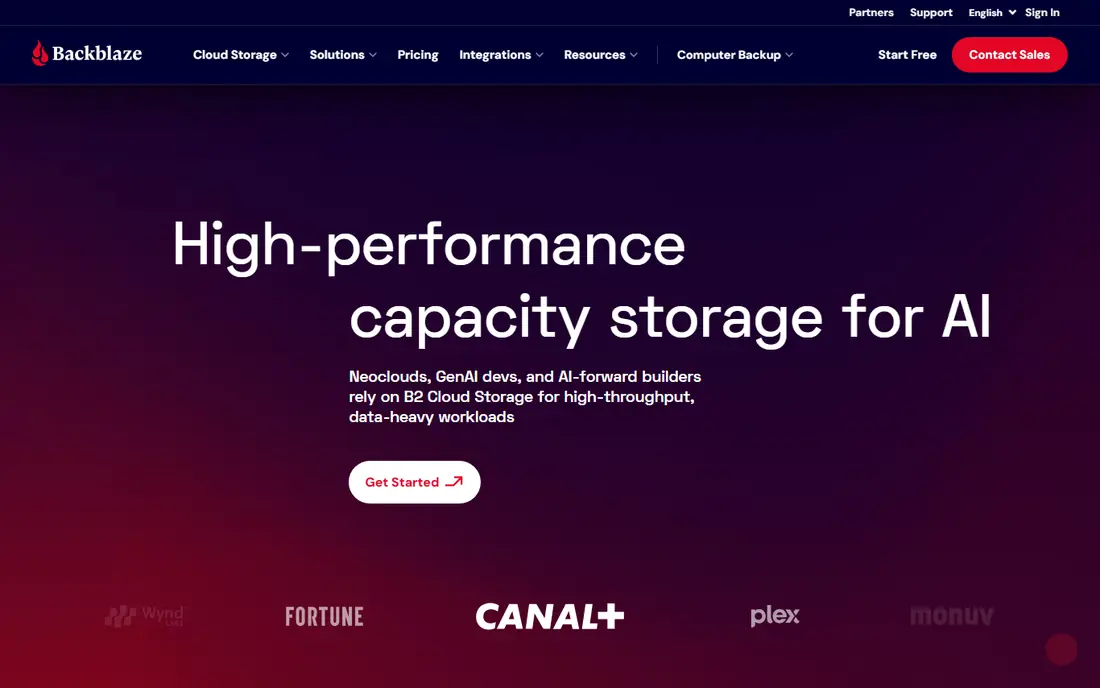
Backblaze fits readers who need home and business users who want simple unlimited computer backup. In our comparison, its clearest strengths were simple setup; unlimited computer backup on personal plans; restore options, which is why it earned a place on this list for best online backup companies. It is worth shortlisting if those strengths match the problem you are trying to solve, rather than choosing on brand name alone. The honest catch is that personal plan covers one computer; business pricing differs. That does not make it a poor choice, but it does mean you should check the current terms, coverage, and total cost on the official site before you sign up or buy. Ask what is included, what is excluded, and how long any contract or commitment lasts. For most readers, Backblaze works best as one of two or three finalists to compare directly. If those checks line up, it is a solid pick for best online backup companies.
- Simple setup
- Unlimited computer backup on personal plans
- Restore options
- Personal plan covers one computer
- Business pricing differs
IDrive
Ideal for: Users who want backup for many devices on one account
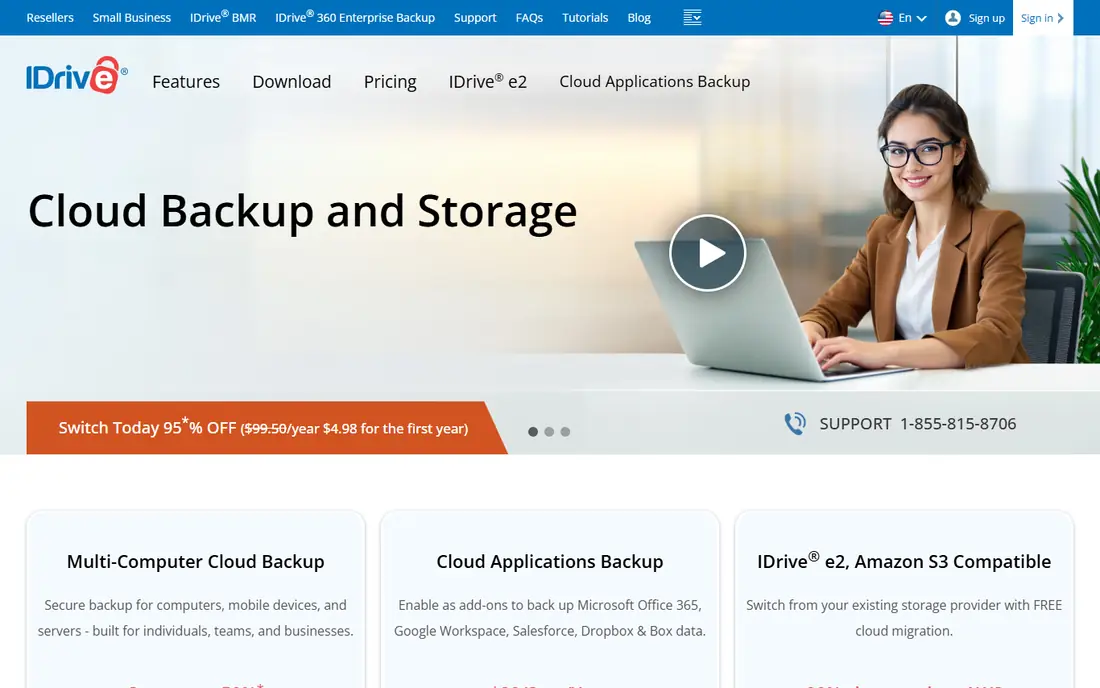
IDrive fits readers who need users who want backup for many devices on one account. In our comparison, its clearest strengths were multi-device backup; versioning; business plans, which is why it earned a place on this list for best online backup companies. It is worth shortlisting if those strengths match the problem you are trying to solve, rather than choosing on brand name alone. The honest catch is that interface feels dense to some users; check plan limits. That does not make it a poor choice, but it does mean you should check the current terms, coverage, and total cost on the official site before you sign up or buy. Ask what is included, what is excluded, and how long any contract or commitment lasts. For most readers, IDrive works best as one of two or three finalists to compare directly. If those checks line up, it is a solid pick for best online backup companies.
- Multi-device backup
- Versioning
- Business plans
- Interface feels dense to some users
- Check plan limits
Carbonite
Ideal for: Users who want set-and-forget computer backup
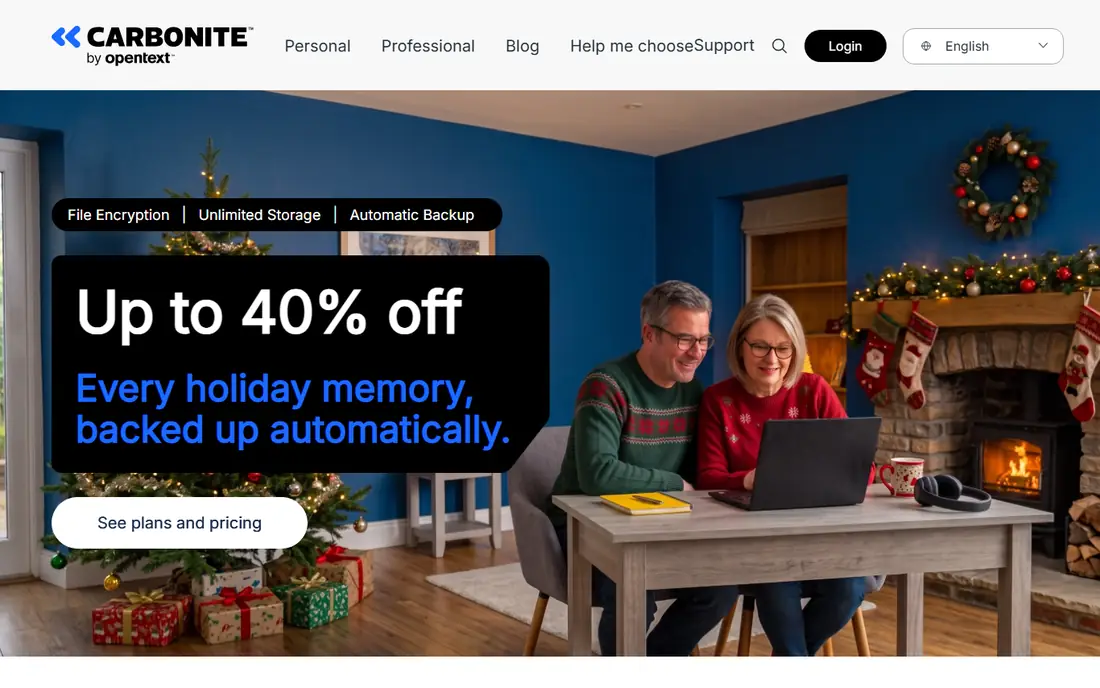
Carbonite fits readers who need users who want set-and-forget computer backup. In our comparison, its clearest strengths were automatic backup; simple restore; business options, which is why it earned a place on this list for best online backup companies. It is worth shortlisting if those strengths match the problem you are trying to solve, rather than choosing on brand name alone. The honest catch is that plan tiers limit some features; check external drive support. That does not make it a poor choice, but it does mean you should check the current terms, coverage, and total cost on the official site before you sign up or buy. Ask what is included, what is excluded, and how long any contract or commitment lasts. For most readers, Carbonite works best as one of two or three finalists to compare directly. If those checks line up, it is a solid pick for best online backup companies.
- Automatic backup
- Simple restore
- Business options
- Plan tiers limit some features
- Check external drive support
Acronis
Ideal for: Users who want backup plus cyber protection tools
Acronis fits readers who need users who want backup plus cyber protection tools. In our comparison, its clearest strengths were backup with security tools; disk imaging; business plans, which is why it earned a place on this list for best online backup companies. It is worth shortlisting if those strengths match the problem you are trying to solve, rather than choosing on brand name alone. The honest catch is that feature range adds complexity; pricing varies by tier. That does not make it a poor choice, but it does mean you should check the current terms, coverage, and total cost on the official site before you sign up or buy. Ask what is included, what is excluded, and how long any contract or commitment lasts. For most readers, Acronis works best as one of two or three finalists to compare directly. If those checks line up, it is a solid pick for best online backup companies.
- Backup with security tools
- Disk imaging
- Business plans
- Feature range adds complexity
- Pricing varies by tier
CrashPlan
Ideal for: Businesses that want endpoint backup with admin controls
CrashPlan fits readers who need businesses that want endpoint backup with admin controls. In our comparison, its clearest strengths were business endpoint backup; admin controls; unlimited storage on some plans, which is why it earned a place on this list for best online backup companies. It is worth shortlisting if those strengths match the problem you are trying to solve, rather than choosing on brand name alone. The honest catch is that consumer focus is smaller now; check current plans. That does not make it a poor choice, but it does mean you should check the current terms, coverage, and total cost on the official site before you sign up or buy. Ask what is included, what is excluded, and how long any contract or commitment lasts. For most readers, CrashPlan works best as one of two or three finalists to compare directly. If those checks line up, it is a solid pick for best online backup companies.
- Business endpoint backup
- Admin controls
- Unlimited storage on some plans
- Consumer focus is smaller now
- Check current plans
SpiderOak One Backup
Ideal for: Privacy-focused users who want zero-knowledge backup
SpiderOak One Backup fits readers who need privacy-focused users who want zero-knowledge backup. In our comparison, its clearest strengths were zero-knowledge design; privacy focus; multi-device support, which is why it earned a place on this list for best online backup companies. It is worth shortlisting if those strengths match the problem you are trying to solve, rather than choosing on brand name alone. The honest catch is that storage limits are lower than some rivals; interface is plain. That does not make it a poor choice, but it does mean you should check the current terms, coverage, and total cost on the official site before you sign up or buy. Ask what is included, what is excluded, and how long any contract or commitment lasts. For most readers, SpiderOak One Backup works best as one of two or three finalists to compare directly. If those checks line up, it is a solid pick for best online backup companies.
- Zero-knowledge design
- Privacy focus
- Multi-device support
- Storage limits are lower than some rivals
- Interface is plain
pCloud
Ideal for: Users who want cloud storage with backup features
pCloud fits readers who need users who want cloud storage with backup features. In our comparison, its clearest strengths were cloud storage plus backup; file versioning; lifetime plan options, which is why it earned a place on this list for best online backup companies. It is worth shortlisting if those strengths match the problem you are trying to solve, rather than choosing on brand name alone. The honest catch is that backup depth differs from dedicated backup tools; check features. That does not make it a poor choice, but it does mean you should check the current terms, coverage, and total cost on the official site before you sign up or buy. Ask what is included, what is excluded, and how long any contract or commitment lasts. For most readers, pCloud works best as one of two or three finalists to compare directly. If those checks line up, it is a solid pick for best online backup companies.
- Cloud storage plus backup
- File versioning
- Lifetime plan options
- Backup depth differs from dedicated backup tools
- Check features
Arq Backup
Ideal for: Users who want backup to their own cloud storage
Arq Backup fits readers who need users who want backup to their own cloud storage. In our comparison, its clearest strengths were backup to major cloud providers; encryption; version control, which is why it earned a place on this list for best online backup companies. It is worth shortlisting if those strengths match the problem you are trying to solve, rather than choosing on brand name alone. The honest catch is that software-only model; users supply their own storage. That does not make it a poor choice, but it does mean you should check the current terms, coverage, and total cost on the official site before you sign up or buy. Ask what is included, what is excluded, and how long any contract or commitment lasts. For most readers, Arq Backup works best as one of two or three finalists to compare directly. If those checks line up, it is a solid pick for best online backup companies.
- Backup to major cloud providers
- Encryption
- Version control
- Software-only model
- Users supply their own storage
How we picked these
We started with the topic itself, best online backup companies, and looked for companies, services, and tools that truly fit it, rather than well-known names from nearby categories. We compared official feature pages, pricing pages, app store listings, privacy policies, and public reviews, and we kept only options that exist and work in October 2026. Where a price could not be verified from the vendor site, we wrote See website instead of guessing. We also weighed honest limits. Every option here has a trade-off, whether it is quoted pricing, limited coverage, a narrow focus, or a learning curve, and we stated those limits in each write-up. If an option did not fit the topic closely, we left it out, even when it was popular elsewhere.
What to check before you choose
Fit first, price second
Start by writing down the one job this purchase must do well, then check each finalist against that job only. A lower price helps no one if the coverage, features, or service area miss your main need, and a premium option wastes money if you never use its extra depth. Compare two or three finalists on the same checklist so the differences stand out clearly.
Total cost and contract terms
Ask for the full cost, including setup fees, per-user or per-item charges, storage or shipping fees, and any renewal price changes. Read the contract length, cancellation terms, and what happens to your data or account if you leave. A short trial, a clear quote, and written terms are worth more than a vague promise of savings.
Support, coverage, and reviews
Check support hours, response times, and whether help is available in your region and time zone. Read recent public reviews, but weigh patterns over single complaints, and confirm availability for your location before you commit. If a provider cannot answer a direct question about terms or coverage, treat that as useful information and move on.
Frequently asked questions
What is the best option for best online backup companies?
There is no single winner for every reader, since best online backup companies covers different budgets, sizes, and needs. Our top pick for most readers is Backblaze, but shortlist two or three options and compare total cost, coverage, and terms before you decide.
How much does best online backup companies cost?
Costs vary widely, and many providers quote per project, per plan, or per user rather than publishing one flat price. Use the official pricing pages linked in Sources, ask for a written quote, and compare the total cost including fees and renewals.
Is there a free option for best online backup companies?
Some options on this list offer a free plan or free trial, while others are paid only, and the comparison table shows which is which. A free tier can be a good way to test fit, but check its limits before relying on it for regular use.
How do I choose between these options?
Start with fit for your main need, then compare total cost, contract terms, coverage, and support. Read recent public reviews, confirm availability in your area, and ask each provider direct questions about anything the website leaves unclear.
Are these options still available in October 2026?
Yes, we selected options that exist and work in October 2026 based on official sites and listings available at writing time. Details can still change, so confirm pricing and availability on the official site before you buy.