Best online backup service for small business in 2026: 8 Options Compared

- 1
 Backblaze Business Backupsmall businesses backing up computersVisit
- 2
 Carbonite Safesmall businesses that want set and forget backupVisit
- 3
 Acronis Cyber Protectbusinesses that want backup plus securityVisit
- 4
 IDrive Businessbusinesses backing up many devicesVisit
- 5
 CrashPlansmall businesses backing up endpointsVisit
- Our pick for most readers depends on budget and scale, so compare the starting price and free plan for best online backup service for small business before you commit.
- The strongest options for best online backup service for small business are clear about what is included, what costs extra, and how support works.
- For best online backup service for small business, a short trial or a free tier is the safest way to check fit before a long contract.
- Check official pricing pages, because plans and limits for best online backup service for small business change during the year.
Quick comparison
| Product | Ideal for | Price from | Free version | |
|---|---|---|---|---|
| Backblaze Business Backup | small businesses backing up computers | See website | See website | Visit |
| Carbonite Safe | small businesses that want set and forget backup | See website | See website | Visit |
| Acronis Cyber Protect | businesses that want backup plus security | See website | See website | Visit |
| IDrive Business | businesses backing up many devices | See website | See website | Visit |
| CrashPlan | small businesses backing up endpoints | See website | See website | Visit |
 Druva | businesses backing up cloud apps and endpoints | See website | See website | Visit |
 Barracuda Backup | businesses that want appliance plus cloud backup | See website | See website | Visit |
 Veeam Data Platform | businesses with virtual and cloud workloads | See website | See website | Visit |
The best online backup service for small business
We compared official feature pages, pricing pages, app store listings, privacy policies, and public reviews to build this list for best online backup service for small business. The options below cover different budgets and needs, so use the comparison table to narrow the list, then read the write up for the two or three options that fit your situation best.
Backblaze Business Backup
Ideal for: small businesses backing up computers
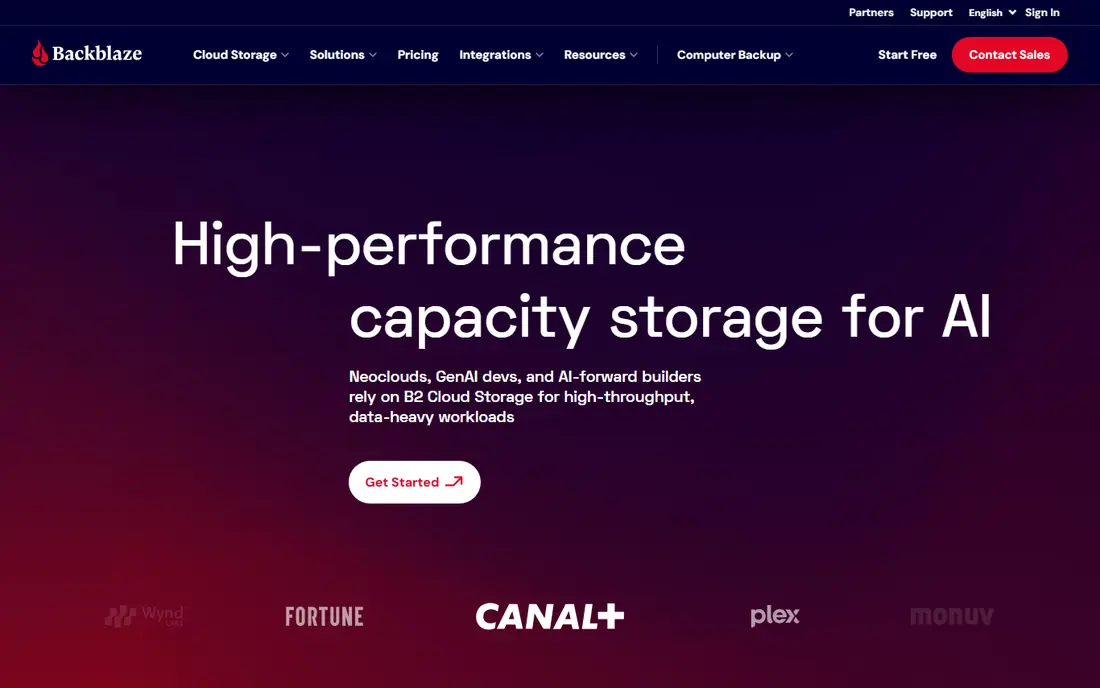
For readers comparing best online backup service for small business, Backblaze Business Backup stands out first because it is built for small businesses backing up computers. Backblaze Business Backup is built for small businesses backing up computers, and its main strength is that simple unlimited computer backup for business. We weighed that strength against its limits on official feature and pricing pages. For many readers, that balance is why it earns a place here, even though no option suits every buyer.
The honest catch is that server backup needs a different Backblaze product. Before you buy, check current plan details on the official site, confirm any free plan or trial, and test the core task you need most. If that task feels awkward in a trial, move to the next option rather than hoping a paid plan will fix it.
- Simple unlimited computer backup for business
- Clear official feature and pricing pages
- Fits small businesses backing up computers
- Server backup needs a different Backblaze product
- Pricing and limits should be confirmed on the official site
Carbonite Safe
Ideal for: small businesses that want set and forget backup
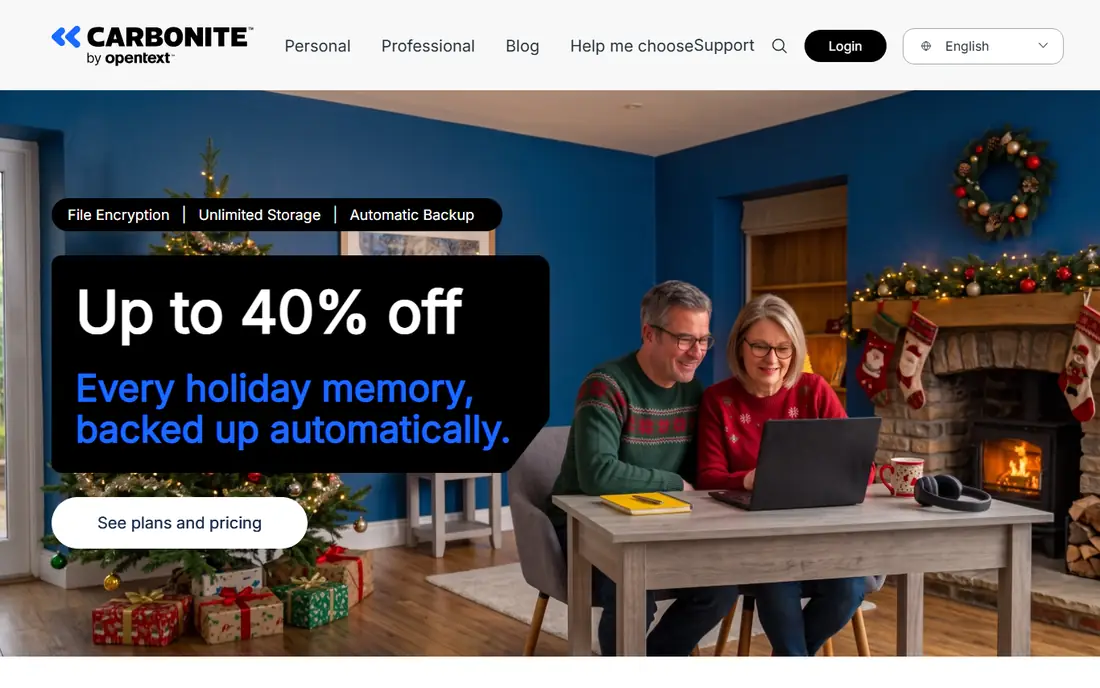
If your main need is small businesses that want set and forget backup, Carbonite Safe deserves a close look. Carbonite Safe is built for small businesses that want set and forget backup, and its main strength is that automatic computer backup with business plans. We weighed that strength against its limits on official feature and pricing pages. For many readers, that balance is why it earns a place here, even though no option suits every buyer.
The honest catch is that advanced server features sit in higher plans. Before you buy, check current plan details on the official site, confirm any free plan or trial, and test the core task you need most. If that task feels awkward in a trial, move to the next option rather than hoping a paid plan will fix it.
- Automatic computer backup with business plans
- Clear official feature and pricing pages
- Fits small businesses that want set and forget backup
- Advanced server features sit in higher plans
- Pricing and limits should be confirmed on the official site
Acronis Cyber Protect
Ideal for: businesses that want backup plus security
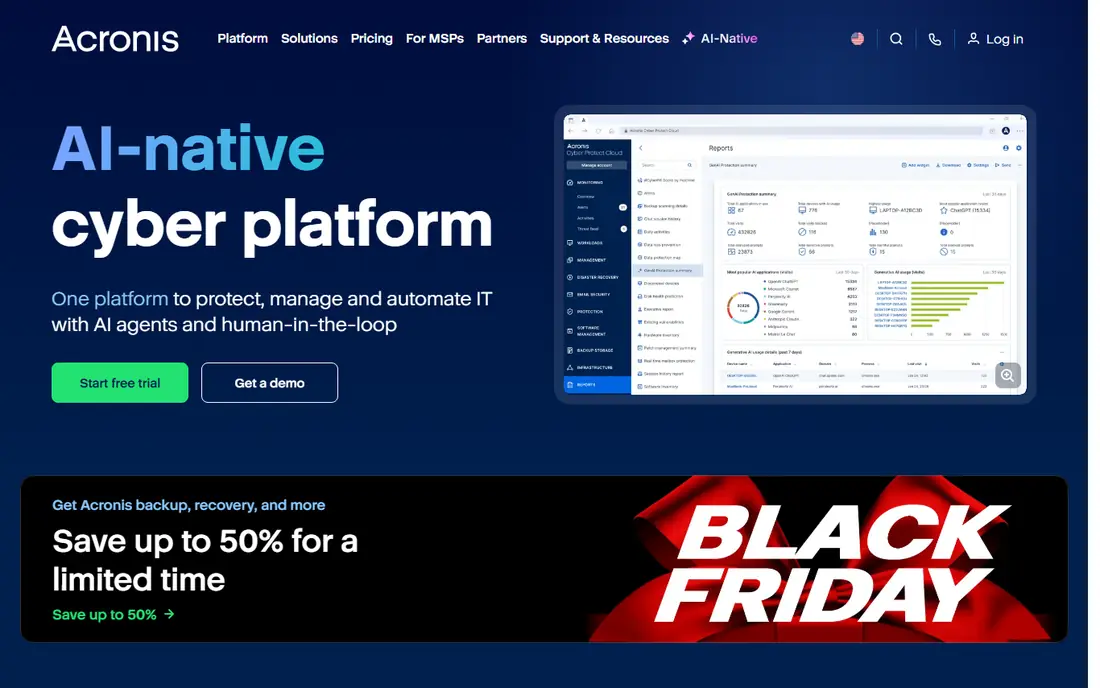
Among the options here, Acronis Cyber Protect fits businesses that want backup plus security particularly well. Acronis Cyber Protect is built for businesses that want backup plus security, and its main strength is that backup with anti malware and management tools. We weighed that strength against its limits on official feature and pricing pages. For many readers, that balance is why it earns a place here, even though no option suits every buyer.
The honest catch is that pricing is per workload and adds up. Before you buy, check current plan details on the official site, confirm any free plan or trial, and test the core task you need most. If that task feels awkward in a trial, move to the next option rather than hoping a paid plan will fix it.
- Backup with anti malware and management tools
- Clear official feature and pricing pages
- Fits businesses that want backup plus security
- Pricing is per workload and adds up
- Pricing and limits should be confirmed on the official site
IDrive Business
Ideal for: businesses backing up many devices
Start with IDrive Business when businesses backing up many devices is the priority. IDrive Business is built for businesses backing up many devices, and its main strength is that backup for computers, servers, and mobile devices. We weighed that strength against its limits on official feature and pricing pages. For many readers, that balance is why it earns a place here, even though no option suits every buyer.
The honest catch is that restore speed depends on data size and connection. Before you buy, check current plan details on the official site, confirm any free plan or trial, and test the core task you need most. If that task feels awkward in a trial, move to the next option rather than hoping a paid plan will fix it.
- Backup for computers, servers, and mobile devices
- Clear official feature and pricing pages
- Fits businesses backing up many devices
- Restore speed depends on data size and connection
- Pricing and limits should be confirmed on the official site
CrashPlan
Ideal for: small businesses backing up endpoints
For small businesses backing up endpoints, CrashPlan is a practical place to begin. CrashPlan is built for small businesses backing up endpoints, and its main strength is that endpoint backup with simple management. We weighed that strength against its limits on official feature and pricing pages. For many readers, that balance is why it earns a place here, even though no option suits every buyer.
The honest catch is that it focuses on endpoints more than servers. Before you buy, check current plan details on the official site, confirm any free plan or trial, and test the core task you need most. If that task feels awkward in a trial, move to the next option rather than hoping a paid plan will fix it.
- Endpoint backup with simple management
- Clear official feature and pricing pages
- Fits small businesses backing up endpoints
- It focuses on endpoints more than servers
- Pricing and limits should be confirmed on the official site
Druva
Ideal for: businesses backing up cloud apps and endpoints
Readers focused on businesses backing up cloud apps and endpoints will find Druva a strong candidate. Druva is built for businesses backing up cloud apps and endpoints, and its main strength is that cloud backup for endpoints and SaaS apps. We weighed that strength against its limits on official feature and pricing pages. For many readers, that balance is why it earns a place here, even though no option suits every buyer.
The honest catch is that it is priced for business use, not personal backup. Before you buy, check current plan details on the official site, confirm any free plan or trial, and test the core task you need most. If that task feels awkward in a trial, move to the next option rather than hoping a paid plan will fix it.
- Cloud backup for endpoints and SaaS apps
- Clear official feature and pricing pages
- Fits businesses backing up cloud apps and endpoints
- It is priced for business use, not personal backup
- Pricing and limits should be confirmed on the official site
Barracuda Backup
Ideal for: businesses that want appliance plus cloud backup
When businesses that want appliance plus cloud backup matters most, Barracuda Backup is worth shortlisting. Barracuda Backup is built for businesses that want appliance plus cloud backup, and its main strength is that backup appliances with cloud replication. We weighed that strength against its limits on official feature and pricing pages. For many readers, that balance is why it earns a place here, even though no option suits every buyer.
The honest catch is that hardware adds cost and setup. Before you buy, check current plan details on the official site, confirm any free plan or trial, and test the core task you need most. If that task feels awkward in a trial, move to the next option rather than hoping a paid plan will fix it.
- Backup appliances with cloud replication
- Clear official feature and pricing pages
- Fits businesses that want appliance plus cloud backup
- Hardware adds cost and setup
- Pricing and limits should be confirmed on the official site
Veeam Data Platform
Ideal for: businesses with virtual and cloud workloads
A shortlist for businesses with virtual and cloud workloads should include Veeam Data Platform. Veeam Data Platform is built for businesses with virtual and cloud workloads, and its main strength is that backup for virtual, physical, and cloud workloads. We weighed that strength against its limits on official feature and pricing pages. For many readers, that balance is why it earns a place here, even though no option suits every buyer.
The honest catch is that it needs IT skills to run well. Before you buy, check current plan details on the official site, confirm any free plan or trial, and test the core task you need most. If that task feels awkward in a trial, move to the next option rather than hoping a paid plan will fix it.
- Backup for virtual, physical, and cloud workloads
- Clear official feature and pricing pages
- Fits businesses with virtual and cloud workloads
- It needs IT skills to run well
- Pricing and limits should be confirmed on the official site
How we picked these
We picked these options for best online backup service for small business by comparing official feature pages, pricing pages, app store listings, privacy policies, and public reviews. We did not claim hands-on testing that did not happen. Instead, we focused on whether each option truly fits the topic, whether its pricing is clear, and whether its strengths and limits are easy to find on its own site.
We also favoured options with clear support and documentation, and we left out products that did not fit the topic, even when they are well known in a nearby category. Prices change, so the safest step is to confirm the current plan on the vendor site before you pay. That method keeps this list useful for ordinary buyers, not only for specialists.
How to plan small business backup
Start by writing down the one job you need best online backup service for small business to do well, then judge every option on that job first. Price matters, but a low price is poor value if the tool misses that core job, and a high price is hard to justify if you only use a small part of the product. Look at setup time, support options, and how easy it is to leave, because switching costs are part of the real price.
Next, check limits that are easy to miss, such as user seats, storage, locations, or monthly allowances, and ask whether those limits fit your normal use, not only your lightest week. Read the privacy and security pages when the product will hold customer or business data, and confirm who can see that data and how it is stored.
Questions to ask before you pay
Ask what is included in the base price, what triggers an upgrade, and how support works when something goes wrong. Ask how long setup takes, whether you can export your data, and what happens at renewal. The answers to those questions often separate a good fit from a costly mistake, and they are worth getting in writing for business purchases.
Frequently asked questions
How much backup storage does a small business need?
For best online backup service for small business, the short answer depends on your budget, your team size, and how often you will use the product. Start with the options in this list that match your main need, check their official pricing and free plan details, and try one before committing to a long term plan. That simple check prevents most bad purchases in this category.
How often should business backups run?
For best online backup service for small business, the short answer depends on your budget, your team size, and how often you will use the product. Start with the options in this list that match your main need, check their official pricing and free plan details, and try one before committing to a long term plan. That simple check prevents most bad purchases in this category.
What is the 3-2-1 backup rule?
For best online backup service for small business, the short answer depends on your budget, your team size, and how often you will use the product. Start with the options in this list that match your main need, check their official pricing and free plan details, and try one before committing to a long term plan. That simple check prevents most bad purchases in this category.
How do I test a backup restore?
For best online backup service for small business, the short answer depends on your budget, your team size, and how often you will use the product. Start with the options in this list that match your main need, check their official pricing and free plan details, and try one before committing to a long term plan. That simple check prevents most bad purchases in this category.
Is cloud backup enough on its own?
For best online backup service for small business, the short answer depends on your budget, your team size, and how often you will use the product. Start with the options in this list that match your main need, check their official pricing and free plan details, and try one before committing to a long term plan. That simple check prevents most bad purchases in this category.