Best Online Fax Services for Businesses in 2026: 8 Services Compared

- 1
 eFaxBusinesses that want a well known fax brandVisit
- 2
 RingCentral FaxBusinesses already using RingCentral phonesVisit
- 3
 Dropbox FaxTeams that fax from documents and filesVisit
- 4
 Fax.PlusSmall businesses that want a modern fax appVisit
- 5
 MetroFaxBusinesses that want a simple low cost fax lineVisit
- eFax stands out for businesses that want a well known fax brand, which makes it a strong starting point for that need.
- RingCentral Fax stands out for businesses already using ringcentral phones, which makes it a strong starting point for that need.
- Dropbox Fax stands out for teams that fax from documents and files, which makes it a strong starting point for that need.
- Fax.Plus stands out for small businesses that want a modern fax app, which makes it a strong starting point for that need.
- Prices and free plans vary widely across this list, so check the vendor pricing page for your team size or usage before you commit.
Quick comparison
| Product | Ideal for | Price from | Free version | |
|---|---|---|---|---|
| eFax | Businesses that want a well known fax brand | See website | No | Visit |
| RingCentral Fax | Businesses already using RingCentral phones | See website | No | Visit |
| Dropbox Fax | Teams that fax from documents and files | See website | No | Visit |
| Fax.Plus | Small businesses that want a modern fax app | See website | Yes | Visit |
| MetroFax | Businesses that want a simple low cost fax line | See website | No | Visit |
 SRFax | Healthcare and professional firms that need secure fax | See website | No | Visit |
 FaxZero | People who need to send a rare free fax | See website | Yes | Visit |
 Nextiva Fax | Businesses using Nextiva for phones and communication | See website | No | Visit |
The best online fax services for businesses
We compared official feature pages, pricing pages, app store listings, privacy policies, and public reviews for this roundup. The products below cover different budgets and needs, so the best choice depends on how you will actually use it day to day. Our pick for most people is eFax, because it covers the core need well, but read the full list before you decide, since a smaller or cheaper option may fit your situation better.
eFax
Ideal for: Businesses that want a well known fax brand
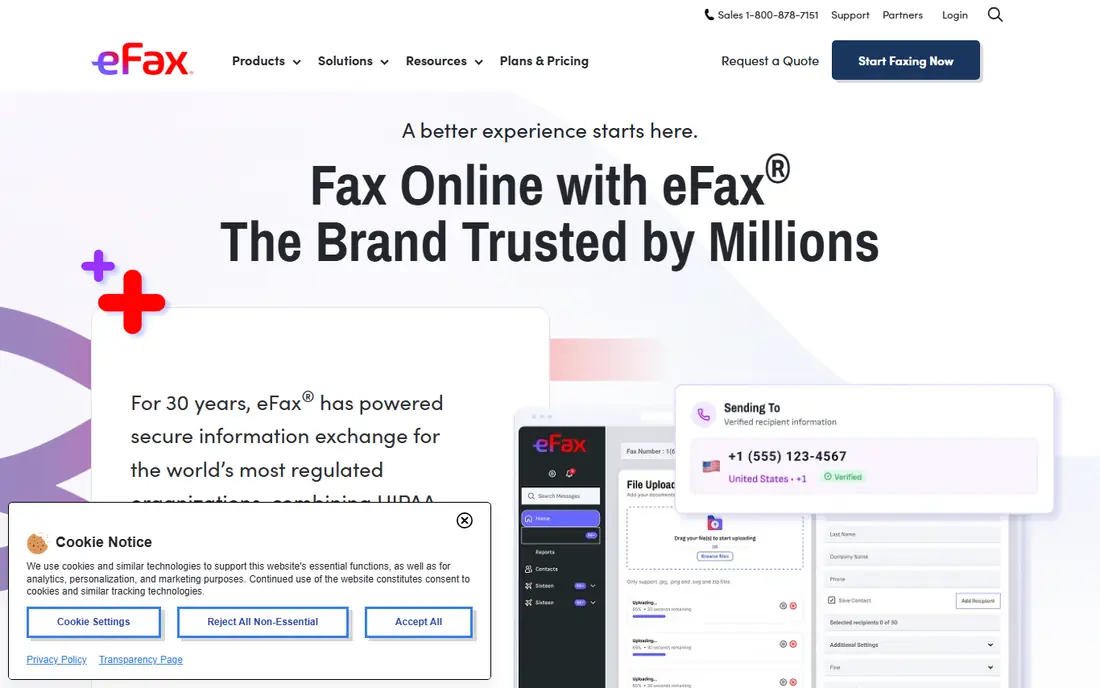
eFax lets businesses send and receive faxes by email or app, with a choice of local or toll free numbers. It suits companies that fax regularly and want a familiar provider with mobile apps.
When we compared eFax with the rest of this list, its strengths were clear: long running brand; mobile app; local and toll free numbers On the other side, buyers should weigh this catch: plans can be costly for light users; overage charges apply That trade off matters most if you plan to use the product every day, so check the pricing page and the free plan terms, and trial it with real work before you commit. For many buyers, eFax earns its place here because it handles the core job well, even though no product on this list is perfect for every need.
- Long running brand
- Mobile app
- Local and toll free numbers
- Plans can be costly for light users
- Overage charges apply
RingCentral Fax
Ideal for: Businesses already using RingCentral phones
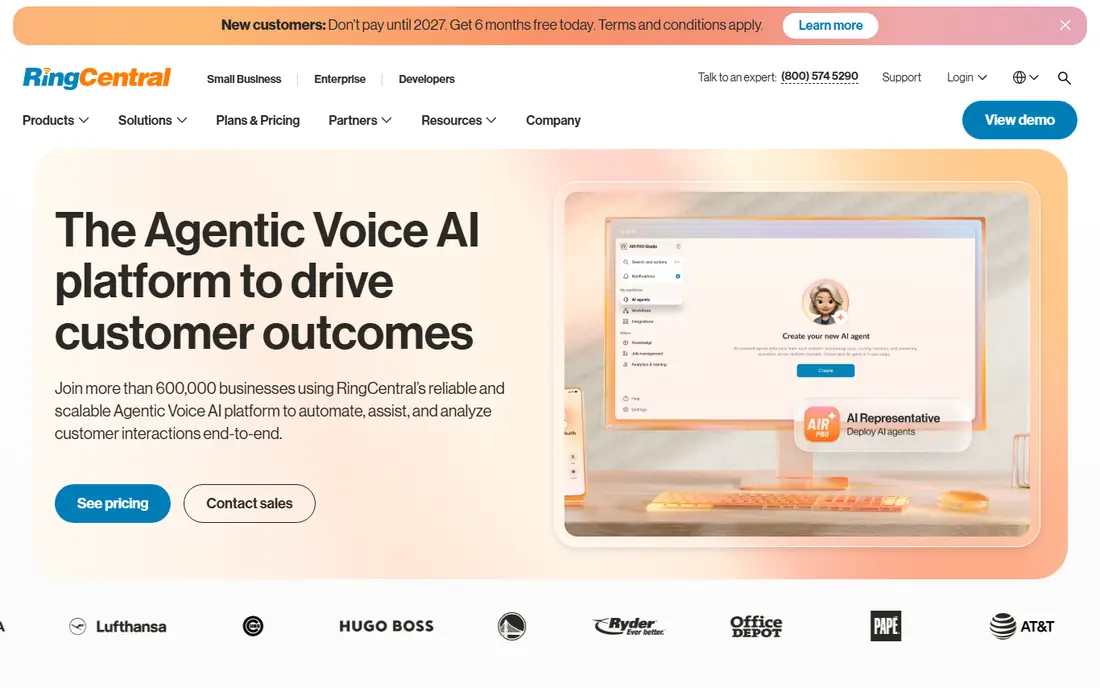
RingCentral Fax works inside the RingCentral phone and messaging system, so fax sits beside calls and messages. It fits businesses already on RingCentral that want fax without a separate provider.
When we compared RingCentral Fax with the rest of this list, its strengths were clear: fax built into a wider phone system; admin controls; integrations On the other side, buyers should weigh this catch: only good value inside ringcentral plans; standalone fax is less flexible That trade off matters most if you plan to use the product every day, so check the pricing page and the free plan terms, and trial it with real work before you commit. For many buyers, RingCentral Fax earns its place here because it handles the core job well, even though no product on this list is perfect for every need.
- Fax built into a wider phone system
- Admin controls
- Integrations
- Only good value inside RingCentral plans
- Standalone fax is less flexible
Dropbox Fax
Ideal for: Teams that fax from documents and files
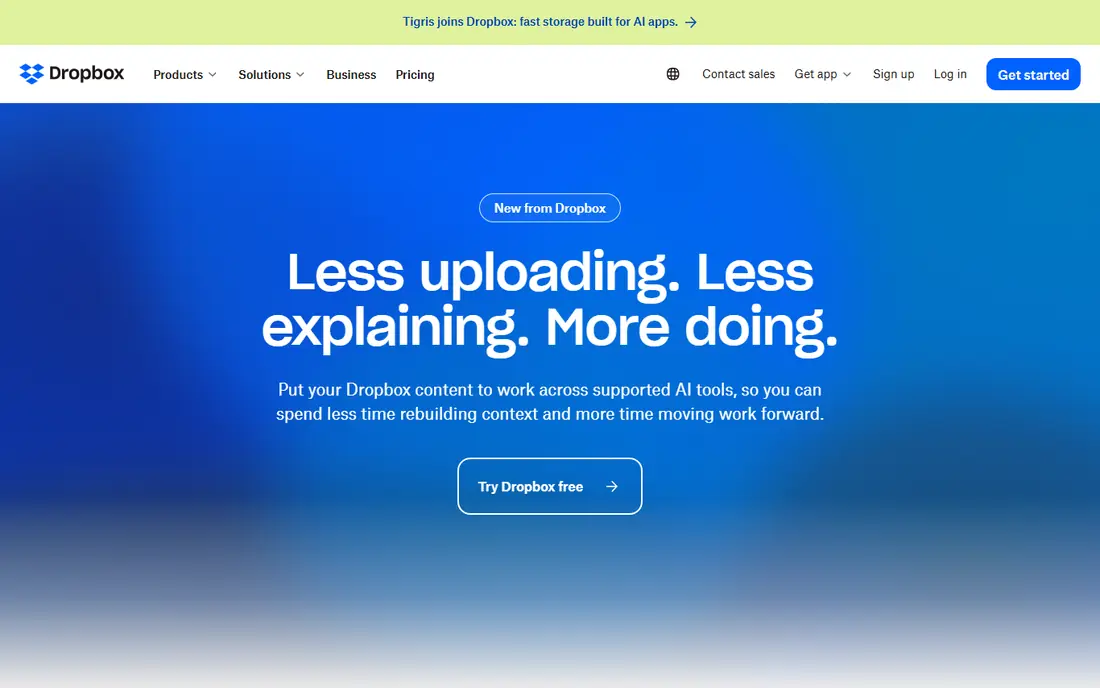
Dropbox Fax, formerly HelloFax, lets users send faxes from documents stored online. It suits teams that already store files in Dropbox and fax occasionally rather than daily.
When we compared Dropbox Fax with the rest of this list, its strengths were clear: fax from stored documents; esignature options in the same family; simple web sending On the other side, buyers should weigh this catch: fax is an add on rather than a standalone focus; page limits vary by plan That trade off matters most if you plan to use the product every day, so check the pricing page and the free plan terms, and trial it with real work before you commit. For many buyers, Dropbox Fax earns its place here because it handles the core job well, even though no product on this list is perfect for every need.
- Fax from stored documents
- ESignature options in the same family
- Simple web sending
- Fax is an add on rather than a standalone focus
- Page limits vary by plan
Fax.Plus
Ideal for: Small businesses that want a modern fax app
Fax.Plus offers a modern web and mobile fax service with a free tier for occasional use. It is a good fit for small businesses that fax a few pages a month and want a clean app.
When we compared Fax.Plus with the rest of this list, its strengths were clear: modern apps for web and mobile; free tier for occasional faxing; number options On the other side, buyers should weigh this catch: free tier page limits are low; advanced compliance needs higher plans That trade off matters most if you plan to use the product every day, so check the pricing page and the free plan terms, and trial it with real work before you commit. For many buyers, Fax.Plus earns its place here because it handles the core job well, even though no product on this list is perfect for every need.
- Modern apps for web and mobile
- Free tier for occasional faxing
- Number options
- Free tier page limits are low
- Advanced compliance needs higher plans
MetroFax
Ideal for: Businesses that want a simple low cost fax line
MetroFax keeps online fax simple, with email based sending and receiving and a choice of numbers. It suits businesses that need a reliable fax line without extra tools.
When we compared MetroFax with the rest of this list, its strengths were clear: simple plans; local and toll free numbers; email faxing On the other side, buyers should weigh this catch: features are more basic than rivals; interface is plain That trade off matters most if you plan to use the product every day, so check the pricing page and the free plan terms, and trial it with real work before you commit. For many buyers, MetroFax earns its place here because it handles the core job well, even though no product on this list is perfect for every need.
- Simple plans
- Local and toll free numbers
- Email faxing
- Features are more basic than rivals
- Interface is plain
SRFax
Ideal for: Healthcare and professional firms that need secure fax
SRFax focuses on secure fax for healthcare and professional firms, with features that support privacy requirements. It fits firms that fax sensitive documents and need security controls more than a slick app.
When we compared SRFax with the rest of this list, its strengths were clear: focus on secure fax; hipaa friendly features; email and web faxing On the other side, buyers should weigh this catch: setup is more manual than consumer apps; pricing is quote based for some plans That trade off matters most if you plan to use the product every day, so check the pricing page and the free plan terms, and trial it with real work before you commit. For many buyers, SRFax earns its place here because it handles the core job well, even though no product on this list is perfect for every need.
- Focus on secure fax
- HIPAA friendly features
- Email and web faxing
- Setup is more manual than consumer apps
- Pricing is quote based for some plans
FaxZero
Ideal for: People who need to send a rare free fax
FaxZero lets anyone send a short fax free from a web form, which is handy for a one off document. It is best for rare, short faxes, not for a business that receives faxes daily.
When we compared FaxZero with the rest of this list, its strengths were clear: free sending for a few pages; no account needed for basic use; simple web form On the other side, buyers should weigh this catch: free faxes carry a cover page ad; receiving fax needs a paid plan That trade off matters most if you plan to use the product every day, so check the pricing page and the free plan terms, and trial it with real work before you commit. For many buyers, FaxZero earns its place here because it handles the core job well, even though no product on this list is perfect for every need.
- Free sending for a few pages
- No account needed for basic use
- Simple web form
- Free faxes carry a cover page ad
- Receiving fax needs a paid plan
Nextiva Fax
Ideal for: Businesses using Nextiva for phones and communication
Nextiva Fax adds fax to the Nextiva business communication system, so voice, messaging, and fax share one admin view. It suits businesses already on Nextiva that want to keep communication tools together.
When we compared Nextiva Fax with the rest of this list, its strengths were clear: fax inside a wider business phone system; admin and reporting tools; support On the other side, buyers should weigh this catch: best value inside nextiva bundles; standalone comparison is harder That trade off matters most if you plan to use the product every day, so check the pricing page and the free plan terms, and trial it with real work before you commit. For many buyers, Nextiva Fax earns its place here because it handles the core job well, even though no product on this list is perfect for every need.
- Fax inside a wider business phone system
- Admin and reporting tools
- Support
- Best value inside Nextiva bundles
- Standalone comparison is harder
How we picked these
We started with products and services that exist and work in October 2026 and truly fit the topic, then we compared their official feature pages, pricing pages, app store listings, privacy policies, and public reviews. We looked for a mix of well known leaders and strong smaller options, and we favored products with clear pricing, clear privacy practices, and honest limits. We did not claim hands-on testing that did not happen, and where a price could not be verified from the vendor site, we wrote See website rather than guessing a number.
How to choose an online fax service
Count how many pages you send and receive each month, and whether you need to keep your current number. Check security features if you fax medical, legal, or financial documents, and test sending and receiving before moving a business number. Compare total cost including overage fees, and confirm the service works with your email system and any tools your team uses daily. Before you pay, list your must have features, your budget, and the tools the new product must work with. A short trial with real tasks will tell you more than a feature list alone, and it will show whether support replies quickly when something goes wrong. Check contract length, renewal terms, and how easy it is to export your data or cancel, since those details matter long after the first month.
Frequently asked questions
Is online fax secure?
Online fax can be secure when the provider uses encryption and access controls, but check the provider security page and your industry rules before faxing sensitive documents.
Can I keep my existing fax number?
Many providers support number porting, but confirm eligibility and timing before cancelling the old service, since porting can take days.
Do I need a fax machine with online fax?
No, online fax sends and receives through email, web, or an app, so a physical machine is not needed.
What is HIPAA compliant faxing?
For healthcare, faxing must meet privacy and security rules, so choose a provider that offers a business associate agreement and the right controls.
How many pages can I fax per month?
Page limits depend on the plan, so estimate monthly sending and receiving volume and check overage charges before you commit.