Best Online Fax Services for Small Business in 2026: 7 Compared

- 1
 eFaxAll-round small business faxVisit
- 2
 Dropbox FaxFax inside DropboxVisit
- 3
 RingCentralFax with phone and messagingVisit
- 4
 NextivaFax with business communicationsVisit
- 5
 MetroFaxSimple low-cost faxingVisit
- eFax is our pick for most small businesses, with a dedicated number and broad device support.
- Dropbox Fax and RingCentral suit teams that already use those platforms and want fax inside them.
- Nextiva, MetroFax, SRFax, and FaxBetter offer simpler or lower-cost routes for light fax users.
- Always check monthly page limits, overage charges, and whether your number is local or toll-free.
Quick comparison
| Product | Ideal for | Price from | Free version | |
|---|---|---|---|---|
| eFax | All-round small business fax | See website | Free trial | Visit |
| Dropbox Fax | Fax inside Dropbox | See website | Free trial | Visit |
| RingCentral | Fax with phone and messaging | See website | Free trial | Visit |
| Nextiva | Fax with business communications | See website | Free trial | Visit |
| MetroFax | Simple low-cost faxing | See website | Free trial | Visit |
 SRFax | Secure fax for regulated work | See website | No | Visit |
 FaxBetter | Budget fax for light use | See website | Free trial | Visit |
The best online fax services for small business
Fax still matters for health care, legal work, and many suppliers, even though few offices keep a fax machine. An online fax service lets you send and receive faxes by email, web, or app, with a real fax number included.
We compared official feature pages and pricing pages for each service below. Our pick for most small businesses is eFax, because it is widely supported, offers a dedicated number, and handles sending and receiving in one account.
Check page limits and number options before you choose. A plan that looks cheap can cost more once you exceed its monthly pages or need a toll-free number.
eFax
Ideal for: All-round small business fax
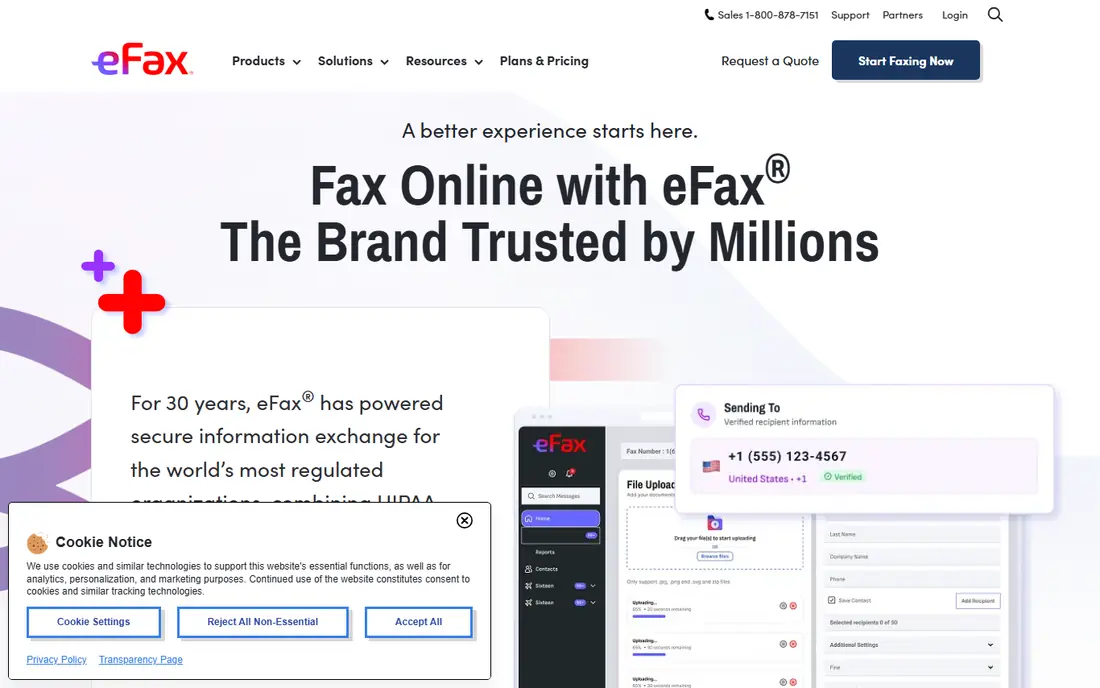
eFax is the best-known online fax service, offering a dedicated number and the ability to send and receive faxes by email, web, or mobile app. It suits small businesses that fax regularly and need reliability.
Pricing depends on plan and page volume, so check limits against your real usage. A free trial is offered in many regions, which helps you test sending and receiving before committing.
Our view: the safest all-round choice for a small business that faxes often.
Bottom line: eFax is a strong fit for all-round small business fax, and its main draw is dedicated fax number. Weigh that against the limits above before you commit, and test it with your own real work during any trial or free period.
- Dedicated fax number
- Send and receive by email or app
- Large file support
- Plans can cost more than light-use rivals
- Page limits need checking
Dropbox Fax
Ideal for: Fax inside Dropbox
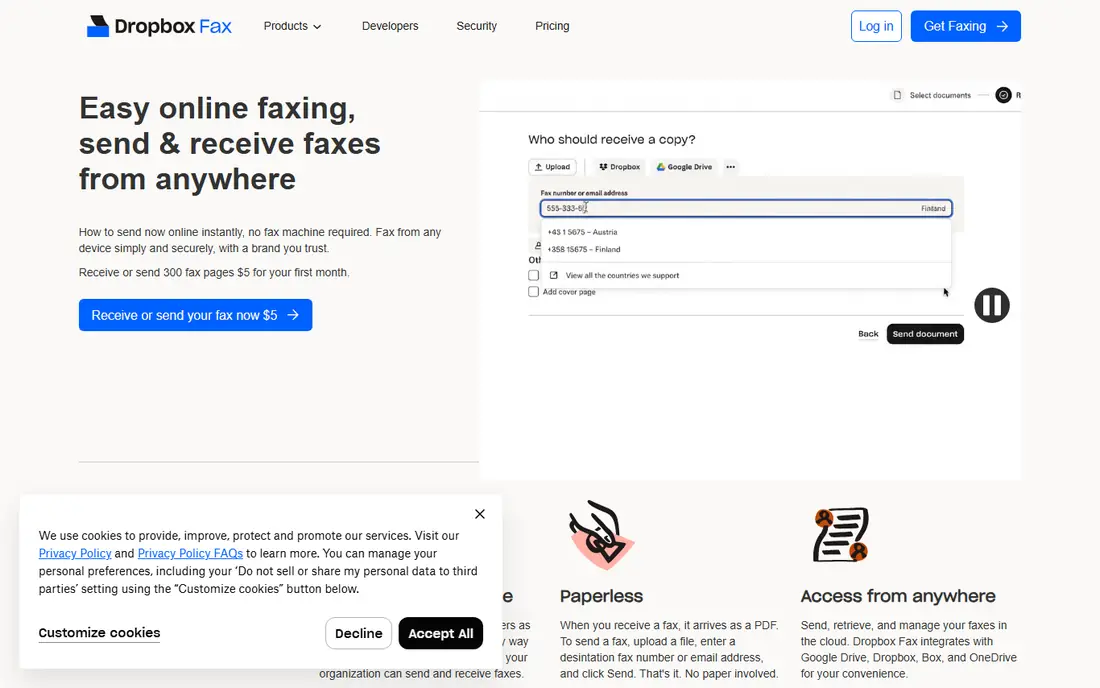
Dropbox Fax, formerly HelloFax, lets you send and sign faxes from a browser or email, with Dropbox storage behind it. It suits teams that already store documents in Dropbox.
It is less of a standalone fax system than eFax, with fewer number and routing options. For light faxing inside a Dropbox workflow, though, it is convenient.
Our view: a smart pick for Dropbox teams that fax occasionally.
Bottom line: Dropbox Fax is a strong fit for fax inside Dropbox, and its main draw is fax from Dropbox and email. Weigh that against the limits above before you commit, and test it with your own real work during any trial or free period.
- Fax from Dropbox and email
- Electronic signatures included
- Simple workflow
- Best for existing Dropbox users
- Standalone fax depth is thinner
RingCentral
Ideal for: Fax with phone and messaging
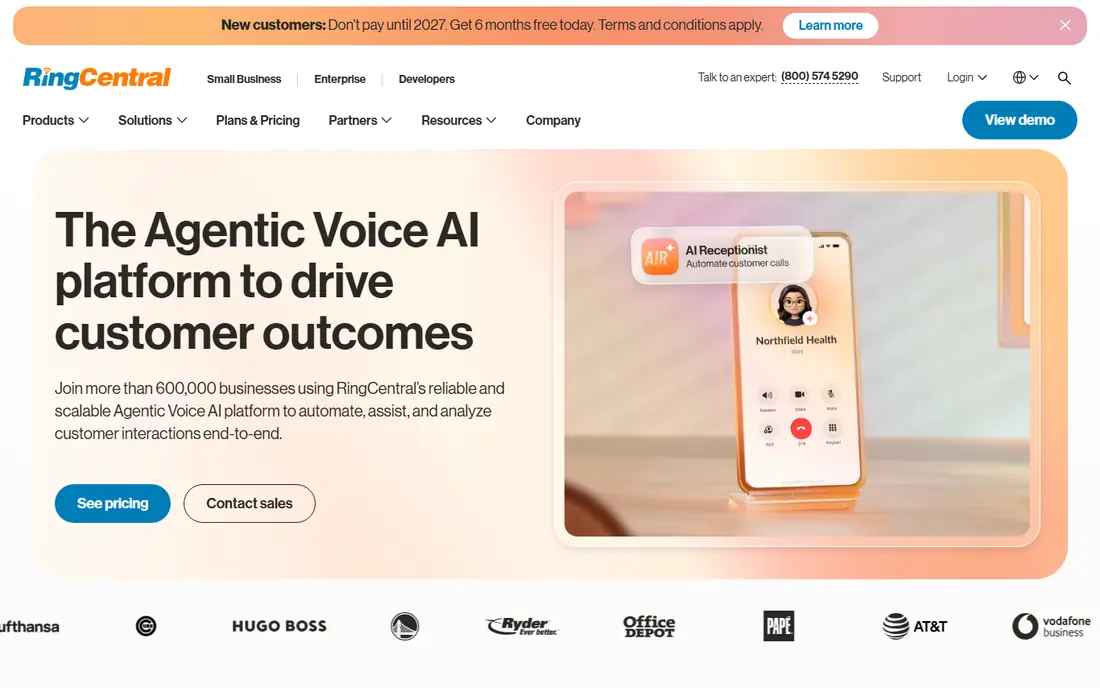
RingCentral is a business phone and messaging platform that includes online fax on many plans. That makes it attractive for a small business that wants phone, messaging, and fax from one provider.
If you only need fax, a standalone service will usually cost less. If you already use RingCentral for phones, adding fax is straightforward and well managed.
Our view: the best choice when fax is one part of a wider business phone setup.
Bottom line: RingCentral is a strong fit for fax with phone and messaging, and its main draw is fax included with business phone plans. Weigh that against the limits above before you commit, and test it with your own real work during any trial or free period.
- Fax included with business phone plans
- Dedicated numbers
- Admin controls
- Fax is part of a larger system, so standalone cost is higher
Nextiva
Ideal for: Fax with business communications
Nextiva offers online fax as part of its business communications platform, alongside phone and messaging tools. Small businesses that want one vendor for calls and fax will find it convenient.
Plan details and fax page allowances vary, so confirm them against your usage before signing up. A trial or demo helps you test the fax workflow first.
Our view: a good bundle choice for small businesses that want phone and fax together.
Bottom line: Nextiva is a strong fit for fax with business communications, and its main draw is fax on business phone plans. Weigh that against the limits above before you commit, and test it with your own real work during any trial or free period.
- Fax on business phone plans
- Web and mobile access
- US-based support
- Standalone fax users pay for a wider system
- Plan details vary
MetroFax
Ideal for: Simple low-cost faxing
MetroFax offers straightforward online faxing with a choice of local or toll-free numbers and email-based sending and receiving. It suits small businesses with light, regular fax needs.
Its feature set is simpler than eFax or RingCentral, with fewer routing and integration options. For basic send and receive work, that simplicity is a plus, not a flaw.
Our view: a solid low-fuss option for light fax users.
Bottom line: MetroFax is a strong fit for simple low-cost faxing, and its main draw is simple plans. Weigh that against the limits above before you commit, and test it with your own real work during any trial or free period.
- Simple plans
- Local or toll-free numbers
- Email faxing
- Fewer advanced features than larger rivals
- Support hours are limited
SRFax
Ideal for: Secure fax for regulated work
SRFax is a Canadian fax provider known for security-focused features, including encryption and compliance-friendly handling. It suits health care and legal offices that need careful document handling.
The interface is plain compared with larger rivals, and there is no free tier. For regulated work, though, its security focus matters more than polish.
Our view: a strong pick for offices where fax security and compliance come first.
Bottom line: SRFax is a strong fit for secure fax for regulated work, and its main draw is security-focused faxing. Weigh that against the limits above before you commit, and test it with your own real work during any trial or free period.
- Security-focused faxing
- Health-care friendly features
- Email and web access
- Interface is plain
- Pricing is plan based rather than free
FaxBetter
Ideal for: Budget fax for light use
FaxBetter offers low-cost online faxing with simple plans and a free incoming fax number on some tiers. It suits very light users who mainly receive faxes and send only occasionally.
Cheaper plans have tight page limits, so heavy users will outgrow it quickly. Check overage charges before you rely on it for regular sending.
Our view: a budget-friendly choice for businesses that fax rarely.
Bottom line: FaxBetter is a strong fit for budget fax for light use, and its main draw is low-cost plans. Weigh that against the limits above before you commit, and test it with your own real work during any trial or free period.
- Low-cost plans
- Free incoming number option in some plans
- Simple setup
- Page limits are tight on cheaper plans
- Features are basic
How we picked these
We compared official feature pages and pricing pages, and we looked at fax numbers, page limits, sending methods, and security features. We favoured services with clear plan terms and a dedicated number.
We did not claim hands-on testing. Where pricing varied by plan or region, we wrote See website rather than quoting a figure that might not apply to you.
How to choose an online fax service
Count your real fax volume first. Check how many pages you send and receive in a typical month, then pick a plan whose limit covers that volume with room to spare. Overage charges add up fast.
Decide whether you need a local or toll-free number. A local number suits local clients, while a toll-free number suits a wider customer base. Porting an existing fax number is also worth asking about.
Check how you will actually send faxes. Email faxing suits most offices, while a mobile app helps field staff. Test the workflow during a trial before you move your main number.
For health care or legal work, ask about security and compliance. Encryption, access controls, and audit trails matter more than a low price when documents are sensitive.
Finally, test receiving as well as sending. Send a fax to your new number from another service during the trial, and confirm it arrives quickly and legibly.
Also confirm what happens to your number if you cancel. Some providers release numbers quickly, so keep a note of your porting options before you commit long term.
Frequently asked questions
Do I need a fax machine with an online fax service?
No. You send and receive faxes through email, a web portal, or a mobile app, and the service handles the fax line for you.
Can I keep my existing fax number?
Many services support number porting, though timing and fees vary. Ask the provider before signup and do not cancel your old service until the port completes.
Is online fax secure?
Reputable services use encryption for stored and transmitted faxes. For health care or legal work, ask about compliance features and access controls before choosing.
How many pages do small businesses usually fax?
It varies widely, from a handful to hundreds per month. Check your last three months of usage, then choose a plan with headroom above that average.
Can I fax from my phone?
Yes. Most services here offer mobile apps or email faxing, so you can send a photo or document as a fax from your phone.