Best Online Learning Platforms for Kids in 2026: 8 Platforms Compared

- 1
 Khan Academy KidsFree early learning for ages 2 to 8Visit
- 2
 ABCmouseStructured curriculum for ages 2 to 8Visit
- 3
 PBS Kids GamesFree playful learning with familiar charactersVisit
- 4
 StarfallLearn-to-read phonics for young childrenVisit
- 5
 EpicReading volume for ages 4 to 12Visit
- Our pick for most people is Khan Academy Kids, because it balances price, features and ease of use for the widest group of readers.
- Free plans are real here, but the limits matter: check what ABCmouse and PBS Kids Games actually include before you commit.
- Prices in this guide come from vendor pricing pages and current comparisons checked in October 2026, and they can change, so confirm the plan on the vendor site before you buy.
- The best choice depends on your budget, your experience level and how much support you want, not on which brand is most famous.
Quick comparison
| Product | Ideal for | Price from | Free version | |
|---|---|---|---|---|
| Khan Academy Kids | Free early learning for ages 2 to 8 | Free | Yes | Visit |
| ABCmouse | Structured curriculum for ages 2 to 8 | $14.99 per month | Yes | Visit |
| PBS Kids Games | Free playful learning with familiar characters | Free | Yes | Visit |
| Starfall | Learn-to-read phonics for young children | Free | Yes | Visit |
| Epic | Reading volume for ages 4 to 12 | $13.99 per month | Yes | Visit |
 SplashLearn | Math and reading games for preschool to grade 5 | See website | Yes | Visit |
 Lingokids | Play-based learning for ages 2 to 8 | Free | Yes | Visit |
 ScratchJr | Intro coding and storytelling for ages 5 to 7 | Free | Yes | Visit |
The best Online Learning Platforms for Kids in 2026
We compared official feature pages, pricing pages, app store listings, privacy policies and public reviews to build this list for best online learning platforms for kids. Every option below exists and works today, and each one earns its place for a different kind of reader.
Khan Academy Kids
Ideal for: Free early learning for ages 2 to 8
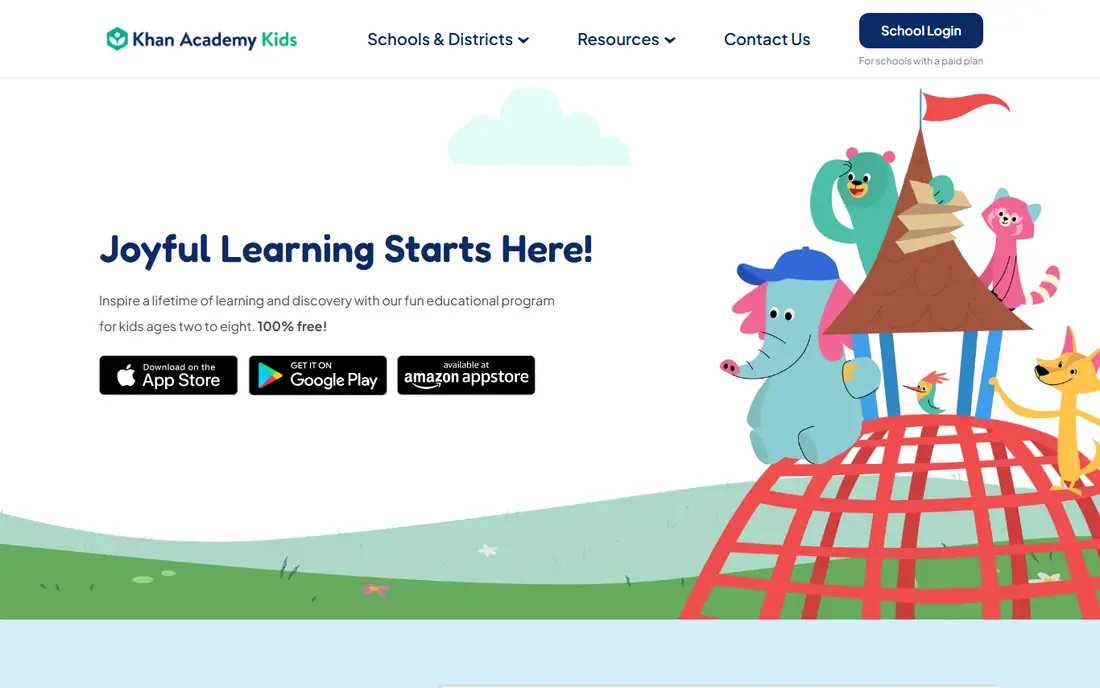
Here is the short version. Khan Academy Kids is the first app most parents should install, because it is free, ad-free and covers reading, math and social-emotional skills for young children. It fits readers who want free early learning for ages 2 to 8, and its published feature set matches that promise rather than trying to cover every possible use case at once. When we weighed it against the rest of this list, the balance of price, scope and support stood out for that group. The price picture is free, with a free plan status of yes. Older children outgrow it, so move to the main Khan Academy app or a reading platform when your child passes age 8. Before you sign up, check the current plan limits on the official site, because caps on users, usage or features are where most buyers get surprised after the first month.
- Completely free
- No ads or purchases
- Reading, math and social-emotional learning
- No web version for the Kids app
- Age range tops out near 8
ABCmouse
Ideal for: Structured curriculum for ages 2 to 8

Start here if you want the safe default. ABCmouse suits families who want one long guided path through reading, math, science and art, with a parent dashboard tracking progress. It fits readers who want structured curriculum for ages 2 to 8, and its published feature set matches that promise rather than trying to cover every possible use case at once. When we weighed it against the rest of this list, the balance of price, scope and support stood out for that group. The price picture is $14.99 per month, with a free plan status of yes. The subscription is the objection when Khan Academy Kids covers similar ground free, so trial it to check whether the structure helps your child. Before you sign up, check the current plan limits on the official site, because caps on users, usage or features are where most buyers get surprised after the first month.
- Large guided curriculum
- 10,000 plus activities
- Parent dashboard
- Subscription cost
- Annual price varies by offer
PBS Kids Games
Ideal for: Free playful learning with familiar characters
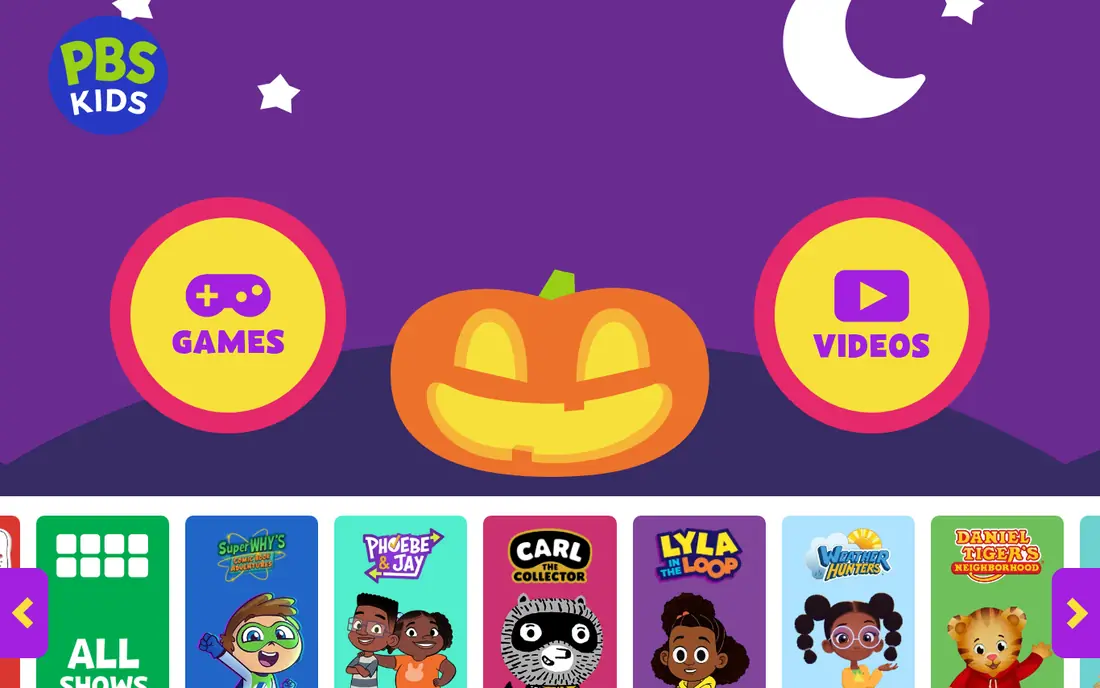
This one suits a specific kind of reader. PBS Kids Games suits preschool and early elementary children who learn best through play with characters they already love. It fits readers who want free playful learning with familiar characters, and its published feature set matches that promise rather than trying to cover every possible use case at once. When we weighed it against the rest of this list, the balance of price, scope and support stood out for that group. The price picture is free, with a free plan status of yes. It is a games collection rather than a curriculum, so pair it with Khan Academy Kids for structured progress. Before you sign up, check the current plan limits on the official site, because caps on users, usage or features are where most buyers get surprised after the first month.
- Free games
- Familiar characters
- Math, reading and science
- Less structured curriculum than ABCmouse
- Age range is preschool to early elementary
Starfall
Ideal for: Learn-to-read phonics for young children
Consider this if the top picks do not fit. Starfall has taught phonics to a generation of early readers, with a free core programme that covers letter sounds and early reading. It fits readers who want learn-to-read phonics for young children, and its published feature set matches that promise rather than trying to cover every possible use case at once. When we weighed it against the rest of this list, the balance of price, scope and support stood out for that group. The price picture is free, with a free plan status of yes. The full curriculum needs a 35 dollar a year membership, which is still low, but the design feels older than newer apps. Before you sign up, check the current plan limits on the official site, because caps on users, usage or features are where most buyers get surprised after the first month.
- Free learn-to-read programme
- Phonics focus
- Low-cost membership for full curriculum
- Membership needed for full math and reading
- Design feels older
Epic
Ideal for: Reading volume for ages 4 to 12
A strong option for a narrower need. Epic suits children who love books, with a huge library, read-to-me options and quizzes that keep reading fun. It fits readers who want reading volume for ages 4 to 12, and its published feature set matches that promise rather than trying to cover every possible use case at once. When we weighed it against the rest of this list, the balance of price, scope and support stood out for that group. The price picture is $13.99 per month, with a free plan status of yes. Early learners who cannot yet read need a phonics app beside it, since Epic rewards children who already read. Before you sign up, check the current plan limits on the official site, because caps on users, usage or features are where most buyers get surprised after the first month.
- Huge kids book library
- Read-to-me and audiobooks
- Quizzes
- Price per month
- Library suits readers more than early learners
SplashLearn
Ideal for: Math and reading games for preschool to grade 5
Worth a close look before you decide. SplashLearn suits school-age children who need math and reading practice that adapts to their level. It fits readers who want math and reading games for preschool to grade 5, and its published feature set matches that promise rather than trying to cover every possible use case at once. When we weighed it against the rest of this list, the balance of price, scope and support stood out for that group. The price picture is see website, with a free plan status of yes. Pricing varies by plan and account, so check the cost for your children before committing. Before you sign up, check the current plan limits on the official site, because caps on users, usage or features are where most buyers get surprised after the first month.
- Adaptive math and reading games
- Parent reports
- School-friendly
- Prices shown in account
- Full features need paid plans
Lingokids
Ideal for: Play-based learning for ages 2 to 8
This belongs on the shortlist for a reason. Lingokids suits younger children who learn through play, covering academics, life skills and creative play. It fits readers who want play-based learning for ages 2 to 8, and its published feature set matches that promise rather than trying to cover every possible use case at once. When we weighed it against the rest of this list, the balance of price, scope and support stood out for that group. The price picture is free, with a free plan status of yes. Older elementary children will outgrow it, so treat it as a preschool and early elementary tool. Before you sign up, check the current plan limits on the official site, because caps on users, usage or features are where most buyers get surprised after the first month.
- Play-based academics and life skills
- Free tier
- Parent dashboard
- Premium needed for full content
- Younger age focus
ScratchJr
Ideal for: Intro coding and storytelling for ages 5 to 7
Do not overlook this one. ScratchJr introduces coding to young children through blocks they snap together to make stories and games. It fits readers who want intro coding and storytelling for ages 5 to 7, and its published feature set matches that promise rather than trying to cover every possible use case at once. When we weighed it against the rest of this list, the balance of price, scope and support stood out for that group. The price picture is free, with a free plan status of yes. It covers coding only, so pair it with a reading and math app for a rounded learning stack. Before you sign up, check the current plan limits on the official site, because caps on users, usage or features are where most buyers get surprised after the first month.
- Free coding blocks
- Storytelling and sequencing
- No reading needed to start
- Narrow age range
- Coding only, not a full curriculum
How we picked these
We started from official feature pages and pricing pages, then checked app store listings, privacy policies and public reviews to confirm each product still works and still fits the topic. Products that could not be verified, or that only partly matched the topic, were left out, even when they were well known. We favoured a mix of established leaders and strong smaller options, and we weighted price transparency, a usable free tier or trial, and honest limits more heavily than marketing claims. No product on this list paid for its place, and our pick for most people is the one we would suggest to a friend with ordinary needs and an ordinary budget.
How to choose a learning platform for your child
Start with age and reading level, because a platform built for preschoolers bores a ten-year-old, and a platform built for older children frustrates a four-year-old. Next, check ads and purchases, since a free app with ads is not really free for a child, and the best kids apps in this list are ad-free or clearly labelled. Then check whether you want structure or play: a guided curriculum suits children who like a path, while games and books suit children who learn by exploring. Keep screen time short and supervised for young children, and sit nearby to talk about what they learn, because an app works best beside a parent, not instead of one. Also check parent dashboards and progress reports, since they show whether your child is actually learning or just tapping. Trial one app at a time for two weeks, watch whether your child asks for it, and drop apps that become a chore. The best learning stack is usually one free core app plus one paid extra for the subject your child loves most.
Frequently asked questions
What are the best online learning platforms for kids?
Khan Academy Kids leads for free early learning, ABCmouse leads for structured curriculum, Epic leads for reading volume, and PBS Kids leads for free playful learning.
What is the best learning app for preschoolers?
Khan Academy Kids and PBS Kids Games suit preschoolers best, with free, ad-free content for ages 2 to 8. ABCmouse and Lingokids add structured and play-based options.
Is ABCmouse worth the price?
ABCmouse costs 14.99 dollars a month, with annual offers varying, and it suits families who want a structured curriculum. Families happy with free options may find Khan Academy Kids covers similar ground.
What is the best app for kids learning to read?
Starfall leads for phonics, Khan Academy Kids covers early reading, and Epic suits children who already read and want volume. Duolingo ABC adds free phonics practice.
Are learning apps safe for young children?
The apps in this list are designed for children and run by established organisations, but young children still benefit from an adult nearby. Check each app parental controls and data practices before use.