Best Online Privacy Protection Services in 2026: 8 Services Compared

- Privacy protection services mainly remove your personal data from data broker sites and monitor for new exposures.
- DeleteMe and Incogni lead on data broker removal, while Aura bundles removal with identity protection and VPN features.
- No service can remove all of your data everywhere, so results should be judged on coverage and regular re-checks, not promises of total erasure.
- Optery and Kanary suit users who want to see exactly which brokers hold their data before paying for removal.
- Our pick for most people is DeleteMe, with Aura as the pick for those who want broader identity protection in one subscription.
Disclaimer: No service can remove all of your personal data or guarantee complete privacy online.
Quick comparison
| Product | Ideal for | Price from | Free version | |
|---|---|---|---|---|
 DeleteMe | Data broker removal | See website | No | Visit |
 Incogni | Automated broker removal | See website | No | Visit |
 Aura | Bundled identity protection | See website | Free trial | Visit |
 Optery | Broker exposure reports | See website | Yes | Visit |
 Privacy Bee | Guided privacy cleanup | See website | No | Visit |
 Kanary | Personal data removal | See website | No | Visit |
 OneRep | Family data removal | See website | No | Visit |
 Mozilla Monitor | Breach monitoring | See website | Yes | Visit |
The best online privacy protection services
Personal data ends up on data broker sites that sell it to marketers, scammers, and anyone willing to pay, and removing it by hand takes hours. The services below were compared on broker coverage, removal automation, monitoring, extra protection features, and price.
DeleteMe
Ideal for: Data broker removal
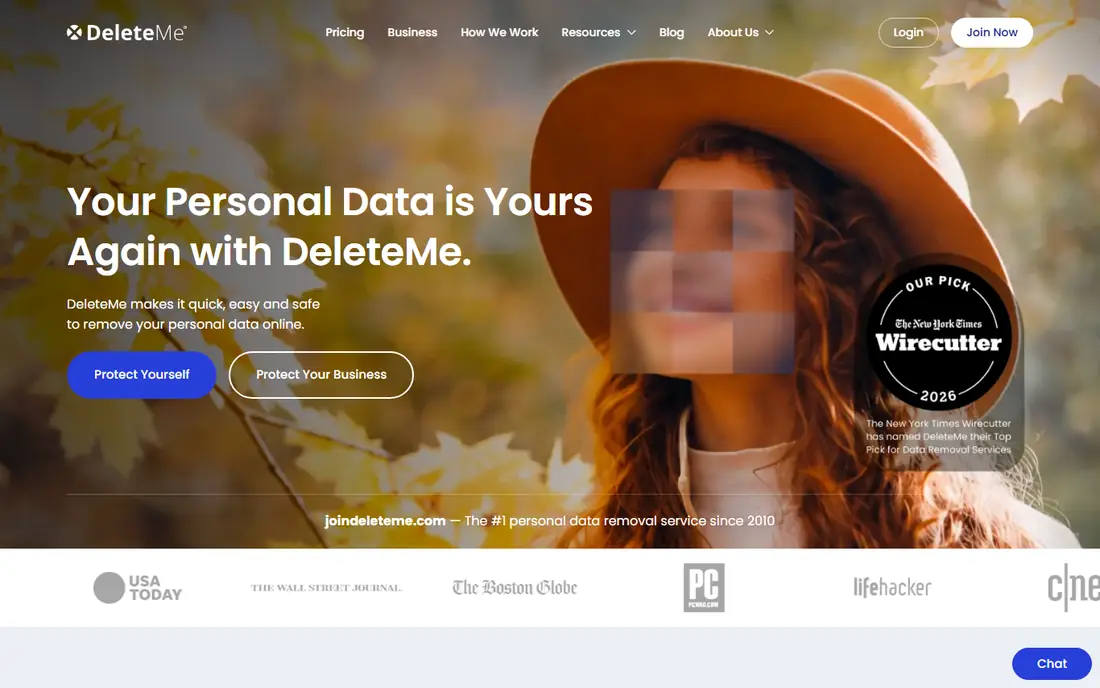
DeleteMe is one of the longest-running data removal services, submitting opt-out requests to data brokers on your behalf and re-checking regularly, since removed data often reappears. Its human-reviewed process handles brokers that resist automation, and its reports show which brokers were contacted and what happened. For someone who wants a thorough, ongoing cleanup, it is a solid choice.
Removal is not instant: some brokers take weeks, and no service can erase data from every source, including public records and sites that refuse removal. DeleteMe is honest about those limits in its reporting, which is part of why it remains trusted.
- Broad broker coverage
- Human-reviewed removals
- Regular re-checks for reappearing data
- Removal takes weeks for some brokers
- Cannot remove data from every source
Incogni
Ideal for: Automated broker removal
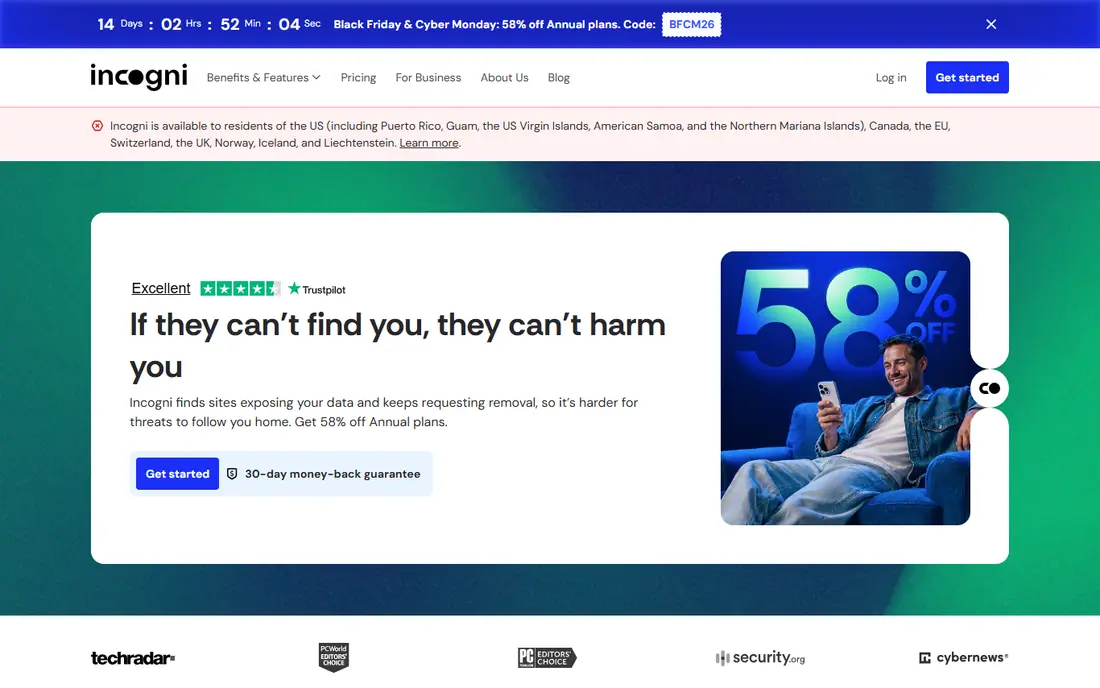
Incogni, from the team behind Surfshark, automates data broker removals across a large broker list, with a dashboard that shows progress and remaining exposures. Its automation makes it efficient and fairly priced, and its regular re-checks catch data that returns. For users who want a set-and-forget removal service at good value, Incogni is appealing.
As a newer service than DeleteMe, its broker handling is still maturing, and some brokers need manual follow-up. Overall, though, it offers strong coverage and a clean experience at a competitive price.
- Automated removal across many brokers
- Clear progress dashboard
- Good value
- Newer than DeleteMe
- Some brokers need manual follow-up
Aura
Ideal for: Bundled identity protection
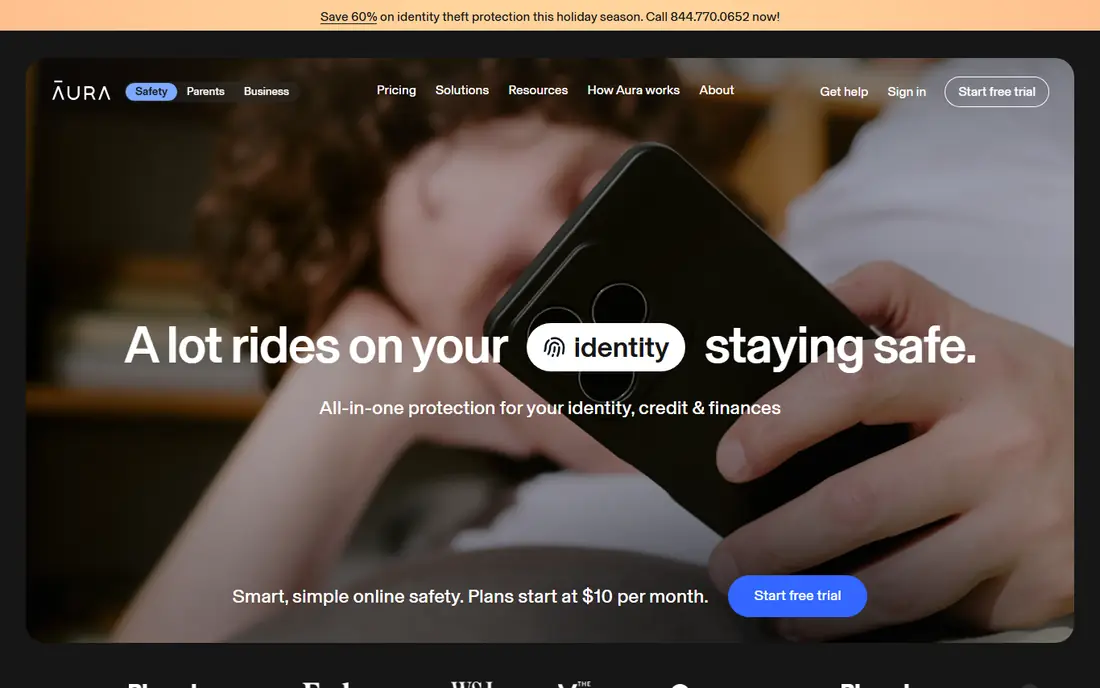
Aura bundles data broker removal with identity theft protection, a VPN, antivirus, and credit monitoring, making it a one-stop privacy and security subscription. Its family plans cover several people, and its app brings the features together cleanly. For someone who wants broad protection without managing five separate tools, Aura is convenient.
The bundle costs more than a removal-only service, and some features may duplicate tools you already own, such as a separate VPN. For users who want everything in one place, though, Aura is the most complete option on this list.
- Bundles data removal with VPN, antivirus, and identity monitoring
- Family plans
- Good app
- Bundle costs more than removal alone
- Some features overlap with tools you may own
Optery
Ideal for: Broker exposure reports
Optery stands out by starting with a free exposure report that shows which data brokers hold your information, with screenshots as evidence. That transparency helps users understand the problem before paying, and its tiered plans let you choose how much removal work to outsource. Its reports are among the clearest in the category.
The free tier only shows exposures, so removal requires a paid plan, and depth varies by tier. For users who want to see the problem first and then choose a plan, Optery is an excellent starting point.
- Free exposure report shows your broker footprint
- Tiered removal plans
- Transparent reporting
- Free tier shows exposures without removing them
- Removal depth varies by plan
Privacy Bee
Ideal for: Guided privacy cleanup
Privacy Bee guides users through privacy cleanup, covering data brokers and account privacy settings, with checkups that track progress. Its educational content helps users understand what each step does, which suits people who want to learn privacy habits, not just outsource removal. That guided approach is its main strength.
Its broker list is smaller than DeleteMe or Incogni, so coverage may be less complete. For users who want a guided, educational path to better privacy, Privacy Bee is a useful option.
- Guided cleanup across brokers and accounts
- Privacy checkups
- Good educational content
- Smaller broker list than leaders
- Interface takes learning
Kanary
Ideal for: Personal data removal
Kanary offers straightforward personal data removal, submitting opt-outs to brokers and monitoring for reappearing data, with clear reporting on progress. Its simplicity suits users who want removal without a bundle of extra features, and its pricing is accessible. For a focused removal service, it does the job well.
Its brand presence is smaller than the leaders, and it lacks the extra identity features of Aura. For users who want simple, affordable removal, Kanary is worth comparing.
- Straightforward removal service
- Regular monitoring
- Clear reporting
- Smaller brand presence
- Fewer extra features than Aura
OneRep
Ideal for: Family data removal
OneRep focuses on data removal for individuals and families, with plans that cover several people under one subscription. Its broker coverage is broad, and its regular re-checks handle data that returns after removal. Families concerned about everyone's exposure, including older relatives, benefit from covering all members together.
Family pricing is higher than a single-person plan, and removal still takes time for stubborn brokers. For households that want everyone's data cleaned up together, OneRep is a practical choice.
- Family plans for multiple people
- Broad broker coverage
- Regular re-checks
- Pricing is higher for families
- Removal takes time for some brokers
Mozilla Monitor
Ideal for: Breach monitoring
Mozilla Monitor, from the nonprofit behind Firefox, monitors whether your email appears in data breaches and alerts you when it does, with guidance on what to do next. Its free tier covers basic monitoring, and its brand trust is high. For someone starting with privacy, it is a free, sensible first step.
It is monitoring-focused rather than a full broker removal service, so users who want broad removal still need DeleteMe, Incogni, or a similar tool. As a free early warning system, though, Mozilla Monitor is valuable for everyone.
- Free breach monitoring from a trusted nonprofit brand
- Clear alerts
- Data removal guidance
- Monitoring-focused, not a full removal service
- Removal features are limited
How we picked these
We compared official product pages, pricing pages, and service descriptions for privacy protection services, focusing on broker coverage, removal automation, monitoring, extra features, and price. We favored services with transparent reporting and regular re-checks, since data removal is ongoing work, not a one-time fix.
What to check before you subscribe
Check broker coverage for your country and situation, since some services focus on US brokers while others cover more regions. Also set expectations: no service removes all data everywhere, and stubborn brokers take time. Look for regular re-checks in the plan, since removed data often reappears within months.
Use strong, unique passwords and two-factor authentication alongside any removal service, since removal reduces exposure but does not replace account security. Finally, compare family pricing if you plan to cover several people, since per-person costs add up quickly.
Another practical step is to test support before you depend on it. Send a question during the trial and note how fast and how helpfully the team responds, since that response is a preview of what you will get when something breaks at an awkward moment. Also check the documentation and community: clear guides and an active user community can solve many problems without waiting for support at all. If the service handles important data or money, review its security and privacy pages too, and confirm that its practices match your requirements. A product that is strong on features but weak on support or security can cost far more in stress and risk than it saves in subscription fees.
It is also worth checking recent reviews and community discussion before you commit, since products and services change faster than any single guide can track. Look for patterns rather than single complaints: repeated mentions of billing surprises, poor support, or declining quality are more telling than one angry review. At the same time, remember that every popular service attracts some negative feedback, so weigh the overall picture, including how the company responds to criticism. A vendor that answers problems openly and fixes them promptly is usually a safer bet than one that stays silent. Use that broader picture, together with your trial experience, to make a final decision you can feel good about.
Frequently asked questions
Can a privacy service remove all my personal data from the internet?
No. Services remove data from data brokers they cover, but public records, social media posts you made, and sites that refuse removal remain. Treat removal as risk reduction, not total erasure.
How long does data broker removal take?
It varies by broker, from days to weeks, and removed data often reappears, which is why ongoing monitoring and re-checks matter. Expect meaningful progress over months, not days.
Is DeleteMe or Incogni better?
Both are strong. DeleteMe has a longer track record and human-reviewed removals, while Incogni offers good automation and value. Compare current broker coverage and pricing for your needs before choosing.
Do I still need a VPN if I use a privacy removal service?
They solve different problems. Removal reduces data broker exposure, while a VPN protects network traffic. Aura bundles both, while other users may pair a removal service with a separate VPN.
Should I pay for removal or do it myself?
You can submit opt-outs yourself for free, but it takes many hours and must be repeated as data returns. Paid services save that time and handle re-checks, which is worth it for most people.
Should I try a free plan or trial first for best online privacy protection services?
Yes, whenever one is available. A trial with your real data and real tasks reveals fit, speed, and ease of use in a way no sales page can, and it often surfaces deal-breakers early, such as a missing integration or a confusing workflow. Use the trial actively rather than just browsing: complete a typical task end to end, contact support once, and check how easy it is to export your work if you decide to leave.