Best Open Source Project Management Software in 2026: 8 Tools Compared

- 1
 OpenProjectFull project managementVisit
- 2
 TaigaAgile boardsVisit
- 3
 RedmineCustomizable trackingVisit
- 4
 Odoo ProjectProjects inside an ERPVisit
- 5
 KanboardSimple kanban boardsVisit
- OpenProject is our pick for most teams because it pairs task management with timelines, agile boards, and time tracking.
- Taiga suits agile teams that want scrum and kanban boards in a clean interface.
- Redmine suits technical teams that want a long-running, highly customizable tracker.
-
Self-hosting effort, plugin quality, and mobile support differ a lot, so test with your real team before committing.
-
Plugin maintenance status matters more than plugin counts, since abandoned plugins break on the next major upgrade.
Quick comparison
| Product | Ideal for | Price from | Free version | |
|---|---|---|---|---|
| OpenProject | Full project management | Free | Yes | Visit |
| Taiga | Agile boards | Free | Yes | Visit |
| Redmine | Customizable tracking | Free | Yes | Visit |
| Odoo Project | Projects inside an ERP | Free | Yes | Visit |
| Kanboard | Simple kanban boards | Free | Yes | Visit |
 Leantime | Lean project management | Free | Yes | Visit |
 Focalboard | Boards for teams | Free | Yes | Visit |
 Wekan | Trello-style boards | Free | Yes | Visit |
The best open source project management software
Open source project management software gives teams task boards, timelines, and tracking without per-user license fees, plus the freedom to self-host and customize. The trade-off is setup and maintenance effort. We compared official feature pages, documentation, and public reviews for the options below.
OpenProject
Ideal for: Full project management
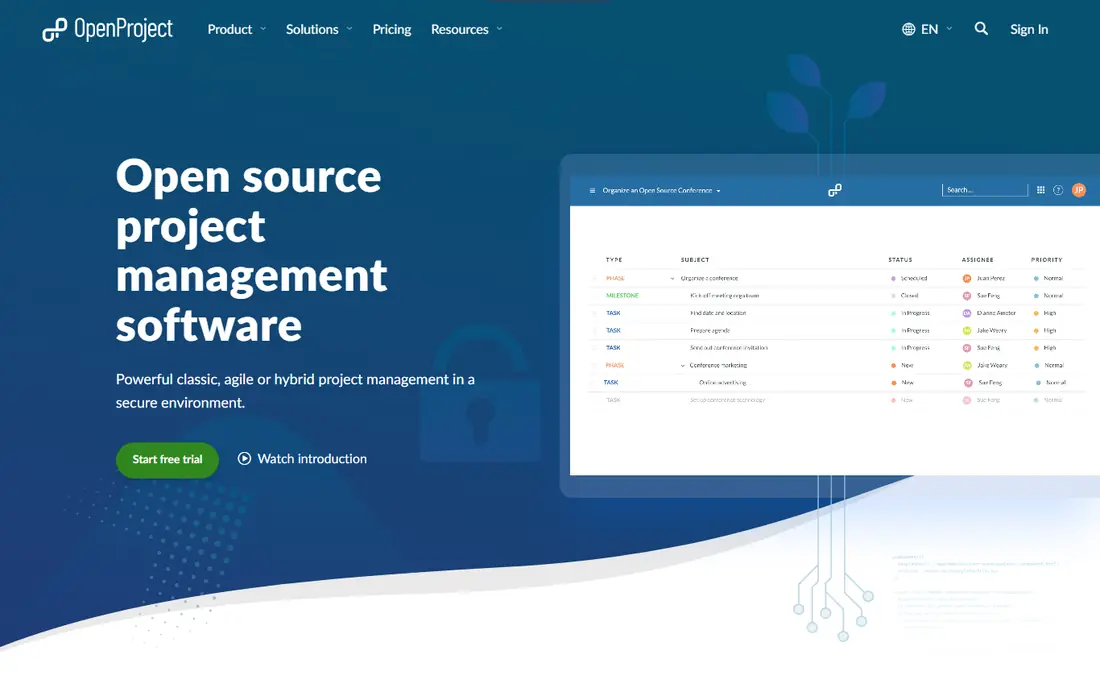
OpenProject is the most complete open source project tool here, with Gantt charts, agile boards, work packages, time tracking, wikis, and budgets. Permissions and roles suit larger teams, and active development keeps features current. Teams can self-host or use the hosted cloud version.
The interface feels dense to new users, and self-hosting needs server care for updates and backups. For a team that wants a full-featured open source project system, OpenProject is our top pick.
- Gantt charts, agile boards, and time tracking
- Strong permissions
- Active development
- Interface feels dense
- Self-hosting needs server care
Taiga
Ideal for: Agile boards
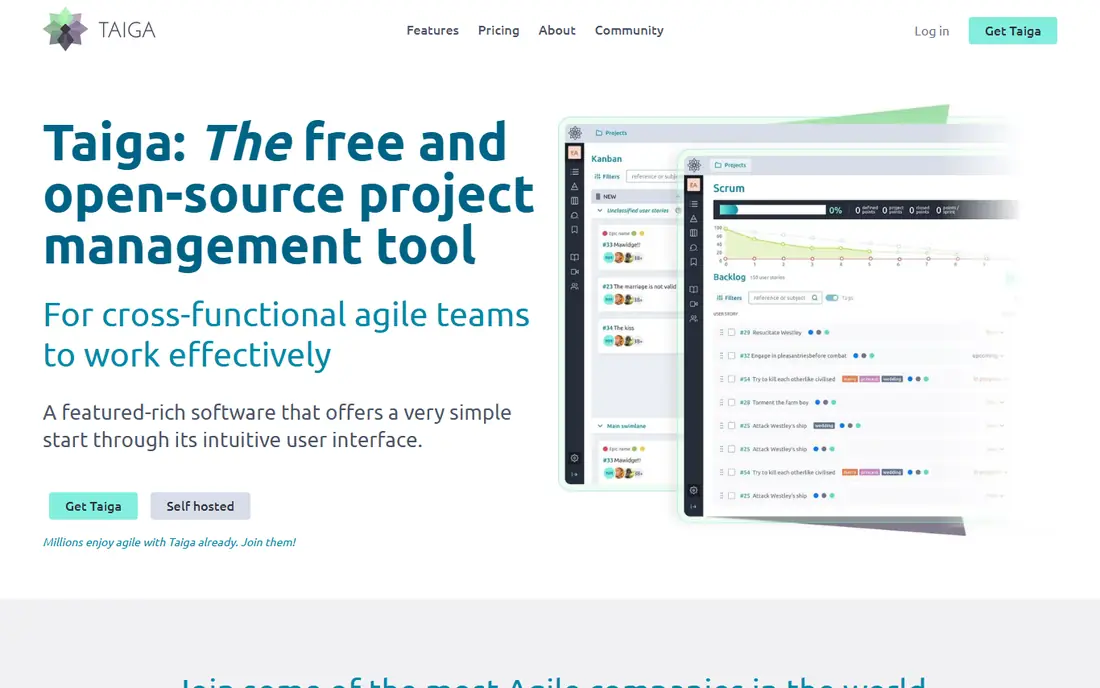
Taiga offers clean scrum and kanban boards with epics, user stories, tasks, and issues in a friendly interface. Agile teams like the board design and the way sprints, backlogs, and milestones fit together. The hosted version suits teams that do not want server work.
Enterprise features such as advanced reporting are fewer than OpenProject, and self-hosting takes effort. For an agile team that wants a clean, open source board system, Taiga is an excellent choice.
- Clean scrum and kanban boards
- Good for agile teams
- Easy to use
- Fewer enterprise features
- Self-hosting setup takes effort
Redmine
Ideal for: Customizable tracking
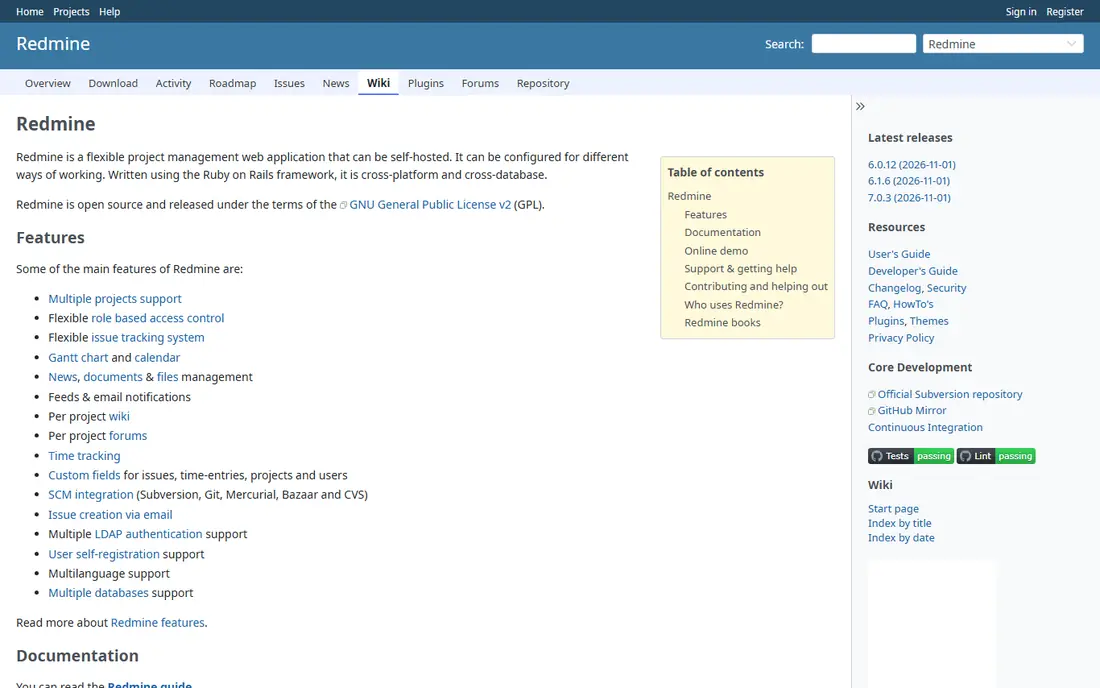
Redmine is a long-running, Ruby-based project tracker with issues, Gantt charts, calendars, wikis, and document management. Custom trackers and fields let technical teams shape it to their workflows, and many plugins extend it further. Its longevity means documentation and community help are broad.
The interface feels dated, and setup plus plugin quality vary. For a technical team that wants deep customization and a proven tracker, Redmine remains a solid choice.
- Highly customizable trackers
- Long history
- Many plugins
- Dated interface
- Setup and plugin quality vary
Odoo Project
Ideal for: Projects inside an ERP
Odoo Project sits inside the Odoo ERP, combining task boards and timelines with timesheets, invoicing, and sales. Teams that already use Odoo gain project tracking without a separate tool, and billing from timesheets is natural. The modular system grows with the business.
Project depth trails OpenProject and Taiga for pure project work, and full ERP setup takes effort. For a team that wants projects inside a broader business system, Odoo Project is a practical pick.
- Projects plus timesheets and invoicing
- ERP context
- Modular growth
- Project depth trails specialists
- Setup effort for full ERP
Kanboard
Ideal for: Simple kanban boards
Kanboard is a minimal, lightweight kanban tool: boards, cards, swimlanes, and basic automation in a fast, simple package. Self-hosting is easy, even on modest servers, and the interface stays out of the way. Small teams that only need visual task flow will like the focus.
Features beyond boards are minimal, and Gantt charts need plugins. For a small team that wants simple, self-hosted kanban without bloat, Kanboard is a clean choice.
- Very simple kanban
- Lightweight and fast
- Easy self-hosting
- Minimal features beyond boards
- No Gantt in core
Leantime
Ideal for: Lean project management
Leantime combines lean project boards with milestones, goals, and idea management, which suits startups and product teams that think in outcomes as well as tasks. The design is clean, and the system covers the project lifecycle from idea to delivery. That breadth in a lean package is appealing.
The community is smaller than OpenProject or Taiga, and integrations are fewer. For a startup team that wants lean project management with goals built in, Leantime is a fresh, promising pick.
- Lean boards, milestones, and goals
- Idea management
- Clean design
- Smaller community
- Fewer integrations than leaders
Focalboard
Ideal for: Boards for teams
Focalboard, from the Mattermost team, offers boards with table, calendar, and gallery views for team task management. Self-hosting is supported, and Mattermost integration suits teams already using that chat platform. The interface is modern and easy to learn.
Project features such as Gantt charts and time tracking trail OpenProject. For a team that wants modern boards with self-hosting and Mattermost ties, Focalboard is a good choice.
- Board, table, and calendar views
- Self-hosted option
- Mattermost connection
- Fewer project features than OpenProject
- Smaller ecosystem
Wekan
Ideal for: Trello-style boards
Wekan is an open source Trello-style board tool with cards, checklists, labels, attachments, and many integrations. Teams can self-host it and shape boards to many workflows, from software sprints to content calendars. The feature range is broad for a board tool.
The interface feels busy to some users, and setup plus scaling need care for large teams. For a team that wants a free, self-hosted Trello alternative, Wekan is a capable pick.
- Trello-style boards
- Self-hosted
- Many integrations and features
- Interface feels busy
- Setup and scaling need care
How we picked these
We compared official feature pages, documentation, and public reviews, and we kept only open source project tools with active development in October 2026. We favored tools with real task, board, or timeline features and clear self-hosting paths. We left out abandoned projects and closed-source tools with a free tier but no open code.
We also checked notification quality, since project tools fail when updates go unseen. Confirm email, in-app, and mobile notification options, and test them with your team during a pilot week. A tool with poor notifications gets ignored, no matter how good its boards look in a demo.
What to check before you choose open source project software
Start with hosting. Self-hosting saves license fees but costs server time for updates, backups, and security, while hosted versions cost money but remove that work. Decide honestly which cost your team prefers before comparing features.
Next, test with a real project. Build a board, set a timeline, assign tasks, and check mobile access, notifications, and reporting. Finally, check the community and plugin health: active development, recent releases, and maintained plugins matter more than a long feature list, since an abandoned tool becomes a liability.
Migration from a closed tool deserves a trial run with real data. Export boards, tasks, and attachments from your current tool, import them into the open source candidate, and check what survives: comments, files, dates, and assignees often migrate unevenly. A trial migration prevents a painful surprise on cutover weekend.
Reporting needs vary by team size, so test dashboards and exports with your real projects. Small teams need simple status views, while larger teams need workload, burndown, and milestone reports. Confirm that reports update automatically and export cleanly, since manual report building defeats the purpose of the tool.
Questions to ask before you commit
Ask your team which integrations are non-negotiable before choosing, since chat, calendar, version control, and time tracking links decide daily adoption. Confirm that each integration is maintained, not just listed, and test it with real data during a pilot. An unmaintained integration breaks silently and erodes trust.
Ask who owns upgrades and backups if you self-host, since open source tools need regular patching for security fixes. Assign a named owner, schedule monthly maintenance windows, and test restores quarterly. A tool without an owner becomes a security risk within a year, no matter how good its features are.
Ask how the tool handles guests and external collaborators, since client and contractor access needs differ from internal team access. Confirm project-level permissions, guest limits, and visibility controls, and test them with a real external account. Weak guest controls either leak internal work or force clumsy workarounds.
Frequently asked questions
What is the best open source project management software?
OpenProject is our pick for most teams because it covers tasks, timelines, agile boards, and time tracking in one system. Taiga suits agile boards, while Redmine suits technical teams that want deep customization.
Is open source project software really free?
The code is free, but self-hosting costs server time and maintenance, while hosted versions charge fees. Total cost depends on team size, hosting choice, and support needs, so compare self-hosted effort against hosted pricing honestly.
Can open source tools replace Trello or Asana?
For many teams, yes. Wekan and Focalboard replace Trello-style boards, while OpenProject and Taiga cover broader Asana-style project work. Migration effort depends on your boards, automations, and integrations, so test with one team first.
Do open source project tools support agile methods?
Yes. Taiga and OpenProject support scrum and kanban well, with backlogs, sprints, and boards. Redmine and Leantime support agile workflows with plugins or built-in boards, though setup varies.
Is self-hosting project software secure?
It can be, when you keep the software updated, use HTTPS, control access, and back up regularly. Hosted versions shift that work to the vendor. Either way, assign someone to own updates and security, since unpatched self-hosted tools are a risk.
Can open source project tools handle client work securely?
Yes, when you configure roles, permissions, and guest access carefully, and keep the instance updated and backed up. Limit client accounts to their own projects, use HTTPS, and review access quarterly. Hosted versions simplify security for teams without server staff, while self-hosted instances need an assigned owner for updates.