Best Operational Risk Management Software in 2026: 8 Compared

- 1
 RSA Archeroperational risk for enterprisesVisit
- 2
 MetricStreamGRC and operational riskVisit
- 3
 ServiceNow GRCrisk inside ServiceNowVisit
- 4
 LogicGateflexible risk workflowsVisit
- 5
 Resolverrisk management for mid marketVisit
- RSA Archer, MetricStream and ServiceNow suit large enterprises, while LogicGate suits flexible workflows.
- Operational risk software only helps if risks, controls and incidents are kept current.
- Start with one risk area, such as third party or process risk, before rolling out enterprise wide.
- Check reporting for boards and regulators, because risk data must be explainable.
Quick comparison
| Product | Ideal for | Price from | Free version | |
|---|---|---|---|---|
| RSA Archer | operational risk for enterprises | See website | No | Visit |
| MetricStream | GRC and operational risk | See website | No | Visit |
| ServiceNow GRC | risk inside ServiceNow | See website | No | Visit |
| LogicGate | flexible risk workflows | See website | No | Visit |
| Resolver | risk management for mid market | See website | No | Visit |
 Riskonnect | integrated risk management | See website | No | Visit |
 OneTrust | risk and compliance platform | See website | No | Visit |
 AuditBoard | risk and audit management | See website | No | Visit |
The best operational risk management software
Operational risk management software helps companies identify, assess, control and report risks from processes, people, systems and external events. Some tools are enterprise GRC platforms, while others focus on flexible workflows. This guide compares options.
RSA Archer
Ideal for: operational risk for enterprises

For many buyers, this is the natural starting point. RSA Archer offers integrated risk management, including operational risk registers and controls. It suits large enterprises managing risk across departments. On pricing, the starting price is listed above, and where a vendor does not publish a clear price we list it as See website. Check what is included at that level, because seats, usage limits and add-ons often change the real monthly cost. Pricing is enterprise level, and setup is complex. That trade-off does not make this a poor choice, but it does decide who should pick it. If the weakness touches your main use case, look at another option on this list. If it touches only a secondary need, the strengths here may still make it our pick for you.
- Risk registers
- Controls
- Reporting
- Enterprise pricing
- Setup is complex
MetricStream
Ideal for: GRC and operational risk

This is a strong choice when the basics matter most. MetricStream offers governance, risk and compliance software, including operational risk. It suits large companies that need risk, controls and compliance in one platform. On pricing, the starting price is listed above, and where a vendor does not publish a clear price we list it as See website. Check what is included at that level, because seats, usage limits and add-ons often change the real monthly cost. Implementation takes time, and pricing is enterprise level. That trade-off does not make this a poor choice, but it does decide who should pick it. If the weakness touches your main use case, look at another option on this list. If it touches only a secondary need, the strengths here may still make it our pick for you.
- Risk management
- Controls
- Compliance
- Enterprise pricing
- Implementation takes time
ServiceNow GRC
Ideal for: risk inside ServiceNow
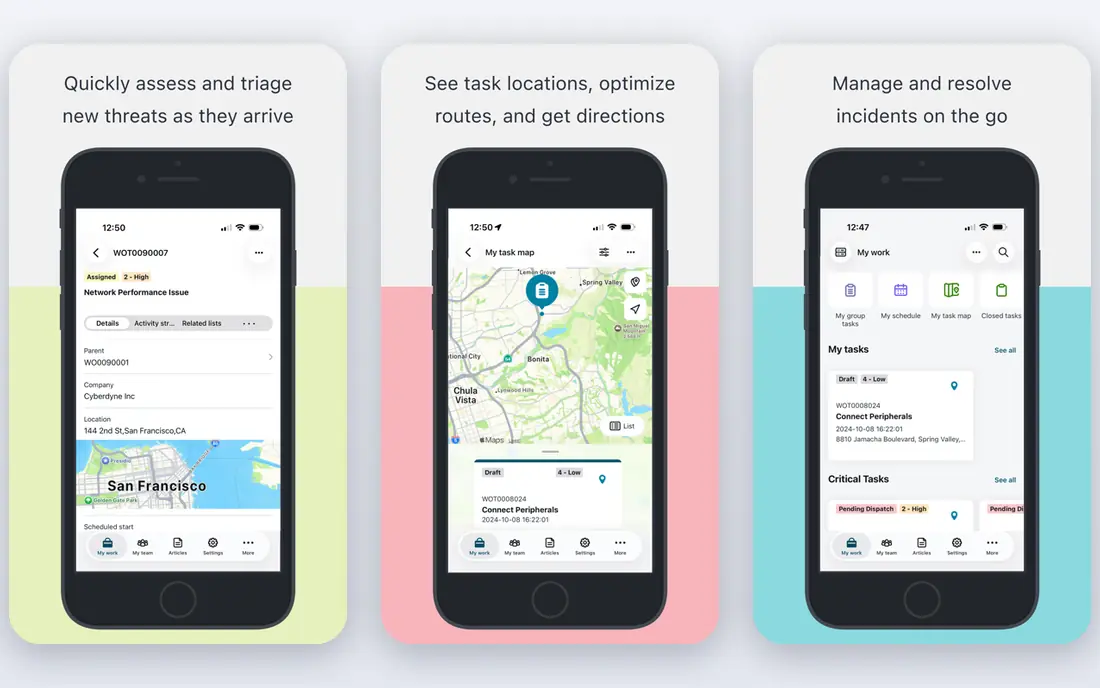
What sets this option apart is its focus on a clear use case. ServiceNow Governance, Risk and Compliance covers operational risk inside the ServiceNow platform. It suits companies already using ServiceNow for service management. On pricing, the starting price is listed above, and where a vendor does not publish a clear price we list it as See website. Check what is included at that level, because seats, usage limits and add-ons often change the real monthly cost. Companies not on ServiceNow get less value, and pricing is enterprise level. That trade-off does not make this a poor choice, but it does decide who should pick it. If the weakness touches your main use case, look at another option on this list. If it touches only a secondary need, the strengths here may still make it our pick for you.
- Risk registers
- Controls
- Workflows
- Best inside ServiceNow
- Enterprise pricing
LogicGate
Ideal for: flexible risk workflows
Teams that want a straightforward setup should look closely here. LogicGate offers flexible, no code workflows for risk and compliance processes. It suits teams that want to build risk processes without heavy coding. On pricing, the starting price is listed above, and where a vendor does not publish a clear price we list it as See website. Check what is included at that level, because seats, usage limits and add-ons often change the real monthly cost. Pricing is quoted, and teams need to design processes before building them. That trade-off does not make this a poor choice, but it does decide who should pick it. If the weakness touches your main use case, look at another option on this list. If it touches only a secondary need, the strengths here may still make it our pick for you.
- No code workflows
- Risk registers
- Reporting
- Pricing is quoted
- Setup needs process design
Resolver
Ideal for: risk management for mid market
This option earns its place through a different strength than the leaders. Resolver offers risk management software for mid market and enterprise teams. It covers risk registers, incidents and reporting in one system. On pricing, the starting price is listed above, and where a vendor does not publish a clear price we list it as See website. Check what is included at that level, because seats, usage limits and add-ons often change the real monthly cost. Pricing is quoted, and feature depth varies by plan. That trade-off does not make this a poor choice, but it does decide who should pick it. If the weakness touches your main use case, look at another option on this list. If it touches only a secondary need, the strengths here may still make it our pick for you.
- Risk registers
- Incidents
- Reporting
- Pricing is quoted
- Enterprise features vary
Riskonnect
Ideal for: integrated risk management
For buyers with a specific need, this one deserves a closer look. Riskonnect offers integrated risk management covering operational risk, claims and compliance. It suits large companies managing risk across many areas. On pricing, the starting price is listed above, and where a vendor does not publish a clear price we list it as See website. Check what is included at that level, because seats, usage limits and add-ons often change the real monthly cost. Pricing is enterprise level, and setup is involved. That trade-off does not make this a poor choice, but it does decide who should pick it. If the weakness touches your main use case, look at another option on this list. If it touches only a secondary need, the strengths here may still make it our pick for you.
- Risk registers
- Claims
- Compliance
- Enterprise pricing
- Setup is involved
OneTrust
Ideal for: risk and compliance platform
This is worth considering when budget or simplicity is a priority. OneTrust offers risk, compliance and privacy tools in one platform. It suits companies that need risk assessments beside privacy and compliance work. On pricing, the starting price is listed above, and where a vendor does not publish a clear price we list it as See website. Check what is included at that level, because seats, usage limits and add-ons often change the real monthly cost. It is enterprise priced and broad, so smaller teams may find it heavy. That trade-off does not make this a poor choice, but it does decide who should pick it. If the weakness touches your main use case, look at another option on this list. If it touches only a secondary need, the strengths here may still make it our pick for you.
- Risk assessments
- Controls
- Privacy links
- Enterprise pricing
- Broad platform
AuditBoard
Ideal for: risk and audit management
Our shortlist would feel incomplete without this option. AuditBoard offers risk, controls and audit management for enterprises. It suits teams that need audit and risk work linked together. On pricing, the starting price is listed above, and where a vendor does not publish a clear price we list it as See website. Check what is included at that level, because seats, usage limits and add-ons often change the real monthly cost. Pricing is enterprise level, and the focus is audit as well as risk. That trade-off does not make this a poor choice, but it does decide who should pick it. If the weakness touches your main use case, look at another option on this list. If it touches only a secondary need, the strengths here may still make it our pick for you.
- Risk registers
- Controls
- Audit workflows
- Enterprise pricing
- Audit focus
How we picked these
We compared official feature pages, pricing pages, app store listings, privacy policies and public reviews for each product on this list. We checked that each product exists, works in October 2026 and truly fits the topic, and we left out products that did not fit even when they were well known in a nearby category. We also weighed who each product suits, what it does well and where it falls short. Prices change, so where we could not verify a current price from the vendor we wrote See website. We did not claim hands-on testing that did not happen, and we focused on facts a buyer can check before paying.
How to choose operational risk software
First, start here
Define risk scope first. Operational risk covers process failures, fraud, system outages and third party issues. Decide which areas you will manage in the tool first. Trying to cover every risk at once leads to a complex system no one updates.
Next, check the details
Check controls and incident links. Good tools link risks to controls, incidents and actions, so teams can see whether controls work. Test a real risk scenario, from incident to action to report, in a trial before committing.
Finally, decide with confidence
Check reporting and ownership. Each risk needs an owner, a review date and a clear status. Board and regulator reporting should be straightforward. If reporting needs manual work outside the tool, the system will not be trusted.
Frequently asked questions
What is operational risk management software?
Operational risk management software helps companies identify, assess and manage risks from processes, people, systems and external events. It tracks risk registers, controls, incidents and actions. It is often part of wider governance, risk and compliance software.
What is the difference between operational risk and enterprise risk?
Operational risk covers losses from failed processes, people, systems or external events. Enterprise risk covers all risk types, including strategic, financial and operational risk. Operational risk software often sits inside a wider enterprise risk platform.
What is the best operational risk software?
RSA Archer and MetricStream suit large enterprises. ServiceNow GRC suits ServiceNow customers. LogicGate suits teams that want flexible workflows. Choose based on company size, existing systems and risk scope.
Do small companies need operational risk software?
Small companies can often manage operational risk with registers and reviews. Dedicated software helps as risk count, controls and reporting needs grow. Start with clear risk ownership and review routines before buying enterprise software.
How do I start with operational risk management?
List key processes, identify what could fail, assess likelihood and impact, assign owners and controls, and review regularly. Record incidents and learn from them. Software helps organise this, but clear ownership matters more than tool choice.