Best Order Flow Software in 2026: 7 Tools Compared

- 1
 BookmapVisual order flow and depthVisit
- 2
 Sierra ChartPowerful charting plus order flowVisit
- 3
 NinjaTraderTrading plus order flow toolsVisit
- 4
 ATASOrder flow focused platformVisit
- 5
 Jigsaw TradingDepth and auction toolsVisit
- Footprint charts show volume at each price level, which is the core view for order flow traders.
- Data quality matters more than chart count, since bad tick data creates false signals.
- Broker and data feed compatibility decides whether you can trade from the charts or only analyze after.
- Costs include platform fees plus data fees, so compare the total monthly cost.
Quick comparison
| Product | Ideal for | Price from | Free version | |
|---|---|---|---|---|
| Bookmap | Visual order flow and depth | See website | No | Visit |
| Sierra Chart | Powerful charting plus order flow | See website | No | Visit |
| NinjaTrader | Trading plus order flow tools | See website | Yes | Visit |
| ATAS | Order flow focused platform | See website | No | Visit |
| Jigsaw Trading | Depth and auction tools | See website | No | Visit |
 TradingView | Accessible charts with order flow add ons | See website | Yes | Visit |
 Exocharts | Crypto order flow visualization | See website | No | Visit |
The best order flow software
Order flow software shows how buy and sell orders stack up, where large traders are active, and how price moves through levels, and the best tools differ on data quality, charting, and broker connections.
We compared footprint charts, depth of market, volume profiles, data feeds, and prices across leading trading tools, and our pick for most active traders is a platform with clean footprint charts and a data feed you trust.
In this guide, we walk through each option in turn, starting with who it suits best, then looking at what it does well and where it falls short, so you can compare like with like. We also cover pricing in plain terms, including where a price is quote based or where a free plan covers only part of the service, because the headline price rarely tells the full story. By the end, you should have a short list of two or three options worth a closer look, rather than a long list of names with no clear differences.
Bookmap
Ideal for: Visual order flow and depth

Bookmap is known for its visual order flow heatmap, which shows liquidity and executed orders in a way many traders find intuitive. Its depth visualization helps traders see where large orders sit and how they move.
The platform covers futures, stocks, and crypto depending on feed. For visual learners, Bookmap is a standout.
Data fees are extra, and the display takes time to learn well.
On balance, Bookmap stands out for Visual order flow and depth, with strengths that include Clear heatmap; depth visualization; many markets. The main drawbacks to weigh are Data fees extra; learning curve. If those trade offs fit your situation and your budget, it is worth putting on your short list, and if they do not, compare it with the next options in this guide before you decide, since a small difference in price, coverage, or support can matter a lot over a year of use.
- Clear heatmap
- Depth visualization
- Many markets
- Data fees extra
- Learning curve
Sierra Chart
Ideal for: Powerful charting plus order flow
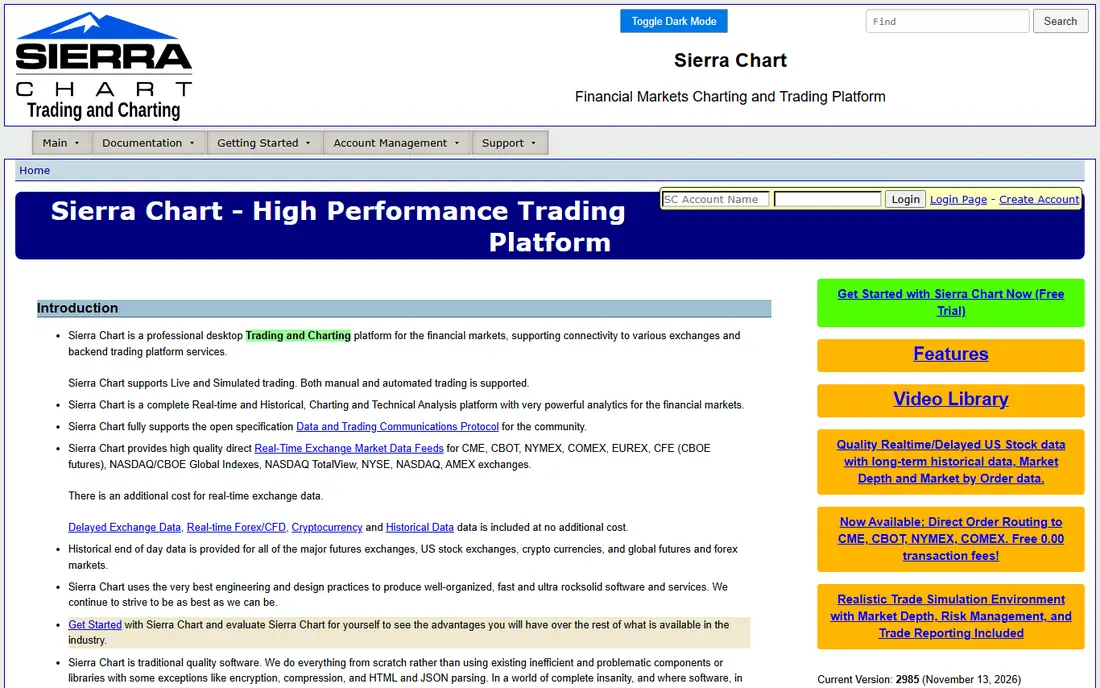
Sierra Chart is a powerful charting platform with deep order flow studies, including footprint, volume profile, and depth of market. Its customization is extensive, and its pricing is low compared with many rivals.
Advanced traders value its speed and its wide study library. The platform supports many data feeds and brokers.
The interface looks dated, and setup is technical, so beginners may need time to configure it.
On balance, Sierra Chart stands out for Powerful charting plus order flow, with strengths that include Deep customization; order flow studies; low cost. The main drawbacks to weigh are Interface is dated; setup is technical. If those trade offs fit your situation and your budget, it is worth putting on your short list, and if they do not, compare it with the next options in this guide before you decide, since a small difference in price, coverage, or support can matter a lot over a year of use.
- Deep customization
- Order flow studies
- Low cost
- Interface is dated
- Setup is technical
NinjaTrader
Ideal for: Trading plus order flow tools
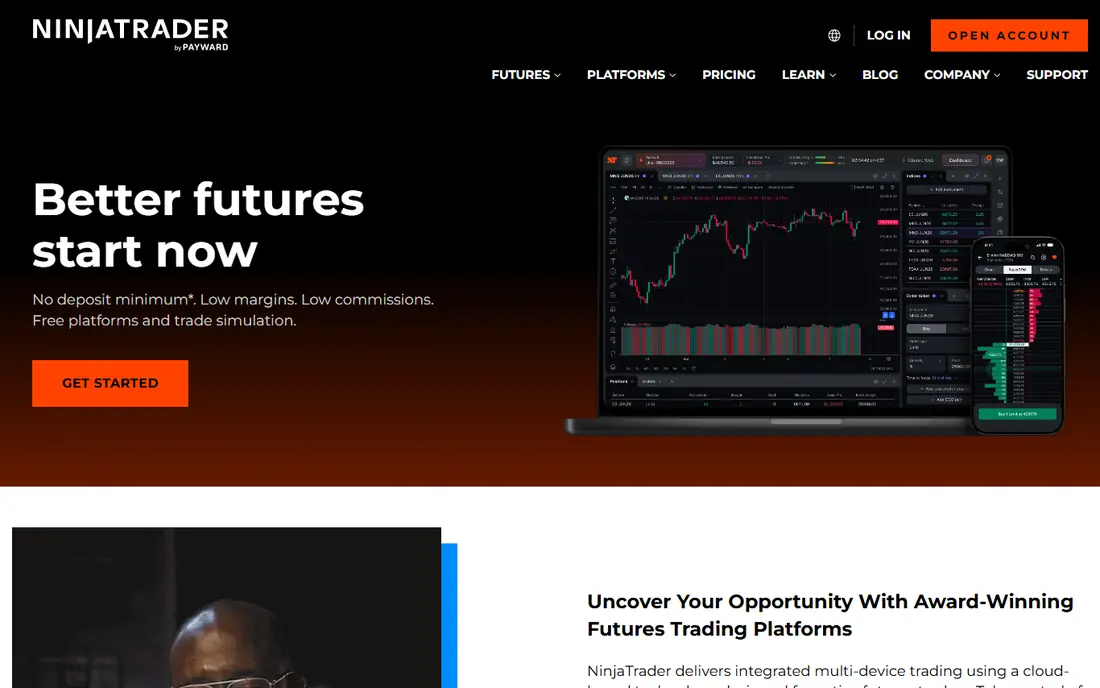
NinjaTrader combines trading execution with charting and order flow tools, which suits futures traders who want one platform. Its order flow features include footprint and volume profile views.
Trading from charts is straightforward, and simulation helps new traders practice. The platform is widely used in futures trading.
Advanced order flow features may need add ons, and data costs vary by feed.
On balance, NinjaTrader stands out for Trading plus order flow tools, with strengths that include Trade from charts; order flow tools; futures focus. The main drawbacks to weigh are Advanced order flow needs add ons; data costs vary. If those trade offs fit your situation and your budget, it is worth putting on your short list, and if they do not, compare it with the next options in this guide before you decide, since a small difference in price, coverage, or support can matter a lot over a year of use.
- Trade from charts
- Order flow tools
- Futures focus
- Advanced order flow needs add ons
- Data costs vary
ATAS
Ideal for: Order flow focused platform
ATAS is built specifically for order flow trading, with footprint charts, cluster analysis, and depth tools at its core. Its design suits traders who focus on order flow rather than general charting.
Coverage includes futures and crypto, with broker connections for supported markets. For dedicated order flow traders, ATAS is a focused choice.
Pricing tiers matter for advanced features, and broker range varies by market.
On balance, ATAS stands out for Order flow focused platform, with strengths that include Order flow first design; footprint charts; crypto and futures. The main drawbacks to weigh are Pricing tiers matter; broker range varies. If those trade offs fit your situation and your budget, it is worth putting on your short list, and if they do not, compare it with the next options in this guide before you decide, since a small difference in price, coverage, or support can matter a lot over a year of use.
- Order flow first design
- Footprint charts
- Crypto and futures
- Pricing tiers matter
- Broker range varies
Jigsaw Trading
Ideal for: Depth and auction tools
Jigsaw Trading focuses on depth of market and auction tools for day traders. Its depth display and auction visualizations help traders read short term order flow.
Education is a strength, with training that explains how to use the tools. For futures day traders, Jigsaw is a specialized pick.
General charting is narrower than full platforms, and pricing is premium.
On balance, Jigsaw Trading stands out for Depth and auction tools, with strengths that include Depth of market focus; auction tools; education. The main drawbacks to weigh are Narrower charting; pricing is premium. If those trade offs fit your situation and your budget, it is worth putting on your short list, and if they do not, compare it with the next options in this guide before you decide, since a small difference in price, coverage, or support can matter a lot over a year of use.
- Depth of market focus
- Auction tools
- Education
- Narrower charting
- Pricing is premium
TradingView
Ideal for: Accessible charts with order flow add ons
TradingView is the most accessible charting platform in this list, with an easy interface and a large community. Its volume profile and depth tools cover basic order flow needs, and add ons extend them.
Market coverage is broad, from stocks to crypto to futures. For traders who want order flow alongside general charting, it is a practical start.
Order flow depth is limited compared with specialist platforms, and broker trading varies by region.
On balance, TradingView stands out for Accessible charts with order flow add ons, with strengths that include Easy charts; large community; many markets. The main drawbacks to weigh are Order flow depth is limited; broker trading varies. If those trade offs fit your situation and your budget, it is worth putting on your short list, and if they do not, compare it with the next options in this guide before you decide, since a small difference in price, coverage, or support can matter a lot over a year of use.
- Easy charts
- Large community
- Many markets
- Order flow depth is limited
- Broker trading varies
Exocharts
Ideal for: Crypto order flow visualization
Exocharts specializes in crypto order flow visualization, with heatmaps and depth tools for major exchanges. Its exchange data coverage suits crypto traders who need to see liquidity across venues.
The interface is built for fast crypto markets. For crypto focused order flow traders, it is a strong specialist.
Stock and futures coverage is thin, so traders in those markets need another platform.
On balance, Exocharts stands out for Crypto order flow visualization, with strengths that include Crypto order flow; heatmaps; exchange data. The main drawbacks to weigh are Crypto focused; stock and futures coverage is thin. If those trade offs fit your situation and your budget, it is worth putting on your short list, and if they do not, compare it with the next options in this guide before you decide, since a small difference in price, coverage, or support can matter a lot over a year of use.
- Crypto order flow
- Heatmaps
- Exchange data
- Crypto focused
- Stock and futures coverage is thin
How we picked these
We compared official feature pages, pricing pages, app store listings, privacy policies, and public customer reviews for each option in this list, and we kept only options that are available in the United States and that clearly fit the topic of the article.
We gave weight to clear pricing, a usable free option or trial where one is offered, honest limits, and support that a real customer can reach, and we left out options whose pricing was hidden, whose main offer did not match the topic, or whose website did not clearly belong to the product.
We also checked that each product is still offered and working in October 2026, and we noted where a feature, a plan, or a price could not be verified from the vendor, in which case we wrote See website rather than guessing. That approach means some prices in this guide are deliberately general, and we recommend confirming the current price on the vendor website before you buy, since plans and promotions change.
How to choose order flow software
Start with the markets you trade, since futures, stocks, and crypto need different data feeds and broker connections, and check each platform for support for your exact markets. A tool built for futures may be weak for stocks.
Next, test footprint, depth of market, and volume profile charts on live data, and judge whether the display is clear under fast market conditions. Speed and clarity matter more than extra indicators.
Finally, add up platform plus data plus broker costs for a typical month, and check whether you can trade from the charts. Choose the platform whose data and display you trust in live markets, not the one with the most features.
Frequently asked questions
What is the best order flow software?
It depends on the markets you trade, since tools lead in different areas, such as futures footprint charts, stock depth of market, and crypto order books. Pick the tool with clean data for your markets.
What is order flow trading?
Order flow trading reads buy and sell orders, volume at price, and depth of market to judge where large traders are active and where price may move next. It focuses on executed orders rather than only on price patterns.
Do I need a special data feed for order flow?
Yes, order flow needs detailed tick and depth data, and data quality affects every signal, so budget for a reliable feed alongside the platform. Check which feeds each platform supports.
Can beginners use order flow software?
Beginners can learn it, but order flow charts are complex, and new traders should practice on simulated accounts before risking real money. Start with one chart type, such as footprint, and learn it well.
How much does order flow software cost?
Costs vary by platform, data feed, and market, with platform fees plus data fees each month. Add up the total before subscribing, since data fees can exceed platform fees.