Best Organization Apps in 2026: 8 Apps Compared

- 1
 TodoistSimple daily task managementVisit
- 2
 NotionNotes, tasks and databases in one placeVisit
- 3
 TickTickValue all-rounder with calendarVisit
- 4
 Microsoft To DoFree tasks in the Microsoft ecosystemVisit
- 5
 Apple RemindersFree tasks on Apple devicesVisit
- Todoist is our pick for most people who want a simple, reliable task system that works everywhere.
- Notion suits people who want tasks, notes and databases in one workspace, while TickTick is the best value all-rounder.
- Apple Reminders and Google Tasks are the best free starting points if you already use those ecosystems.
- The best app is the one you open daily, so favor simplicity over features you will not use.
- Most paid plans here cost $3 to $10 per month, and every app below offers a free tier or trial.
Quick comparison
| Product | Ideal for | Price from | Free version | |
|---|---|---|---|---|
| Todoist | Simple daily task management | $4 per month | Yes | Visit |
| Notion | Notes, tasks and databases in one place | $10 per month | Yes | Visit |
| TickTick | Value all-rounder with calendar | $3 per month | Yes | Visit |
| Microsoft To Do | Free tasks in the Microsoft ecosystem | Free | Yes | Visit |
| Apple Reminders | Free tasks on Apple devices | Free | Yes | Visit |
 Google Tasks | Simple tasks with Gmail and Calendar | Free | Yes | Visit |
 Any.do | Tasks, calendar and reminders combined | $3 per month | Yes | Visit |
 Trello | Visual boards for projects | Free | Yes | Visit |
The best organization apps
Staying organized is less about features and more about a system you will actually maintain. The apps below cover simple to-do lists, all-in-one workspaces, and visual boards. We compared official pricing pages, feature lists, app store listings and public reviews.
Todoist
Ideal for: Simple daily task management
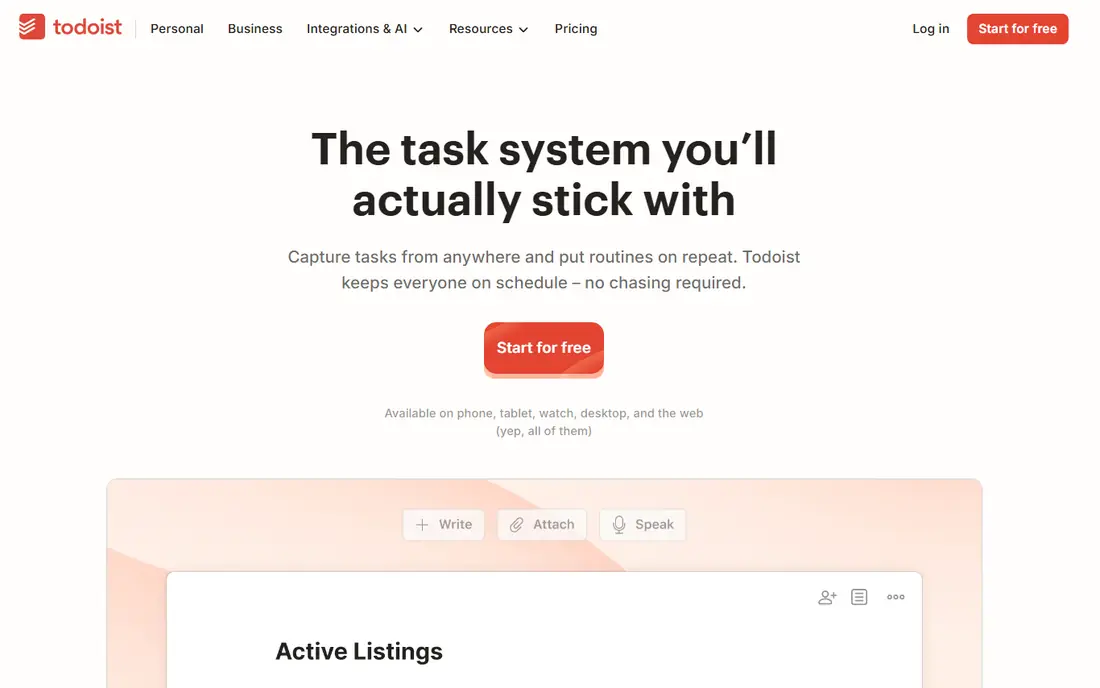
Todoist is our pick for most people because it makes the core job fast: capture a task, set a date in plain words, and clear it. Natural language input means typing "call the bank every Friday" creates a repeating task without opening a settings screen. It runs on phones, computers and browsers, and sync is quick and reliable.
The limit is scope. Todoist is a task app first, so notes, documents and project wikis need another tool. If your organizing system is mainly tasks and habits, that focus is a strength. If you want notes and tasks in one place, Notion will fit better.
- Fast capture on every platform
- Natural language dates
- Reliable reminders
- No built-in calendar view on lower plans
- Note-taking is basic
Notion
Ideal for: Notes, tasks and databases in one place

Notion suits people who want one workspace for notes, tasks, habit trackers, reading lists and project databases. Templates cover almost any system, and the free tier is generous for personal use. A student or freelancer can run a whole life system in Notion without paying.
That flexibility is also the weakness. Setting up a good system takes time, and a simple shopping list feels heavy in Notion compared with Todoist or Apple Reminders. If you want a tool that works in seconds with no setup, start simpler and move to Notion only when your system outgrows a list.
- Flexible pages, databases and templates
- Strong free tier
- Great for personal wikis
- Can feel slow and complex for simple lists
- Offline support is limited
TickTick
Ideal for: Value all-rounder with calendar

TickTick is the best value in this list. For around $3 per month, the paid plan adds a calendar view, habit tracking, a Pomodoro timer and custom filters, all in one app. The free tier already covers tasks, lists and reminders well, so many users never need to pay.
The interface packs a lot in, which can feel busy at first, and team collaboration is thinner than in Trello or Notion. For a solo user who wants tasks, calendar and habits together at a low price, TickTick is hard to beat.
- Tasks, calendar, habits and timer in one app
- Low paid price
- Good widgets
- Interface can feel busy
- Collaboration is weaker than Trello or Notion
Microsoft To Do
Ideal for: Free tasks in the Microsoft ecosystem
Microsoft To Do is the best free task app for anyone using Outlook, Teams or Microsoft 365. It is completely free, syncs with Outlook tasks, and the My Day view encourages a daily planning habit: pick today's tasks each morning and clear them by evening. Shared lists cover household and small-team use.
Power users will miss Todoist's filters, natural language input and integrations. If you live in Microsoft tools and want a clean, free list, To Do is enough. If you want advanced task management, pay for Todoist or TickTick instead.
- Completely free
- My Day planning view
- Syncs with Outlook and Microsoft 365
- Fewer power features than Todoist
- No built-in calendar or notes depth
Apple Reminders
Ideal for: Free tasks on Apple devices
Apple Reminders is the default pick for iPhone, iPad and Mac users because it is already installed, free, and deeply tied to Siri and the Apple ecosystem. You can say "remind me to water the plants when I get home" and it works. Smart lists, tags and location reminders cover most personal organizing needs.
It only works on Apple devices, so a household or team mixing Android and Windows will struggle. Collaboration is basic compared with Trello or Notion. For an all-Apple user, though, Reminders plus Apple Notes covers most organizing without spending anything.
- Free and built into Apple devices
- Siri capture
- Smart lists and location reminders
- Apple only
- Collaboration and templates are basic
Google Tasks
Ideal for: Simple tasks with Gmail and Calendar
Google Tasks suits people who live in Gmail and Google Calendar and want tasks in the same place. You can turn an email into a task, see tasks beside your calendar, and check them off on any device. There is nothing to learn and nothing to pay.
Simplicity is also the limit. There are no smart filters, no habit tracking, and little team support. If your organizing needs grow beyond a simple list, move to Todoist or TickTick, but keep Google Tasks in mind as the zero-friction starting point.
- Free
- Built into Gmail and Google Calendar
- Very simple to use
- Very basic feature set
- No collaboration depth
- No standalone power features
Any.do
Ideal for: Tasks, calendar and reminders combined
Any.do combines tasks, calendar and reminders in a clean, pleasant app that is easy to pick up. The daily planner view, recurring tasks and location reminders suit busy people who want one place for the day ahead. The paid plan starts around $3 per month, in line with TickTick.
It does not clearly beat TickTick on value or Todoist on task power, so its case rests on design and the combined calendar view. Try the free tier first, and pay only if the daily planning flow clicks for you in a way the others did not.
- Tasks plus calendar in one view
- Pleasant design
- Good reminders and recurring tasks
- Paid features overlap with cheaper rivals
- Team features are limited
Trello
Ideal for: Visual boards for projects
Trello is the pick when a list is not enough and you want to see work move: to do, doing, done. Boards suit home projects, event planning, content calendars and small team workflows, and the free tier covers unlimited cards for personal use. Dragging a card across a board is satisfying in a way checking a box is not.
For a personal daily list, Trello can feel heavy, and automation features such as Butler sit behind paid plans. Use Trello for projects with stages and collaborators, and keep a simple task app for daily errands. Together they cover more than either alone.
- Visual boards are easy to grasp
- Strong free tier
- Good for household and team projects
- Simple lists feel heavy on a board
- Advanced automation needs paid plans
How we picked these
We compared official pricing pages, feature lists and app store listings for organization apps available in the US in October 2026. We favored apps with a usable free tier, fast capture, reliable sync, and a working official homepage. We left out apps we could not verify as live products.
What to check before you choose
Pick by your current habit, not by feature count. If you already check Gmail daily, Google Tasks will get used. If you plan your day on an iPhone, Apple Reminders will get used. A powerful app you open once a week loses to a simple app you open every morning.
One system, not five apps
Avoid running tasks in three apps at once. Choose one capture app for tasks, one place for notes if needed, and one calendar. Move everything else into those, and review the system weekly. A weekly review of 10 minutes does more for organization than any new app feature.
Frequently asked questions
What is the best organization app for most people?
Todoist is our pick for most people because it is fast, reliable and works on every platform. TickTick is the best value alternative, and Notion suits people who want notes and tasks together.
Is there a good free organization app?
Yes. Microsoft To Do, Apple Reminders and Google Tasks are all free and cover daily task management well. Todoist, TickTick, Notion and Trello also offer strong free tiers.
Should I use Notion or Todoist?
Use Todoist if your main job is managing tasks and deadlines. Use Notion if you want tasks, notes, databases and a personal wiki in one workspace and are willing to spend time setting it up.
How do I stay organized with an app?
Capture every task in one place, review the list each morning, and keep the list short enough to finish. A weekly review to clear stale tasks and plan the next week matters more than the app you choose.
Can one app organize both home and work?
Yes, most apps here support separate lists or workspaces for home and work. Keep the two areas in separate lists or boards within one app, so nothing falls between two systems.