Best Outbound Call Center Software in 2026: 8 Tools Compared

- Five9 and Genesys Cloud lead for large outbound operations with deep dialer and compliance tools.
- Talkdesk and Dialpad suit teams that want cloud calling with CRM links and AI help.
- Aircall and CloudTalk fit smaller teams that need simple, reliable outbound calling.
- JustCall and Nextiva suit small sales teams that want dialing inside a wider phone system.
- Check dialer types, compliance rules, and call rates before choosing.
Quick comparison
| Product | Ideal for | Price from | Free version | |
|---|---|---|---|---|
 Five9 | Large outbound operations | See website | No | Visit |
 Genesys Cloud | Enterprise contact centers | See website | No | Visit |
 Talkdesk | Cloud calling with AI | See website | No | Visit |
 Dialpad | Calling plus AI insights | See website | Free trial | Visit |
 Aircall | Small team calling | See website | Free trial | Visit |
 CloudTalk | Simple outbound dialing | See website | Free trial | Visit |
 JustCall | Sales team dialing | See website | Free trial | Visit |
 Nextiva | Phone system with dialing | See website | Free trial | Visit |
The best outbound call center software
We compared official feature pages, pricing pages, and public reviews for eight outbound call tools. Outbound needs differ from inbound: predictive and preview dialers, campaign lists, compliance controls, and CRM logging matter most for sales and outreach teams.
Five9
Ideal for: Large outbound operations
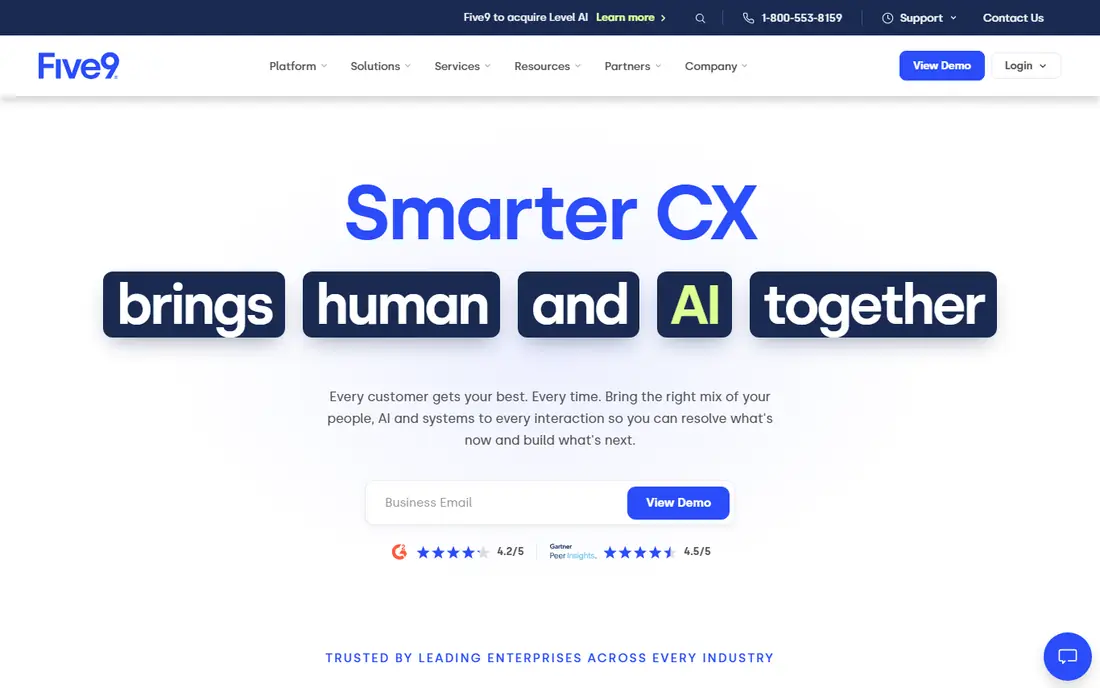
Five9 is built for contact centers that run large outbound campaigns, with predictive, preview, and power dialers plus list management. Supervisors track agent performance, campaign progress, and call outcomes in real time. Compliance tools help with calling rules, do-not-call lists, and consent handling.
Pricing is quoted, and implementation needs planning for CRM and telephony links. Smaller teams may find Five9 broad. For a large outbound operation that needs dialer depth and compliance control, Five9 is a leading choice.
- Predictive and preview dialers
- Campaign management
- Compliance tools
- Pricing is quoted
- Setup takes planning
Genesys Cloud
Ideal for: Enterprise contact centers
Genesys Cloud CX serves enterprise contact centers with outbound dialing, campaign management, and AI-assisted insights. The platform links voice, digital channels, and CRM data, giving supervisors a full view of outreach. Analytics help teams tune lists, scripts, and agent coaching.
Complexity and cost suit larger teams, and smaller firms may prefer a simpler tool. For an enterprise that runs outbound alongside inbound and digital support, Genesys Cloud offers breadth and scale. Confirm dialer compliance features for your regions.
- Enterprise dialer and routing
- AI and analytics
- Broad integrations
- Pricing is quoted
- Complexity suits larger teams
Talkdesk
Ideal for: Cloud calling with AI
Talkdesk offers cloud contact center tools with outbound dialing, campaign lists, and AI features for transcription and insights. Sales teams can dial from CRM records, log outcomes, and track campaign results. The cloud model suits distributed teams that need quick setup.
Advanced AI and analytics sit on higher tiers, and pricing is quoted. For a mid-size team that wants modern cloud calling with CRM links, Talkdesk is a strong option. Test dialer modes with your campaign style during a trial.
- Cloud dialer and campaigns
- AI insights
- CRM integrations
- Pricing is quoted
- Advanced features need higher tiers
Dialpad
Ideal for: Calling plus AI insights
Dialpad combines business calling with AI summaries, transcripts, and coaching insights. Sales teams can make outbound calls, review AI notes, and log activity to CRM tools. Setup is simpler than enterprise contact centers, which helps smaller teams start fast.
Dedicated predictive dialing is lighter than Five9 or Genesys, so high-volume campaign teams should test carefully. For a sales team that values AI insights and simple calling, Dialpad is a practical pick. Check plan limits for minutes and AI features.
- AI call summaries and insights
- Easy setup
- CRM links
- Outbound dialer depth is lighter than Five9
- Pricing rises with features
Aircall
Ideal for: Small team calling
Aircall gives small teams a cloud phone system with outbound calling, shared numbers, and CRM links. Agents can dial from HubSpot, Salesforce, or other CRMs, with call logging and monitoring for managers. The interface is clean, which helps teams adopt it quickly.
Predictive dialing depth is limited next to dedicated dialers. For a small sales or support team that needs reliable outbound calling without enterprise complexity, Aircall is a good fit. Confirm number availability and rates for your countries.
- Simple cloud phone system
- CRM integrations
- Call monitoring
- Predictive dialing is limited
- Pricing is per user
CloudTalk
Ideal for: Simple outbound dialing
CloudTalk offers cloud calling with power dialing, campaign lists, and CRM integrations for sales teams. Agents can work through lists efficiently, log outcomes, and review call analytics. The tool suits small and mid-size teams that need outbound focus without a full contact center suite.
Enterprise routing and compliance depth are lighter than Five9 or Genesys. For a growing sales team that wants straightforward outbound dialing, CloudTalk balances features and price well. Test dialer speed and call quality during a trial.
- Power dialer options
- CRM integrations
- Call analytics
- Enterprise features are lighter
- Pricing rises with users
JustCall
Ideal for: Sales team dialing
JustCall combines outbound calling with SMS, letting sales teams reach prospects by phone and text from one system. CRM integrations log calls and messages, and AI features can score calls and summarize outcomes on higher plans. The tool suits small sales teams that run phone plus text outreach.
Full contact center routing and compliance depth are lighter than enterprise tools. For a sales team that wants simple dialing with SMS, JustCall is a convenient choice. Check SMS rates and compliance rules for your regions.
- Dialer and SMS in one tool
- CRM integrations
- AI call scoring options
- Advanced contact center features are limited
- Pricing rises with users
Nextiva
Ideal for: Phone system with dialing
Nextiva offers business phone systems with contact center options, including outbound calling for sales teams. Firms that already use Nextiva for phones can add outbound features without a separate vendor. CRM links and call analytics support sales workflows.
Dedicated dialer depth varies by plan, so campaign-heavy teams should confirm predictive or power dialing options. For a firm that wants phones and outbound calling from one vendor, Nextiva is a practical bundle. Compare tiers for dialer and analytics features.
- Business phone plus contact center options
- CRM links
- Reliable calling
- Outbound dialer depth varies by plan
- Pricing is per user
How we picked these
We compared official feature pages, pricing pages, and public reviews for outbound call tools in October 2026. We favored tools with dialer options, campaign lists, compliance controls, CRM logging, and call analytics, and we mixed enterprise dialers with small-team calling tools. We did not claim hands-on testing, and we list prices as shown on vendor sites, using See website where pricing is quoted.
What to check before you buy
Start with dialer type. Predictive dialers suit high-volume lists, preview dialers suit researched calls, and power dialers suit steady outreach. Then check compliance for your regions, including do-not-call lists, calling hours, consent, and recording consent, since rules vary and penalties are real.
Next, test CRM logging and list management with real campaigns, since poor logging wastes sales time. Check call quality, number provisioning, and rates for your countries, plus reporting for connect rates and outcomes. Finally, run a pilot campaign with a small team, measure connect and meeting rates, and confirm support for dialer tuning before a full rollout.
A final check before you commit
Data portability deserves a direct question during selection, since switching tools later is costly when export is weak. Ask what formats are available, whether history and attachments export together, and how long an export takes for a realistic data volume. Also ask about contract length, notice periods, and what happens to your data after cancellation, since flexible exit terms protect you if needs change. A vendor that is open about exit options is usually confident about keeping customers for the right reasons.
Once you have a shortlist of two or three options, compare them on the same task list and score each one for speed, clarity, and completeness, rather than relying on memory from separate demos. Note where each tool forced a compromise, and weigh those compromises by how often the task occurs, since a daily annoyance matters more than a rare limitation. Share the scores with the wider team and ask for dissenting views, since the person who spots a flaw early saves the whole team a painful migration later. A simple scored sheet keeps the decision grounded in work, not in sales polish.
One more habit helps buyers avoid regret: keep a short note of why you rejected each finalist, including the feature, price, or support gap that ruled it out. Those notes matter when the chosen tool disappoints in month three, since they tell you whether the runner-up would actually fix the problem or simply trade one weakness for another. They also help when a colleague questions the choice later, since a written record of trade-offs is easier to defend than a memory of demos. Revisit the notes at your ninety-day review, and if the same gaps keep appearing in daily work, act on them early rather than waiting for renewal, when switching costs are higher and patience is thinner.
Frequently asked questions
What is outbound call center software?
It helps sales and outreach teams dial lists, manage campaigns, log outcomes, and follow compliance rules. Dialers automate dialing so agents spend more time talking and less time dialing.
What is the difference between predictive and preview dialers?
Predictive dialers call many numbers ahead of agent availability for high volume, while preview dialers show contact details before each call for researched outreach. Power dialers sit between, dialing one number at a time automatically.
Do I need compliance tools for outbound calling?
Yes, for most outreach. Tools help manage do-not-call lists, calling hours, consent, and recording rules, but legal duties remain with your firm. Check rules for each region you call.
Can outbound software connect to my CRM?
Most tools on this list integrate with Salesforce, HubSpot, and other CRMs, logging calls and outcomes. Confirm your exact CRM and sync direction before buying.
How much does outbound call software cost?
Pricing varies by users, minutes, dialer features, and contract length, and enterprise tools quote per company. Ask for a full quote including minutes, numbers, and add-ons.