Best Paid AI Services in 2026: 8 Services Compared

- 1
 ChatGPT PlusBroadest general AIVisit
- 2
 Claude ProWriting and analysisVisit
- 3
 Gemini AdvancedGoogle ecosystem AIVisit
- 4
 Perplexity ProCited research answersVisit
- 5
 MidjourneyImage generationVisit
- Paid AI services differ by job: chat and reasoning, image generation, writing, and productivity each have different leaders.
- ChatGPT Plus and Claude Pro lead on general chat and reasoning, while Gemini Advanced suits users inside the Google ecosystem.
- Midjourney leads on image generation quality, while Perplexity Pro suits research-heavy users who want cited answers.
- Most paid plans cost a similar monthly amount, so the deciding factor should be which tool fits your daily work, not price alone.
- Our pick for most people is ChatGPT Plus for breadth, with Claude Pro as the pick for long-form writing and analysis.
Quick comparison
| Product | Ideal for | Price from | Free version | |
|---|---|---|---|---|
| ChatGPT Plus | Broadest general AI | See website | Yes | Visit |
| Claude Pro | Writing and analysis | See website | Yes | Visit |
| Gemini Advanced | Google ecosystem AI | See website | Yes | Visit |
| Perplexity Pro | Cited research answers | See website | Yes | Visit |
| Midjourney | Image generation | See website | No | Visit |
 Jasper | Marketing writing | See website | Free trial | Visit |
 Microsoft Copilot Pro | Microsoft 365 AI | See website | Yes | Visit |
 Notion AI | AI inside notes and docs | See website | Free trial | Visit |
The best paid AI services
Paid AI subscriptions open up stronger models, higher limits, and extra features over free tiers, but the right one depends on what you actually do with AI each day. The services below were compared on model quality, features, limits, ecosystem fit, and value.
ChatGPT Plus
Ideal for: Broadest general AI
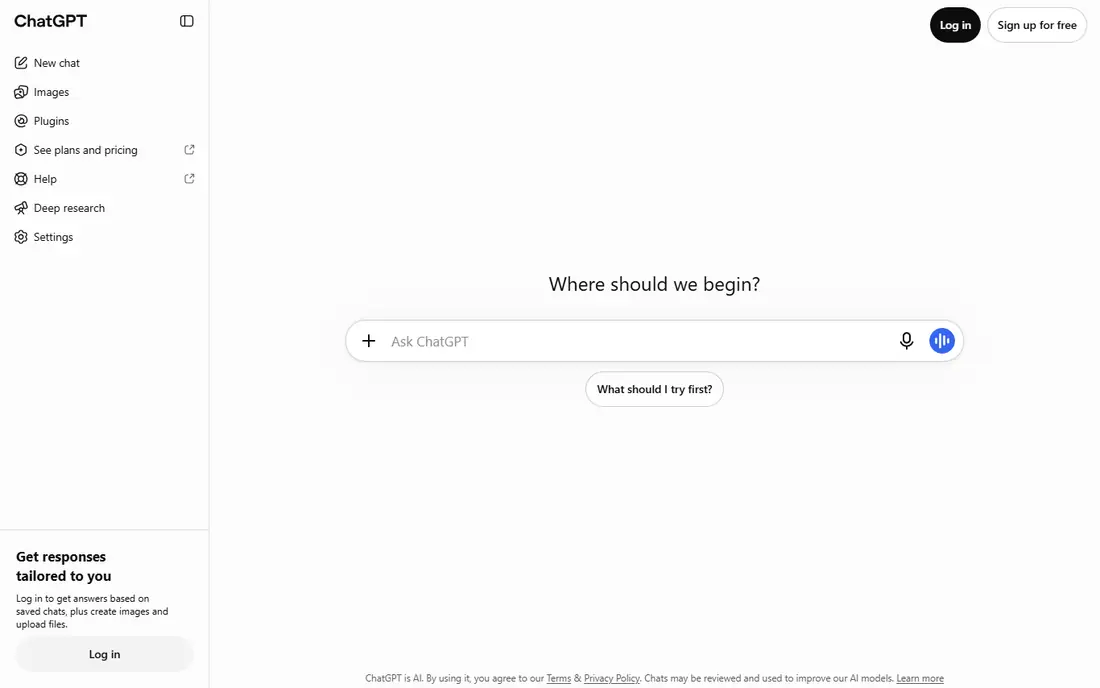
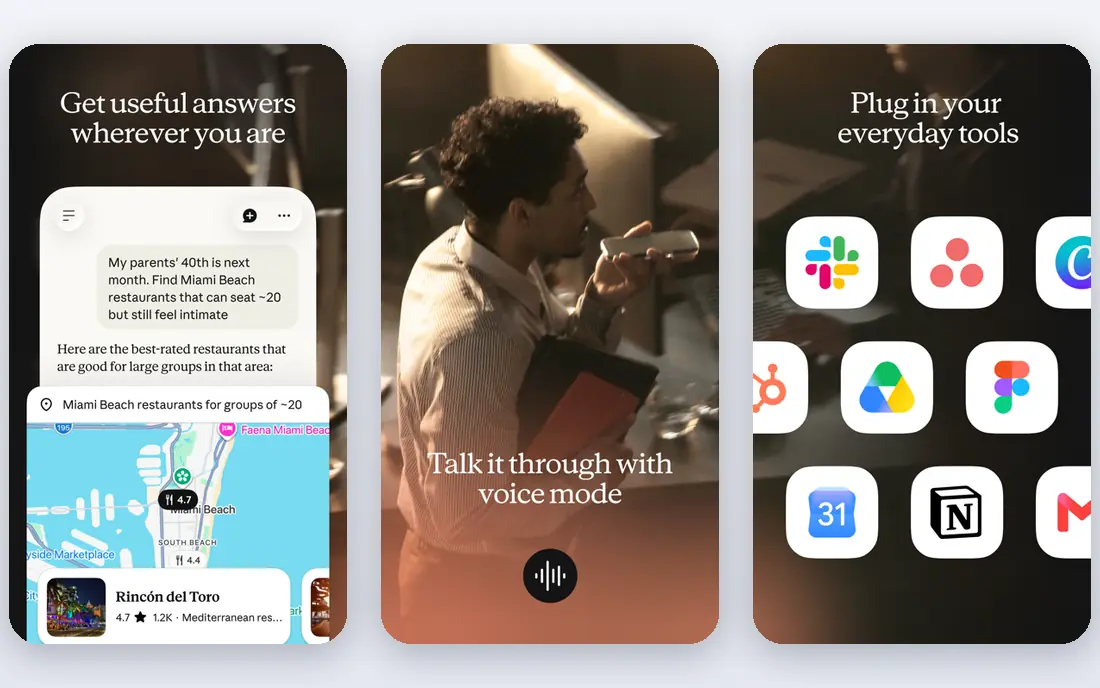
ChatGPT Plus gives subscribers access to OpenAI's stronger models with higher limits, plus features like voice conversation, image generation, and file analysis. Its breadth is its strength: writing, coding, brainstorming, data analysis, and everyday questions all work well in one subscription. For a user who wants one AI tool for many jobs, it is the default choice.
Quality varies by task, and some features have usage limits even on paid plans. Still, for general-purpose AI, ChatGPT Plus offers the widest capability for the price, which is why it remains the most popular paid AI service.
- Broadest general capability
- Strong reasoning and coding
- Large feature set including voice and image tools
- Quality varies by task
- Heavy use can hit limits on some features
Claude Pro
Ideal for: Writing and analysis
Claude Pro, from Anthropic, is known for strong long-form writing, careful analysis, and handling large documents with a big context window. Users who draft reports, analyze lengthy files, or need nuanced reasoning often prefer Claude's style and accuracy. Its document handling makes it practical for professional work.
Its image generation and voice features are thinner than ChatGPT, and paid plans still have usage limits during peak times. For writing, analysis, and document work, Claude Pro is the strongest paid option.
- Excellent long-form writing and analysis
- Large context for documents
- Careful, nuanced answers
- Image and voice features are thinner than ChatGPT
- Usage limits apply
Gemini Advanced
Ideal for: Google ecosystem AI
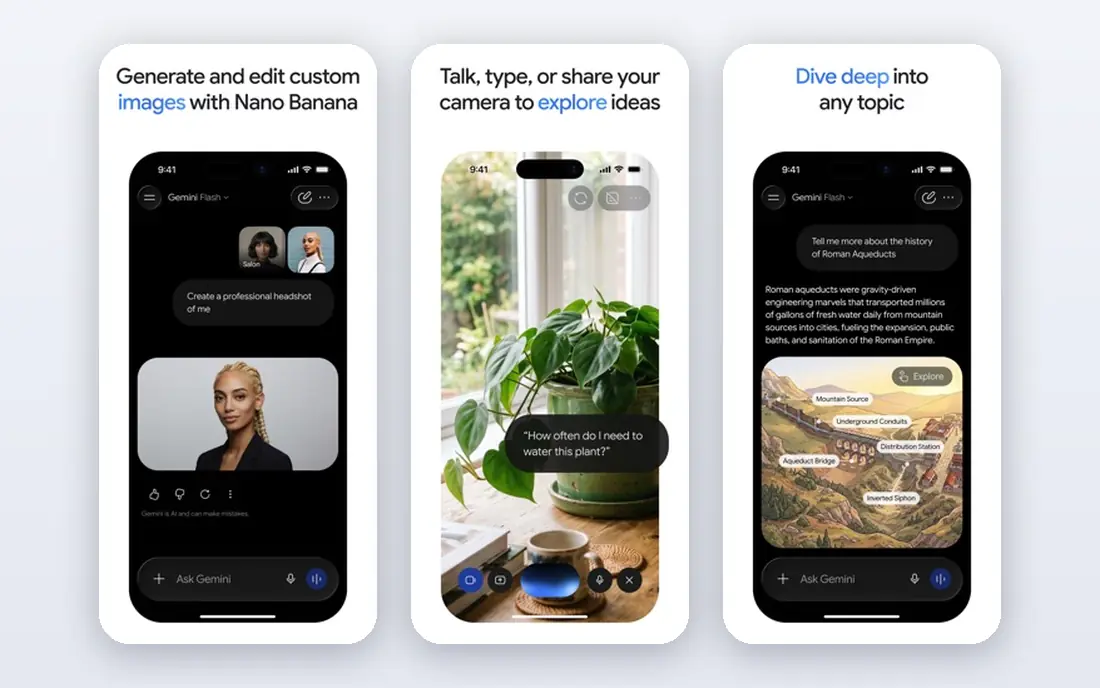
Gemini Advanced, part of Google One AI Premium, brings Google's strongest models to Gmail, Docs, Drive, and other Google products, plus a standalone chat experience. Its multimodal features handle text, images, and video well, and its large context suits long documents. For a user already living in Google Workspace, that integration is a real advantage.
Outside Google products, its edge over ChatGPT or Claude narrows, and quality varies by task. For Google-centric users, Gemini Advanced is the most convenient paid AI choice.
- Deep Google integration with Gmail, Docs, and Drive
- Strong multimodal features
- Large context
- Quality varies by task
- Best value inside Google products
Perplexity Pro
Ideal for: Cited research answers
Perplexity Pro is a research-focused AI service that answers questions with inline citations and lets subscribers choose between several underlying models. Its strength is verifiable research: every answer points to sources you can open and check. For journalists, analysts, and students of current topics, that sourcing matters more than creative flair.
It is less suited to creative writing, coding, or general brainstorming than ChatGPT or Claude. For research-heavy users who value citations, Perplexity Pro is the best paid choice.
- Answers with citations
- Access to multiple AI models
- Strong research workflow
- Less suited to creative writing or coding than ChatGPT
- Research focus narrows its use
Midjourney
Ideal for: Image generation
Midjourney produces some of the highest-quality AI-generated images available, with a distinctive artistic range that designers, marketers, and creators value. Its community on Discord shares prompts and results, which helps newcomers learn what works. For image quality alone, it remains the leader.
There is no free tier, and its Discord-based workflow feels awkward to users expecting a simple web app. For serious image generation, though, Midjourney's quality justifies both the price and the learning curve.
- Highest-quality AI image generation
- Strong artistic styles
- Active community
- No free tier
- Discord-based workflow can feel awkward
Jasper
Ideal for: Marketing writing
Jasper is built for marketing teams, with templates for ads, blog posts, social content, and emails, plus brand voice features that keep output consistent. Its collaboration tools suit content teams producing at volume. For a marketing team that needs structured, on-brand AI writing, Jasper offers more workflow than a general chatbot.
Its scope is narrower than ChatGPT or Claude, and pricing is higher for small teams. For marketing content production, though, Jasper's templates and brand controls add real value.
- Marketing-focused templates and brand voice
- Team collaboration
- Good for content teams
- Narrower than general chatbots
- Pricing is higher for small teams
Microsoft Copilot Pro
Ideal for: Microsoft 365 AI
Microsoft Copilot Pro brings AI into Word, Excel, PowerPoint, Outlook, and other Microsoft 365 apps, helping users draft documents, summarize emails, analyze spreadsheets, and create presentations. For a user already paying for Microsoft 365, that in-app assistance is convenient and practical. Image generation is also included.
Its full value requires a Microsoft 365 subscription on top of Copilot Pro, and features vary by app. For Microsoft-centric professionals, Copilot Pro is the most useful paid AI add-on.
- AI inside Word, Excel, PowerPoint, and Outlook
- Good for Microsoft 365 users
- Image generation included
- Best value only with a Microsoft 365 subscription
- Features vary by app
Notion AI
Ideal for: AI inside notes and docs
Notion AI adds AI writing, summarization, and Q and A inside Notion, where many teams already keep notes, docs, and wikis. It can draft pages, summarize long documents, and answer questions from a workspace, which speeds up knowledge work without leaving Notion. For heavy Notion users, it is a natural add-on.
It is only useful inside Notion, so it cannot replace a general chatbot. For teams that live in Notion, though, Notion AI is a practical productivity boost.
- AI writing and summarization inside Notion
- Great for notes, docs, and wikis
- Team-friendly
- Only useful inside Notion
- Not a general chatbot
How we picked these
We compared official product pages, pricing pages, and feature documentation for paid AI services, focusing on model quality, features, limits, ecosystem fit, and value for different kinds of work. We favored services with real, sustained user bases and included both general and specialized tools.
What to check before you subscribe
Start with your actual AI use: writing, coding, research, images, or productivity inside a specific app each point to a different service. Use free tiers and trials first, since most services offer them, and test the tasks you do daily, not just impressive demos. Also check usage limits on paid plans, since heavy use can still hit caps on some features.
Consider privacy too: check how each service handles your prompts and files, especially for sensitive work. Finally, avoid subscribing to several similar services at once: one general tool plus one specialist, if needed, covers most people.
One more factor worth weighing is how the option you choose will feel after the first month, not just on day one. A tool or service that looks strong in a demo can become a burden if setup is fiddly, support is slow, or everyday tasks take more clicks than they should. That is why we suggest using a trial with your real workload, your real data, and the people who will actually use it every day. Watch for friction in the first week, since that friction rarely disappears on its own. Also consider what happens when your needs change: can you upgrade, downgrade, or leave without losing your work? A flexible option that grows with you is usually worth more than a slightly cheaper one that locks you into a plan you will outgrow. Finally, talk to at least one current user if you can, since a short honest conversation often reveals more than a polished sales page.
Frequently asked questions
Which paid AI service is best overall?
ChatGPT Plus is the best overall choice for most people, thanks to its breadth across writing, coding, analysis, and media. Claude Pro is best for writing and document analysis, while Gemini Advanced suits Google users.
Is a paid AI subscription worth it over free tiers?
Yes, if you use AI daily. Paid plans offer stronger models, higher limits, and extra features that free tiers lack, which matters for professional work. Casual users may find free tiers sufficient.
Which AI service is best for research?
Perplexity Pro is best for research, since its answers include citations you can verify. ChatGPT and Claude can also research, but their sourcing is less transparent by default.
Can one AI subscription do everything?
No single service leads at every job. A general tool like ChatGPT Plus covers most needs, but image specialists like Midjourney and research specialists like Perplexity Pro outperform it in their niches.
How do I avoid wasting money on AI subscriptions?
Test free tiers first, pick the service that fits your daily work, and review usage monthly. Cancel subscriptions you have not used in weeks, since AI tools only deliver value when used regularly.
What is the first step when choosing best paid ai service?
Start by writing down what you need the product or service to do, how many people will use it, and what budget you can sustain for a year. That short brief makes comparisons far easier, since you can test each option against the same requirements instead of being swayed by the longest feature list. Then run a trial of your top two or three choices with real tasks, and pick the one your team actually enjoys using, since adoption matters as much as features.