Best Paperless Accounts Payable Software Compared

- 1
 BILLSmall businesses using QuickBooks Online or XeroVisit
- 2
 TipaltiCompanies paying suppliers in many countriesVisit
- 3
 AvidXchangeMidsize firms processing thousands of invoices a yearVisit
- 4
 StampliTeams that want AI to read invoices and learn approvalsVisit
- 5
 MelioSmall businesses that want AP at no cost to startVisit
- Melio is the only tool here with a free plan, at 0 dollars for its Go plan, while BILL and Tipalti publish clear entry prices.
- AvidXchange, Stampli, Airbase and MineralTree publish no list price, so expect a sales call and a quote before you can budget.
- BILL starts at 49 dollars per user per month, and automatic two-way sync with QuickBooks Online and Xero starts at the 65 dollar Team plan.
- Tipalti starts at 99 dollars per month and suits firms that pay suppliers across borders, with unlimited users on the AP plan.
- Plooto charges per transaction on top of its subscription, so count your monthly payment volume before you compare headline prices.
Quick comparison
| Product | Ideal for | Price from | Free version | |
|---|---|---|---|---|
| BILL | Small businesses using QuickBooks Online or Xero | $49 per user/month | No | Visit |
| Tipalti | Companies paying suppliers in many countries | $99/month | No | Visit |
| AvidXchange | Midsize firms processing thousands of invoices a year | quote only | No | Visit |
| Stampli | Teams that want AI to read invoices and learn approvals | quote only | No | Visit |
| Melio | Small businesses that want AP at no cost to start | $0 | Yes | Visit |
 Plooto | Small teams paying suppliers in the US and Canada | quote only | No | Visit |
 Airbase | Finance teams that want AP plus spend control in one system | quote only | No | Visit |
 MineralTree | Midmarket firms running Sage Intacct | quote only | No | Visit |
The best paperless accounts payable software
BILL
Ideal for: Small businesses using QuickBooks Online or Xero
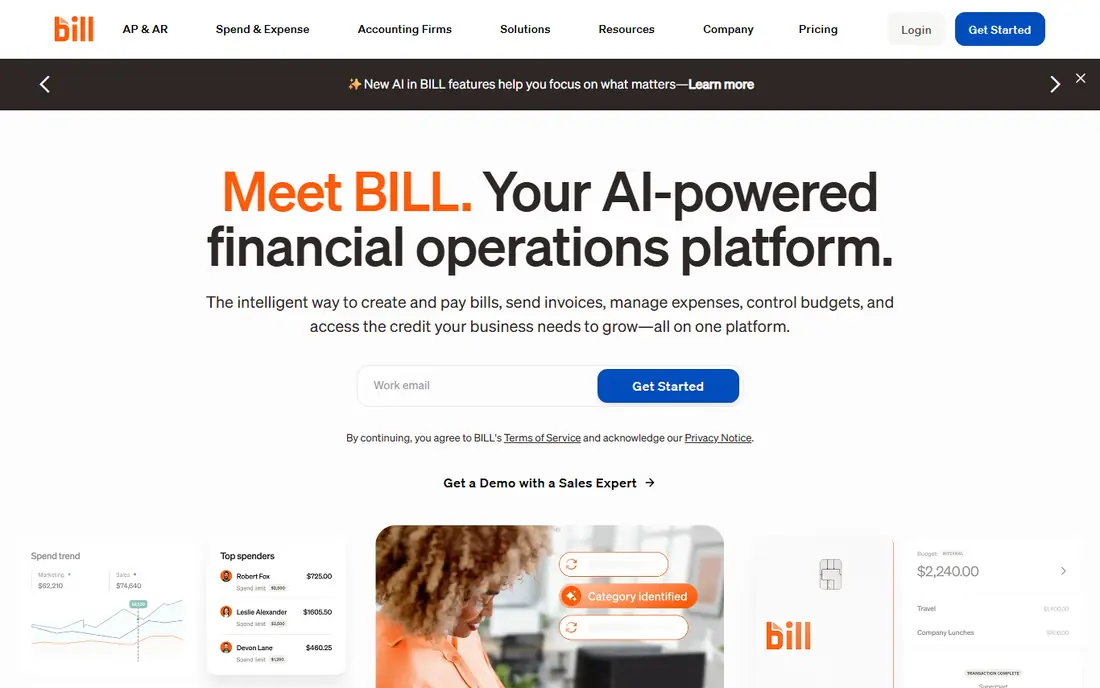
BILL is the most widely used paperless AP option for small businesses, and its pricing is fully published. The Essentials plan starts at 49 dollars per user per month and covers invoice capture, approval workflows and payment by ACH, card or check. BILL reads invoice data from scans and email, routes each bill to the right approver, and keeps an audit trail for every step, which removes the paper folders and email chains that slow most AP teams down. The catch is the tiering. Essentials only offers manual CSV import and export for QuickBooks Online and Xero, so automatic two-way sync starts at the 65 dollar Team plan, and Corporate at 89 dollars adds more controls. Per-payment fees also apply on every plan, for example 0.59 dollars per ACH or ePayment. A separate Spend and Expense product is free at 0 dollars per user per month, but it is not the AP product. Start a trial in most cases, confirm the trial length with BILL first, and check whether your invoice volume makes the per-payment fees larger than the subscription itself.
- Automatic invoice capture
- Deep QuickBooks and Xero sync
- Automatic two-way sync starts at Team, not Essentials
- Per-payment fees apply on every plan
Tipalti
Ideal for: Companies paying suppliers in many countries
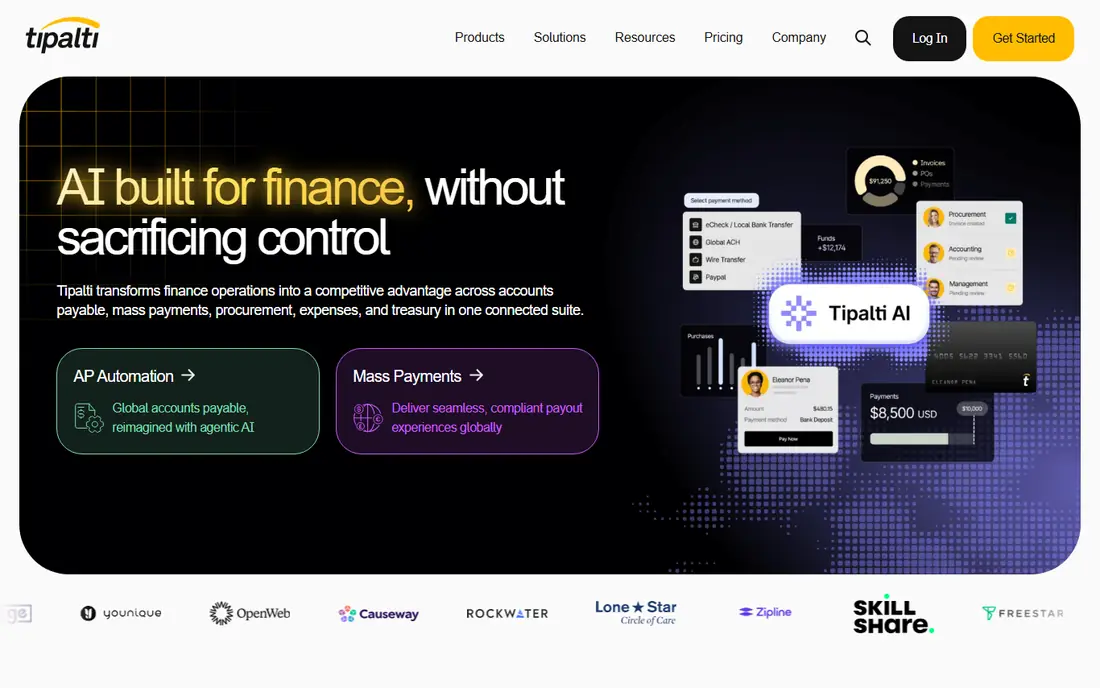
Tipalti is built for firms whose suppliers sit in many countries and tax regimes. The Accounts Payable plan starts at 99 dollars per month and includes unlimited users, invoice capture, approval routing and payment execution, while Mass Payments starts at 249 dollars per month. It handles tax forms, supplier onboarding and payment in local currencies, which is the part of AP that spreadsheets and basic tools handle badly. The price you see is not the whole cost. Tipalti charges per-invoice and per-payment transaction fees on top of the platform fee, and those rates are not published, so you learn them during the sales process. Procurement, Expenses and Treasury are separate modules with extra fees. Tipalti states on its site that it offers no free tier, and no free trial is listed on the pricing page. Ask for the transaction fee schedule in writing before you sign, and test the supplier onboarding flow with a real supplier, since that is where global AP projects usually stall.
- Unlimited users on the AP plan
- Global payment rails in many currencies
- Per-invoice and per-payment transaction fees are unpublished
- Extra modules cost more
AvidXchange
Ideal for: Midsize firms processing thousands of invoices a year
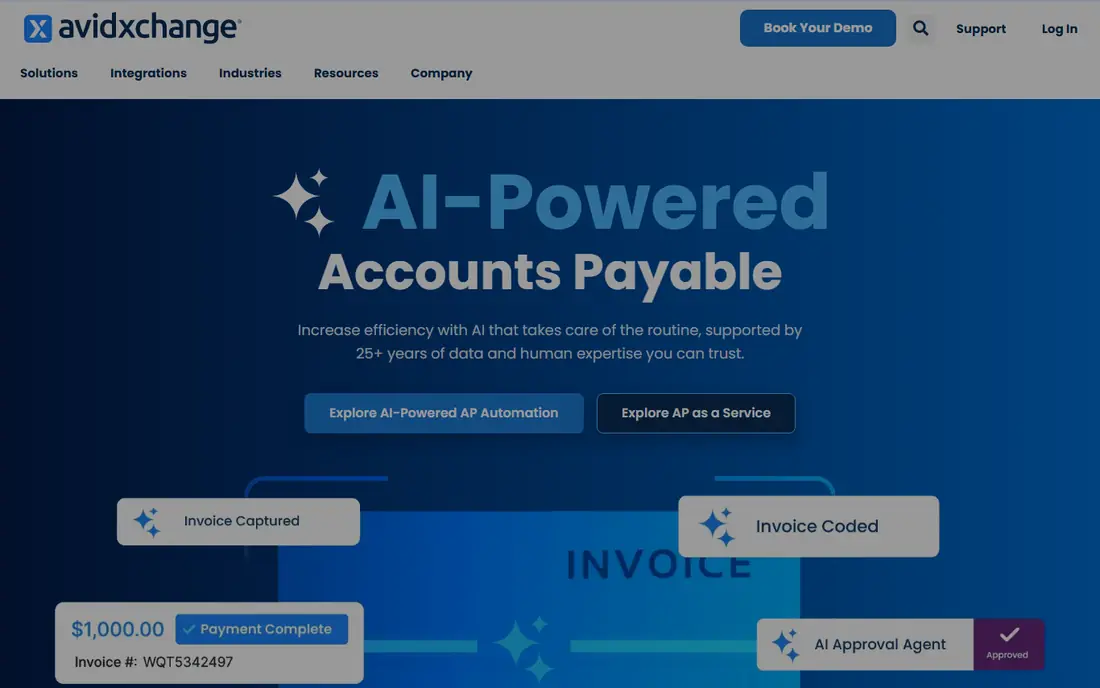
AvidXchange targets midsize companies that process large invoice volumes and need strict approval chains. The platform captures invoice data, routes approvals by amount and department, and pays suppliers through its network, with reporting that finance teams can use for month-end close. It is a common choice for firms that have outgrown manual AP but do not want an enterprise suite. There is no way to evaluate it without talking to sales. AvidXchange publishes no price, its pricing page URL returns a 404, and there is no free plan or free trial. That means you cannot compare its cost against BILL or Tipalti until you go through a demo and a quote. If you shortlist it, ask for a reference customer in your industry with a similar invoice volume, and ask whether the quote includes the supplier payment network fees, since those can change the total cost a lot.
- Purpose-built for midmarket AP volume
- Strong approval and audit controls
- No published pricing and no self-serve trial
- Every engagement starts with a demo
Stampli
Ideal for: Teams that want AI to read invoices and learn approvals
Stampli uses AI to capture invoice data and learn how your team routes approvals, so each invoice needs less manual work over time. It sits on top of your existing ERP rather than replacing it, which keeps implementation shorter than a full AP replacement. The core product covers invoice capture, approval workflows and communication on each invoice, with Procurement, Direct Pay and Card sold as add-ons beyond core AP. Pricing is fully quote-based. The vendor pricing page opened on 12 Nov 2026 shows a feature comparison and a quote form but no dollar figure. There is no free plan and no trial listed. Also note that only semi-automated two-way and three-way matching is in the core product, while full automation by its Billy and Cognitive AI features is quoted separately. Get the quote broken down by core AP, AI automation and each add-on, and ask how long the AI needs to learn your approval patterns before it saves real time.
- AI learns your approval patterns
- Works on top of your existing ERP
- No published price
- Full AI automation is quoted separately
Melio
Ideal for: Small businesses that want AP at no cost to start
Melio is the only tool in this list with a genuine free plan. Go costs 0 dollars forever and covers basic bill pay, while the first plan above Go, Core, is 25 dollars per month billed monthly or 20 dollars per month billed annually. Boost is 55 dollars billed monthly or 44 dollars billed annually, and Unlimited is 80 dollars billed monthly or 64 dollars billed annually. Core and above are free for the first 90 days, with 90 days of unlimited free ACH and no credit card needed. The free plan has real limits. Go allows only 1 user and 5 free ACH payments a month, and sync with QuickBooks Online or Xero starts on Core, not Go. Card payments cost 2.9 percent, which adds up fast if suppliers prefer cards. Melio fits a small business with a low invoice count and one person handling bills. Once you add a second approver or pass five ACH payments a month, budget for Core and check whether the sync and extra users are worth the step up.
- Free Go plan with no card required
- 90 days free on Core and above
- Go is limited to 1 user and 5 free ACH payments a month
- Card payments cost 2.9 percent
Plooto
Ideal for: Small teams paying suppliers in the US and Canada
Plooto combines AP with domestic and cross-border payments, and it is popular with small teams that pay suppliers in the United States and Canada. Its pricing page shows per-transaction fees rather than a headline subscription: domestic EFT and EMT cost 1 dollar on Go and 0.50 dollars on Grow and Pro, ACH costs 1 dollar, and cross-border payments cost 19 dollars on Go and 10 dollars on Grow and Pro. A 30-day free trial is offered with no credit card required. The monthly subscription amounts did not render in the vendor pricing page crawl on 12 Nov 2026, so this article lists Plooto as quote only rather than repeating third-party figures. Third-party listings report Go at 9 dollars, Grow at 32 dollars and Pro at 99 dollars a month, but those were not verified on the vendor page on the check date. Go is also capped at 5 domestic and ACH transactions per billing cycle, 1 connected bank account, 1 approver and a 5,000 dollar per-transaction limit. Ask Plooto for the current monthly prices in writing, and count your transactions before you pick a plan.
- Low per-transaction fees on higher plans
- 30-day free trial with no card
- Monthly subscription amounts did not render on the vendor pricing page
- Go caps transactions at 5 per cycle
Airbase
Ideal for: Finance teams that want AP plus spend control in one system
Airbase covers the full spend cycle, from invoice capture and approvals to corporate cards, reimbursements and vendor payments, which suits finance teams that want one system instead of separate AP and expense tools. The site now brands Airbase as a Paylocity company, and it offers interactive product tours so you can see the workflows before booking a demo. There is no standalone Airbase price to quote. The pricing page URL returned a 404 on 12 Nov 2026, and Airbase is sold as Paylocity for Finance, so pricing comes as a quote tied to the wider Paylocity package. There is no published free plan and no self-serve trial. If you already use Paylocity for HR or payroll, ask how the finance bundle is priced on top of your current contract. If you do not use Paylocity, compare the combined quote against a standalone AP tool plus a separate expense tool before you commit.
- Combines AP, corporate cards and spend approvals
- Interactive product tours
- No standalone price
- Now sold only as part of Paylocity for Finance
MineralTree
Ideal for: Midmarket firms running Sage Intacct
MineralTree is a midmarket AP automation tool that is often chosen by firms running Sage Intacct, since its Sage Vendor Payments feature is embedded inside Intacct. It captures invoice data, routes approvals, and schedules payments, with reporting that helps finance teams close the books without chasing paper. It fits companies that process enough invoices for manual AP to be a real drag on the month-end close. Like several tools in this list, MineralTree publishes no price. Its pricing page redirects to a request-a-demo page, and there is no free plan or free trial. You will need a demo and a sales conversation to learn the cost, and you should ask whether implementation and training are included in the quote or billed separately. It is worth shortlisting if you run Sage Intacct, but budget time for the sales process and get a reference customer on the same ERP before you sign.
- Strong fit for Sage Intacct users
- Invoice capture with approval workflows
- No published pricing or self-serve trial
- A demo is required to get a price
Which tool fits your team size
| Team size | Best pick | Why it fits | Watch out | | 1 person, under 20 bills a month | Melio Go | 0 dollars, no card needed | 1 user, 5 free ACH a month | | Small team, QuickBooks or Xero | BILL Essentials | 49 dollars per user per month, published price | Two-way sync needs Team at 65 dollars | | Small team, cross-border payees | Plooto | Low per-transaction fees, 30-day trial | Monthly prices were not visible on the vendor page on 12 Nov 2026 | | Midsize, global suppliers | Tipalti | 99 dollars a month, unlimited users | Transaction fees are unpublished | | Midsize, Sage Intacct | MineralTree | Embedded in Intacct | Quote only, demo required | | Midsize, high invoice volume | AvidXchange or Stampli | Built for volume and approvals | Both quote only, no trial |
How we chose
We opened each vendor homepage and pricing page on 12 Nov 2026 and recorded the price exactly as the vendor showed it. Where the vendor published no price, we wrote quote only instead of repeating a third-party figure. Where a price did not render in the page crawl, we said so in the tool section. We compared invoice capture, approval routing, ERP sync, payment methods, free plans, trials and the limits that sit on the entry plan, and we picked tools that cover small businesses through midmarket firms.
What to check before you buy
Ask for every fee in writing, not just the subscription. Per-payment fees, per-invoice fees and card surcharges can exceed the monthly price at volume, and four tools here hide those numbers behind a sales call. Confirm which ERP sync is included on the plan you would actually buy, since BILL gates automatic sync to Team and Melio gates it to Core. Check the approval limits, user limits and transaction caps on the entry plan against your real monthly counts. Run a trial with real invoices from your own suppliers, not demo data, and time how long approval takes from capture to payment before you sign.
Frequently asked questions
What is paperless accounts payable software?
Paperless accounts payable software captures invoices from email, scans or supplier portals, reads the data, routes each invoice to the right approver, and schedules payment without paper files. It keeps an audit trail for every step, syncs with your accounting system, and cuts the manual entry and chasing that slow down most AP teams.
How much does paperless AP software cost?
Entry prices in this list run from 0 dollars for Melio Go to 49 dollars per user per month for BILL Essentials and 99 dollars a month for Tipalti. Four tools publish no price at all and quote only. Add per-payment and per-invoice fees to the subscription, since those can be larger than the monthly price at high volume.
Is there a free paperless AP tool?
Melio Go is the only free plan in this list, at 0 dollars forever, with 1 user and 5 free ACH payments a month. BILL offers a free Spend and Expense product, but that is not its AP product. Plooto offers a 30-day free trial with no card, and Melio gives 90 days free on Core and above.
Does paperless AP software work with QuickBooks and Xero?
Most tools in this list sync with QuickBooks Online and Xero, but the sync is often gated. BILL includes automatic two-way sync from the 65 dollar Team plan, not Essentials, and Melio includes it from Core. Confirm the sync method, sync frequency and which fields move across before you buy, and test it with real data during a trial.
How long does it take to switch to paperless AP?
A small business can move in a few days when the tool connects to its accounting system and the team is small. Midsize firms with approval chains, multiple entities or ERP integrations should plan for several weeks, including supplier onboarding and approval rule setup. Ask the vendor for a written implementation timeline with your ERP named.