Best Passport Photo Apps in 2026: 8 Apps Compared

- 1
 PhotoGovCompliant digital photosVisit
- 2
 Passport Photo: ID Photo PrintOne-time Android purchaseVisit
- 3
 PhotoBooth OnlineCheapest digital photoVisit
- 4
 Passport Photo: Visa ID MakerOffline compliance checksVisit
- 5
 iVisa Passport PhotosGuided service with supportVisit
- PhotoGov is the best all-round pick for a compliant digital photo, with automatic background correction and standards-based checks from $6.90.
- Passport Photo: ID Photo Print is the best one-time purchase for Android users, at $4.99 with no subscription.
- PhotoBooth Online is the cheapest digital option in recent comparisons, at $2.95 for a digital photo plus a printable sheet.
- Only a few apps check your photo against real US and ICAO rules before you pay, so favor apps with a real compliance check over simple cropping tools.
- Always compare the final photo with the official requirements for your document, since an app's guarantee does not replace the issuing authority's decision.
Quick comparison
| Product | Ideal for | Price from | Free version | |
|---|---|---|---|---|
| PhotoGov | Compliant digital photos | $6.90 | No | Visit |
| Passport Photo: ID Photo Print | One-time Android purchase | $4.99 one-time | No | Visit |
| PhotoBooth Online | Cheapest digital photo | $2.95 | No | Visit |
| Passport Photo: Visa ID Maker | Offline compliance checks | Free | Yes | Visit |
| iVisa Passport Photos | Guided service with support | $5.89 | No | Visit |
 Smartphone iD | Verified photos with expert review | See website | No | Visit |
 IDPhoto4You | Free manual tool | Free | Yes | Visit |
 PersoFoto | Simple ID photo creation | $9.75 | No | Visit |
The best passport photo apps
These eight apps and services cover digital photos, print sheets and verified services. We compared official app listings, pricing pages and public reviews, focusing on compliance checks, since a wrong photo can delay an application.
PhotoGov
Ideal for: Compliant digital photos
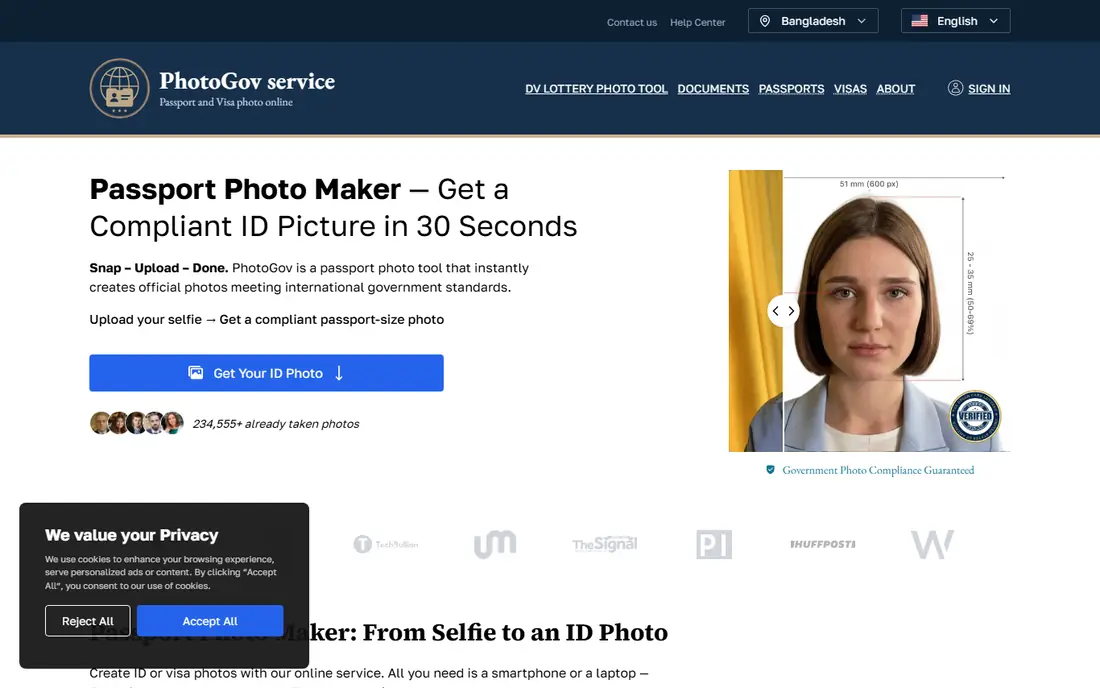
PhotoGov is our pick for most travelers who need a digital passport photo without leaving home. It automatically corrects the background to white, validates head size, eye position and other biometric parameters against US and ICAO standards, and offers an acceptance guarantee, all without requiring an account. Pricing is listed at $6.90 for a digital photo in recent comparisons.
The limits are practical: you still need decent natural light, a plain background and no heavy shadows in the source photo, and mailed prints are not its main service. For an online application where a digital file is what you need, PhotoGov's accuracy focus is the right priority.
- Automatic background correction
- Standards-based checks for US and ICAO rules
- Acceptance guarantee
- Digital only, no mailed prints by default
- You must take a good source photo yourself
Passport Photo: ID Photo Print
Ideal for: One-time Android purchase
Passport Photo: ID Photo Print, from TAPUNIVERSE, takes a refreshingly simple approach: pay $4.99 once and own it, with no subscription and no ads. It includes background removal to white, multiple size formats including 2 by 2 inches, and editing tools for brightness and color, plus direct printing from a compatible phone-connected printer.
It is Android only, so iPhone users need another app, and it is a paid app from the start. For a household that regularly needs ID photos for several people, the one-time price is excellent value, provided you check the final result against official requirements.
- Single $4.99 payment, no subscription
- No ads
- Multiple size formats and direct printing
- Android only
- Paid app with no free tier
PhotoBooth Online
Ideal for: Cheapest digital photo
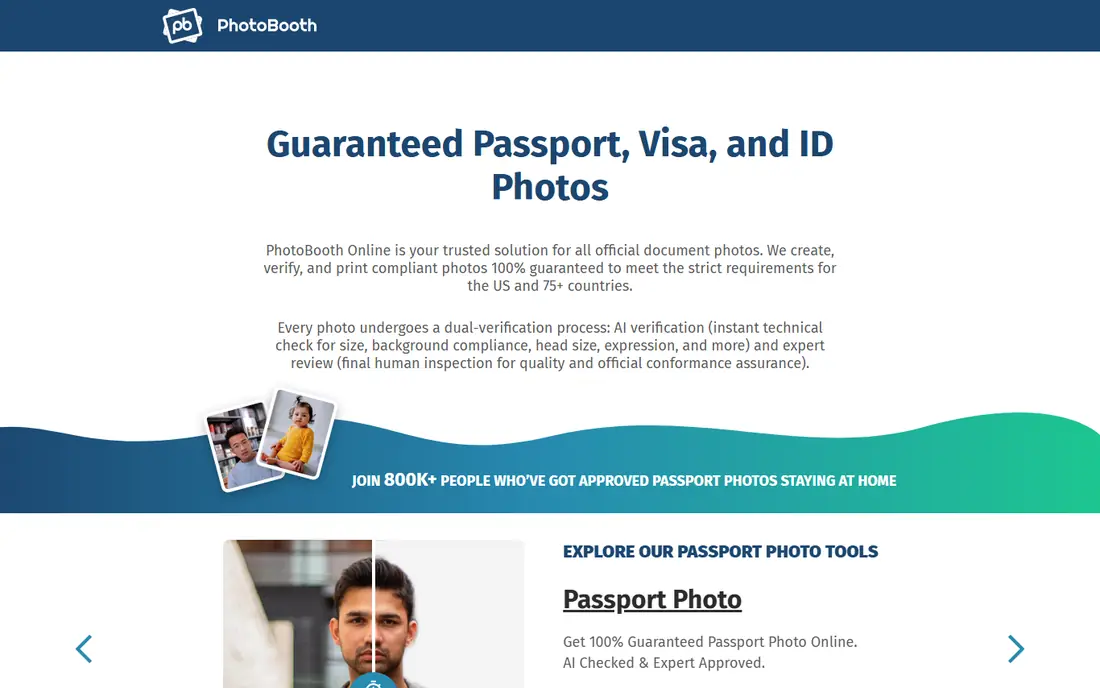
PhotoBooth Online is the cheapest digital option in recent comparisons, at $2.95 for a compliant digital photo plus a 4 by 6 sheet for printing six photos. It combines AI checks with expert review and offers a money-back approach with free retakes, while printed copies shipped to your home start at $9.95 for six photos.
Physical store prices run higher, from $7.64 at Walmart to $16.99 at CVS or Walgreens for two photos in recent listings, so the online route saves money. As with every app here, filters that alter your appearance can cause rejection, so take a natural, unedited photo.
- Digital photo plus printable sheet for $2.95
- Expert and AI verification
- Printed copies available
- Printed photos cost extra
- Source photo quality still matters
Passport Photo: Visa ID Maker
Ideal for: Offline compliance checks
Passport Photo: Visa ID Maker stands out for privacy: it works fully offline and on-device, with no uploads, no account and no tracking. Its compliance meter measures head size, eye line, centering, background, glare and lighting against published government rules, telling you exactly what to fix before any payment.
The compliance check and watermarked preview are free, while watermark-free export, print sheets and background replacement need a lifetime upgrade at $14.99 or an annual plan at $12.99 per year. For privacy-conscious users and multi-country travelers, it is a strong choice.
- Fully offline and on-device
- Compliance meter with plain-language fixes
- 50-plus country presets
- Full export needs a paid upgrade at $14.99 lifetime or $12.99 per year
iVisa Passport Photos
Ideal for: Guided service with support
iVisa Passport Photos offers a guided service for passport and visa photos, with support built in and coverage for many document types. Pricing is listed at $5.89 in recent comparisons, which keeps it competitive with other digital services.
Compliance validation is rated as limited in some comparisons, so check the final photo carefully against your document's official rules. For a traveler who wants a guided service with human support behind it, iVisa is a reasonable option.
- Guided photo service
- Account-based support
- Covers many document types
- Compliance validation is limited in some comparisons
- Requires an account
Smartphone iD
Ideal for: Verified photos with expert review
Smartphone iD lets you take a compliant photo from home with guided instructions, automatic background adjustment and AI plus expert verification. You receive a digital photo and a printable template by email, often within minutes, and printed copies can be ordered for delivery where available.
Pricing varies by country and document, so check the quote for your specific application before paying. For a traveler who wants a human check on top of AI verification, Smartphone iD's review step adds confidence.
- AI plus expert verification
- Digital file and printable template by email
- Fast turnaround
- Pricing varies by country and document
- Printed delivery depends on location
IDPhoto4You
Ideal for: Free manual tool
IDPhoto4You is the free, no-frills option. It lets you crop and size a photo for many ID formats without an account or payment, which suits a user who already knows the exact requirements and just needs a correctly sized file.
There is no automatic background correction and no compliance validation, so you must check head size, background and lighting yourself. For a careful user on a zero budget, it works. For a first-time applicant, a checked service such as PhotoGov is safer.
- Free
- No account needed
- Manual cropping for many sizes
- Manual only, no automatic background correction or compliance validation
PersoFoto
Ideal for: Simple ID photo creation
PersoFoto offers a simple path to an ID photo, with manual cropping and support for common formats, priced at $9.75 in recent comparisons. It suits users who want a straightforward tool without a subscription.
Manual cropping and limited automatic checks mean you should verify the result against official rules before submitting. At its price, it competes with cheaper checked services, so weigh its simplicity against PhotoGov's automatic validation.
- Simple creation flow
- Covers common ID formats
- Straightforward pricing
- Manual cropping
- Compliance checks sit on paid tiers in some comparisons
How we picked these
We compared official app listings, pricing pages and public reviews for passport photo apps and services available in October 2026. We favored tools with a real compliance check or verification step, a clear price and current availability, and we weighed privacy, since ID photos are sensitive personal data.
What to check before you submit a passport photo
Start with the official requirements for your exact document and country. US passport photos must be 2 by 2 inches, in color, on a plain white background, taken within the last six months, with a neutral expression and no glasses in most cases. Other countries use different sizes, such as 35 by 45 millimeters, so confirm the size before you crop.
Then take a good source photo. Use natural daylight facing a plain white wall, keep the camera at eye level, avoid shadows on the face and background, and do not use filters or heavy editing, since altered appearance can cause rejection. Check head size and eye position against the official guide, not just the app's preview.
Finally, choose print or digital based on your application. Online applications usually need a digital file, while paper applications need printed photos, often two copies. If you print at home or a kiosk, use the app's 4 by 6 sheet with cut guides, and check the printed size before you submit.
Frequently asked questions
What is the best passport photo app?
PhotoGov is the best all-round pick for a compliant digital photo, thanks to automatic background correction and standards-based checks. Passport Photo: ID Photo Print is best for Android users who prefer a one-time purchase.
Can I take my own passport photo at home?
Yes, you can take your own photo at home if it meets official requirements for size, background, lighting and recency. Apps such as PhotoGov and Passport Photo: Visa ID Maker check your photo against those rules before you submit.
How much does a passport photo cost?
Digital photos from online services run from $2.95 to about $6.90 in recent comparisons, while store photos range from $7.64 at Walmart to $16.99 at CVS or Walgreens for two photos. App prices vary, with one-time purchases around $4.99.
What size is a US passport photo?
A US passport photo must be 2 by 2 inches, in color, on a plain white or off-white background, taken within the last six months. Other countries use different sizes, so check your document's official requirements.
Why do passport photos get rejected?
Common reasons include wrong size, shadows, a non-white background, glasses, filters that alter appearance, and photos older than six months. Use natural light, a plain background and no filters, and check the result against the official guide.
Sources
- https://photogov.net
- https://play.google.com/store/apps/details?id=com.tapiverse.passportphoto
- https://photobooth.online
- https://www.appharbour.com/passportphoto/
- https://www.ivisa.com
- https://www.smartphone-id.com
- https://www.idphoto4you.com
- https://www.persofoto.com
- https://photogov.net/knowledge/guides/best-passport-photo-apps/