Best payment automation platforms for businesses in 2026: 7 Options Compared

- Approval workflows matter as much as payment speed for control.
- Accounting integration saves more time than a slick interface alone.
- Payment method coverage should match how your vendors want to be paid.
- Pricing often scales with users or transactions, so model real volume.
- Fraud controls and audit trails matter for every payment run.
Quick comparison
| Product | Ideal for | Price from | Free version | |
|---|---|---|---|---|
 BILL | small businesses automating accounts payable | See website | Free trial | Visit |
 Melio | small businesses paying vendors simply | See website | Free trial | Visit |
 Ramp | companies combining cards and AP automation | See website | Free trial | Visit |
 Tipalti | companies paying global suppliers | See website | No | Visit |
 Airbase | mid-size companies wanting spend management | See website | Free trial | Visit |
 AvidXchange | mid-market AP automation at scale | See website | No | Visit |
 Stampli | teams wanting AP with communication built in | See website | Free trial | Visit |
The best payment automation platforms for businesses
Payment automation platforms handle accounts payable, approvals, and payouts without the manual chasing that slows finance teams. The right tool depends on bill volume, approval complexity, and which accounting system you use. We compared platforms on AP automation, approvals, payment methods, and integrations. The seven options below cover small business AP through enterprise payout automation.
BILL
Ideal for: small businesses automating accounts payable
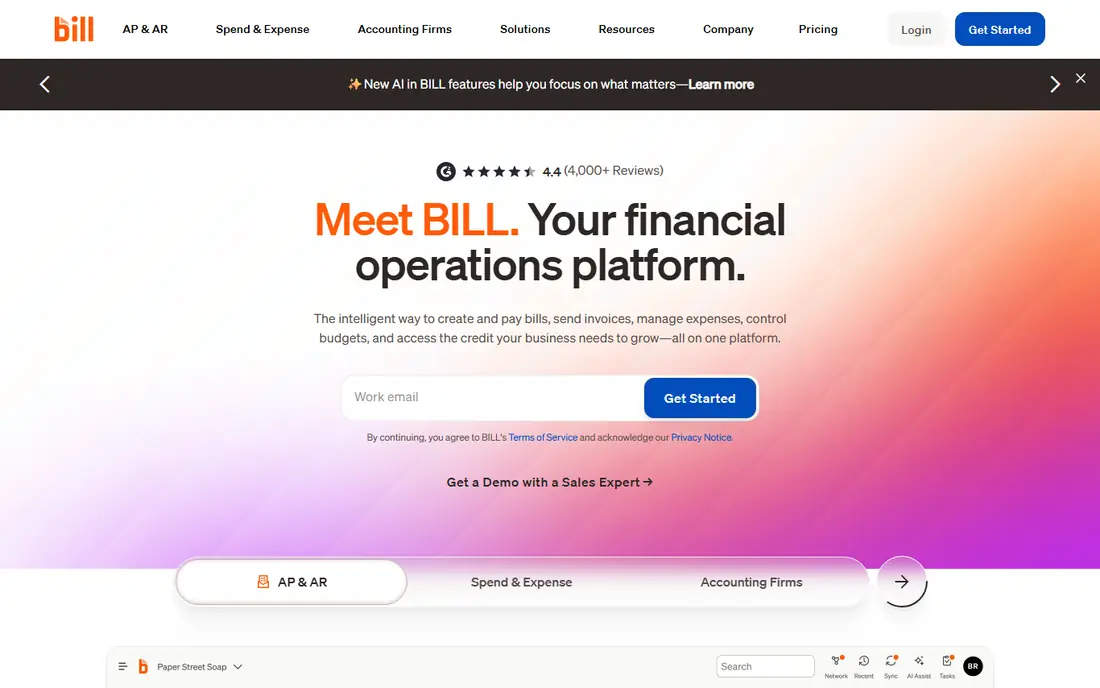
For buyers weighing the options, BILL stands out for small businesses automating accounts payable. BILL suits small businesses automating accounts payable. Its approvals and integrations cut manual bill handling.
The honest catch is this: per-user pricing adds up, and international payments are limited. That matters most when budgets or timelines are tight, so weigh it against the strengths above. On pricing, the listing shows See website with a free option of Free trial. If that trade-off works for you, BILL is a sensible shortlist pick, and if it does not, the other options in this list cover the same need from a different angle. Before you commit, confirm the current price and terms on the official site, since plans change and the details that matter most are the ones in force on the day you buy.
- AP automation
- Approvals
- Accounting integrations
- Pricing per user
- International payments are more limited
Melio
Ideal for: small businesses paying vendors simply
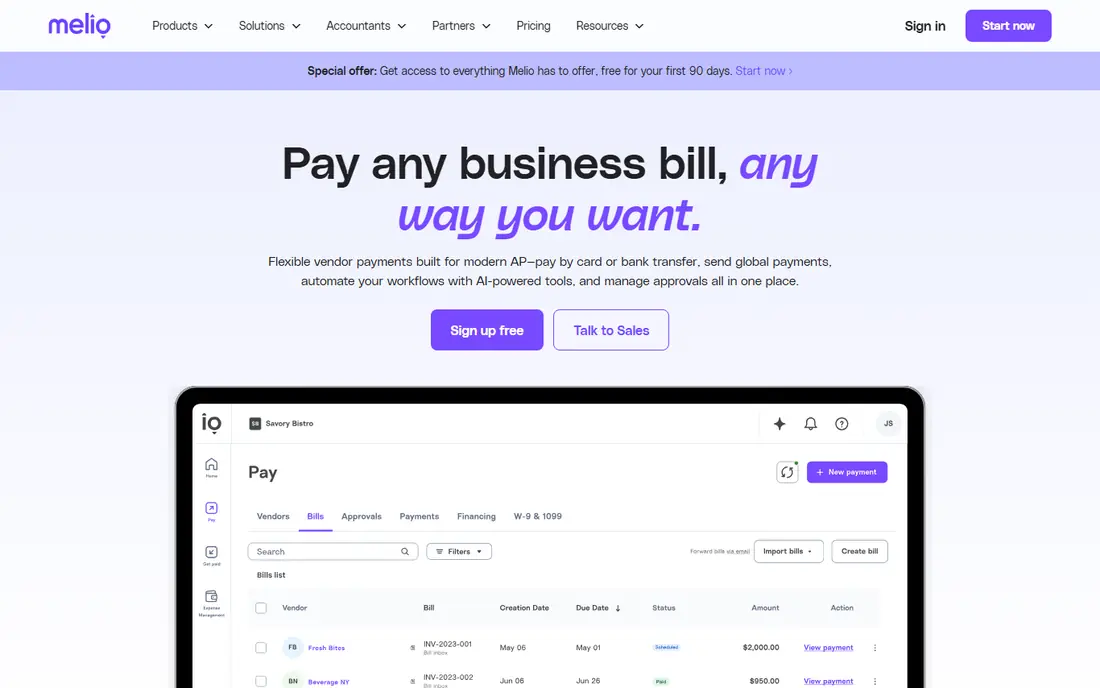
Our view of Melio starts with its fit for small businesses paying vendors simply. Melio suits small businesses that want simple vendor payments. Its flexible funding helps manage cash flow timing.
There is a trade-off to note: advanced AP features are thinner than enterprise rivals. Even so, the core fit for small businesses paying vendors simply remains clear, and the price picture is See website with a free option of Free trial. Readers who can live with that drawback will get solid value here, while readers who cannot should look at the next entries for a closer match. Before you commit, confirm the current price and terms on the official site, since plans change and the details that matter most are the ones in force on the day you buy.
- Simple vendor payments
- Flexible funding
- QuickBooks links
- Advanced AP features are thinner
- Payment limits vary
Ramp
Ideal for: companies combining cards and AP automation
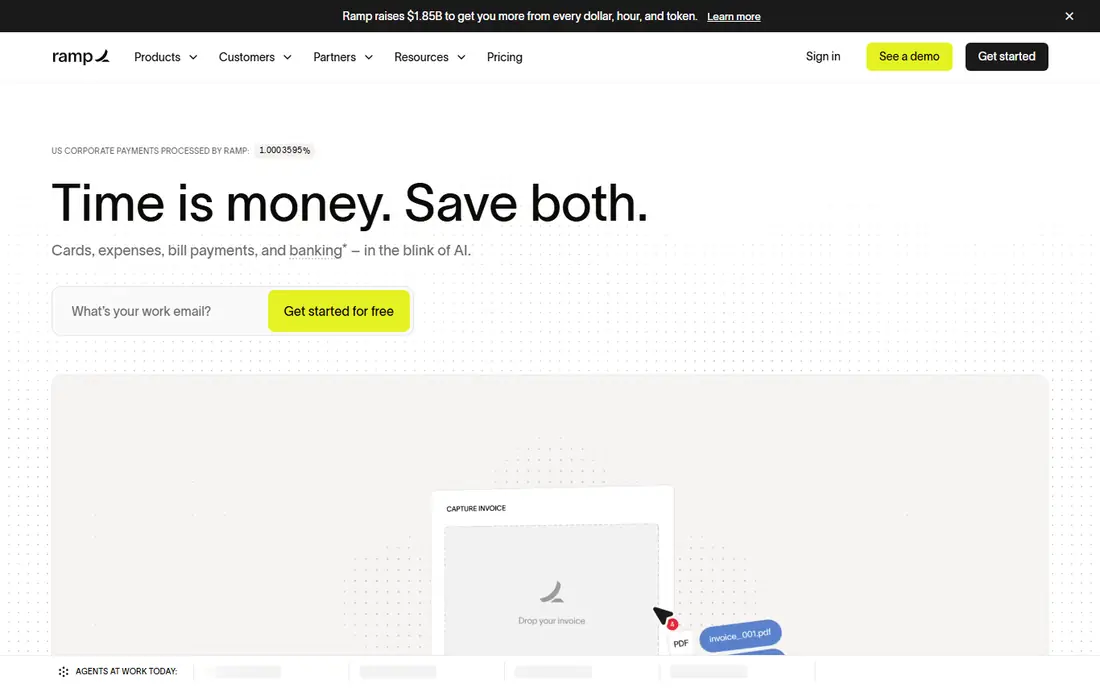
Ramp earns its place here mainly because it suits companies combining cards and AP automation. Ramp suits companies that want cards and AP in one platform. Its spend controls help finance teams manage outgoings.
No option is perfect, and here the limit is that its card-led focus means AP depth varies by plan. Set against a starting price of See website and a free option of Free trial, that is a fair deal for many buyers but not for everyone. Put Ramp on your shortlist when companies combining cards and AP automation matters more than that drawback, and move on when it does not. Before you commit, confirm the current price and terms on the official site, since plans change and the details that matter most are the ones in force on the day you buy.
- Corporate cards plus AP
- Spend controls
- Accounting links
- Best for card-led spend
- AP depth varies by plan
Tipalti
Ideal for: companies paying global suppliers
If companies paying global suppliers is the priority, Tipalti deserves a close look. Tipalti suits companies paying suppliers across countries. Its tax and onboarding tools handle global complexity.
The drawback worth knowing is that enterprise focus means pricing and setup are significant. With pricing listed as See website and a free option of No, the value case still holds for the right buyer. Our advice is simple: compare this one directly with two others in this list before deciding, since small differences in terms can change the total cost. Before you commit, confirm the current price and terms on the official site, since plans change and the details that matter most are the ones in force on the day you buy.
- Global payouts
- Tax compliance
- Supplier onboarding
- Enterprise focus
- Pricing and setup are significant
Airbase
Ideal for: mid-size companies wanting spend management
Airbase is a strong match for mid-size companies wanting spend management. Airbase suits mid-size companies that want spend management plus AP. Its approvals and cards give finance teams control.
Watch out for one thing: mid-market focus means pricing varies by scope. Beyond that, the offer is priced at See website with a free option of Free trial, which keeps it competitive for mid-size companies wanting spend management. It will suit buyers who accept that limit, and it will frustrate buyers who need more flexibility, so check the details before committing. Before you commit, confirm the current price and terms on the official site, since plans change and the details that matter most are the ones in force on the day you buy.
- Spend management
- AP automation
- Approvals and cards
- Mid-market focus
- Pricing varies by scope
AvidXchange
Ideal for: mid-market AP automation at scale
We include AvidXchange for readers focused on mid-market AP automation at scale. AvidXchange suits mid-market firms automating AP at scale. Its supplier network helps with payment handling.
The main weakness is that enterprise-leaning pricing and implementation time require planning. Pricing sits at See website with a free option of No, so the decision comes down to priorities. For mid-market AP automation at scale, this remains a credible choice, but readers who rank flexibility first may prefer a different entry in this list. Before you commit, confirm the current price and terms on the official site, since plans change and the details that matter most are the ones in force on the day you buy.
- AP automation at scale
- Supplier network
- Approvals
- Enterprise-leaning pricing
- Implementation takes time
Stampli
Ideal for: teams wanting AP with communication built in
Among the options we compared, Stampli fits teams wanting AP with communication built in well. Stampli suits teams that want AP discussions inside the workflow. Its communication features cut email chasing on invoices.
One limitation stands out: pricing varies, and international scope is narrower. Given a starting price of See website and a free option of Free trial, the overall package is still worth considering for teams wanting AP with communication built in. Compare the terms side by side with at least one alternative, since the best choice often turns on a single detail. Before you commit, confirm the current price and terms on the official site, since plans change and the details that matter most are the ones in force on the day you buy.
- AP with built-in communication
- Approvals
- Integrations
- Pricing varies
- International scope is narrower
How we picked these
We compared official feature pages, pricing pages, app store listings, privacy policies, and public reviews for each option in this list. We kept only products that exist and work in October 2026 and that truly fit this topic, and we left out options that did not meet that bar even when they were well known. Where a price or free tier could not be confirmed on the vendor site, we wrote See website rather than guessing.
Our shortlist mixes established leaders with smaller options that serve a specific need well. That mix matters because the best-known name is not always the best fit for a given budget, team size, or use case. Use the comparison table to narrow the field, then read the full write-ups for the two or three options closest to your needs.
Choosing a payment automation platform
What to check before you decide
Start with fit, not fame. Write down the one job this purchase must do, the budget you can sustain, and any must-have feature. Then check pricing pages, contract length, and what happens if you cancel. A cheaper headline price can cost more once fees, add-ons, or renewal terms are added.
How to compare the shortlist
Pick three options from this list and compare them on the same points: total cost over a year, ease of setup, support quality, and limits on the plan you would actually buy. Read recent public reviews for patterns, not single complaints, and confirm any claim that matters to you on the vendor site before paying.
Mistakes that cost time and money
The most common mistake is buying for a feature you will never use while missing a limit you will hit every week. Another is skipping the terms on renewals, refunds, and data handling. Take an hour to test the free plan or trial where one exists, and keep notes so the final choice rests on evidence, not marketing.
Frequently asked questions
How do I choose the best best payment automation platforms for businesses?
Start with the job you need done and the budget you can sustain, then compare three options on total cost, limits, and support. Free plans and trials help you test the fit before paying, and recent public reviews can reveal patterns worth checking on the vendor site.
Is there a free option for best payment automation platforms for businesses?
Some options in this list offer a free plan or trial, and the comparison table shows which ones do. Free tiers usually carry limits, so check what is included before relying on one for daily use.
How much should I expect to pay?
Costs vary with the plan, the features you need, and any usage-based fees, so treat the starting prices in this list as a starting point. Always check the vendor pricing page for the full fee schedule and renewal terms before committing.
What should I check before signing up?
Confirm pricing, contract length, cancellation terms, and support options on the official site. For services that handle personal or financial details, also read the privacy policy and check how your data is stored and shared.
Can I switch later if my first choice does not work out?
In most cases yes, but switching costs time and sometimes money, especially if data must move or a contract is involved. Ask about export options and exit terms before you commit, and keep a backup of anything important.