Best Payroll Services for Hiring a Nanny in 2026: 8 Services Compared

- 1
 HomePayFull-service nanny payrollVisit
- 2
 Poppins PayrollAffordable nanny payrollVisit
- 3
 HomeWork SolutionsNanny payroll specialistsVisit
- 4
 SurePayrollSmall employer payroll including nanniesVisit
- 5
 OnPayHousehold payroll expertsVisit
- Our pick for most people is HomePay, because it covers full-service nanny payroll with the fewest trade-offs in this group.
- There is no strong free tier across this whole group, so check the trial terms on the official site before you commit to a paid plan.
- Poppins Payroll is the best second look when HomePay does not fit, since it serves affordable nanny payroll rather than the same audience.
- Prices and plan limits change often, so confirm the current terms on each vendor site and read the fine print on limits, renewals and cancellation.
Quick comparison
| Product | Ideal for | Price from | Free version | |
|---|---|---|---|---|
| HomePay | Full-service nanny payroll | See website | No | Visit |
| Poppins Payroll | Affordable nanny payroll | See website | No | Visit |
| HomeWork Solutions | Nanny payroll specialists | See website | No | Visit |
| SurePayroll | Small employer payroll including nannies | See website | No | Visit |
| OnPay | Household payroll experts | See website | No | Visit |
 PrimePay | Payroll with HR support | See website | No | Visit |
 Wave Payroll | Low-cost payroll for small employers | See website | No | Visit |
 Square Payroll | Simple payroll for household staff | See website | No | Visit |
The best payroll services for hiring a nanny
Choosing among options for best payroll services for hiring a nanny comes down to fit, not fame. We compared official feature pages, pricing pages, app store listings, privacy policies and public reviews for each option below, and we weighed what you actually get on the entry plan against what stays behind a paywall. HomePay leads this list because it handles full-service nanny payroll well for the widest range of readers, but the right choice depends on your budget, your team size and how much hand-holding you want. Read the shortlist with your own situation in mind. A cheaper tool that you actually use beats a powerful one that sits untouched, and a plan that looks cheap on the monthly line can cost more once add-ons and limits are counted. Take notes as you read, and shortlist two or three options to test before you decide.
HomePay
Ideal for: Full-service nanny payroll
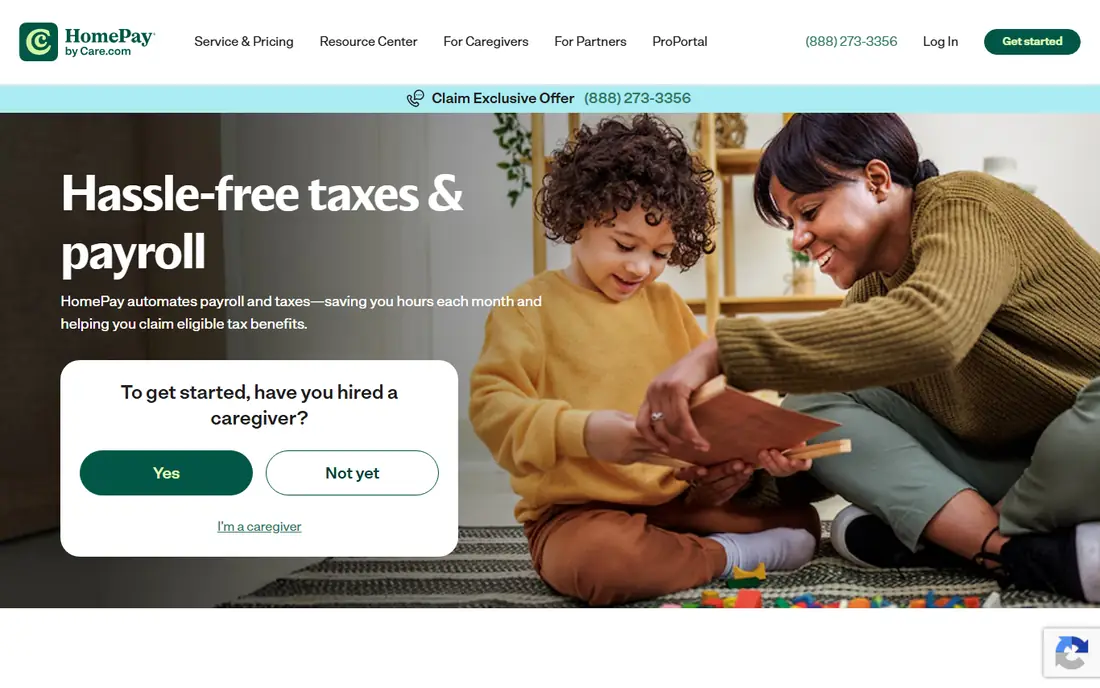
HomePay, from Care.com, is the best-known full-service nanny payroll provider, handling pay, taxes and year-end forms for household employers. Its full-service model suits families who want payroll handled completely rather than learning household tax rules. For readers focused on full-service nanny payroll, the appeal is full-service nanny payroll and taxes. That strength matters in daily use, because it is the part you will notice every week, not a feature you open once and forget. Compare it against the rest of the list on that one point first, then look at price, platform support and how the company handles your data. The honest weakness is higher cost than DIY options. setup takes time Try it on a real task before you pay, and check whether the entry plan covers the feature you actually need.
- Full-service nanny payroll and taxes
- Care.com backing
- Year-end forms
- Higher cost than DIY options
- Setup takes time
Poppins Payroll
Ideal for: Affordable nanny payroll
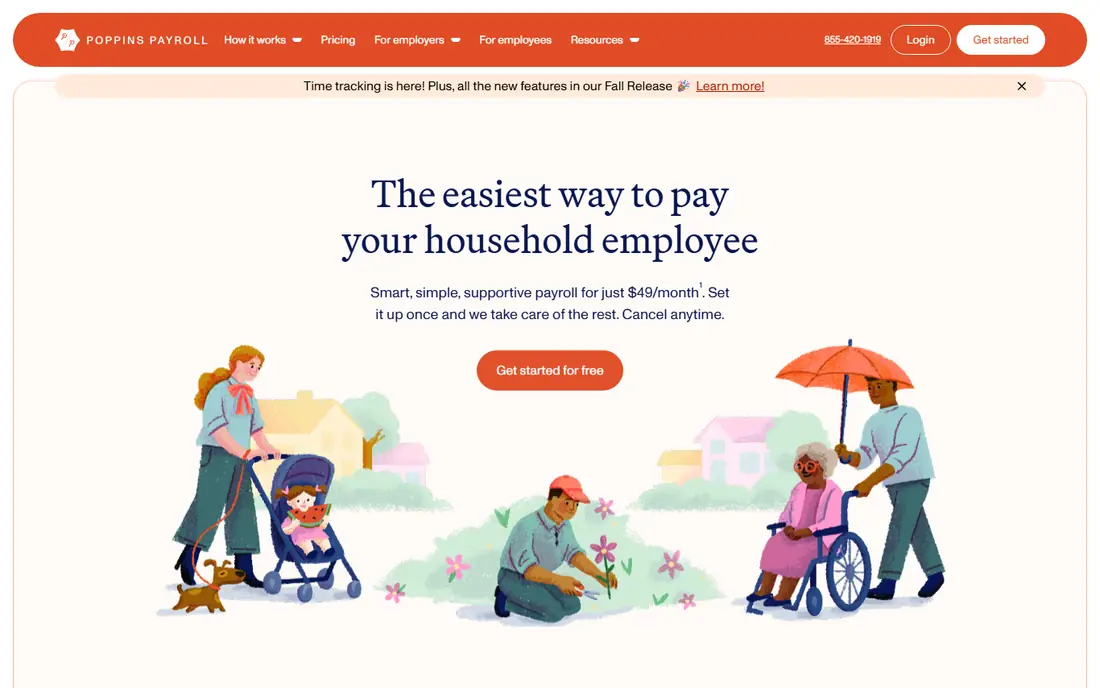
Poppins Payroll offers affordable nanny payroll with tax expertise and direct deposit at a lower monthly price than full-service giants. Its value suits families comfortable with a simpler service that still handles the tax essentials. For readers focused on affordable nanny payroll, the appeal is low monthly price. That strength matters in daily use, because it is the part you will notice every week, not a feature you open once and forget. Compare it against the rest of the list on that one point first, then look at price, platform support and how the company handles your data. Watch out for fewer extras than HomePay. support is smaller If you can live with that limit, the rest of the package is easy to recommend for its audience.
- Low monthly price
- Nanny tax expertise
- Direct deposit
- Fewer extras than HomePay
- Support is smaller
HomeWork Solutions
Ideal for: Nanny payroll specialists

HomeWork Solutions specializes in household payroll, handling taxes, compliance and direct deposit for families employing a nanny. Its specialization means its support team understands nanny-specific rules such as overtime and live-in arrangements. For readers focused on nanny payroll specialists, the appeal is nanny-specific payroll and taxes. That strength matters in daily use, because it is the part you will notice every week, not a feature you open once and forget. Compare it against the rest of the list on that one point first, then look at price, platform support and how the company handles your data. The catch is pricing varies. interface is simple If that trade-off is acceptable for how you work, this is a solid choice, and a short trial will tell you more than any review can.
- Nanny-specific payroll and taxes
- Compliance help
- Direct deposit
- Pricing varies
- Interface is simple
SurePayroll
Ideal for: Small employer payroll including nannies
SurePayroll serves small employers including households, with full payroll, tax filing and a mobile app. Its wider payroll features suit families who also employ other household staff. For readers focused on small employer payroll including nannies, the appeal is full payroll with taxes. That strength matters in daily use, because it is the part you will notice every week, not a feature you open once and forget. Compare it against the rest of the list on that one point first, then look at price, platform support and how the company handles your data. The honest weakness is general payroll focus. nanny features are part of a wider suite Try it on a real task before you pay, and check whether the entry plan covers the feature you actually need.
- Full payroll with taxes
- Household employer support
- Mobile app
- General payroll focus
- Nanny features are part of a wider suite
OnPay
Ideal for: Household payroll experts
OnPay brings payroll expertise with personal support for household employers, handling taxes, compliance and filings. Its expertise suits families with unusual schedules, multiple caregivers or multi-state tax questions. For readers focused on household payroll experts, the appeal is deep household payroll expertise. That strength matters in daily use, because it is the part you will notice every week, not a feature you open once and forget. Compare it against the rest of the list on that one point first, then look at price, platform support and how the company handles your data. Watch out for pricing is higher. onboarding is detailed If you can live with that limit, the rest of the package is easy to recommend for its audience.
- Deep household payroll expertise
- Tax and compliance
- Personal support
- Pricing is higher
- Onboarding is detailed
PrimePay
Ideal for: Payroll with HR support
PrimePay pairs payroll with HR tools and tax filing, which suits households that want broader support alongside nanny pay. Its support team helps families navigate hiring paperwork beyond the paycheck. For readers focused on payroll with hr support, the appeal is payroll plus HR tools. That strength matters in daily use, because it is the part you will notice every week, not a feature you open once and forget. Compare it against the rest of the list on that one point first, then look at price, platform support and how the company handles your data. The catch is generalist provider. nanny-specific depth varies If that trade-off is acceptable for how you work, this is a solid choice, and a short trial will tell you more than any review can.
- Payroll plus HR tools
- Tax filing
- Support team
- Generalist provider
- Nanny-specific depth varies
Wave Payroll
Ideal for: Low-cost payroll for small employers
Wave Payroll offers low-cost payroll with a simple interface and accounting integration for small employers. Its price suits families who want basic payroll without full-service fees, though household tax help is thinner. For readers focused on low-cost payroll for small employers, the appeal is low-cost payroll. That strength matters in daily use, because it is the part you will notice every week, not a feature you open once and forget. Compare it against the rest of the list on that one point first, then look at price, platform support and how the company handles your data. The honest weakness is household tax depth is thinner. US only in some states Try it on a real task before you pay, and check whether the entry plan covers the feature you actually need.
- Low-cost payroll
- Simple interface
- Accounting integration
- Household tax depth is thinner
- US only in some states
Square Payroll
Ideal for: Simple payroll for household staff
Square Payroll gives households simple payroll with tax filing and contractor support through a familiar app. Its simplicity suits families already using Square who want payroll in the same system. For readers focused on simple payroll for household staff, the appeal is simple payroll. That strength matters in daily use, because it is the part you will notice every week, not a feature you open once and forget. Compare it against the rest of the list on that one point first, then look at price, platform support and how the company handles your data. Watch out for household-specific guidance is limited. pricing per person If you can live with that limit, the rest of the package is easy to recommend for its audience.
- Simple payroll
- Tax filing
- Contractor support
- Household-specific guidance is limited
- Pricing per person
How we picked these
We started from the topic itself and kept only products that exist and work today and truly fit it. For each one we checked the official homepage, the pricing page and the free tier, and we read app store listings, privacy policies and public reviews where they were relevant. Products with a homepage we could not verify were left out, and prices we could not verify are shown as See website rather than guessed. We favored a mix of well-known leaders and strong smaller options, and we weighed entry price, free tier, platform coverage and honest weaknesses. No product here paid for its place, and we did not claim hands-on testing we did not do. What follows is a comparison of published facts, so you can check any claim on the vendor site before you buy.
Paying a nanny legally without the paperwork pain
Start by confirming your state and local household employer rules, since requirements vary beyond federal taxes. Check what each service files for you, including quarterly returns, state unemployment and year-end W-2 forms. Next, compare total annual cost, not just the monthly fee, and ask how schedule changes and overtime are handled. Compare two finalists on support quality during tax season, when questions matter most.
Frequently asked questions
Do I need to pay nanny taxes?
Yes, in the US a household employer usually must withhold and pay Social Security, Medicare and unemployment taxes once pay passes an annual threshold. A nanny payroll service handles these filings for you.
What is the nanny tax threshold?
The threshold changes yearly with inflation, so check the current IRS figure for 2026 before assuming. Payroll services track this threshold and adjust filings automatically.
Is a nanny an employee or a contractor?
A nanny is usually a household employee, not an independent contractor, because the family controls the work schedule and duties. Misclassifying a nanny can create tax penalties.
How much does nanny payroll cost?
Services typically charge a monthly fee plus setup, with full-service providers costing more than basic options. Compare what is included, especially year-end W-2 forms and state filings.
Can I do nanny payroll myself?
Yes, but you must handle withholding, quarterly filings, state unemployment and year-end forms yourself. Most families find a service worth the fee once penalties and paperwork are counted.