Best Payroll Software for Construction in 2026: 8 Options Compared

- 1
 QuickBooks Payrollsmall contractors already on QuickBooksVisit
- 2
 Gustosmall contractors wanting simple payroll and benefitsVisit
- 3
 ADPcontractors of many sizes wanting full payroll servicesVisit
- 4
 Ripplinggrowing contractors wanting HR plus payrollVisit
- 5
 Foundation Softwarecontractors wanting payroll built for constructionVisit
- Foundation Software suits contractors that want payroll built for construction.
- eBacon suits firms with prevailing wage and certified payroll needs.
- QuickBooks Payroll suits small contractors already on QuickBooks.
- Check certified payroll and union support before any shortlist.
Quick comparison
| Product | Ideal for | Price from | Free version | |
|---|---|---|---|---|
| QuickBooks Payroll | small contractors already on QuickBooks | See website | No | Visit |
| Gusto | small contractors wanting simple payroll and benefits | See website | No | Visit |
| ADP | contractors of many sizes wanting full payroll services | See website | No | Visit |
| Rippling | growing contractors wanting HR plus payroll | See website | No | Visit |
| Foundation Software | contractors wanting payroll built for construction | See website | No | Visit |
 Jonas Construction | contractors wanting ERP plus payroll | See website | No | Visit |
 Paychex | contractors wanting payroll plus HR services | See website | No | Visit |
 eBacon | firms with prevailing wage and certified payroll needs | See website | No | Visit |
The best payroll software for construction
Construction payroll is harder than office payroll, since crews work across job sites, unions, prevailing wage rules, and certified payroll reports all add complexity. The right tool must handle multi-state work, fringe benefits, and job costing, not just direct deposit. We compared options used by contractors.
This article is for general information only and is not tax advice. Payroll tax, prevailing wage, and certified payroll rules vary by jurisdiction and job, so confirm requirements with a qualified tax or payroll professional before relying on any tool.
QuickBooks Payroll
Ideal for: small contractors already on QuickBooks
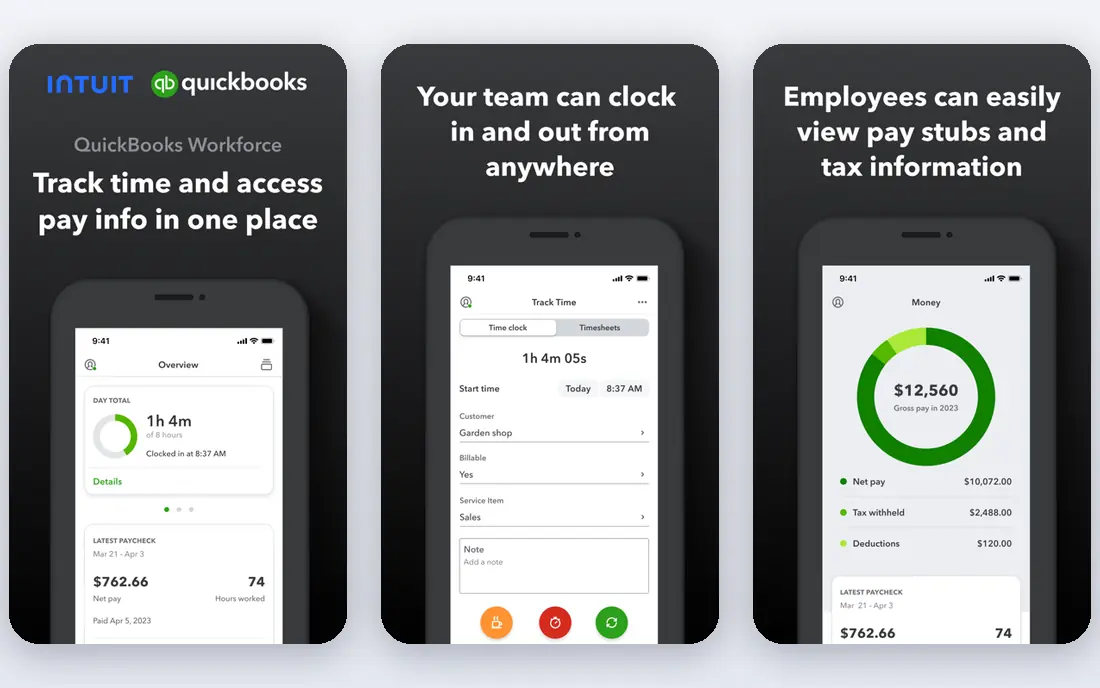
QuickBooks Payroll adds payroll, tax filings, and benefits to QuickBooks accounting for small contractors. It suits firms already running QuickBooks with simple crews. Union and certified payroll needs may require add-ons or a specialist tool. That focus makes it a practical match for small contractors already on QuickBooks. On pricing, the starting point is see website, and the free plan status is no. Its strengths include quickbooks integration; easy setup; tax filings included on plans. The trade-off to weigh is construction-specific reporting is thinner than specialist tools. We suggest checking the current plan limits on the vendor site before you commit, since tiers and trial terms change, and confirming that the plan you pick covers the seats, storage, or usage your team actually needs.
- QuickBooks integration
- Easy setup
- Tax filings included on plans
- Construction-specific reporting is thinner than specialist tools
Gusto
Ideal for: small contractors wanting simple payroll and benefits
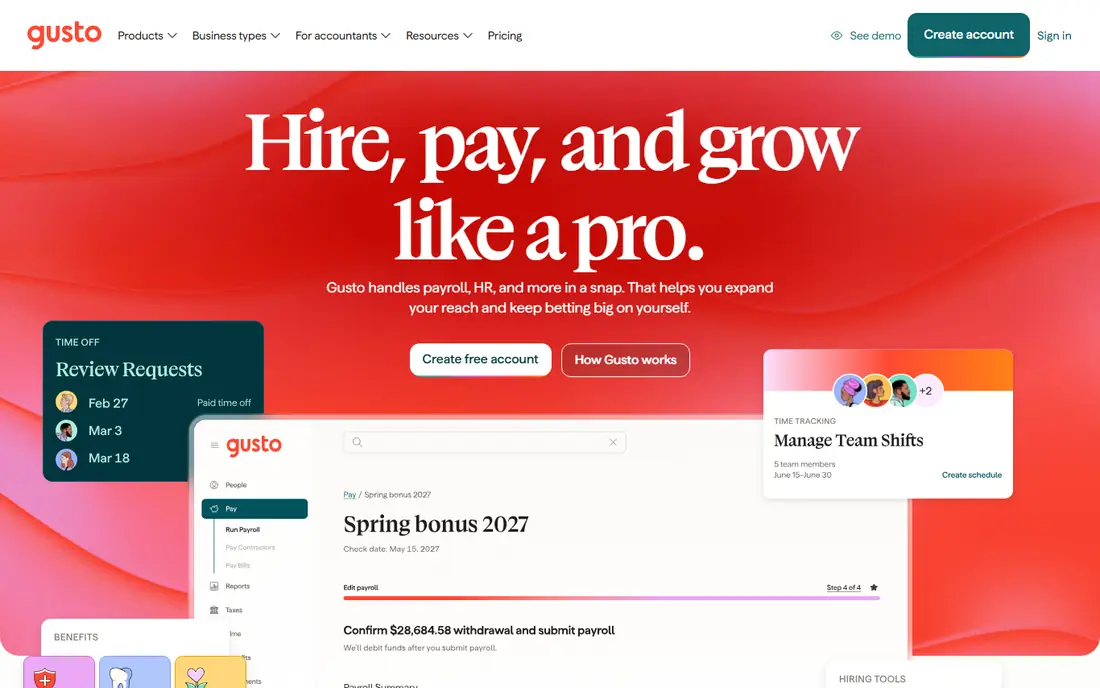
Gusto offers straightforward payroll, benefits, and onboarding for small businesses, with an interface non-specialists can run. It suits small contractors with simple crews and private work. Prevailing wage and union complexity need careful checking. That focus makes it a practical match for small contractors wanting simple payroll and benefits. On pricing, the starting point is see website, and the free plan status is no. Its strengths include simple payroll; benefits and onboarding; good support. The trade-off to weigh is construction features are basic; certified payroll needs checking. We suggest checking the current plan limits on the vendor site before you commit, since tiers and trial terms change, and confirming that the plan you pick covers the seats, storage, or usage your team actually needs.
- Simple payroll
- Benefits and onboarding
- Good support
- Construction features are basic
- Certified payroll needs checking
ADP
Ideal for: contractors of many sizes wanting full payroll services
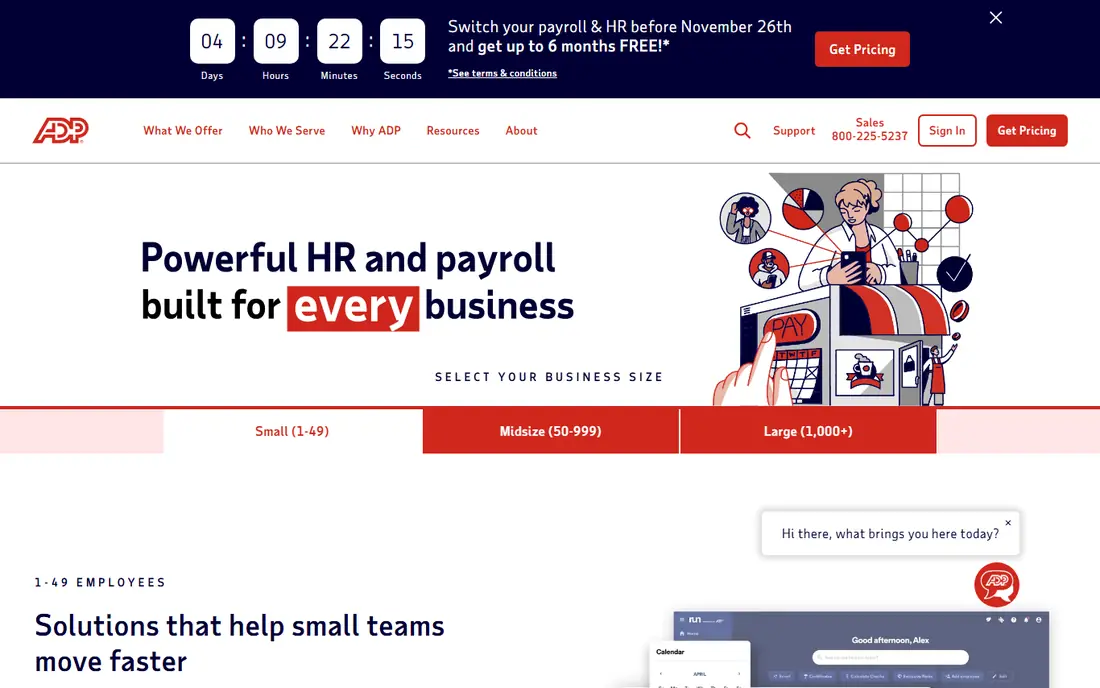
ADP provides payroll, tax, compliance, and HR services at scale for contractors of many sizes. It suits firms that want a large, established provider handling filings and compliance. Pricing is quoted and service depth varies by tier. That focus makes it a practical match for contractors of many sizes wanting full payroll services. On pricing, the starting point is see website, and the free plan status is no. Its strengths include full payroll services; compliance support; large scale. The trade-off to weigh is pricing by quote; service tiers vary. We suggest checking the current plan limits on the vendor site before you commit, since tiers and trial terms change, and confirming that the plan you pick covers the seats, storage, or usage your team actually needs.
- Full payroll services
- Compliance support
- Large scale
- Pricing by quote
- Service tiers vary
Rippling
Ideal for: growing contractors wanting HR plus payroll
Rippling combines HR, payroll, benefits, and IT management in one modern platform for growing companies. It suits contractors standardizing HR and payroll together. Construction-specific reporting should be verified for prevailing wage work. That focus makes it a practical match for growing contractors wanting HR plus payroll. On pricing, the starting point is see website, and the free plan status is no. Its strengths include hr, payroll, and it in one system; modern interface; automation. The trade-off to weigh is construction-specific payroll depth varies; pricing per employee. We suggest checking the current plan limits on the vendor site before you commit, since tiers and trial terms change, and confirming that the plan you pick covers the seats, storage, or usage your team actually needs.
- HR, payroll, and IT in one system
- Modern interface
- Automation
- Construction-specific payroll depth varies
- Pricing per employee
Foundation Software
Ideal for: contractors wanting payroll built for construction
Foundation Software builds payroll and accounting for contractors, with job costing, certified payroll, and construction workflows at its core. It suits mid-sized and larger contractors with complex payroll. Smaller firms may find it more than they need. That focus makes it a practical match for contractors wanting payroll built for construction. On pricing, the starting point is see website, and the free plan status is no. Its strengths include construction payroll and accounting; job costing; certified payroll. The trade-off to weigh is pricing by quote; construction focus. We suggest checking the current plan limits on the vendor site before you commit, since tiers and trial terms change, and confirming that the plan you pick covers the seats, storage, or usage your team actually needs.
- Construction payroll and accounting
- Job costing
- Certified payroll
- Pricing by quote
- Construction focus
Jonas Construction
Ideal for: contractors wanting ERP plus payroll
Jonas Construction offers ERP software with payroll, job costing, and project management for contractors. It suits firms that want payroll inside a full construction system. Implementation is an ERP project, not a quick payroll signup. That focus makes it a practical match for contractors wanting ERP plus payroll. On pricing, the starting point is see website, and the free plan status is no. Its strengths include construction erp; payroll and job costing; project management. The trade-off to weigh is pricing by quote; erp implementation takes time. We suggest checking the current plan limits on the vendor site before you commit, since tiers and trial terms change, and confirming that the plan you pick covers the seats, storage, or usage your team actually needs.
- Construction ERP
- Payroll and job costing
- Project management
- Pricing by quote
- ERP implementation takes time
Paychex
Ideal for: contractors wanting payroll plus HR services
Paychex provides payroll, tax, HR, and benefits services for businesses of many sizes, including contractors. It suits firms that want a service provider handling filings. Construction-specific features should be confirmed for your job types. That focus makes it a practical match for contractors wanting payroll plus HR services. On pricing, the starting point is see website, and the free plan status is no. Its strengths include payroll and hr services; compliance support; broad scale. The trade-off to weigh is pricing by quote; construction depth varies by package. We suggest checking the current plan limits on the vendor site before you commit, since tiers and trial terms change, and confirming that the plan you pick covers the seats, storage, or usage your team actually needs.
- Payroll and HR services
- Compliance support
- Broad scale
- Pricing by quote
- Construction depth varies by package
eBacon
Ideal for: firms with prevailing wage and certified payroll needs
eBacon specializes in prevailing wage, fringe, and certified payroll for contractors on public work. It suits firms whose payroll complexity centers on those duties. General HR features are thinner than broader payroll platforms. That focus makes it a practical match for firms with prevailing wage and certified payroll needs. On pricing, the starting point is see website, and the free plan status is no. Its strengths include prevailing wage and fringe handling; certified payroll reports; construction focus. The trade-off to weigh is niche focus; pricing by quote. We suggest checking the current plan limits on the vendor site before you commit, since tiers and trial terms change, and confirming that the plan you pick covers the seats, storage, or usage your team actually needs.
- Prevailing wage and fringe handling
- Certified payroll reports
- Construction focus
- Niche focus
- Pricing by quote
How we picked these
We compared official feature pages, pricing pages, app store listings, privacy policies, and public reviews for each option, and we kept only products that exist, work in October 2026, and fit the topic directly. We did not claim hands-on testing we did not do, and we left out products whose fit was weak even when they are well known in a nearby category. Price and plan details change often, so where a vendor does not publish a clear price we write See website rather than guessing. The notes below reflect what each vendor publishes about its own product, not a promise about results for any single team.
How to choose payroll software for construction
Start with your payroll complexity: union versus non-union, prevailing wage jobs, multi-state work, and fringe benefits each change the requirement. A general payroll tool may handle simple crews well but fail on certified payroll or union reporting. List your hardest payroll cases before you compare. Check job costing, time collection from the field, and integration with accounting and project management, since payroll data must flow to job costs accurately. Ask how certified payroll reports are generated, how fringe is handled, and how multi-state taxes are managed. Test with a real past pay run. Train field supervisors on time entry, since payroll accuracy starts with hours, and review certified reports before submission, not after. Keep pay, fringe, and job cost data reconciled monthly, and confirm who owns tax filings, since that duty varies by vendor and plan.
Frequently asked questions
What makes construction payroll different?
Construction payroll must handle job sites, trades, unions, prevailing wage rates, fringe benefits, certified payroll reports, and multi-state work, plus job costing. General payroll tools often lack those features.
What is certified payroll?
Certified payroll is a weekly report, often on WH-347 forms for public work, showing wages, hours, and deductions for workers on prevailing wage jobs. Contractors must submit it accurately and on time.
Do I need prevailing wage support?
Only if you work on public or prevailing wage jobs, but if you do, the support is essential, since rates, fringes, and reporting differ by job and location. Check coverage for your states and job types.
Can general payroll software handle construction?
For small, non-union crews on private work, yes, especially with job costing add-ons. For union, prevailing wage, or multi-state work, construction-specific tools are safer.
How much does construction payroll cost?
Pricing varies by employees, states, and features, with general tools priced per employee per month and construction tools often quoted. Add implementation and tax filing costs to the comparison.