Best Payroll Software for Enterprise in 2026: 8 Systems Compared

- 1
 WorkdayLarge enterprises that want HR and payroll togetherVisit
- 2
 ADP Workforce NowEnterprises that want proven payroll at scaleVisit
- 3
 UKG ProEnterprises with large hourly and complex workforcesVisit
- 4
 Oracle HCMEnterprises already running Oracle systemsVisit
- 5
 SAP SuccessFactorsGlobal enterprises running SAPVisit
- Workday stands out for large enterprises that want hr and payroll together, which makes it a strong starting point for that need.
- ADP Workforce Now stands out for enterprises that want proven payroll at scale, which makes it a strong starting point for that need.
- UKG Pro stands out for enterprises with large hourly and complex workforces, which makes it a strong starting point for that need.
- Oracle HCM stands out for enterprises already running oracle systems, which makes it a strong starting point for that need.
- Prices and free plans vary widely across this list, so check the vendor pricing page for your team size or usage before you commit.
Please note: This article is for general information only and is not tax advice. Payroll tax rules vary by location and situation, so speak to a qualified tax professional before you decide.
Quick comparison
| Product | Ideal for | Price from | Free version | |
|---|---|---|---|---|
| Workday | Large enterprises that want HR and payroll together | See website | No | Visit |
| ADP Workforce Now | Enterprises that want proven payroll at scale | See website | No | Visit |
| UKG Pro | Enterprises with large hourly and complex workforces | See website | No | Visit |
| Oracle HCM | Enterprises already running Oracle systems | See website | No | Visit |
| SAP SuccessFactors | Global enterprises running SAP | See website | No | Visit |
 Dayforce | Enterprises that want payroll plus workforce management | See website | No | Visit |
 Paychex Flex Enterprise | Mid-size to large firms that want payroll plus support | See website | No | Visit |
 Rippling Enterprise | Enterprises that want HR, payroll, IT, and spend together | See website | No | Visit |
The best payroll software for enterprise
We compared official feature pages, pricing pages, app store listings, privacy policies, and public reviews to build this list, and we focused on tools that truly fit best payroll software for enterprise rather than general tools with a passing connection. The eight options below cover different budgets, team sizes, and priorities, so start with the best-for notes and read the full write-up for any tool that matches your situation.
Workday
Ideal for: Large enterprises that want HR and payroll together
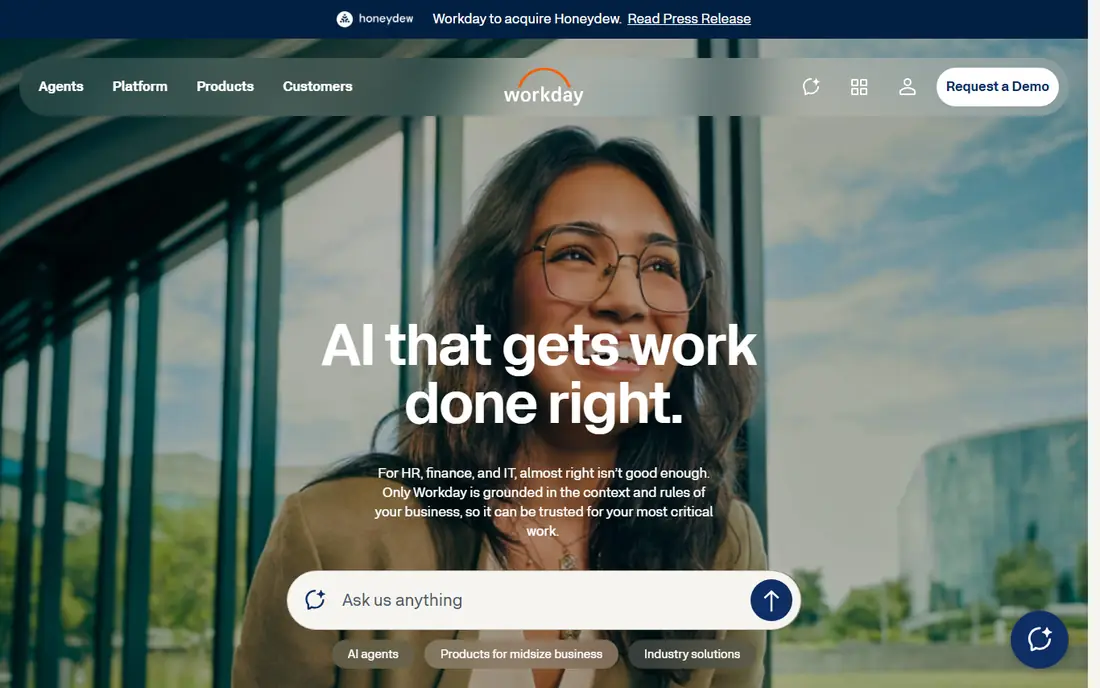
Workday gives large enterprises unified HR, payroll, and finance in one cloud system, with analytics that connect workforce costs to business results. It suits global firms that want one data model for people and money, with planning tools for headcount and spend. That breadth is why many large firms standardize on it.
Pricing and implementation are enterprise-grade, and success needs dedicated internal teams. For large organizations ready to commit to a unified platform, Workday is a leading pick. Smaller firms will find it far more than they need.
Before you commit, check the current pricing page and trial terms for your team size, since plans change and the right tier depends on how many people will actually use the tool daily.
- Unified HR, payroll, and finance
- Strong analytics and planning
- Enterprise pricing and implementation
- Needs dedicated teams
ADP Workforce Now
Ideal for: Enterprises that want proven payroll at scale
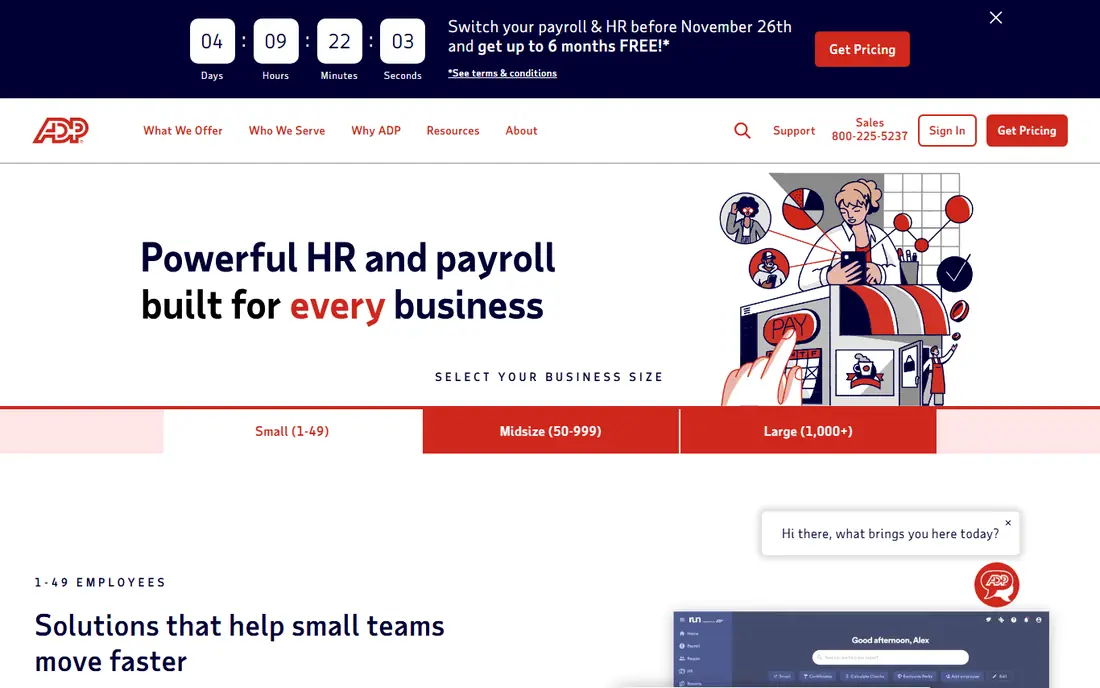
ADP Workforce Now serves enterprises with payroll, tax filing, HR, and benefits at scale, backed by decades of compliance expertise. Multi-state and global payroll, plus tax services, suit firms with complex workforces. Reporting connects payroll to labor costs across sites and countries.
Pricing is quote-based and modules add up, so total cost needs careful quotes. For enterprises that prioritize proven payroll and tax handling, ADP remains a benchmark. Compare service models, since ADP offers both software and managed services.
Before you buy, run a short trial with your real data and your real workflow, since a demo with sample data hides the friction points that matter once the whole team is involved.
- Payroll, tax, and HR at national and global scale
- Deep compliance expertise
- Quote-based pricing
- Module costs add up
UKG Pro
Ideal for: Enterprises with large hourly and complex workforces
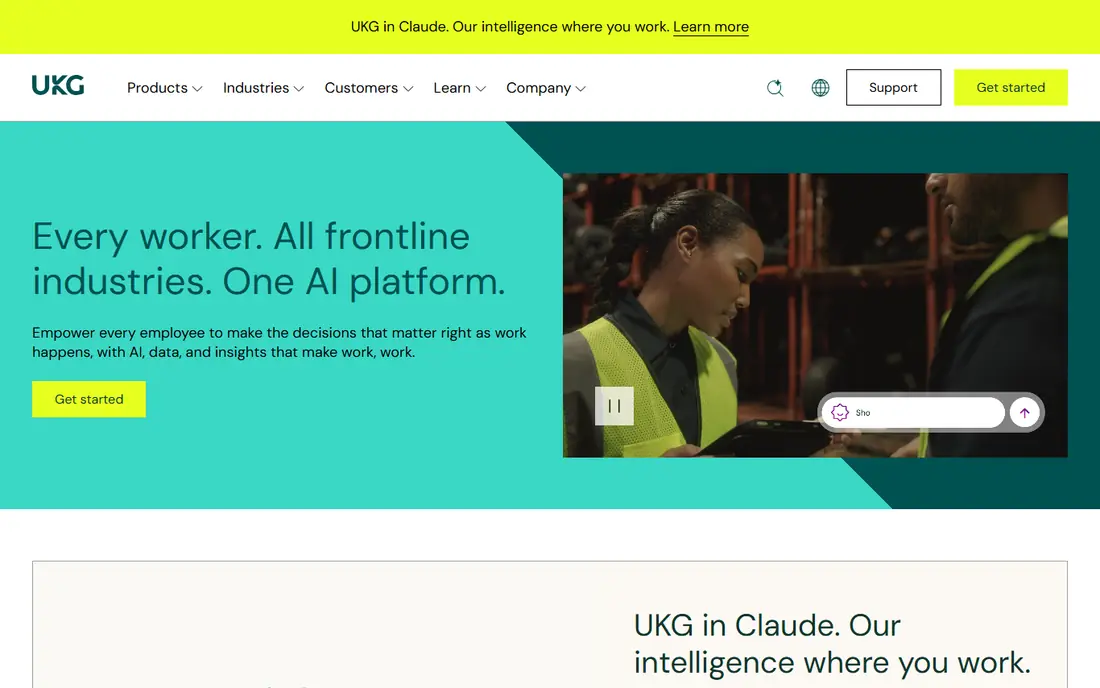
UKG Pro, formerly UltiPro, pairs payroll and HR with strong workforce management for large hourly workforces. Scheduling, time, and pay rules handle union, shift, and multi-site complexity, which suits retail, healthcare, and manufacturing at scale. Analytics show labor costs clearly.
Implementation is a major project and pricing is enterprise. For large hourly workforces, UKG depth in scheduling and pay rules stands out. Office-only firms may find simpler enterprise tools sufficient.
Before you decide, confirm integration with the tools you already use and check what support hours and onboarding help are included, since those details matter more than a feature list once you are live.
- Workforce management, payroll, and HR for large hourly teams
- Enterprise pricing
- Implementation is a major project
Oracle HCM
Ideal for: Enterprises already running Oracle systems
Oracle HCM links HR and payroll to Oracle ERP and finance, giving large firms one system for people, pay, and money. Global payroll and compliance tools suit multinationals, and data flows into finance without reconciliation gaps. That integration is the main reason Oracle firms choose it.
It works best inside Oracle, needs Oracle expertise, and pricing is enterprise. For Oracle enterprises, the joined-up HR, payroll, and finance view is compelling. Non-Oracle firms should compare Workday or ADP first.
Before you commit, ask for a quote that covers every user, module, and add-on you need, and compare that total against at least one other tool on this list for the same scope.
- HR and payroll linked to Oracle ERP and finance
- Global scale
- Needs Oracle expertise
- Enterprise pricing and setup
SAP SuccessFactors
Ideal for: Global enterprises running SAP
SAP SuccessFactors connects HR and payroll to SAP ERP for global enterprises, with compliance tools for many countries. Firms already on SAP benefit from shared finance and workforce data, while payroll handles complex global rules. Talent and HR tools sit alongside payroll in one suite.
Like Oracle, it works best inside its own ecosystem, and scope is enterprise. For SAP firms, SuccessFactors is the natural payroll and HR choice. Others may find Workday or ADP easier to adopt standalone.
Before you commit, check the current pricing page and trial terms for your team size, since plans change and the right tier depends on how many people will actually use the tool daily.
- HR and payroll connected to SAP ERP
- Global compliance and scale
- Enterprise scope
- Works best inside SAP
Dayforce
Ideal for: Enterprises that want payroll plus workforce management
Dayforce, from Ceridian, combines payroll, time, scheduling, and HR in one system with real-time pay calculations. Managers and employees see pay impacts as schedules change, which reduces surprises at payroll time. That real-time link suits large hourly and salaried workforces alike.
Pricing is enterprise and implementation needs planning. For firms that want payroll and workforce management tightly linked, Dayforce is a strong contender. Check global payroll coverage for every country you operate in.
Before you buy, run a short trial with your real data and your real workflow, since a demo with sample data hides the friction points that matter once the whole team is involved.
- Payroll, time, scheduling, and HR in one system
- Real-time pay calculations
- Enterprise pricing
- Implementation needs planning
Paychex Flex Enterprise
Ideal for: Mid-size to large firms that want payroll plus support
Paychex Flex scales from mid-size firms to larger enterprises, offering payroll, HR, benefits, and time tools with dedicated support teams. Firms that value a human adviser alongside software find that model reassuring, especially during growth or compliance changes. The platform grows with headcount.
Enterprise depth varies by module and pricing is quote-based. For firms between mid-size and enterprise that want support-led payroll, Paychex Flex is a practical pick. Very large global firms may need Workday, ADP, or Oracle depth instead.
Before you decide, confirm integration with the tools you already use and check what support hours and onboarding help are included, since those details matter more than a feature list once you are live.
- Payroll, HR, and benefits with dedicated support
- Scalable for growth
- Quote-based pricing
- Enterprise depth varies by module
Rippling Enterprise
Ideal for: Enterprises that want HR, payroll, IT, and spend together
Rippling Enterprise unifies HR, payroll, IT, and spend for large firms, with global payroll and automation across the workforce lifecycle. Companies that want one data model for people, devices, and money benefit from fewer integrations and cleaner reporting. Automation handles onboarding and changes at scale.
Module pricing adds up and enterprise rollout needs planning. For firms that value a unified platform over best-of-breed point tools, Rippling is a modern enterprise pick. Compare total module cost against Workday or ADP before committing.
Before you commit, ask for a quote that covers every user, module, and add-on you need, and compare that total against at least one other tool on this list for the same scope.
- Unified workforce platform with global payroll
- Strong automation
- Module pricing adds up
- Enterprise adoption needs planning
How we picked these
We started from the topic itself and looked for products that genuinely serve it, not tools that mention it in passing. For each candidate we checked the vendor's own feature and pricing pages, app store listings where relevant, privacy and security pages, and public user reviews, and we dropped any product we could not verify as real and available in October 2026.
We then compared the remaining tools on fit for the stated need, pricing transparency, free or trial options, ease of adoption, and honest weaknesses. Every list below mixes well-known leaders with strong smaller options, and every write-up names a real trade-off, since no tool is best for every team.
Choosing enterprise payroll without a painful migration
Start with your footprint: countries, entities, worker types, and pay rules. That map decides which vendors can even qualify, since global coverage and complex rules eliminate many options fast. Do not shortlist on features before footprint fit is clear.
Next, run parallel payroll testing with real data. Pay rules, overtime, and tax cases must be tested against your current system before cutover. A vendor that passes generic demos but fails your edge cases will cost you trust and money.
Finally, compare service models, not just software. Managed payroll services, tax filing responsibility, and support hours matter as much as features at enterprise scale. Ask who owns filing errors and what service levels apply, then compare three-year total cost.
Frequently asked questions
What makes payroll software enterprise-grade?
Scale, global payroll, multi-entity support, complex pay rules, tax services, and audit controls distinguish enterprise tools. They also offer security, integrations, and support models that small business tools do not.
How much does enterprise payroll software cost?
Almost all enterprise options use quote-based pricing tied to headcount, countries, and modules. Expect a sales process with itemized quotes rather than published prices, and compare three-year total cost.
Should enterprises use one platform or best-of-breed tools?
One platform like Workday simplifies data and reporting, while best-of-breed tools may excel in single areas. Firms with complex needs often mix a payroll core with specialist scheduling or benefits tools.
How long does enterprise payroll implementation take?
Large implementations often take many months, including data migration, pay rule setup, testing, and parallel runs. Plan for dedicated internal staff alongside vendor teams.
Can enterprises run payroll in many countries with one vendor?
Yes, vendors like ADP, Workday, Deel, and Papaya offer global payroll, but coverage varies by country. Confirm every country you operate in, including local compliance and benefits, before choosing.