Best Payroll Software for Hospitals in 2026: 8 Tools Compared

- 1
 WorkdayLarge hospitals that need enterprise payroll and HRVisit
- 2
 Oracle HCMHealth systems that need enterprise payroll and HRVisit
- 3
 ADP Workforce NowHospitals that want payroll plus HR and complianceVisit
- 4
 PaycomHospitals that want payroll plus talent toolsVisit
- 5
 UKG ProHospitals that want workforce management plus payrollVisit
- Workday stands out for large hospitals that need enterprise payroll and hr, which makes it a strong starting point for that need.
- Oracle HCM stands out for health systems that need enterprise payroll and hr, which makes it a strong starting point for that need.
- ADP Workforce Now stands out for hospitals that want payroll plus hr and compliance, which makes it a strong starting point for that need.
- Paycom stands out for hospitals that want payroll plus talent tools, which makes it a strong starting point for that need.
- Prices and free plans vary widely across this list, so check the vendor pricing page for your team size or usage before you commit.
Please note: This article is for general information only and is not tax advice. Payroll and labor rules for hospitals vary by state and role, so speak to a qualified professional before you decide.
Quick comparison
| Product | Ideal for | Price from | Free version | |
|---|---|---|---|---|
| Workday | Large hospitals that need enterprise payroll and HR | See website | No | Visit |
| Oracle HCM | Health systems that need enterprise payroll and HR | See website | No | Visit |
| ADP Workforce Now | Hospitals that want payroll plus HR and compliance | See website | No | Visit |
| Paycom | Hospitals that want payroll plus talent tools | See website | No | Visit |
| UKG Pro | Hospitals that want workforce management plus payroll | See website | No | Visit |
 Infor HCM | Health systems that want healthcare focused HCM | See website | No | Visit |
 Paylocity | Mid sized hospitals that want payroll and HR together | See website | No | Visit |
 Symplr | Hospitals that want credentialing plus workforce tools | See website | No | Visit |
The best payroll software for hospitals
We compared official feature pages, pricing pages, app store listings, privacy policies, and public reviews for this roundup. The products below cover different budgets and needs, so the best choice depends on how you will actually use it day to day. Our pick for most people is Workday, because it covers the core need well, but read the full list before you decide, since a smaller or cheaper option may fit your situation better.
Workday
Ideal for: Large hospitals that need enterprise payroll and HR
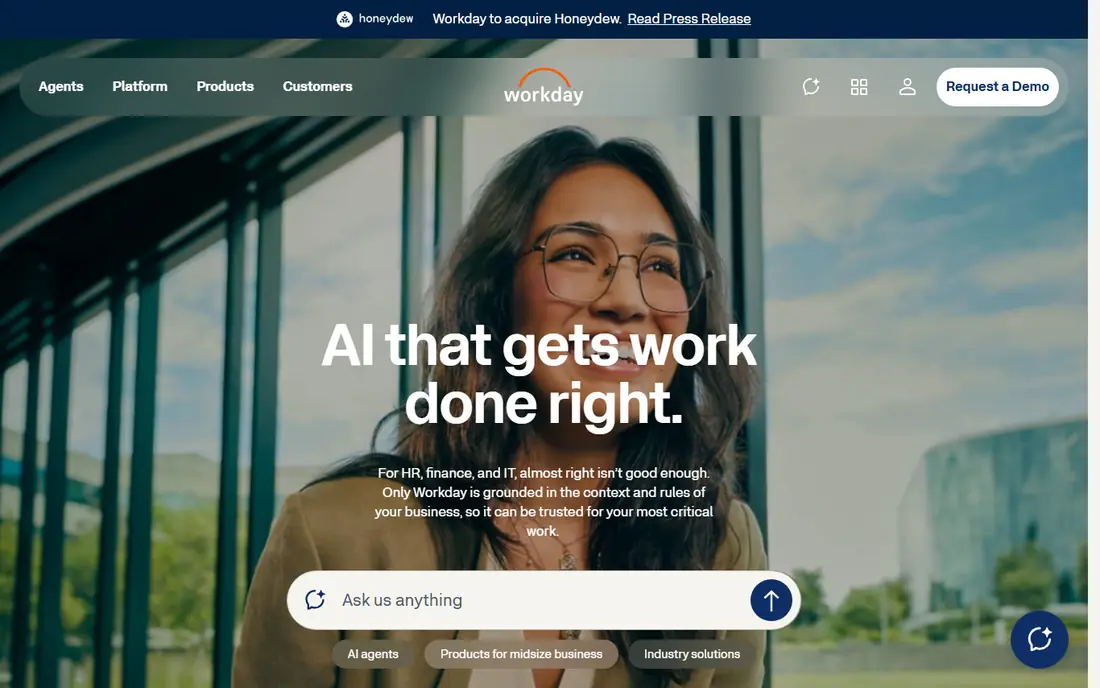
Workday provides enterprise payroll and HR for large hospitals, with reporting for complex workforces. It suits large health systems that need scale and deep reporting.
When we compared Workday with the rest of this list, its strengths were clear: enterprise payroll and hr; shift and credential tools; reporting On the other side, buyers should weigh this catch: enterprise cost and implementation; needs dedicated admin That trade off matters most if you plan to use the product every day, so check the pricing page and the free plan terms, and trial it with real work before you commit. For many buyers, Workday earns its place here because it handles the core job well, even though no product on this list is perfect for every need.
- Enterprise payroll and HR
- Shift and credential tools
- Reporting
- Enterprise cost and implementation
- Needs dedicated admin
Oracle HCM
Ideal for: Health systems that need enterprise payroll and HR
Oracle HCM offers enterprise payroll and HR for health systems, with compliance tools. It fits large hospitals already on Oracle that need a full system.
When we compared Oracle HCM with the rest of this list, its strengths were clear: enterprise payroll and hr; compliance tools; global support On the other side, buyers should weigh this catch: enterprise pricing; implementation takes time That trade off matters most if you plan to use the product every day, so check the pricing page and the free plan terms, and trial it with real work before you commit. For many buyers, Oracle HCM earns its place here because it handles the core job well, even though no product on this list is perfect for every need.
- Enterprise payroll and HR
- Compliance tools
- Global support
- Enterprise pricing
- Implementation takes time
ADP Workforce Now
Ideal for: Hospitals that want payroll plus HR and compliance
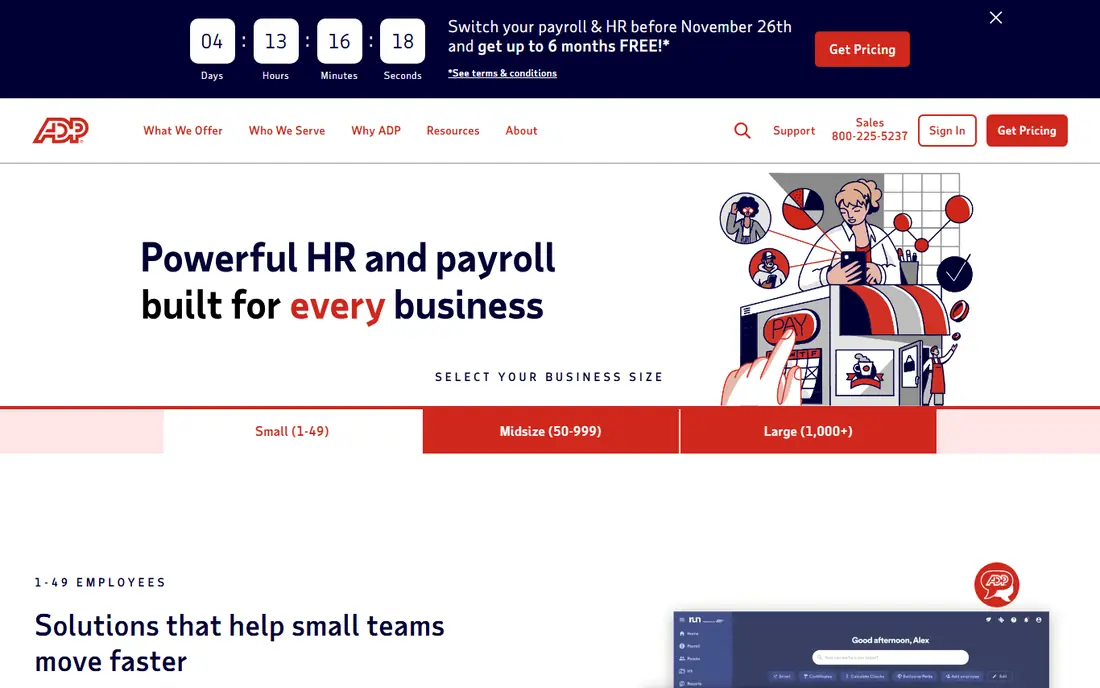
ADP Workforce Now offers payroll, HR, time, and compliance tools for hospitals. It suits hospitals that need a full suite with compliance support.
When we compared ADP Workforce Now with the rest of this list, its strengths were clear: payroll and hr suite; tax filing; compliance tools On the other side, buyers should weigh this catch: pricing is quote based; implementation takes time That trade off matters most if you plan to use the product every day, so check the pricing page and the free plan terms, and trial it with real work before you commit. For many buyers, ADP Workforce Now earns its place here because it handles the core job well, even though no product on this list is perfect for every need.
- Payroll and HR suite
- Tax filing
- Compliance tools
- Pricing is quote based
- Implementation takes time
Paycom
Ideal for: Hospitals that want payroll plus talent tools
Paycom provides payroll and HR in one system for hospitals, with self service for staff. It fits hospitals that want payroll, HR, and talent tools together.
When we compared Paycom with the rest of this list, its strengths were clear: payroll and hr in one system; employee self service; reporting On the other side, buyers should weigh this catch: pricing is quote based; implementation varies That trade off matters most if you plan to use the product every day, so check the pricing page and the free plan terms, and trial it with real work before you commit. For many buyers, Paycom earns its place here because it handles the core job well, even though no product on this list is perfect for every need.
- Payroll and HR in one system
- Employee self service
- Reporting
- Pricing is quote based
- Implementation varies
UKG Pro
Ideal for: Hospitals that want workforce management plus payroll
UKG Pro combines workforce management with payroll for hospitals, including scheduling. It suits hospitals that need scheduling and payroll tied closely together.
When we compared UKG Pro with the rest of this list, its strengths were clear: workforce management and payroll; scheduling; compliance tools On the other side, buyers should weigh this catch: enterprise pricing; setup takes time That trade off matters most if you plan to use the product every day, so check the pricing page and the free plan terms, and trial it with real work before you commit. For many buyers, UKG Pro earns its place here because it handles the core job well, even though no product on this list is perfect for every need.
- Workforce management and payroll
- Scheduling
- Compliance tools
- Enterprise pricing
- Setup takes time
Infor HCM
Ideal for: Health systems that want healthcare focused HCM
Infor HCM offers healthcare focused human capital tools, with payroll and scheduling. It fits health systems that want a healthcare focused platform.
When we compared Infor HCM with the rest of this list, its strengths were clear: healthcare focused hcm; payroll; scheduling and talent tools On the other side, buyers should weigh this catch: enterprise pricing; implementation is large That trade off matters most if you plan to use the product every day, so check the pricing page and the free plan terms, and trial it with real work before you commit. For many buyers, Infor HCM earns its place here because it handles the core job well, even though no product on this list is perfect for every need.
- Healthcare focused HCM
- Payroll
- Scheduling and talent tools
- Enterprise pricing
- Implementation is large
Paylocity
Ideal for: Mid sized hospitals that want payroll and HR together
Paylocity offers payroll, HR, and time tools for mid sized hospitals. It suits mid sized hospitals that want a unified payroll and HR system.
When we compared Paylocity with the rest of this list, its strengths were clear: payroll, hr, and time tools; self service; reporting On the other side, buyers should weigh this catch: implementation takes time; pricing is quote based That trade off matters most if you plan to use the product every day, so check the pricing page and the free plan terms, and trial it with real work before you commit. For many buyers, Paylocity earns its place here because it handles the core job well, even though no product on this list is perfect for every need.
- Payroll, HR, and time tools
- Self service
- Reporting
- Implementation takes time
- Pricing is quote based
Symplr
Ideal for: Hospitals that want credentialing plus workforce tools
Symplr provides healthcare workforce tools, including credentialing and scheduling. It fits hospitals that value credentialing and workforce compliance alongside payroll.
When we compared Symplr with the rest of this list, its strengths were clear: healthcare workforce and credentialing tools; scheduling; compliance On the other side, buyers should weigh this catch: payroll depth varies; check payroll scope before buying That trade off matters most if you plan to use the product every day, so check the pricing page and the free plan terms, and trial it with real work before you commit. For many buyers, Symplr earns its place here because it handles the core job well, even though no product on this list is perfect for every need.
- Healthcare workforce and credentialing tools
- Scheduling
- Compliance
- Payroll depth varies
- Check payroll scope before buying
How we picked these
We started with products and services that exist and work in October 2026 and truly fit the topic, then we compared their official feature pages, pricing pages, app store listings, privacy policies, and public reviews. We looked for a mix of well known leaders and strong smaller options, and we favored products with clear pricing, clear privacy practices, and honest limits. We did not claim hands-on testing that did not happen, and where a price could not be verified from the vendor site, we wrote See website rather than guessing a number.
How to choose payroll software for hospitals
Map shift types, differentials, overtime rules, and credential needs before comparing tools. Test a payroll run with real clinical schedules, including nights and weekends, and check tax filing and reporting for every state where staff work. Compare total cost and implementation time, and confirm support on payday, since payroll errors affect clinical staff directly. Before you pay, list your must have features, your budget, and the tools the new product must work with. A short trial with real tasks will tell you more than a feature list alone, and it will show whether support replies quickly when something goes wrong. Check contract length, renewal terms, and how easy it is to export your data or cancel, since those details matter long after the first month.
Frequently asked questions
What is special about hospital payroll?
Hospital payroll must handle shift differentials, overtime, on call pay, and varied clinical roles, which makes it more complex than office payroll.
Do hospitals need credential tracking with payroll?
Credential tracking helps ensure staff are qualified for shifts, and some systems link credentials to scheduling and pay.
How does hospital payroll handle shift differentials?
Payroll systems apply differential rates for nights, weekends, and holidays, but check rule setup for your hospital policies.
Can hospital payroll software handle unions?
Many systems support union rules and pay agreements, but check whether your specific agreements are supported.
What compliance rules affect hospital payroll?
Labor, wage, and healthcare rules vary by state, so check compliance support and reporting for your locations.