Best Payroll Software for Manufacturing in 2026: 8 Options Compared

- 1
 ADP Workforce NowLarge manufacturers with complex pay rulesVisit
- 2
 Paychex FlexMid-size plants that want guided supportVisit
- 3
 PaycorPlants focused on scheduling and labor costVisit
- 4
 RipplingManufacturers that want payroll plus IT and financeVisit
- 5
 GustoSmall manufacturers with simple payroll needsVisit
- ADP Workforce Now stands out for large manufacturers with complex pay rules, which makes it a strong starting point for that need.
- Paychex Flex stands out for mid-size plants that want guided support, which makes it a strong starting point for that need.
- Paycor stands out for plants focused on scheduling and labor cost, which makes it a strong starting point for that need.
- Rippling stands out for manufacturers that want payroll plus it and finance, which makes it a strong starting point for that need.
- Prices and free plans vary widely across this list, so check the vendor pricing page for your team size or usage before you commit.
Please note: This article is for general information only and is not tax advice. Payroll tax rules vary by location and situation, so speak to a qualified tax professional before you decide.
Quick comparison
| Product | Ideal for | Price from | Free version | |
|---|---|---|---|---|
| ADP Workforce Now | Large manufacturers with complex pay rules | See website | No | Visit |
| Paychex Flex | Mid-size plants that want guided support | See website | No | Visit |
| Paycor | Plants focused on scheduling and labor cost | See website | No | Visit |
| Rippling | Manufacturers that want payroll plus IT and finance | See website | No | Visit |
| Gusto | Small manufacturers with simple payroll needs | $49 per month | No | Visit |
 Deel | Manufacturers with workers in several countries | See website | No | Visit |
 Paylocity | Plants that want payroll with strong employee tools | See website | No | Visit |
 UKG | Large plants with union and complex scheduling needs | See website | No | Visit |
The best payroll software for manufacturing
We compared official feature pages, pricing pages, app store listings, privacy policies, and public reviews to build this list, and we focused on tools that truly fit best payroll software for manufacturing rather than general tools with a passing connection. The eight options below cover different budgets, team sizes, and priorities, so start with the best-for notes and read the full write-up for any tool that matches your situation.
ADP Workforce Now
Ideal for: Large manufacturers with complex pay rules
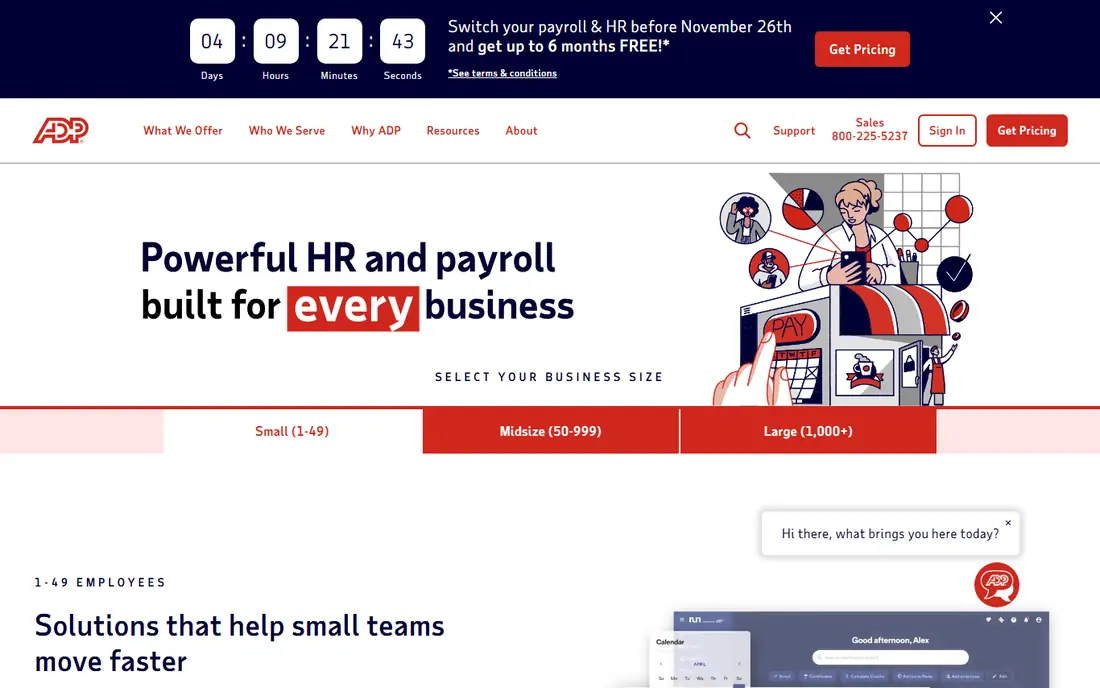
ADP Workforce Now suits manufacturers that run several sites and need one system for payroll, time tracking, and tax filing. It handles shift differentials, overtime, and multi-state payroll, which matters when plants sit in different states or run around the clock. Managers get labor cost reports that tie hours to departments and cost centers.
Our view is that ADP earns its place for scale. The trade-off is price transparency, since quotes depend on headcount and modules, and smaller plants may find the platform more than they need. Ask for a demo with your actual shift patterns before you commit.
Before you commit, check the current pricing page and trial terms for your team size, since plans change and the right tier depends on how many people will actually use the tool daily.
- Handles multi-state tax filing
- Strong time and attendance tools
- Deep reporting for labor costs
- Pricing is quote-based
- Setup can take time for large plants
Paychex Flex
Ideal for: Mid-size plants that want guided support
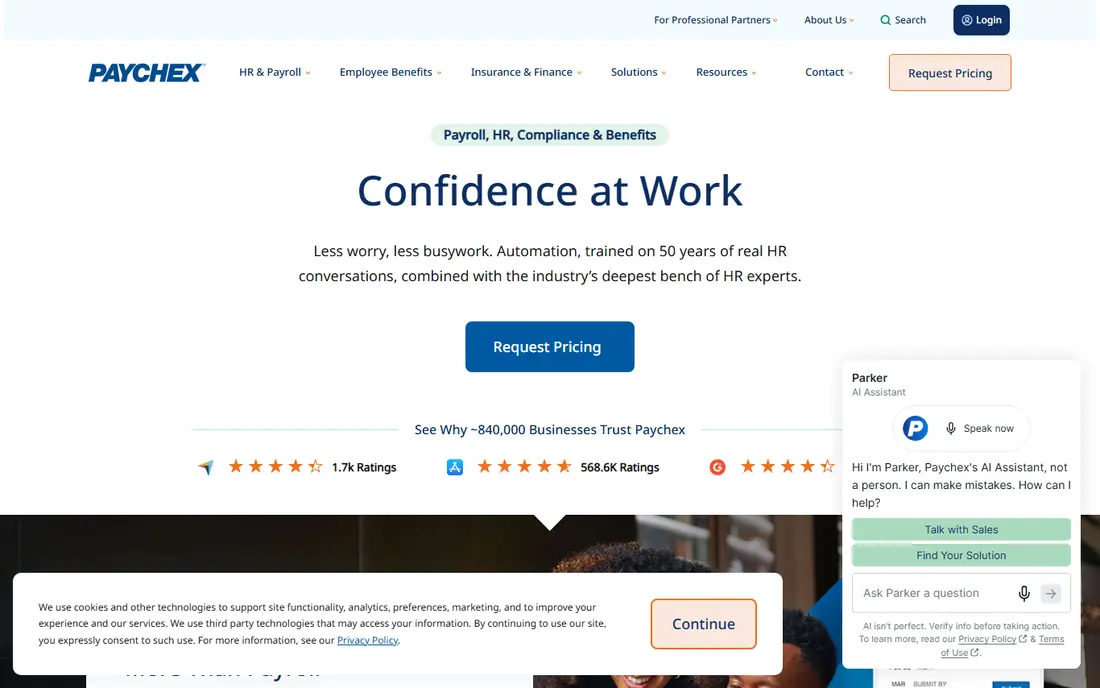
Paychex Flex gives mid-size manufacturers payroll, time and attendance, and benefits in a single login. That matters on a plant floor where supervisors need to approve time quickly and workers want to check pay stubs from a phone. The support model pairs clients with specialists rather than leaving them to a help center.
The honest catch is that pricing requires a quote, so budget comparisons take a sales call. For plants that value a human adviser alongside the software, that trade is often worth it, but price-first buyers should get quotes from at least two vendors here.
Before you buy, run a short trial with your real data and your real workflow, since a demo with sample data hides the friction points that matter once the whole team is involved.
- Payroll plus HR and benefits in one place
- Dedicated support team
- Employee self-service app
- Pricing is not published
- Some advanced reports cost extra
Paycor
Ideal for: Plants focused on scheduling and labor cost
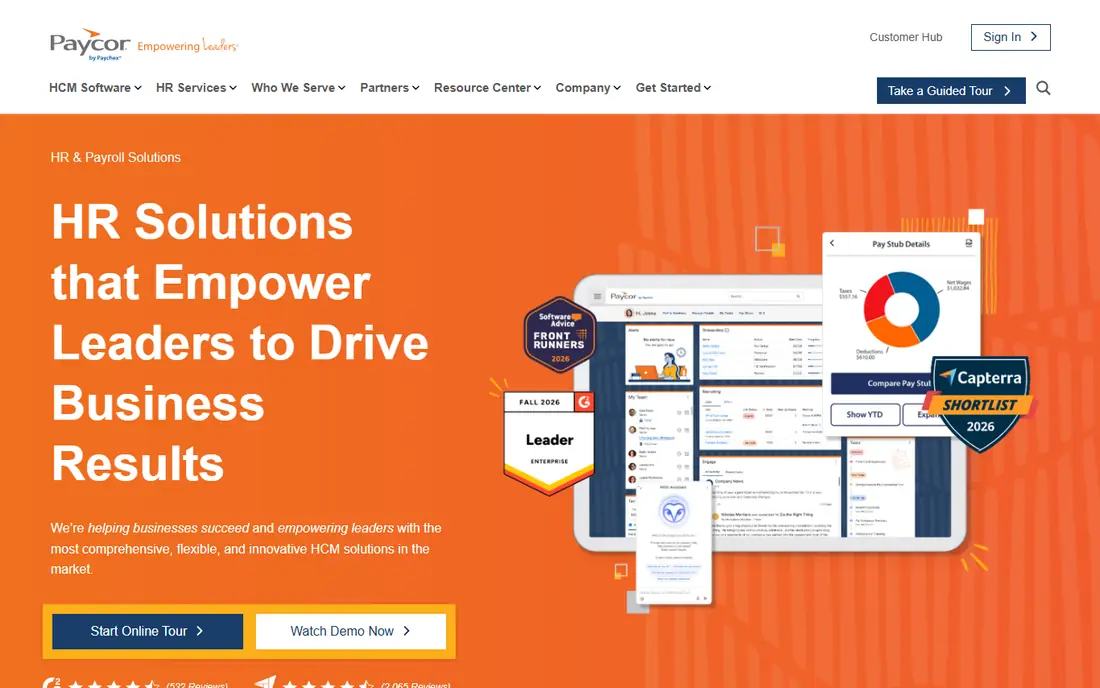
Paycor speaks directly to manufacturers, with scheduling, time tracking, and payroll built around shift work. Its analytics show where labor spend concentrates, which helps plant managers staff to demand rather than habit. Recruiting tools also help plants that hire skilled labor in tight markets.
We see Paycor as a strong fit when scheduling pain is as big as payroll pain. Pricing is quote-based and modules can add up, so map exactly which pieces you need. Plants that only need basic payroll may find simpler tools cheaper.
Before you decide, confirm integration with the tools you already use and check what support hours and onboarding help are included, since those details matter more than a feature list once you are live.
- Strong scheduling and workforce management
- Manufacturing-specific workflows
- Analytics on labor spend
- Quote-based pricing
- Some modules sold separately
Rippling
Ideal for: Manufacturers that want payroll plus IT and finance
Rippling puts payroll, HR, IT device management, and corporate spend on one data model, which suits manufacturers growing fast or running mixed office and plant teams. Automations handle onboarding, pay changes, and approvals without rekeying data between systems. It also supports global payroll for plants abroad.
The catch is scope. Rippling rewards companies that use several of its apps, and a plant that only wants payroll may pay for breadth it never uses. Check the per-module pricing carefully and start with the apps you will actually run.
Before you commit, ask for a quote that covers every user, module, and add-on you need, and compare that total against at least one other tool on this list for the same scope.
- Unified HR, payroll, IT, and spend in one system
- Strong automation
- Global payroll support
- No free plan
- Pricing varies by module and headcount
Gusto
Ideal for: Small manufacturers with simple payroll needs
Gusto is the simplest option on this list, and that is a real strength for small manufacturers. Published pricing starts at $49 per month plus a per-person fee, setup is quick, and tax filing is automatic. Workers get a clean self-service portal for pay stubs and time off.
Gusto is not built for complex union contracts or multi-plant shift rules, so larger operations will outgrow it. For a single plant with straightforward pay, though, it is hard to beat on ease and price clarity. Confirm your state tax and overtime needs fit before signing up.
Before you commit, check the current pricing page and trial terms for your team size, since plans change and the right tier depends on how many people will actually use the tool daily.
- Clear published pricing
- Easy setup
- Automatic tax filing in all 50 states
- Limited shift and union rule depth
- Better for smaller teams
Deel
Ideal for: Manufacturers with workers in several countries
Deel fits manufacturers with plants, contractors, or sales staff across borders. It runs local payroll, benefits, and compliance in each country, so a US headquarters does not need a separate provider per site. Contractor payments and employee payroll sit in one dashboard.
For a purely domestic plant, Deel is more platform than needed, and pricing depends on worker type and country. If your footprint crosses borders, though, the compliance coverage is the point. Get a quote that breaks out each country before you decide.
Before you buy, run a short trial with your real data and your real workflow, since a demo with sample data hides the friction points that matter once the whole team is involved.
- Payroll in 150 plus countries
- Contractor and employee support
- Compliance handled locally
- US-only small plants may find it overbuilt
- Pricing varies by worker type
Paylocity
Ideal for: Plants that want payroll with strong employee tools
Paylocity pairs payroll with scheduling, time collection, and employee communication tools, which helps plants where announcements and shift swaps matter daily. Workers can view schedules, request swaps, and check pay from the mobile app, cutting the paper trail on the floor.
Pricing is quote-based, and rolling it out across several sites takes planning. We like it for manufacturers that want payroll plus day-to-day workforce communication in one place. Ask how shift-swap approvals work in a demo, since that is where plants feel the difference.
Before you decide, confirm integration with the tools you already use and check what support hours and onboarding help are included, since those details matter more than a feature list once you are live.
- Payroll, time, and scheduling in one suite
- Employee engagement tools
- Strong mobile app
- Quote-based pricing
- Implementation can be involved
UKG
Ideal for: Large plants with union and complex scheduling needs
UKG is built for the hardest workforce problems manufacturers face, including union rules, complex schedules, and large hourly workforces. Its workforce management tools handle shift bidding, seniority, and labor forecasting at enterprise scale. Payroll sits alongside that depth rather than as a standalone tool.
The trade-off is weight. UKG implementations take time and budget, and small plants will find it too much. For large manufacturers with union contracts and multi-site scheduling, that depth is exactly why it leads this category.
Before you commit, ask for a quote that covers every user, module, and add-on you need, and compare that total against at least one other tool on this list for the same scope.
- Deep workforce management and scheduling
- Union rule support
- Enterprise scale
- Enterprise pricing and longer implementations
- Can feel heavy for small teams
How we picked these
We started from the topic itself and looked for products that genuinely serve it, not tools that mention it in passing. For each candidate we checked the vendor's own feature and pricing pages, app store listings where relevant, privacy and security pages, and public user reviews, and we dropped any product we could not verify as real and available in October 2026.
We then compared the remaining tools on fit for the stated need, pricing transparency, free or trial options, ease of adoption, and honest weaknesses. Every list below mixes well-known leaders with strong smaller options, and every write-up names a real trade-off, since no tool is best for every team.
What to check before you buy
Start with your pay rules, not the feature list. Write down your shift patterns, overtime rules, union provisions, and states of operation, then ask each vendor to show those exact cases in a demo. A tool that handles standard salary payroll well can still fail on rotating shifts or weekend differentials.
Next, test time collection on the floor. Badge readers, mobile clock-ins, and supervisor approvals are where payroll errors start, so involve a shift supervisor in the trial. If workers cannot clock in reliably or supervisors cannot fix errors fast, payroll accuracy suffers no matter how good the back office looks.
Finally, compare total cost for three years, including implementation, time hardware, and per-employee fees. Quote-based vendors often bundle services differently, so ask for an itemized quote. Also confirm who files your taxes and what happens if a filing is late, since that liability matters more than a small monthly saving.
Frequently asked questions
What payroll features matter most for manufacturers?
Shift differentials, overtime rules, multi-state tax filing, and time collection from the plant floor matter most. Look for scheduling integration and labor cost reporting by department, since those connect hours worked to what payroll actually costs.
Can payroll software handle union rules?
Some platforms, including UKG and ADP, support union pay rules, seniority, and complex overtime. If your plant is unionized, test your actual contract rules in a demo rather than trusting a feature list.
How much does manufacturing payroll software cost?
Most enterprise options on this list use quote-based pricing tied to headcount and modules. Gusto publishes pricing from $49 per month, while others require a sales quote, so compare total cost for your headcount, not just the headline price.
Do these tools work with time clocks?
Most integrate with time clocks, badge readers, or mobile clock-ins, and several bundle their own time collection. Confirm your existing hardware is supported before you switch, since replacing clocks adds cost.
Should small manufacturers use the same tools as large plants?
Not always. Small plants with simple pay often do better with Gusto or Paychex Flex, while large multi-site plants need the scheduling and union depth of UKG or ADP. Match the tool to your headcount and pay complexity.