Best Payroll Software for Small Construction Companies in 2026: 8 Tools Compared

- 1
 GustoSmall crews wanting simplicityVisit
- 2
 QuickBooks PayrollFirms already on QuickBooksVisit
- 3
 ADP RUNGrowing construction firmsVisit
- 4
 Paychex FlexFull service payroll and HRVisit
- 5
 RipplingTech friendly construction firmsVisit
- Job costing matters most, because labor costs must land on the right job to keep bids accurate.
- Prevailing wage and certified payroll support separates construction tools from general payroll tools.
- Mobile time entry is essential when crews work in the field rather than at desks.
Quick comparison
| Product | Ideal for | Price from | Free version | |
|---|---|---|---|---|
| Gusto | Small crews wanting simplicity | See website | No | Visit |
| QuickBooks Payroll | Firms already on QuickBooks | See website | Free trial | Visit |
| ADP RUN | Growing construction firms | See website | No | Visit |
| Paychex Flex | Full service payroll and HR | See website | No | Visit |
| Rippling | Tech friendly construction firms | See website | No | Visit |
 OnPay | Small firms wanting value | See website | No | Visit |
 SurePayroll | Very small construction firms | See website | No | Visit |
 Square Payroll | Crews already using Square | See website | Free trial | Visit |
The best payroll software for small construction companies
Construction payroll is harder than office payroll. Crews work across job sites, hours vary by job, prevailing wage rules can apply, and workers compensation classes differ by trade. The tools below handle construction needs to different degrees, and we compared them on job costing, time tracking, tax filing, and how well they fit small crews.
Gusto
Ideal for: Small crews wanting simplicity
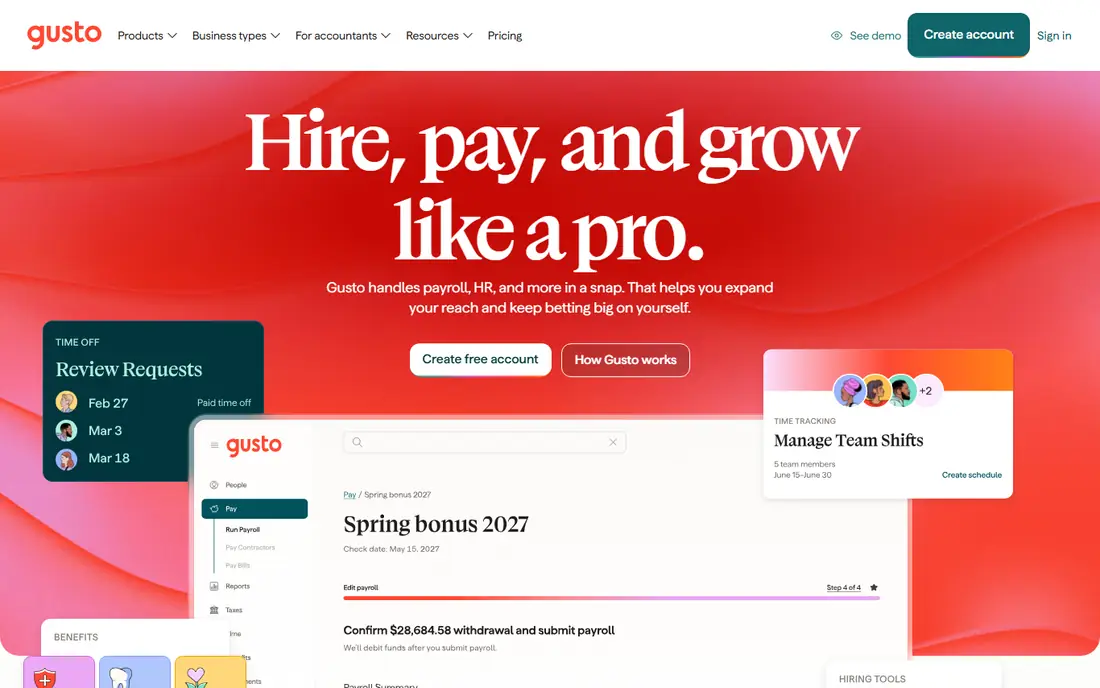
Gusto is our pick for small construction firms that want payroll to be simple. Its interface is friendly, its tax filing is solid, and its contractor payments help firms with mixed crews, though job costing is lighter than specialist tools.
What stands out is simple payroll with contractor payments and tax filing The honest catch is job costing is basic, and prevailing wage support is limited Prices and plan details change, so confirm the current offer on the vendor site before you commit.
Choose Gusto when your crew is small and your jobs are simple enough that basic costing works.
- Simple payroll and benefits
- Contractor payments
- Tax filing in all states
- Construction job costing is basic
- Prevailing wage support is limited
QuickBooks Payroll
Ideal for: Firms already on QuickBooks
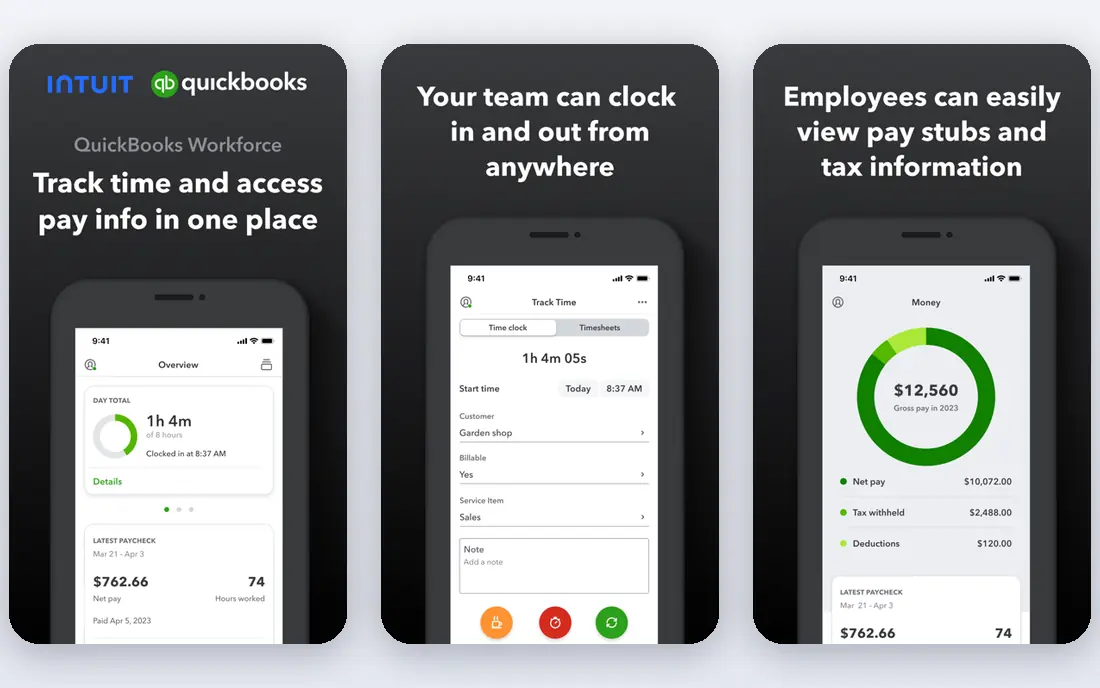
QuickBooks Payroll suits firms that already run QuickBooks, since payroll flows into job costing and accounting without re-entry. That link is its main advantage, and it matters more as job counts grow.
What stands out is payroll linked directly to QuickBooks job costing and accounting The honest catch is it works best inside QuickBooks, and combined pricing adds up Before buying, confirm pricing and plan limits on the vendor site, since published details can change.
Pick it when QuickBooks is already your accounting home and you want payroll inside it.
- Tight QuickBooks accounting link
- Job costing through accounting
- Tax filing
- Works best inside QuickBooks
- Pricing adds up with accounting and payroll together
ADP RUN
Ideal for: Growing construction firms
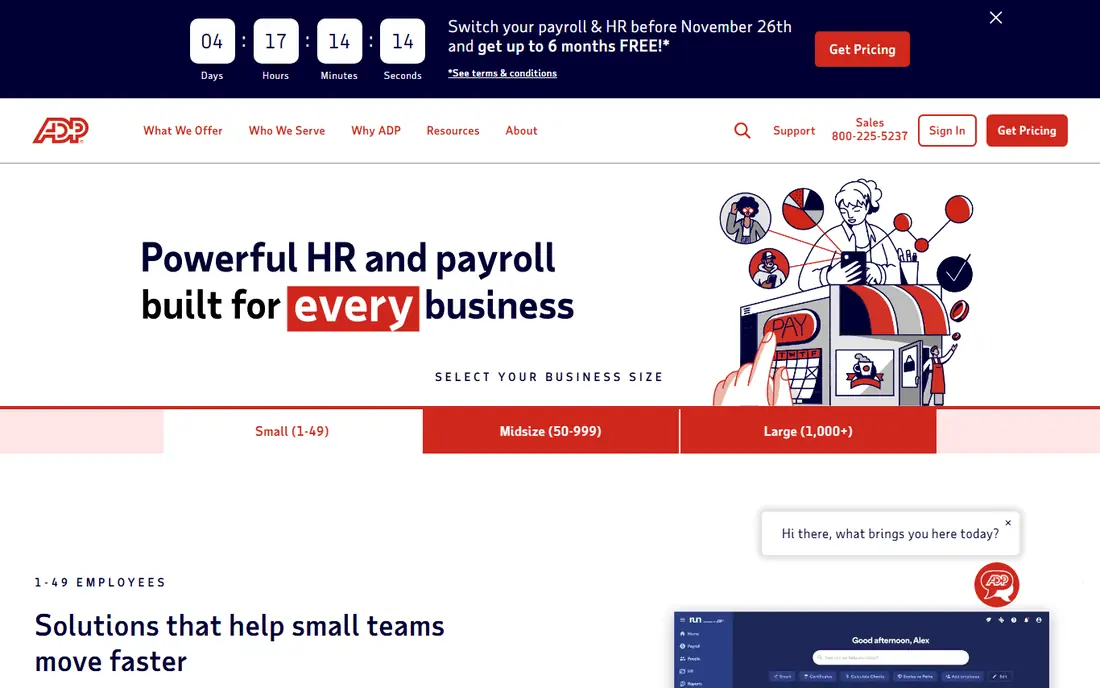
ADP RUN suits construction firms that are growing past the smallest crew stage and want compliance support to match. Its HR tools and mobile time tracking help as headcount and job sites multiply.
What stands out is compliance support and HR tools for growing firms The honest catch is quote based pricing, and setup can feel heavy for tiny firms Check the vendor site for the latest pricing, since plans, tiers, and terms change over time.
Choose ADP RUN when growth and compliance matter more than the lowest price.
- Large provider with compliance support
- HR tools
- Mobile time tracking
- Pricing by quote
- Setup can feel heavy for very small firms
Paychex Flex
Ideal for: Full service payroll and HR
Paychex Flex is a full service pick for construction firms that want payroll, HR, and benefits in one place. Its reporting helps with job and compliance needs, though smaller firms should check that they need the full breadth.
What stands out is payroll, HR, and benefits in one platform The honest catch is quote based pricing, and breadth can feel complex For current pricing, check the vendor site before deciding, since plans and prices change over time.
Shortlist it when you want one provider for payroll and HR together.
- Payroll plus HR and benefits
- Construction reporting
- Dedicated support options
- Pricing by quote
- Platform breadth can feel complex
Rippling
Ideal for: Tech friendly construction firms
Rippling suits construction firms that like modern software and want payroll connected to HR and device management. Its time tracking works for field crews, though construction specific costing is lighter than dedicated tools.
What stands out is modern payroll linked to HR and IT tools The honest catch is construction specific costing is lighter than specialist tools Prices and plan details change, so confirm the current offer on the vendor site before you commit.
Pick Rippling when you value modern software and integrations over deep construction features.
- Payroll plus HR and IT tools
- Time tracking
- Integrations
- Construction specific features are lighter than specialist tools
- Pricing by quote
OnPay
Ideal for: Small firms wanting value
OnPay is a value pick for small construction firms that want clear pricing and solid payroll without extras. Its tax filing and contractor payments cover the basics well, though job costing stays basic.
What stands out is clear pricing and solid basic payroll for small firms The honest catch is job costing is limited, and HR extras are fewer Before buying, confirm pricing and plan limits on the vendor site, since published details can change.
Choose OnPay when budget clarity matters and your costing needs are simple.
- Straightforward payroll with clear pricing
- Tax filing
- Contractor payments
- Construction job costing is limited
- Fewer HR extras than large platforms
SurePayroll
Ideal for: Very small construction firms
SurePayroll suits the smallest construction firms, including owner operators with a few employees. Its simple online payroll covers tax filing and payments without complexity, though larger crews will outgrow it.
What stands out is simple online payroll for the smallest firms The honest catch is construction features are limited, and costing is basic Check the vendor site for the latest pricing, since plans, tiers, and terms change over time.
Use it when your crew is tiny and simplicity beats specialist features.
- Simple online payroll
- Tax filing
- Mobile access
- Limited construction features
- Job costing is basic
Square Payroll
Ideal for: Crews already using Square
Square Payroll suits construction firms that already use Square for time tracking or payments. Its link to Square time tools helps field crews log hours, though construction costing remains basic.
What stands out is payroll linked to Square time tracking for field crews The honest catch is costing is basic, and it works best inside Square For current pricing, check the vendor site before deciding, since plans and prices change over time.
Pick it when Square already runs part of your business and you want payroll alongside it.
- Payroll linked to Square time tracking
- Simple setup
- Contractor payments
- Construction costing is basic
- Best inside the Square ecosystem
How we picked these
We compared official feature pages, pricing pages, app store listings, privacy policies, and public reviews for each option, and we kept only options that exist and work in October 2026 and that truly fit this topic. We favored options with clear pricing, a track record we could check, and honest limits we could state plainly. Where a price or plan could not be confirmed from the vendor itself, we wrote See website rather than guessing.
We also weighed who each option suits best, since the right choice for a large team is often the wrong choice for a small one. That is why the list below mixes well-known leaders with smaller options that do one thing well.
Where prices were not published, we said so rather than estimating. A vendor that hides pricing is not automatically a bad choice, but buyers should ask for a written quote before comparing it with a vendor that publishes prices openly.
Finally, we checked that every website listed is the product's own official homepage and that it loads. A product with a broken or mismatched homepage was not kept on the list, since readers should be able to reach the real vendor from this article without guessing.
What construction payroll must handle
Start with job costing, since labor is often your largest job cost and bids depend on accurate history. Check whether hours flow to jobs automatically or need manual splitting, because manual splitting breaks down as crews grow.
Next, check prevailing wage and certified payroll if you take public work. Not every general payroll tool handles these reports, and finding out mid-project is costly.
Finally, test mobile time entry with your crew. A tool that works well in the office but poorly on a phone will produce late or guessed hours, which hurts both payroll accuracy and job costs.
Before you sign, run a small paid trial with real work rather than a demo. A trial shows support speed, data quality, and how the tool handles your edge cases, which sales calls rarely reveal. Set a clear pass mark before the trial starts, such as accuracy, turnaround, or time saved, and judge the trial against that mark. If a vendor resists a trial, treat that as useful information about how the relationship will work later.
A last check is support quality after purchase. Ask how support works, what hours it covers, and how fast typical issues are resolved. A vendor with slow support can turn a small problem into a lost week, while a responsive vendor keeps work moving. That difference rarely appears in pricing pages, so ask current users or read recent reviews before signing.
Frequently asked questions
What payroll software suits a small construction company?
For simplicity, Gusto and OnPay lead. For QuickBooks users, QuickBooks Payroll leads. For growing firms, ADP RUN and Paychex Flex add compliance and HR depth.
Does construction payroll need job costing?
Yes, for most firms. Labor costs must land on the right job to price future work accurately, and tools without job costing force manual work that grows with each job.
What is prevailing wage payroll?
It is pay at government set rates on certain public projects, with certified reports to prove it. If you take public work, your payroll tool must support these reports.
Can field crews enter time on phones?
Most modern tools offer mobile time entry, but quality varies. Test it with your crew before committing, since field conditions differ from office testing.
Should I use a construction specific tool?
If you run many jobs with prevailing wage work, yes. If your crew is small and jobs are simple, a general tool with basic costing may be enough.