Best Payroll Solutions For Hr Companies In 2026: 8 Options Compared

- 1
 Gustosmall HR teamsVisit
- 2
 ADP Workforce Nowmid-sized HR teamsVisit
- 3
 Paychex Flexgrowing HR teamsVisit
- 4
 RipplingHR teams wanting automationVisit
- 5
 DeelHR teams with global staffVisit
- Gusto stands out for small HR teams, while ADP Workforce Now is a strong choice for mid-sized HR teams.
- Prices and terms vary a lot, so check the official pricing page and contract details before you commit.
- Paychex Flex and Rippling show how different the same category can be, from large established names to more focused options.
- The right pick depends on your budget, your location, and how much support you want after you sign up.
Quick comparison
| Product | Ideal for | Price from | Free version | |
|---|---|---|---|---|
| Gusto | small HR teams | See website | Free trial | Visit |
| ADP Workforce Now | mid-sized HR teams | See website | No | Visit |
| Paychex Flex | growing HR teams | See website | No | Visit |
| Rippling | HR teams wanting automation | See website | No | Visit |
| Deel | HR teams with global staff | See website | No | Visit |
 Paylocity | mid-sized HR teams | See website | No | Visit |
 Justworks | small firms using a PEO model | See website | No | Visit |
 Square Payroll | small teams already using Square | See website | Free trial | Visit |
The best payroll solutions for hr companies
We compared the options below on official feature pages, pricing, app-store listings where relevant, privacy policies and public reviews. Our aim was a shortlist that covers large, well-known names and smaller focused options, so you can match a choice to your budget and needs rather than picking the first name you recognise.
Gusto
Ideal for: small HR teams
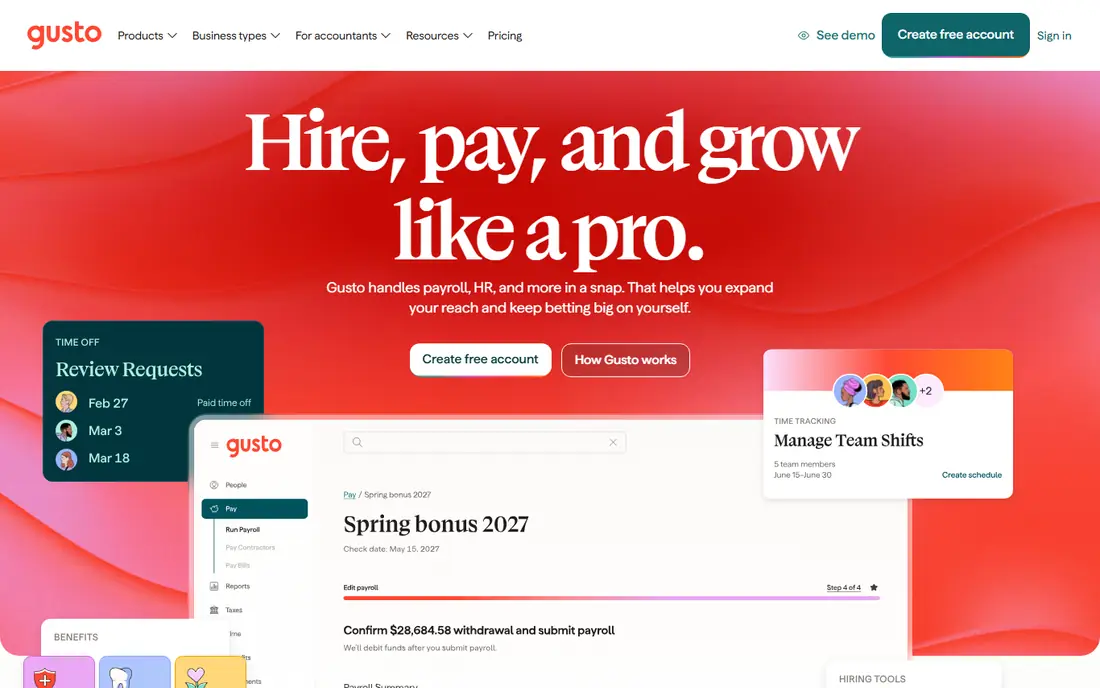
Gusto gives HR teams payroll, benefits and onboarding in one simple system. It fits readers looking for small HR teams, and it is worth weighing that fit against the other names on this list before you decide. What stood out in our comparison was simple payroll and benefits, and the wider set of strengths includes clear tiers. That combination is the main reason it earns a place here, even though no option on this list is right for every reader. The honest catch is global payroll is limited, and a second point to check is advanced HR is basic. Before you commit, read the official pricing and terms pages, confirm what is included at the price you will actually pay, and check availability and support in your location.
- Simple payroll and benefits
- Clear tiers
- Employee self-service
- Global payroll is limited
- Advanced HR is basic
ADP Workforce Now
Ideal for: mid-sized HR teams
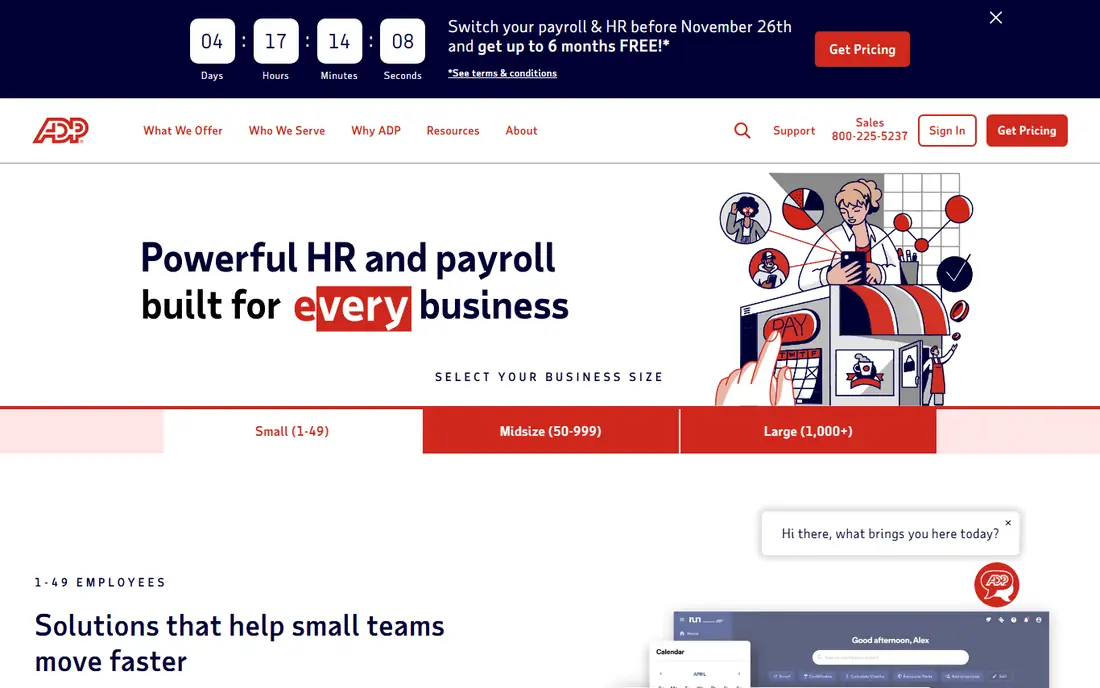
ADP Workforce Now suits HR teams that need compliance depth. It fits readers looking for mid-sized HR teams, and it is worth weighing that fit against the other names on this list before you decide. What stood out in our comparison was deep payroll and compliance, and the wider set of strengths includes reporting. That combination is the main reason it earns a place here, even though no option on this list is right for every reader. The honest catch is pricing is quote based, and a second point to check is setup can be long. Before you commit, read the official pricing and terms pages, confirm what is included at the price you will actually pay, and check availability and support in your location.
- Deep payroll and compliance
- Reporting
- Integrations
- Pricing is quote based
- Setup can be long
Paychex Flex
Ideal for: growing HR teams
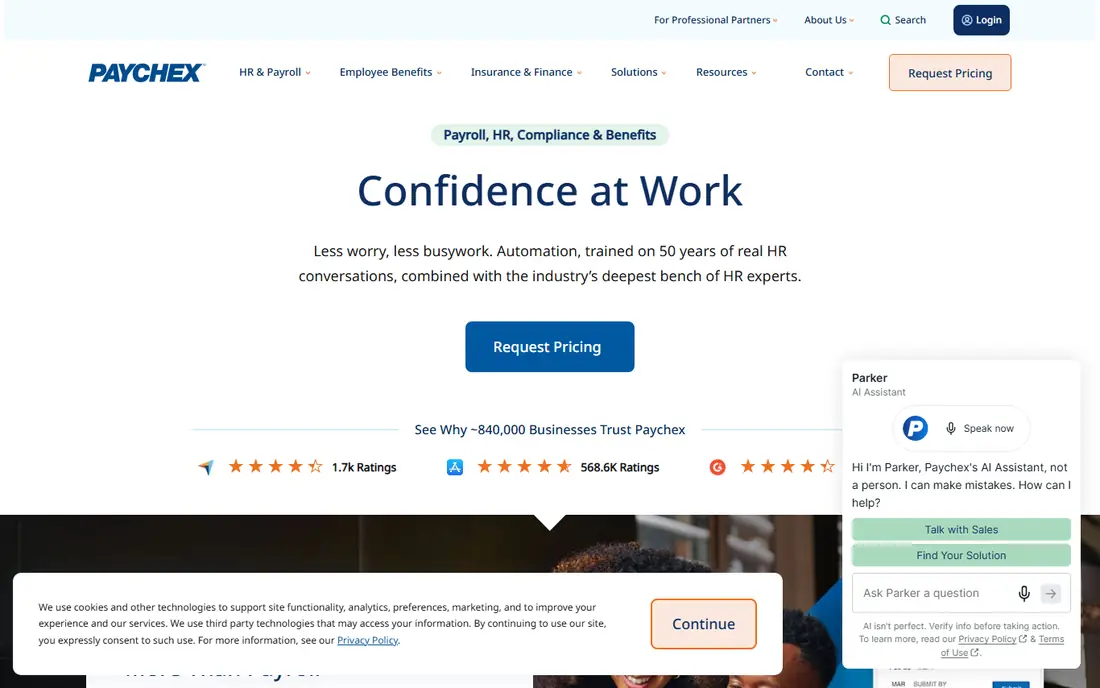
Paychex Flex combines payroll with HR services for growing firms. It fits readers looking for growing HR teams, and it is worth weighing that fit against the other names on this list before you decide. What stood out in our comparison was payroll, HR and benefits, and the wider set of strengths includes support team. That combination is the main reason it earns a place here, even though no option on this list is right for every reader. The honest catch is pricing is quote based, and a second point to check is some features are add-ons. Before you commit, read the official pricing and terms pages, confirm what is included at the price you will actually pay, and check availability and support in your location.
- Payroll, HR and benefits
- Support team
- Mobile access
- Pricing is quote based
- Some features are add-ons
Rippling
Ideal for: HR teams wanting automation
Rippling automates payroll and HR workflows alongside IT tasks. It fits readers looking for HR teams wanting automation, and it is worth weighing that fit against the other names on this list before you decide. What stood out in our comparison was payroll, HR and IT automation, and the wider set of strengths includes strong integrations. That combination is the main reason it earns a place here, even though no option on this list is right for every reader. The honest catch is quote pricing, and a second point to check is implementation needs planning. Before you commit, read the official pricing and terms pages, confirm what is included at the price you will actually pay, and check availability and support in your location.
- Payroll, HR and IT automation
- Strong integrations
- Scaling support
- Quote pricing
- Implementation needs planning
Deel
Ideal for: HR teams with global staff
Deel helps HR teams pay staff and contractors across countries. It fits readers looking for HR teams with global staff, and it is worth weighing that fit against the other names on this list before you decide. What stood out in our comparison was global payroll and compliance, and the wider set of strengths includes contractor payments. That combination is the main reason it earns a place here, even though no option on this list is right for every reader. The honest catch is per-person costs add up, and a second point to check is country rules vary. Before you commit, read the official pricing and terms pages, confirm what is included at the price you will actually pay, and check availability and support in your location.
- Global payroll and compliance
- Contractor payments
- Onboarding
- Per-person costs add up
- Country rules vary
Paylocity
Ideal for: mid-sized HR teams
Paylocity offers HR teams payroll plus talent and engagement tools. It fits readers looking for mid-sized HR teams, and it is worth weighing that fit against the other names on this list before you decide. What stood out in our comparison was payroll, time and talent tools, and the wider set of strengths includes engagement features. That combination is the main reason it earns a place here, even though no option on this list is right for every reader. The honest catch is quote pricing, and a second point to check is implementation is involved. Before you commit, read the official pricing and terms pages, confirm what is included at the price you will actually pay, and check availability and support in your location.
- Payroll, time and talent tools
- Engagement features
- Reporting
- Quote pricing
- Implementation is involved
Justworks
Ideal for: small firms using a PEO model
Justworks acts as a professional employer organisation for payroll and benefits. It fits readers looking for small firms using a PEO model, and it is worth weighing that fit against the other names on this list before you decide. What stood out in our comparison was peo payroll and benefits, and the wider set of strengths includes compliance help. That combination is the main reason it earns a place here, even though no option on this list is right for every reader. The honest catch is peo fees add cost, and a second point to check is less control than in-house payroll. Before you commit, read the official pricing and terms pages, confirm what is included at the price you will actually pay, and check availability and support in your location.
- PEO payroll and benefits
- Compliance help
- Simple admin
- PEO fees add cost
- Less control than in-house payroll
Square Payroll
Ideal for: small teams already using Square
Square Payroll suits small teams that want simple payroll without extra HR complexity. It fits readers looking for small teams already using Square, and it is worth weighing that fit against the other names on this list before you decide. What stood out in our comparison was simple payroll, and the wider set of strengths includes contractor payments. That combination is the main reason it earns a place here, even though no option on this list is right for every reader. The honest catch is features are basic for larger HR teams, and a second point to check is state coverage needs checking. Before you commit, read the official pricing and terms pages, confirm what is included at the price you will actually pay, and check availability and support in your location.
- Simple payroll
- Contractor payments
- Square integration
- Features are basic for larger HR teams
- State coverage needs checking
How we picked these
We started from the topic itself and looked for options that exist and work in October 2026 and truly fit it. We compared official feature pages, pricing pages, app-store listings where relevant, privacy policies and public reviews, and we left out names that did not fit the topic even if they are well known elsewhere. We also favoured a mix of large names and smaller options, and we noted honest weaknesses alongside strengths. Where we could not verify a price from the vendor, we wrote See website rather than guessing, and we did not claim hands-on testing that did not happen.
How to choose the right option for you
Start with the job you need done, not with the brand name. For best payroll solutions for hr companies, write down the two or three features you will use every week, the budget you can sustain for a year, and the support you expect when something goes wrong. That short list will rule out several options at once and make the rest of the comparison much simpler. Next, check the total cost, not just the headline price. Look for setup fees, per-person charges, add-ons, renewal terms and any limits that could force an upgrade. A low starting price can still be costly if the plan you actually need sits two tiers higher, and a higher price can be good value if it includes support and features you would otherwise buy separately. Then check fit in practice. Read the terms, the privacy policy and recent public reviews, and confirm availability in your location. If you can, try a free plan or trial, ask support a real question, and check how easy it is to leave if the service does not suit you. A short trial often reveals more than a long feature list. Finally, compare two or three finalists side by side on the same criteria, and pick the one that fits your daily work rather than the one with the longest list of extras. The best choice is usually the simplest option that covers your core needs well and leaves room to grow.
Frequently asked questions
What should I look for in best payroll solutions for hr companies?
Start with fit for your budget, location and support needs, then compare official pricing and terms. Look for clear terms, honest limits and recent public reviews, and shortlist two or three options before you decide.
Are the cheapest options for best payroll solutions for hr companies always good value?
Not always. A low price can be good value if it covers your core needs, but check for add-ons, limits and renewal terms. Compare the total yearly cost for the plan you will actually use.
How do I compare best payroll solutions for hr companies fairly?
Use the same checklist for every option, including price, features, support, terms and availability. Read the vendor pricing page rather than relying on review summaries alone, and note where a price could not be verified.
Can I switch later if I pick the wrong option for best payroll solutions for hr companies?
In most cases yes, but switching costs vary. Check contract length, exit terms and how easy it is to move your data or account before you sign up, especially for longer commitments.
Do I need the largest name for best payroll solutions for hr companies?
No. Large names often bring scale and support, but smaller focused options can fit a specific need better and cost less. Pick the option that matches your daily needs, not just the best-known brand.