For Windows endpoint and server protection, Veeam Agent for Microsoft Windows is where this list starts. Listed starting prices: IDrive from $11.99 per month. For a different need, Carbonite Safe covers automatic backup for home and business and IDrive covers one account for several devices. The full list of 5 tools follows, with prices and free plan facts.
Ainotely put together this guide to PC backup software for readers who want a clear shortlist without reading every vendor page. It compares 5 tools on starting price, free plans, who each one suits and where each one falls short.
Key takeaways
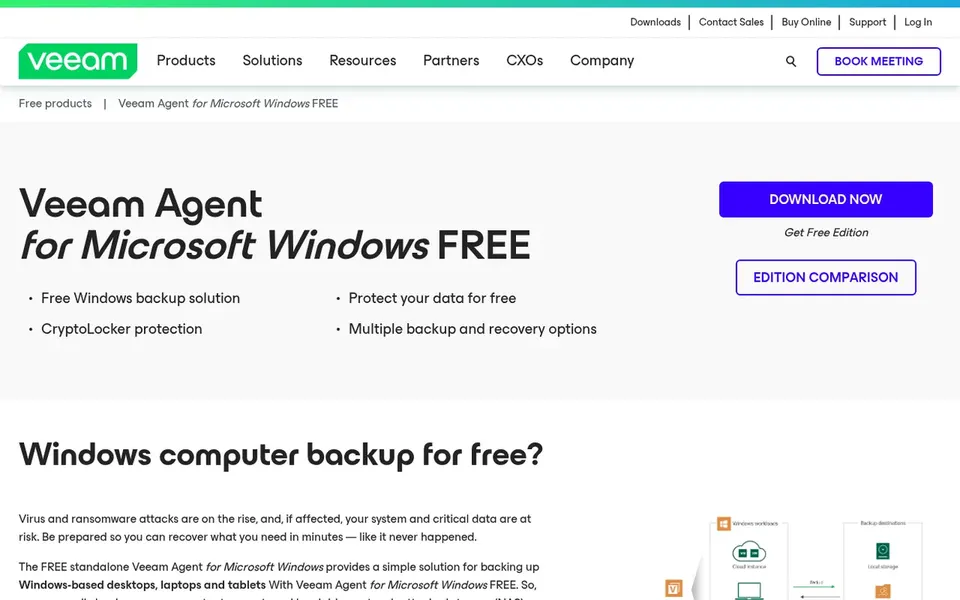
Veeam Agent for Microsoft Windows takes the first slot, best suited to Windows endpoint and server protection.
Only IDrive offers a free plan among these 5 tools.
The main caution on Carbonite Safe: consumer and business levels differ.
IDrive has the lowest monthly starting price in this list: $11.99 per month.
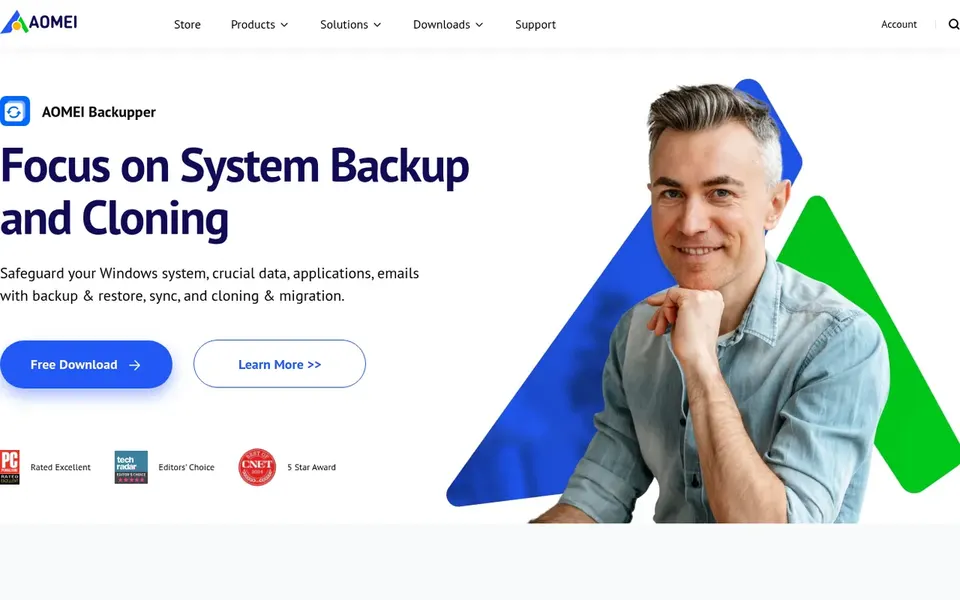
AOMEI Backupper fits system backup and disk cloning.
Think of Veeam Agent for Microsoft Windows for Windows endpoint and server protection. Veeam Agent for Microsoft Windows is described by its vendor as straightforward Windows backup for cloud and physical servers, desktops, endpoints and more.
Choose Veeam Agent when Windows endpoints and servers are the core of your environment and you want a purpose-built agent. Some users may also find agent-based backup concepts less familiar than a consumer app. Veeam Agent for Microsoft Windows shows no starting price here, so confirm the cost on the vendor site. Free plan details: Not stated.
Choose Carbonite Safe for automatic backup for home and business. The experience and available features can differ between home and business offerings, so check which edition matches your setup before committing.
Carbonite Safe, offered by OpenText, is described as backup and data protection for home and business with automatic backups. As for the details, cloud restores are also tied to your connection speed. No starting price is listed for Carbonite Safe here; confirm pricing on the vendor site. Trial and free access: Not stated.
Limits to weigh: Consumer and business levels differ.
IDrive is a good fit for one account for several devices. IDrive supplies online cloud backup for PCs, Macs, iPhones, Android and other mobile devices all into one account.
Limits to weigh: Feature breadth can overwhelm new users.
From a buyer's view, choose IDrive when multi-device cloud backup is the priority, and add a local imaging tool for quick full-system recovery. IDrive cost at the entry level: $11.99 per month. Free access exists with IDrive.
EaseUS Todo Backup serves broad PC backup and recovery. EaseUS Todo Backup is positioned as a data backup and disaster recovery tool for personal, home office and enterprise users.
Best features of EaseUS Todo Backup: Supports Windows PC.
More specifically, since it targets both individuals and organizations, the interface and choices may be more than a casual user needs. For everyday use, choose EaseUS when recovery planning and broader system coverage matter more than minimal setup. No starting price is listed for EaseUS Todo Backup here; confirm pricing on the vendor site. Free options: Not stated.
Trade-offs to know: Advanced recovery tasks need setup care.
Pick AOMEI Backupper if this describes you: system backup and disk cloning. Disk cloning also demands attention to the target drive, and mistakes there can be disruptive.
Pick AOMEI when system images and drive migration are the priority, and consider a cloud-first tool if offsite copies are your primary concern. Pricing for AOMEI Backupper is not stated here, so ask the vendor for current figures. Free options: Not stated.
Trade-offs to know: Cloning tasks need care with target disks.
Get a written quote from Veeam Agent for Microsoft Windows, Carbonite Safe, EaseUS Todo Backup and AOMEI Backupper; the list shows no starting price for them.
Test the free plan from IDrive against your real workload before relying on it.
Before choosing Veeam Agent for Microsoft Windows, weigh its main limit: centred on Windows workloads.
Confirm minimum seats and billing terms with Veeam Agent for Microsoft Windows before you commit to an annual plan.
Look at the help docs and support options for EaseUS Todo Backup before you commit.
How we picked
Ainotely looked at what each vendor publishes: pricing, plan limits, feature coverage for PC backup software and stated drawbacks. No hands-on testing is claimed. Prices and plan limits come from vendor pages and can change, so confirm them on the vendor site before you buy. Position on the page reflects fit for a typical buyer first, with price clarity and free access breaking ties. Treat it as a guide, not a ruling.
Every price and plan detail on this page comes from the vendors’ own websites. We did not run hands-on tests unless the text says so, and we do not publish star ratings or review scores. See how we score and our disclosure.
Keep your shortlist in one place
Paste prices, trial dates and notes from this guide into Ainotely, our AI note app. It files them into a topic and pulls out tasks like “cancel trial by Friday”. Free 7-day trial, no card needed.
Which options for PC backup software have a free plan?
IDrive is the only tool in this list with a free plan. Free plans usually cap users, projects or features, so check the limits on the vendor page.
Do these tools publish their prices?
Not all of them. Veeam Agent for Microsoft Windows, Carbonite Safe, EaseUS Todo Backup and AOMEI Backupper publish no starting price, so expect a quote request for those. The rest, IDrive included, show a starting price, though seats and billing terms still change the final cost.
How are the tools for PC backup software ordered?
Veeam Agent for Microsoft Windows sits first and AOMEI Backupper last because the order follows typical fit for PC backup software, then price clarity and free access. It is a judgement call, so read each profile for fit and limits.
Is Veeam Agent for Microsoft Windows the right pick for everyone comparing PC backup software?
No single tool suits every team. Veeam Agent for Microsoft Windows comes first because it fits Windows endpoint and server protection, while Carbonite Safe suits automatic backup for home and business and IDrive suits one account for multiple devices. Match the tool to your own size, budget and workflow before deciding.
How frequently should automatic backups run?
Daily or continuous schedules suit active machines, whereas weekly may be enough for lightly used PCs. Confirm how the tool manages scheduling and retention before you depend on it.
Which tool is a good match for cloning a drive to a new PC?
For most readers this guide would start with Veeam Agent for Microsoft Windows, built for Windows endpoint and server protection. Carbonite Safe is the alternative for automatic backup for home and business, and IDrive for one account for several devices. The right answer depends on budget and workflow.