6 Best PDF Software for Small Business Options for 2026

- 1
 SmallpdfBrowser-first teams that also need e-signaturesVisit
- 2
 PDFelementBuyers who want full features at the lowest subscription priceVisit
- 3
 iLovePDFQuick online conversions and batch jobsVisit
- 4
 PDF24 ToolsCompanies that want capable PDF tools at no costVisit
- 5
 Foxit PDF EditorCompanies that want admin controls and volume pricingVisit
- Smallpdf takes the first slot, best suited to browser-first teams that also need e-signatures.
- iLovePDF is the lowest-priced starter here at $9/month.
- Adobe Acrobat Pro fits teams that need the industry-standard PDF tool.
- The main caution on iLovePDF: full text editing needs Premium.
- A free plan is available from 3 of the 6 tools: Smallpdf, iLovePDF, PDF24 Tools.
Direct answer
Smallpdf is the first pick on this list for browser-first teams that also need e-signatures. If your case is different, PDFelement suits buyers who want full features at the lowest subscription price and iLovePDF suits fast online conversions and batch jobs. All 6 tools are compared below on price, free plan and limits.
Quick comparison
| Product | Ideal for | Price from | Free version | |
|---|---|---|---|---|
| Smallpdf | Browser-first teams that also need e-signatures | $108/year (or $15/month) | Yes | Visit |
| PDFelement | Buyers who want full features at the lowest subscription price | $79.99/year (individual plan) | Free trial | Visit |
| iLovePDF | Quick online conversions and batch jobs | $9/month (or from $4/month on annual billing) | Yes | Visit |
| PDF24 Tools | Companies that want capable PDF tools at no cost | Free | Yes | Visit |
| Foxit PDF Editor | Companies that want admin controls and volume pricing | $129.99/user/year | Free trial (14 days) | Visit |
 Adobe Acrobat Pro | Teams that require the industry-standard PDF tool | $19.99/month (annual plan, billed monthly) | Free trial (7 days) | Visit |
The best PDF software for small business
Choosing PDF software for small business usually comes down to price, fit and limits. This Ainotely guide sets 6 tools side by side on those three points, with the facts kept short and checkable.
Smallpdf
Ideal for: Browser-first teams that also need e-signatures
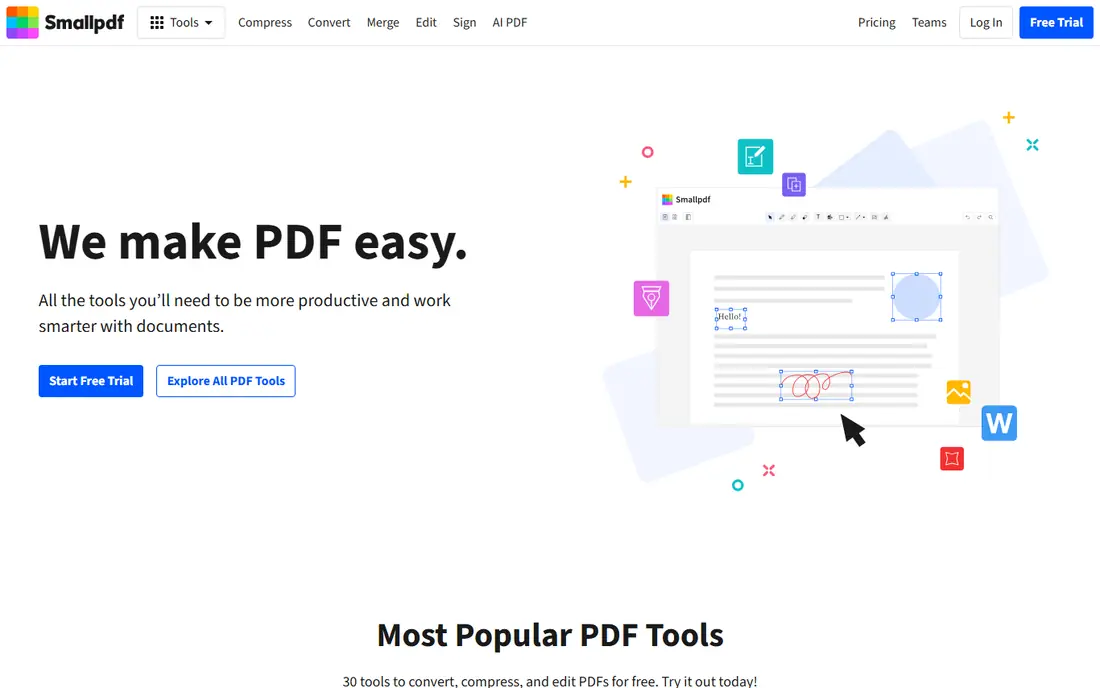
Where Smallpdf fits: browser-first teams that also need e-signatures. Pro removes all limits on tool access, OCR, solid compression, batch processing and mobile apps.
And Smallpdf is cloud-only; files upload to Swiss servers, with a one-hour deletion policy on free and 14 days on Pro. At $108 per year it is less expensive than Acrobat, and the e-sign bundle can replace a separate signing subscription. What you pay to start with Smallpdf: $108/year. Free access exists with Smallpdf.
What to check first: Everything processes on Smallpdf's servers, so no offline mode.
- The most refined web interface of any online PDF tool
- Unlimited Sign.com premium e-signing bundled with Pro
- The free level is the most restrictive here (two tasks a day)
PDFelement
Ideal for: Buyers who want full features at the lowest subscription price
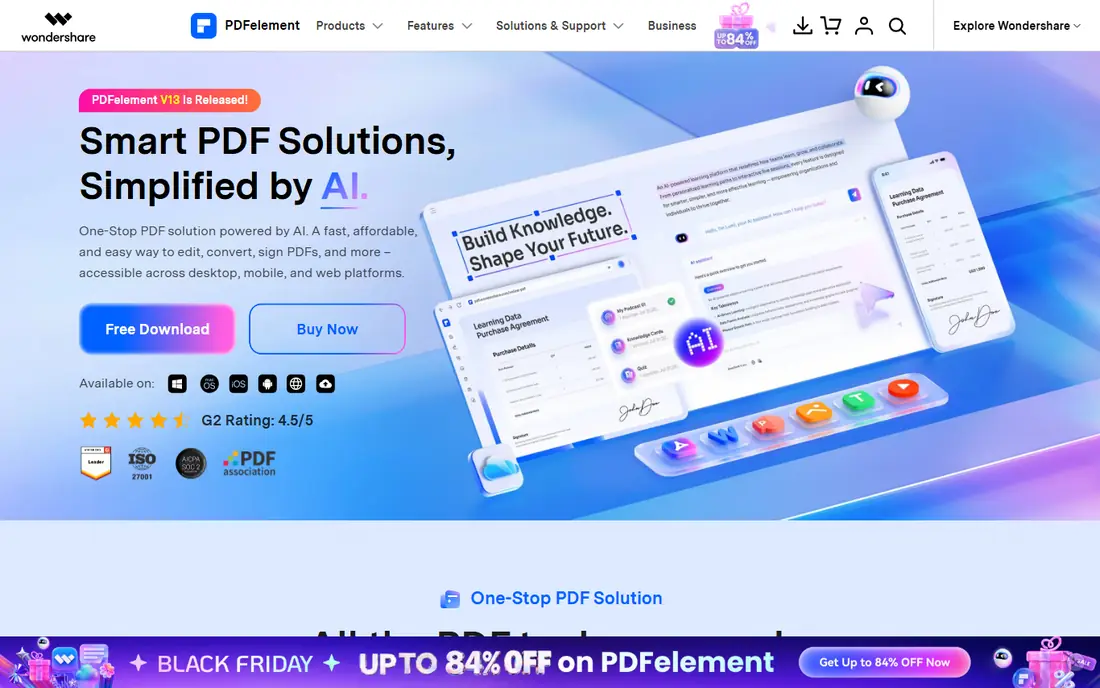
PDFelement targets buyers who want full features at the lowest subscription price. PDFelement is Wondershare's Acrobat challenger, and its primary weapon is price: $79.99 per year for individuals, against $239.88 for Acrobat Pro. As for the details, reviews rate it well for speed and stability on large files.
It is the value pick if you want a real desktop editor and do not want to pay Adobe prices. For everyday use, you get editing, conversion, compression, annotation, OCR, signing, form filling and password protection across Windows, Mac, iOS, Android and web. More specifically, teams pay from $109 per user a year with centralized license management. The free trial never expires but watermarks exports, limits conversion to two pages and blocks OCR. So it is a demo, not a tool. Starting cost for PDFelement: $79.99/year. As for free access: Free trial.
Watch-outs: Free trial watermarks exports and limits conversions.
- $129.99 perpetual license for subscription haters
- Full editor with OCR at the lowest annual price here
- Teams pricing begins at $109/user/year
iLovePDF
Ideal for: Quick online conversions and batch jobs

iLovePDF is designed for quick online conversions and batch jobs. iLovePDF lists every tool on its homepage, which tells you its philosophy: get in, convert, get out.
As for the details, the free tier deals with merging, splitting, compressing and converting with file limits around 100 MB, more ample than Smallpdf's two-tasks-a-day. What you pay to start with iLovePDF: $9/month. iLovePDF offers a free plan.
Downsides: Free level displays upgrade ads.
- Desktop and mobile apps included
- The most ample free level among online tools
- Full text editing needs Premium
PDF24 Tools
Ideal for: Companies that want capable PDF tools at no cost
PDF24 Tools targets businesses that want capable PDF tools at no cost. PDF24 is the free choice that does not play games: no daily limits, no watermarks, no account, no upsell walls.
It belongs on every shortlist as the baseline: if a premium tool cannot plainly beat PDF24 at your actual workflow, do not pay. The starting price for PDF24 Tools: Free. PDF24 Tools has a free plan.
Where it falls short: No OCR or advanced editing features.
- Works online or as a Windows desktop app
- German company with straightforward privacy handling
- Interface looks dated
Foxit PDF Editor
Ideal for: Companies that want admin controls and volume pricing
Choose Foxit PDF Editor for businesses that want admin controls and volume pricing. The 14-day trial needs no card.
Best features of Foxit PDF Editor: Perpetual license choice at $209.99 one-time.
Foxit PDF Editor pricing: $129.99/user/year. Trial and free access: Free trial (14 days). Where it is weaker: Editor+ is needed for the serious signing features.
- ESign and AI redaction
- Admin console and centralized license management included
- The AI assistant is a $49.99/year add-on
Adobe Acrobat Pro
Ideal for: Teams that require the industry-standard PDF tool
For teams that require the industry-standard PDF tool, Adobe Acrobat Pro is a natural candidate. Buy it when compatibility or compliance demands the Adobe name. It edits text and images straight in the PDF, converts to and from Office formats, runs OCR on scans, redacts sensitive data permanently, compares document versions and deals with serious e-signature workflows.
The 7-day trial is short. Otherwise, keep reading. At $19.99 per user a month on the annual plan, a five-person team pays nearly $1,200 per year, and teams pricing runs $23.99 per license. The price is the argument against it. Adobe Acrobat Pro cost at the entry level: $19.99/month. Free access: Free trial (7 days).
Reasons to shortlist it: The reference implementation, so files behave the same for every recipient.
Points against: The priciest choice here by a broad margin.
- Redaction and PDF comparison built in
- Deep e-sign workflows with reusable templates and bulk sends
- AI assistant costs $4.99/month additional per license
What went into this list
The comparison looks at four things: starting price, free access, how well the feature set matches PDF software for small business, and the main limit of each tool. Seat minimums, billing terms and add-ons can move the real cost, so the starting prices here are a guide and not a quote. The ranking is editorial: typical fit first, then clear pricing, then free access. If your needs are unusual, read the profiles rather than relying on position.
Pre-purchase checklist
- Confirm the entry price on the vendor page: iLovePDF starts at $9/month, but seat counts and billing terms change the total.
- Check what the free option really includes: Smallpdf, iLovePDF and PDF24 Tools offer a free plan, and usage caps differ.
- Take the trial from PDFelement, Foxit PDF Editor and Adobe Acrobat Pro and push a live task through it before you pay.
- Read the limits listed for Smallpdf first: the free level is the most restrictive here (two tasks a day).
- Work out what Foxit PDF Editor costs with your real seat count, add-ons and usage, not just the entry price.
- Find out what support Adobe Acrobat Pro includes on your plan, and whether onboarding help costs extra.
Frequently asked questions
Is Smallpdf the right pick for everyone comparing PDF software for small business?
No single tool suits every team. Smallpdf comes first because it fits browser-first teams that also need e-signatures, while PDFelement suits buyers who want full features at the lowest subscription price and iLovePDF suits fast online conversions and batch jobs. Match the tool to your own size, budget and workflow before deciding.
How are the tools for PDF software for small business ordered?
The order follows typical fit for PDF software for small business, with Smallpdf first and Adobe Acrobat Pro last, then price clarity and free access. It is editorial judgement, not a score, so another team could rank the tools differently.
Which options for PDF software for small business have a free plan?
On this list, Smallpdf, iLovePDF and PDF24 Tools include a free plan. Caps on seats, usage or features are common, so test the free plan against your real workload. Several others offer a trial instead.
Do these tools publish their prices?
Yes. Every tool from Smallpdf to Adobe Acrobat Pro shows a starting price, though seats, add-ons and billing terms still change the final cost.