Best PDF Splitting App for Mobile in 2026: 8 Apps Compared

- iLovePDF is the best mobile PDF splitting app for most people, with iOS and Android apps plus a clean split tool.
- Smallpdf suits quick, occasional splits, with a simple mobile app and a free daily task limit.
- Adobe Acrobat is the best choice for users who already pay for Acrobat, with splitting inside a full mobile editor.
- PDFgear and Xodo suit users who want free or low-cost splitting without a subscription.
- For sensitive documents, prefer an app that processes files on your device rather than uploading them to a server, and check its privacy policy before splitting.
Quick comparison
| Product | Ideal for | Price from | Free version | |
|---|---|---|---|---|
 iLovePDF | Best overall mobile splitting | Free | Yes | Visit |
 Smallpdf | Quick occasional splits | Free | Yes | Visit |
 Adobe Acrobat | Full mobile editor | Free | Yes | Visit |
 PDFgear | Free splitting without subscription | Free | Yes | Visit |
 Xodo | Annotation plus splitting | Free | Yes | Visit |
 PDFelement | Mobile editing plus splitting | Free | Yes | Visit |
 Sejda | Web-based mobile splitting | Free | Yes | Visit |
 UPDF | Cross-platform PDF tools | Free | Yes | Visit |
The best pdf splitting app for mobile
These eight apps split PDFs on a phone or tablet, through a dedicated app or a mobile-friendly web tool. We compared official pricing pages, feature pages and public reviews, focusing on split options, page selection and free-tier limits, since mobile splitting fails if you cannot pick the exact pages you need.
iLovePDF
Ideal for: Best overall mobile splitting
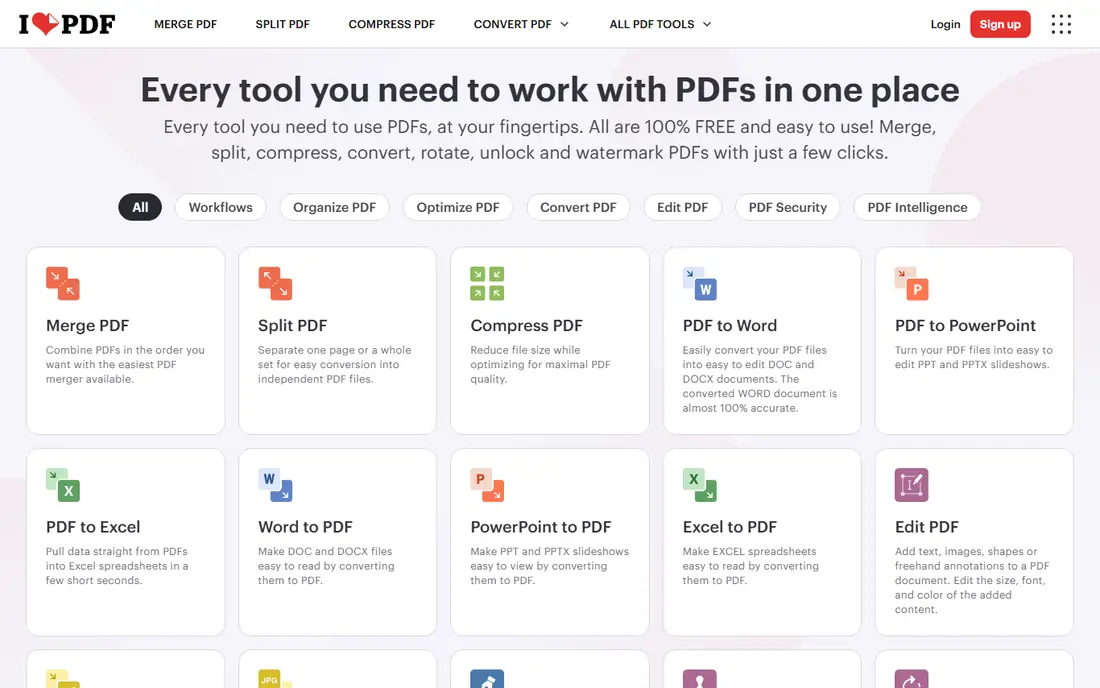
iLovePDF is the best mobile PDF splitting app for most people because it offers dedicated iOS and Android apps alongside a mobile-friendly web tool, with split by page range, extract pages and reorder options. Files can come from your device, Google Drive or Dropbox, and the interface stays simple on a small screen. A free tier covers basic splitting with limits, while Premium adds larger files and unlimited tasks.
Free-tier limits vary by tool, so heavy users will need Premium. For a user who splits PDFs on a phone regularly, iLovePDF's combination of a real mobile app and a clean split tool is the strongest in this list.
- IOS and Android apps
- Split by page range or extract pages
- Cloud drive integration
- Free tier has usage limits
- Larger files and advanced tools need Premium
Smallpdf
Ideal for: Quick occasional splits
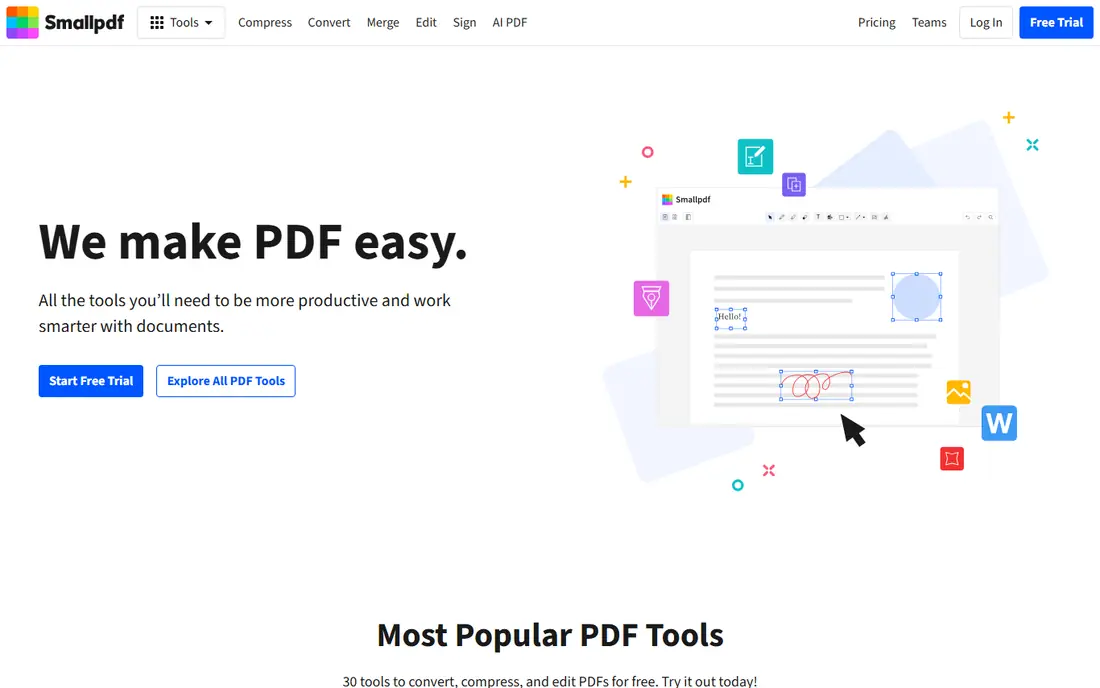
Smallpdf suits users who split PDFs occasionally and want the simplest possible flow. Its mobile app and web tool let you upload a PDF, choose a page range and download the split files, with files deleted after processing for privacy. A free tier covers limited daily tasks, with Pro around $7.99 per month for unlimited use.
The free daily limit frustrates regular users, and split options are simpler than iLovePDF's, with only continuous ranges in some views. For a quick, one-off split on a phone, Smallpdf's simplicity wins.
- Simple mobile app
- Split by range
- Files deleted after processing
- Clean interface
- Free tier limited to one daily task in some listings
- Pro around $7.99 per month
Adobe Acrobat
Ideal for: Full mobile editor
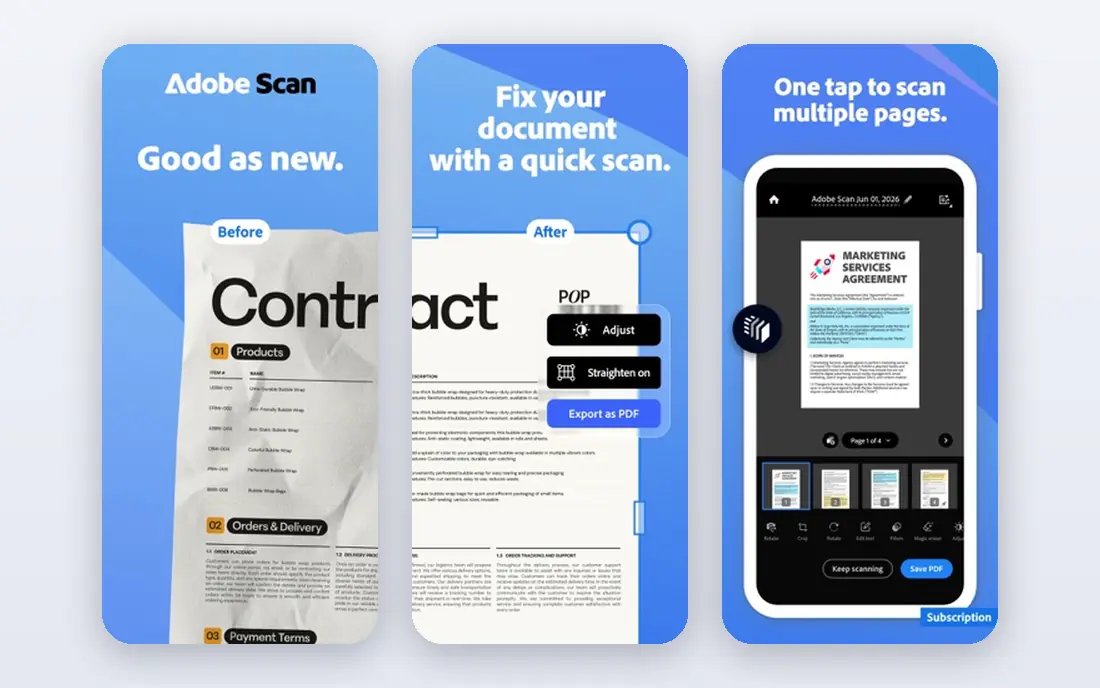
Adobe Acrobat is the best choice for users who already use Acrobat, since splitting sits inside a full mobile editor with editing, signing, annotation and cloud storage. The mobile app is free for basic viewing and some tools, with paid plans adding full editing and splitting features. That integration suits professionals who manage documents daily.
It is heavier than a dedicated splitter, and advanced features need a subscription. For a user who already pays for Acrobat or needs a full editor on mobile, splitting inside Acrobat avoids a second app.
- Full PDF editor on mobile
- Split plus edit, sign and annotate
- Trusted brand
- Advanced splitting and editing need a paid plan
- Heavier app than dedicated splitters
PDFgear
Ideal for: Free splitting without subscription
PDFgear suits users who want free PDF splitting without a subscription, with mobile and desktop apps covering split, merge, edit and convert tools. Its core tools are free, which appeals to students and freelancers who split PDFs occasionally and dislike monthly fees.
The brand is smaller than Adobe or iLovePDF, and feature availability varies by platform, so check the mobile app for the split tool before committing. For a free, no-subscription splitter, PDFgear is a practical pick.
- Free PDF tools on mobile and desktop
- Split plus edit and convert
- No subscription needed for core tools
- Smaller brand than Adobe or iLovePDF
- Some features vary by platform
Xodo
Ideal for: Annotation plus splitting
Xodo is a free PDF reader and editor whose page management tools cover splitting alongside annotation, form filling and signing. That combination suits users who read and mark up PDFs on a tablet and occasionally need to split out pages for sharing. Apps cover iOS, Android, web and desktop, with a free tier for core tools.
Splitting is one feature inside a broader editor, so the flow is less focused than iLovePDF's. For a user who annotates and splits in the same app, Xodo's free tier is a strong value.
- Free PDF reader and editor
- Annotation plus page management
- Cross-platform apps
- Splitting sits inside a broader editor
- Some advanced tools need a paid plan
PDFelement
Ideal for: Mobile editing plus splitting
PDFelement, from Wondershare, is a mobile PDF editor that includes split and merge tools alongside annotation, form filling and conversion. That suits users who edit PDFs on a phone and need to split documents as part of a larger workflow, with a desktop companion for heavier work. A free tier covers basic tools, with paid plans for full features.
Full editing and unlimited splitting need a subscription, and the free tier has limits. For a user who wants a capable mobile editor with splitting included, PDFelement is a solid choice.
- Mobile editor with split and merge
- Annotation and form tools
- Desktop companion app
- Full features need a paid plan
- Free tier has limits
Sejda
Ideal for: Web-based mobile splitting
Sejda suits users who prefer not to install an app, since its web split tool works well in a mobile browser. It splits by page range, by outline chapters or by size, with a clean interface that needs no account for a one-off job. A free tier covers limited use, with paid plans for heavier volumes.
Free-tier limits apply per hour and per day, and there is no dedicated mobile app. For a quick split on a shared or borrowed phone, Sejda's no-install web tool is the most convenient option.
- Clean web split tool that works on mobile browsers
- Split by range or outline
- No app install needed
- Free tier has hourly and daily limits
- Web-only, no dedicated mobile app
UPDF
Ideal for: Cross-platform PDF tools
UPDF is a cross-platform PDF tool with mobile and desktop apps covering split, edit, annotate and convert features. Its one-purchase model covers multiple platforms, which appeals to users who work on phone, tablet and desktop and dislike separate subscriptions per device. A free tier covers basic tools, with paid plans for full features.
Full splitting and editing need a paid plan, and the brand is newer than Adobe. For a user who wants one PDF tool across all devices, UPDF's cross-platform approach is worth considering.
- Mobile and desktop apps
- Split plus edit and annotate
- One purchase covers multiple platforms
- Full features need a paid plan
- Newer brand than Adobe
How we picked these
We compared official pricing pages, feature pages and public reviews for mobile PDF splitting tools available in October 2026. We favored tools with a working mobile app or mobile-friendly web tool, a real user base and current pricing, and we weighed split options, page selection, free-tier limits and privacy handling, since uploading a sensitive document to a server carries different risks than processing it on your device.
What to check before you choose a PDF splitting app for mobile
Start with page selection. Check whether the app lets you pick non-continuous pages, split by outline chapters or split every set number of pages, since your use case decides which matters. A tool that only splits continuous ranges will frustrate a user who needs to extract scattered pages.
Then check privacy for sensitive documents. If you split contracts, medical records or financial documents, prefer an app that processes files on your device or deletes server files promptly, and read its privacy policy before uploading. For highly sensitive files, an on-device tool such as Xodo or a desktop app may be safer than a web uploader.
Finally, test the free tier with a real file. Split a multi-page PDF, check the output quality and page order, and confirm the free limit covers your weekly volume. A free tier that allows one task a day will not suit a user who splits documents daily.
Frequently asked questions
What is the best PDF splitting app for mobile?
iLovePDF is the best mobile PDF splitting app for most people, with dedicated iOS and Android apps and flexible split options. Smallpdf suits quick occasional splits, while Adobe Acrobat suits users who already use Acrobat.
Can I split a PDF for free on my phone?
Yes, iLovePDF, Smallpdf, PDFgear, Xodo and Sejda all offer free tiers for splitting, with limits on daily tasks or file size. PDFgear and Xodo offer the most generous free access, while Smallpdf's free tier is limited to occasional use.
How do I split a PDF by page range on mobile?
Open the PDF in your chosen app, select the split tool, choose the page ranges or individual pages to extract, and download or save the resulting files. iLovePDF and Sejda both support range selection, while Sejda also supports splitting by outline chapters.
Is it safe to split PDFs online on my phone?
For non-sensitive documents, reputable tools that delete files after processing are generally safe. For sensitive documents, prefer an app that processes files on your device, check its privacy policy, and avoid uploading contracts or medical records to an unfamiliar web tool.
Do I need an app, or can I split PDFs in a mobile browser?
Both work. Dedicated apps such as iLovePDF and Xodo offer a smoother mobile experience, while web tools such as Sejda work in a mobile browser without an install, which suits a quick split on a shared device.