8 Top PDF Translator Software Options Compared (2026)

- 1
 SmartcatTeams translating documents togetherVisit
- 2
 Google TranslateFree translation in any languageVisit
- 3
 Microsoft TranslatorTranslating inside Word and OfficeVisit
- 4
 DocTranslatorFree PDF translation with layout keptVisit
- 5
 DeepLThe most natural-sounding translationsVisit
- The list opens with Smartcat, aimed at teams translating documents together.
- DeepL is the lowest-priced starter here at $8.74 per month.
- Free access is easy to find: 7 of the 8 tools have a free plan, for example Smartcat, Google Translate, Microsoft Translator and DocTranslator.
- Reverso is the one to check for understanding words in context.
Direct answer
Smartcat leads the list, best for teams translating documents together. For a different need, Google Translate covers free translation in any language and Microsoft Translator covers translating inside Word and Office. The other 5 tools in the list cover narrower or pricier cases.
Quick comparison
| Product | Ideal for | Price from | Free version | |
|---|---|---|---|---|
| Smartcat | Teams translating documents together | See website | Yes | Visit |
| Google Translate | Free translation in any language | Free | Yes | Visit |
| Microsoft Translator | Translating inside Word and Office | Free | Yes | Visit |
| DocTranslator | Free PDF translation with layout kept | Free | Yes | Visit |
| DeepL | The most natural-sounding translations | From $8.74 a month | Yes | Visit |
 Pairaphrase | Secure business document translation | See website | Free trial | Visit |
 HiPDF | AI translation with scanned-document OCR | See website | Yes | Visit |
 Reverso | Understanding words in context | See website | Yes | Visit |
The best PDF Translator software
This Ainotely guide covers 8 options for PDF Translator software. Each profile lists a starting price, free plan details, strengths and drawbacks, so you can drop poor fits quickly.
Smartcat
Ideal for: Teams translating documents together
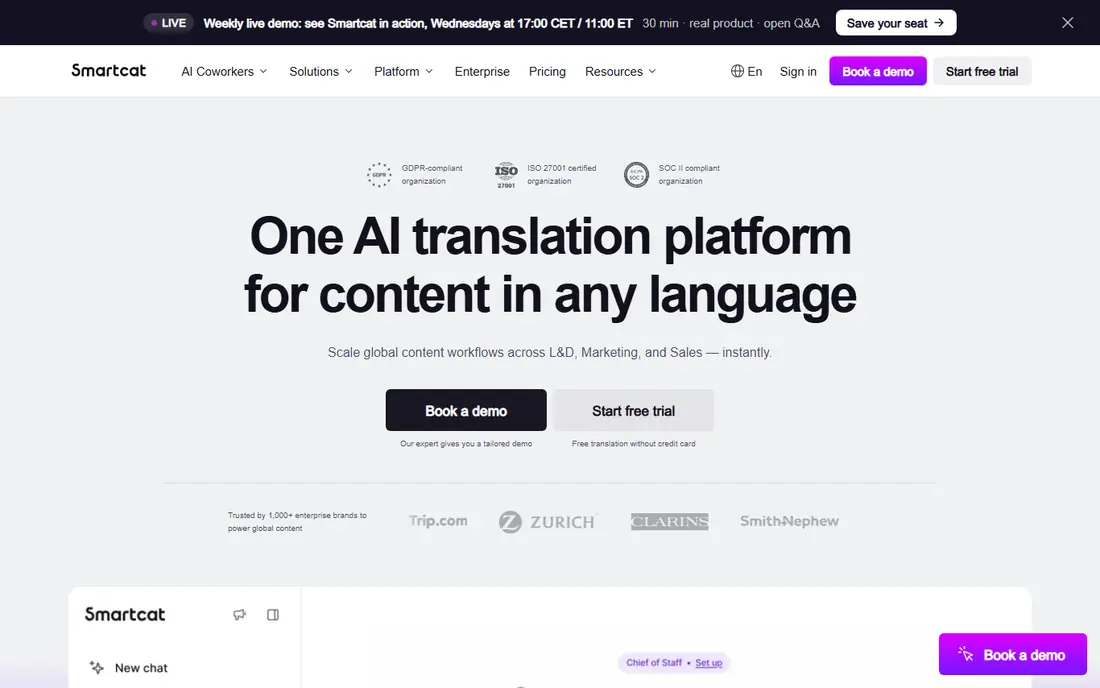
Smartcat is aimed squarely at teams translating documents together. The free level is genuinely usable.
Solo users translating the occasional PDF should pick a more straightforward tool. Teams with continuing multilingual document needs will find the workflow features worth learning. Check the vendor site for Smartcat pricing; none is listed in this comparison. You can start on Smartcat without paying.
Honest limits: Ramp-up time for the system.
- Ample free level
- AI plus human review workflows
- Made for teams
Google Translate
Ideal for: Free translation in any language
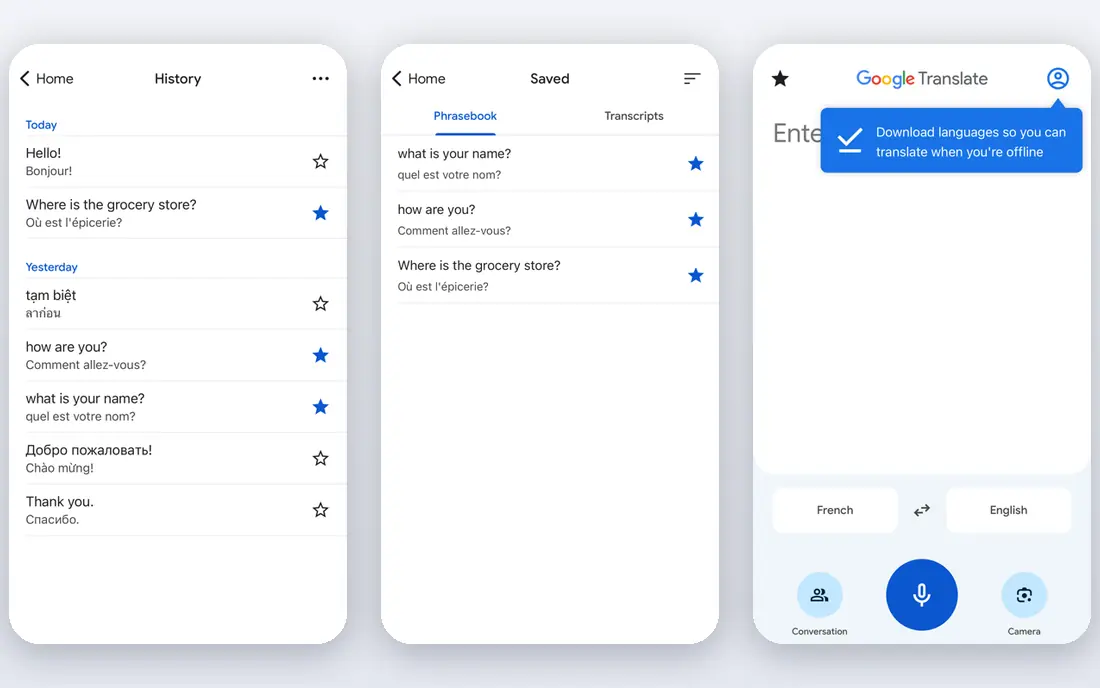
Google Translate is designed for free translation in any language. Layout preservation on PDFs is rudimentary. The mobile app brings camera-based OCR for photographed documents.
Watch-outs: Layout preservation is entry-level; Privacy concerns for sensitive docs.
From a buyer's view, Google Translate remains the universal free choice: paste text or upload a document and get an instant translation in over 130 languages, including pairs no competitor handles. As for the details, for fast understanding of a foreign document at zero cost, nothing beats it. For publishable quality, pair it with human review or DeepL. Price to start with Google Translate: Free. Free access exists with Google Translate. Strengths: Fully free.
- 130+ languages
- Document upload and camera OCR in the mobile app
- Translations can read literally
Microsoft Translator
Ideal for: Translating inside Word and Office
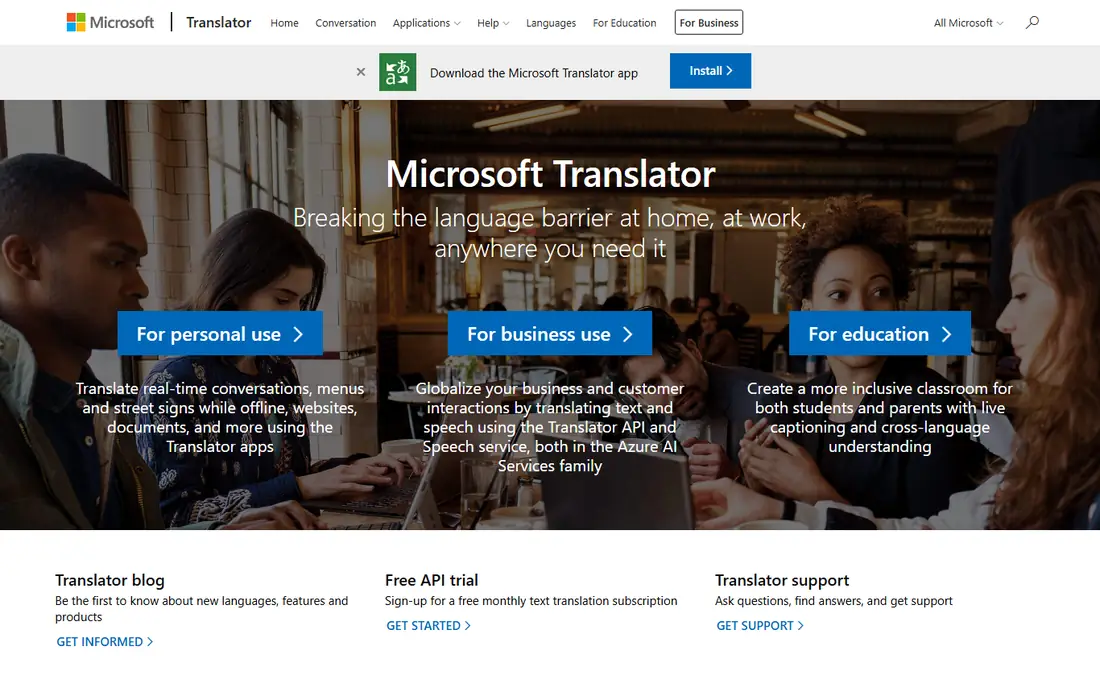
Microsoft Translator was built for translating inside Word and Office. Microsoft Translator's advantage is placement: it lives inside Word, PowerPoint, Outlook and Teams, so translating a document frequently means clicking a button instead of visiting a website.
Limits to weigh: Document layout handling is entry-level.
In daily use, for Office-centric workflows and enterprise environments already on Microsoft 365, the zero-friction integration wins. As a pure translation engine it sits between Google and DeepL on quality. Microsoft Translator starts at: Free. Microsoft Translator offers a free plan.
- Live conversation translation
- PowerPoint and Teams
- Quality trails DeepL for prose
DocTranslator
Ideal for: Free PDF translation with layout kept
DocTranslator targets free PDF translation with layout kept. DocTranslator does one job: upload a PDF, DOCX or PPTX and get back a translated document with the layout intact. It runs in the browser with a straightforward drag-and-drop interface and supports over 100 languages.
Where it is weaker: Uses Google's engine underneath.
Large documents process slowly. Also, under the hood it uses Google Translate's engine, so accuracy matches Google's, and the free level includes only a handful of pages. DocTranslator pricing: Free. DocTranslator includes a free tier.
- No install
- Preserves entry-level PDF formatting
- Free level restricted pages
DeepL
Ideal for: The most natural-sounding translations
Pick DeepL if this describes you: the most natural-sounding translations. The free level lets 3 document translations a month, enough to evaluate.
Where it is weaker: Weaker on some Asian and smaller languages.
Beyond that, Pro opens at $8.74 a month. Document translation manages PDF, DOCX and PPTX with formatting preserved, and Pro plans add glossaries so brand terms and technical vocabulary translate consistently. Price to start with DeepL: From $8.74 per month. Free access exists with DeepL.
- Best-in-class quality for major languages
- Translates entire documents
- Free level restricted to 3 documents a month
Pairaphrase
Ideal for: Secure business document translation
Choose Pairaphrase for secure business document translation. It emphasizes data security, gives you translation memory so repeated content costs less over time, and deals with typical business formats.
Highlights: Security-focused for business documents.
Trade-offs to know: Smaller brand than the giants. In practice, pricing is pitched at teams instead of individuals, with a trial to evaluate. No starting price is listed for Pairaphrase here; confirm pricing on the vendor site. As for free access: Free trial.
- Translation memory
- Decent format support
- SMB pricing can add up
HiPDF
Ideal for: AI translation with scanned-document OCR
HiPDF is built with AI translation with scanned-document OCR in mind. The free level handles light use.
Trade-offs to know: Quality varies by language pair.
Highlights: Built-in OCR for scanned PDFs. For the typical real-world case of a scanned foreign document that needs reading, the OCR integration makes it more handy than purer translators. As for the details, translation quality is decent instead of best-in-class. Check the vendor site for HiPDF pricing; none is listed in this comparison. A free plan is available with HiPDF.
- Preserves formatting
- Free and premium choices
- Heavier features need premium plans
Reverso
Ideal for: Understanding words in context
Reverso works best for understanding words in context. Full-document translation exists but is not the focus; this is a precision instrument for tricky passages instead of a bulk PDF pipeline. Reverso's strength is context: every translation includes real-world example sentences showing how the word or phrase is actually used.
That makes it very good for understanding nuance, idiom and register, things document translators gloss over. Use it alongside a document translator for the sentences that matter most. Pricing for Reverso is not stated here, so ask the vendor for current figures. Free access exists with Reverso.
Downsides: Document translation is secondary.
- Well suited to European languages
- Free core features
- Smaller language set than Google
How these tools were picked
The comparison looks at four things: starting price, free access, how well the feature set matches PDF Translator software, and the main limit of each tool. Prices and plan limits come from vendor pages and can change, so confirm them on the vendor site before you buy. Position on the page reflects fit for a typical buyer first, with price clarity and free access breaking ties. Treat it as a guide, not a ruling.
What to check before you buy
- Confirm the entry price on the vendor page. For Smartcat, Pairaphrase, HiPDF and Reverso that means a quote rather than a fixed price.
- Look at free plan limits closely: Smartcat, Google Translate, Microsoft Translator and others have one, and the caps decide whether it is usable for real work.
- Use real work to test the free trial from Pairaphrase, rather than a demo project.
- Before choosing Smartcat, weigh its main limit: aimed at teams, overkill for one-off PDFs.
- Find out what support Google Translate includes on your plan, and whether onboarding help costs extra.
- Confirm minimum seats and billing terms with Smartcat before you commit to an annual plan.
Frequently asked questions
Can I translate a scanned PDF?
Only with OCR-capable tools like HiPDF, or by running OCR first and then translating the extracted text. DeepL and DocTranslator cannot process image-based PDFs straight.
Is Google Translate good enough for business documents?
For understanding content, typically yes. For client-facing or legal documents, no: have a professional review or use DeepL plus human proofreading.
What is the cheapest option for PDF Translator software in this list?
On published monthly entry prices, DeepL is the lowest here at $8.74 per month. Entry price is only part of the cost, because seats, add-ons and billing terms can change the total.
How are the tools for PDF Translator software ordered?
Smartcat sits first and Reverso last because the order follows typical fit for PDF Translator software, then price clarity and free access. It is a judgement call, so read each profile for fit and limits.
Which options for PDF Translator software have a free plan?
On this list, 7 of 8 tools include a free plan, among them Smartcat, Google Translate, Microsoft Translator and DocTranslator. Caps on seats, usage or features are common, so test the free plan against your real workload. One other tool offers a trial instead.
Is Smartcat the right pick for everyone comparing PDF Translator software?
No single tool suits every team. Smartcat comes first because it fits teams translating documents together, while Google Translate suits free translation in any language and Microsoft Translator suits translating inside Word and Office. Match the tool to your own size, budget and workflow before deciding.