Best PDM Software in 2026: 8 Tools Compared

- 1
 SOLIDWORKS PDMSOLIDWORKS teamsVisit
- 2
 Autodesk VaultAutodesk CAD teamsVisit
- 3
 PTC WindchillLarge product data needsVisit
- 4
 Siemens TeamcenterEnterprise product lifecycleVisit
- 5
 OpenBOMCloud parts and BOM controlVisit
- SOLIDWORKS PDM and Autodesk Vault lead for teams already using those CAD systems.
- PTC Windchill and Siemens Teamcenter serve large firms with complex product data.
- OpenBOM and Upchain suit smaller teams that want cloud-based parts and BOM control.
- Arena PLM and Propel fit teams that need PLM depth with PDM foundations.
- Check CAD integration first, since weak CAD links create manual work.
Quick comparison
| Product | Ideal for | Price from | Free version | |
|---|---|---|---|---|
| SOLIDWORKS PDM | SOLIDWORKS teams | See website | No | Visit |
| Autodesk Vault | Autodesk CAD teams | See website | No | Visit |
| PTC Windchill | Large product data needs | See website | No | Visit |
| Siemens Teamcenter | Enterprise product lifecycle | See website | No | Visit |
| OpenBOM | Cloud parts and BOM control | See website | Free trial | Visit |
 Upchain | Cloud PDM for CAD teams | See website | Free trial | Visit |
 Arena PLM | PLM with PDM foundations | See website | No | Visit |
 Propel | Modern cloud PLM and PDM | See website | Free trial | Visit |
The best PDM software
We compared official feature pages, pricing pages, and public reviews for eight product data management tools. PDM covers version control, vaults, workflows, and bills of materials for engineering files, and the best pick depends heavily on which CAD system your team uses.
SOLIDWORKS PDM
Ideal for: SOLIDWORKS teams
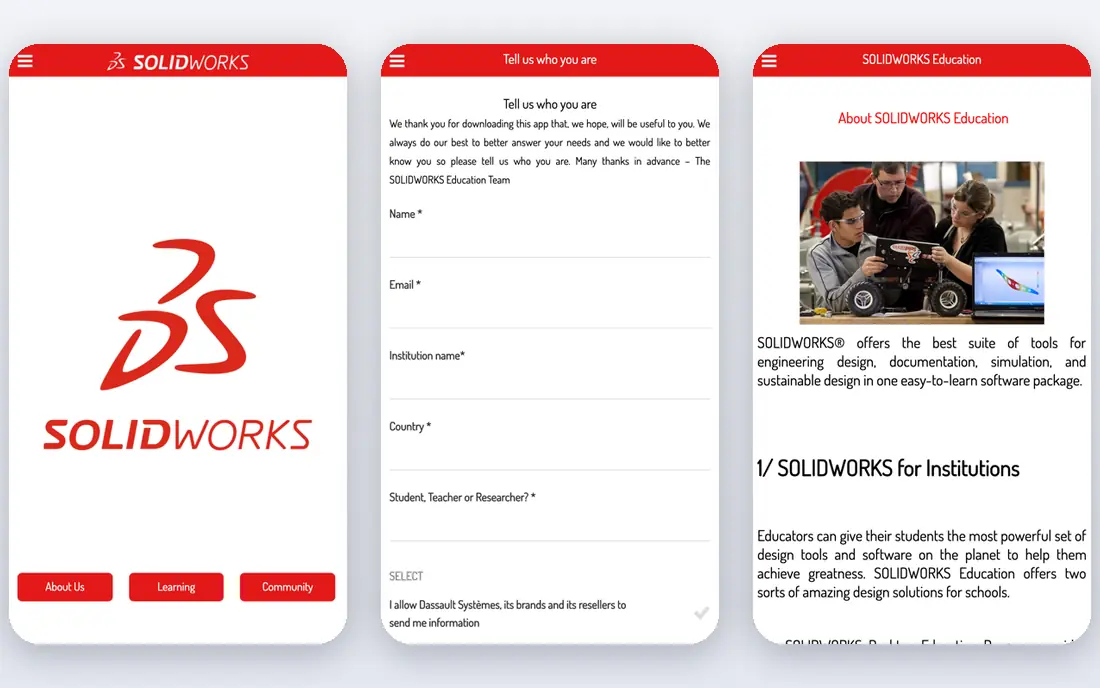
SOLIDWORKS PDM manages versions, revisions, and approvals for SOLIDWORKS files in a central vault. Engineers check files in and out, track where parts are used, and route changes through approval workflows. That control prevents the lost or overwritten files that plague shared-drive CAD work.
The tool fits SOLIDWORKS teams best, and mixed-CAD shops may need extra connectors. Admin setup takes planning, especially for workflows and permissions. For a SOLIDWORKS shop that needs reliable version control, SOLIDWORKS PDM is the natural choice.
- Deep SOLIDWORKS integration
- Version and revision control
- Approval workflows
- Needs SOLIDWORKS ecosystem
- Setup and admin take effort
Autodesk Vault
Ideal for: Autodesk CAD teams

Autodesk Vault manages design data for Inventor, AutoCAD, and other Autodesk tools, with version control, lifecycle states, and workflows. Engineers track revisions, find where parts are used, and control release states. Vault works well for teams already invested in Autodesk products.
Mixed-CAD teams may need additional tools for non-Autodesk files. Setup and admin effort are real, especially for larger vaults. For Autodesk-centered engineering, Vault keeps design data organized and traceable.
- Strong Inventor and AutoCAD links
- Version control
- Lifecycle states
- Best within Autodesk tools
- Admin setup takes time
PTC Windchill
Ideal for: Large product data needs

PTC Windchill serves large manufacturers with complex product structures, change management, and multi-CAD data. It links to Creo and other CAD tools, tracks parts and BOMs, and routes changes through formal approvals. That depth suits firms with strict configuration control.
Implementation is a project, with configuration, training, and data migration. Smaller teams will find Windchill heavy. For large firms that need rigorous product data control, Windchill is a proven enterprise choice.
- Deep product data control
- CAD links for Creo and others
- Change management
- Pricing is quoted
- Implementation is a project
Siemens Teamcenter
Ideal for: Enterprise product lifecycle
Siemens Teamcenter covers product data and lifecycle management for large enterprises, with multi-CAD support and strong change control. Engineering teams manage parts, BOMs, documents, and workflows in one system, with traceability across product lines. Integration with Siemens CAD and other tools supports complex manufacturing.
Complexity and cost make Teamcenter a poor fit for small teams. Deployment needs planning and training. For enterprises with many products and strict lifecycle demands, Teamcenter offers breadth that smaller PDM tools cannot match.
- Broad PLM and PDM coverage
- Multi-CAD support
- Strong change control
- Pricing is quoted
- Complexity suits larger teams
OpenBOM
Ideal for: Cloud parts and BOM control
OpenBOM gives smaller teams cloud-based parts catalogs, BOMs, and inventory links without heavy on-premise setup. CAD integrations pull parts data into BOMs, and teams can share with suppliers and purchasing. The cloud model suits distributed teams that need quick access.
Vault and revision depth is lighter than dedicated CAD PDM tools, so teams with strict CAD version needs should test carefully. For a small engineering team that needs BOM control first, OpenBOM is fast to adopt and easy to share.
- Cloud-based BOM and parts
- CAD integrations
- Supplier and inventory links
- CAD vault depth is lighter than SOLIDWORKS PDM
- Advanced PLM needs higher plans
Upchain
Ideal for: Cloud PDM for CAD teams
Upchain, from Autodesk, offers cloud PDM with CAD plugins, version control, and approval workflows. Teams can manage CAD files, BOMs, and change requests without on-premise servers. The cloud approach suits smaller firms and distributed teams that want PDM without heavy IT work.
The ecosystem is smaller than enterprise PLM platforms, and some advanced features need higher plans. For a CAD team moving to cloud PDM, Upchain offers a practical middle path between shared drives and enterprise PLM.
- Cloud PDM with CAD plugins
- Version control
- Workflow approvals
- Smaller ecosystem than Windchill
- Pricing varies by users
Arena PLM
Ideal for: PLM with PDM foundations
Arena PLM, from PTC, combines PDM foundations with wider PLM features for parts, BOMs, change, and quality. Medical device, electronics, and manufacturing teams value the control over changes and supplier sharing. Cloud delivery reduces IT burden next to on-premise PLM.
Pricing is quoted, and setup needs planning for workflows and data migration. Smaller teams with simple version needs may find Arena broad. For regulated or complex product teams, Arena offers PDM plus PLM depth in one system.
- PLM depth for parts and BOMs
- Change and quality workflows
- Supplier sharing
- Pricing is quoted
- Setup takes planning
Propel
Ideal for: Modern cloud PLM and PDM
Propel offers a modern cloud PLM platform built on Salesforce, with PDM features for parts, BOMs, and change management. Teams get a clean interface, workflow approvals, and links to sales and service data through Salesforce. That connection suits firms that already run Salesforce.
The Salesforce base may add licensing cost for firms that do not use it. CAD vault depth varies by integration, so test with your CAD tools. For a team that wants modern cloud PLM with PDM foundations, Propel is a fresh and capable option.
- Modern cloud interface
- Salesforce-based platform
- Change and BOM tools
- Salesforce link may add cost
- Advanced CAD vault features vary
How we picked these
We compared official feature pages, pricing pages, and public reviews for product data management tools in October 2026. We favored tools with CAD integration, version and revision control, vaults, workflows, and BOM support, and we mixed CAD-specific, cloud, and enterprise options. We did not claim hands-on testing, and we list prices as shown on vendor sites, using See website where pricing is quoted.
What to check before you buy
Start with CAD integration. Test check-in, check-out, revision, and where-used with your exact CAD system and file types. A PDM tool that handles your CAD poorly will create manual work and errors. Next, map your change workflow, including approvals, release states, and ECO handling, against the tool.
Check BOM handling, supplier sharing, and search, since engineers waste time when parts are hard to find. Confirm hosting, backup, and access for remote teams, and plan data migration from shared drives or an older vault. Finally, run a pilot with a real project, involve engineers daily, and measure time spent on version problems before rolling out widely.
A final check before you commit
Adoption matters as much as features, so check training, help docs, and support hours before you sign. Teams with staff in several time zones need support that covers their working hours, while smaller teams may prefer a vendor with strong guides and a responsive chat channel. Ask how onboarding works, who owns setup, and what happens when a key user leaves, since knowledge gaps after rollout cause many failed deployments. Good vendors answer these questions plainly and in writing.
Check how each finalist handles growth, including more users, more data, and new locations or teams, since a tool that fits today may strain in a year. Ask about plan thresholds, performance at higher volumes, and whether upgrades require migration or just a plan change, since forced migrations disrupt work. Also ask about downgrade options, since teams shrink as well as grow, and flexible plans protect budgets in quiet periods. A tool with a smooth path up and down is easier to live with than one that locks you into a single size.
Budget holders often ask for a single recommendation, but a short ranked list with reasons serves the team better than a forced single winner. Rank your top three by fit for daily work, total yearly cost, and support quality, and state plainly where each one falls short, so decision makers see trade-offs instead of a sales pitch. If the top choice is rejected on price, the second choice should already be tested and ready, which avoids a rushed purchase later. Keep the ranking with the trial notes, since it becomes the baseline for the next review cycle and for onboarding new staff who ask why this tool was chosen.
Frequently asked questions
What is PDM software?
Product data management software controls versions, revisions, and approvals for engineering files, parts, and bills of materials. It replaces shared-drive chaos with a central vault and traceable change history.
Is PDM the same as PLM?
No. PDM focuses on design data and versions, while PLM covers the wider product lifecycle, including change, quality, and supplier management. Many PLM tools include PDM features, and some teams need both.
Which PDM suits SOLIDWORKS users?
SOLIDWORKS PDM is the natural fit, with deep integration for SOLIDWORKS files. Autodesk Vault suits Inventor and AutoCAD teams, while Windchill and Teamcenter serve multi-CAD enterprises.
Can small teams use PDM?
Yes, with cloud tools such as OpenBOM and Upchain, which avoid on-premise servers. Start with version control and BOM basics, then add workflows as the team grows.
How hard is PDM implementation?
It varies. Cloud tools can start quickly, while enterprise systems such as Windchill and Teamcenter need configuration, migration, and training. Plan a pilot project before a full rollout.