Ahrefs is the first pick on this list for search data and content visibility. Listed starting prices: Ahrefs from $129 a month. Look at Semrush for search and brand visibility tracking, and at Similarweb for market and competitive intelligence. All 5 tools are compared below on price, free plan and limits.
If you are comparing performance analytics tools for writers, this page covers 5 tools in one place: what each is best for, what it costs to start, whether it has a free plan, and the main limit to know about.
Key takeaways
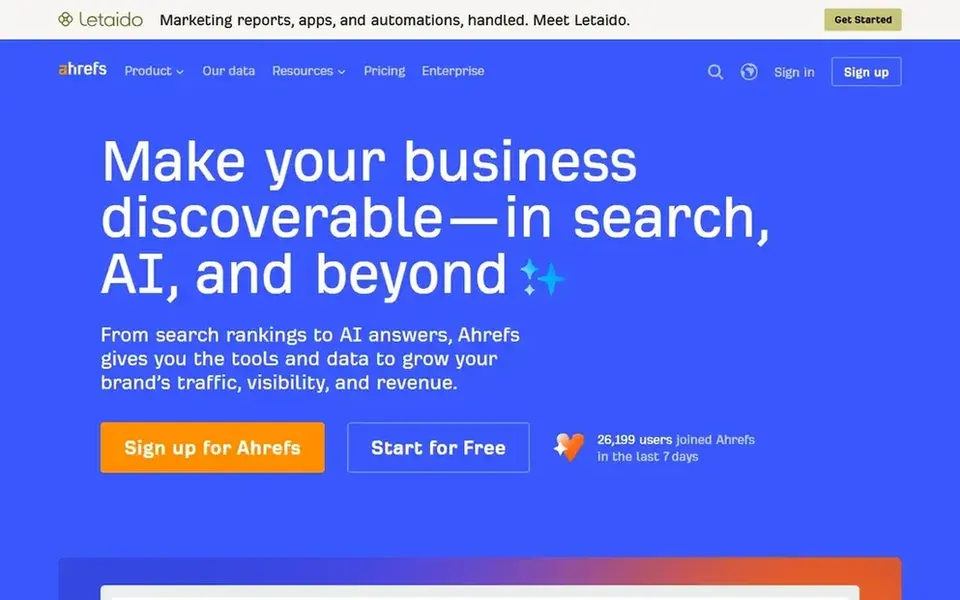
Ahrefs is the opening pick, best for search data and content visibility.
Adobe Analytics is the one to check for enterprise digital experience measurement.
Semrush is the only tool of the 5 with a free plan.
Ahrefs has the lowest monthly starting price in this list: $129 per month.
Think of Ahrefs for search data and content visibility. Teams wanting one dashboard for both search performance and on-site content metrics should plan for that pairing.
Ahrefs emphasizes search and visibility data instead of reader behavior on your own pages, so engagement and conversion reporting normally needs another tool. Ahrefs cost at the entry level: $129 per month. Free options: Not stated.
Trade-offs to know: Not a content engagement tool.
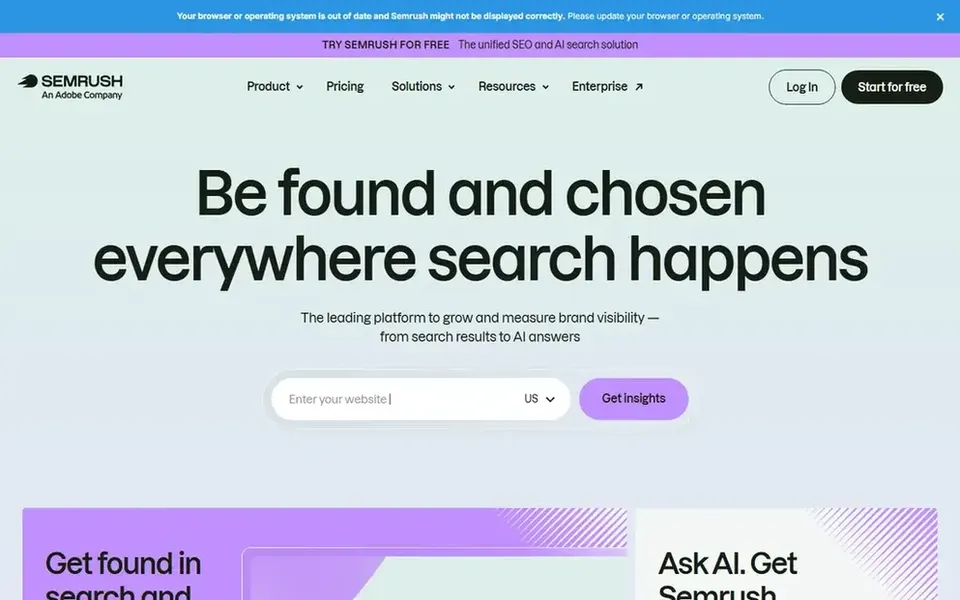
Semrush targets search and brand visibility tracking. Semrush is positioned as a system to grow and measure brand visibility across AI search, SEO, PPC, social and more.
Beyond that, for writers, it is most handy for understanding how content ranks, which keywords drive visibility and how search performance changes over time, making it a fit for content marketers who tie writing to organic growth. Check the vendor site for Semrush pricing; none is listed in this comparison. Semrush offers a free plan.
Similarweb serves market and competitive intelligence. Similarweb is an AI-powered digital data company offering live market intelligence, competitive insights and consumer trends.
What to check first: Competitive focus over own content detail.
In practice, Similarweb is oriented toward market and competitive intelligence instead of granular reporting on your own articles. So it complements instead of replaces a content analytics tool. No starting price is listed for Similarweb here; confirm pricing on the vendor site. On free options: Free trial.
Where Parse.ly fits: content analytics and proving ROI. Parse.ly makes working with data simple for newsrooms and marketers, giving them the insights they have to focus content strategy and prove ROI.
Downsides: Content-scoped analytics.
Also, teams that require search visibility tracking alongside content reporting will likely pair it with a tool like Semrush or Ahrefs. No starting price is listed for Parse.ly here; confirm pricing on the vendor site. Free plan details: Not stated.
Best for: Enterprise digital experience measurement
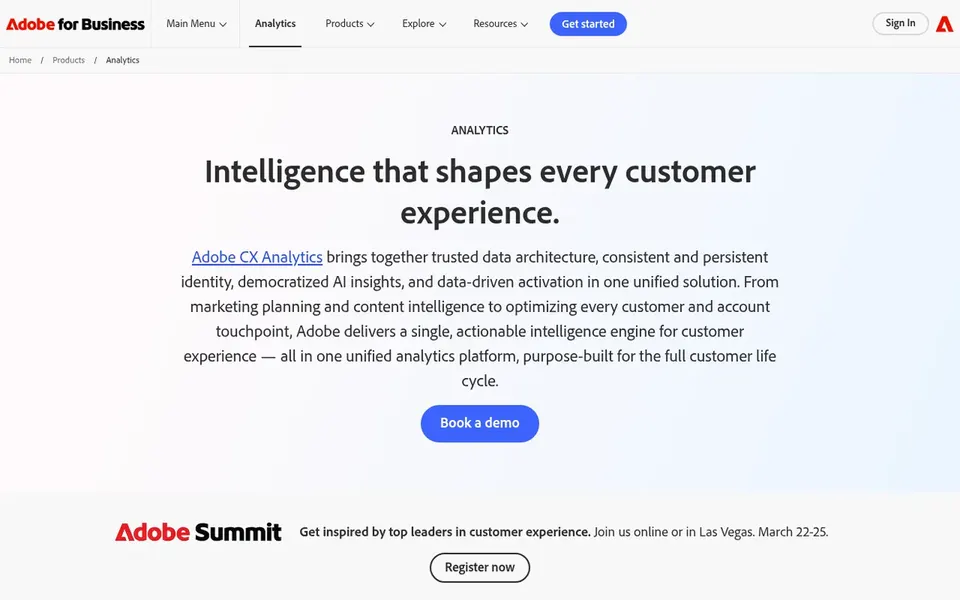
Adobe Analytics targets enterprise digital experience measurement. Adobe Analytics is an enterprise digital experience analytics system that brings together customer data, measures digital marketing performance and helps optimize journeys with AI-powered insights.
Drawbacks to consider: Enterprise-oriented setup.
Its depth includes implementation and reporting complexity that can overwhelm individual writers or small teams without analyst support. If you primarily want straightforward content-level reporting, a focused content analytics tool will likely be simpler to adopt and interpret day to day. Check the vendor site for Adobe Analytics pricing; none is listed in this comparison. Trial and free access: Not stated.
Ask Semrush, Similarweb, Parse.ly and Adobe Analytics for a written quote, since no starting price is shown.
Look at the free plan from Semrush closely: its caps decide whether it is usable for real work.
Take the trial from Similarweb and push a live task through it before you pay.
Read the limits listed for Ahrefs first: data-heavy interface.
Ask Similarweb about contract length, onboarding fees and user minimums before you sign.
Involve the people who will use Parse.ly daily; a short pilot beats a long feature checklist.
How we picked
For each of the 5 tools we noted price, free plan or trial, fit for performance analytics tools for writers and the main limit, using vendor pages and documentation. Seat minimums, billing terms and add-ons can move the real cost, so the starting prices here are a guide and not a quote. We ordered the tools by general fit, then by how clearly pricing is shown, then by free access. A buyer with unusual needs may reorder them.
Every price and plan detail on this page comes from the vendors’ own websites. We did not run hands-on tests unless the text says so, and we do not publish star ratings or review scores. See how we score and our disclosure.
Keep your shortlist in one place
Paste prices, trial dates and notes from this guide into Ainotely, our AI note app. It files them into a topic and pulls out tasks like “cancel trial by Friday”. Free 7-day trial, no card needed.
Which analytics tool is a good match for writers who mainly publish articles?
For most readers this guide would start with Ahrefs, built for search data and content visibility. Semrush is the alternative for search and brand visibility tracking, and Similarweb for market and competitive intelligence. The right answer depends on budget and workflow.
Which options for performance analytics tools for writers have a free plan?
Semrush is the only tool in this list with a free plan. Free plans usually cap users, projects or features, so check the limits on the vendor page. One other tool offers a trial instead. Each of the 5 options in this performance analytics tools for writers guide has its own card above with the price, free plan and limits.
Can enterprise tools like Adobe Analytics work for a small writing team?
They can, but implementation and reporting complexity may need analyst support. Smaller teams often start with a focused content analytics tool and move to enterprise products as reporting needs grow.
Is Ahrefs the right pick for everyone comparing performance analytics tools for writers?
No single tool suits every team. Ahrefs comes first because it fits search data and content visibility, while Semrush suits search and brand visibility tracking and Similarweb suits market and competitive intelligence. Match the tool to your own size, budget and workflow before deciding.
How are the tools for performance analytics tools for writers ordered?
Ahrefs sits first and Adobe Analytics last because the order follows typical fit for performance analytics tools for writers, then price clarity and free access. It is a judgement call, so read each profile for fit and limits.
Do these tools publish their prices?
Not all of them. Semrush, Similarweb, Parse.ly and Adobe Analytics publish no starting price, so expect a quote request for those. The rest, Ahrefs included, show a starting price, though seats and billing terms still change the final cost.