Best Personal Branding Tools for Executives in 2026: 7 Tools Compared

- LinkedIn is the foundation, since it is where boards, recruiters and clients check an executive first.
- Canva and Squarespace handle the visual side, giving talks, articles and a personal site a consistent look.
- Hootsuite and Buffer keep posting consistent when travel and meetings crowd out content time.
- BrandYourself and Brand24 watch what the wider web says, which is the part most executives forget.
Quick comparison
| Product | Ideal for | Price from | Free version | |
|---|---|---|---|---|
 LinkedIn | The foundation of an executive brand | Free | Yes | Visit |
 Canva | Visuals, decks and social graphics | Free | Yes | Visit |
 BrandYourself | Search results and reputation | See website | Yes | Visit |
 Hootsuite | Scheduling and social listening | See website | Free trial | Visit |
 Buffer | Simple, steady scheduling | Free | Yes | Visit |
 Brand24 | Tracking mentions across the web | See website | Free trial | Visit |
 Squarespace | A personal site you control | See website | Free trial | Visit |
The best personal branding tools for executives
An executive brand is built on consistency: a clear profile, regular insight, and a presence that looks the same everywhere someone searches your name. The tools below cover each part of that job, from publishing and design to scheduling and search results. None of them replaces real expertise, but together they remove the friction that keeps busy leaders from posting at all.
Ideal for: The foundation of an executive brand
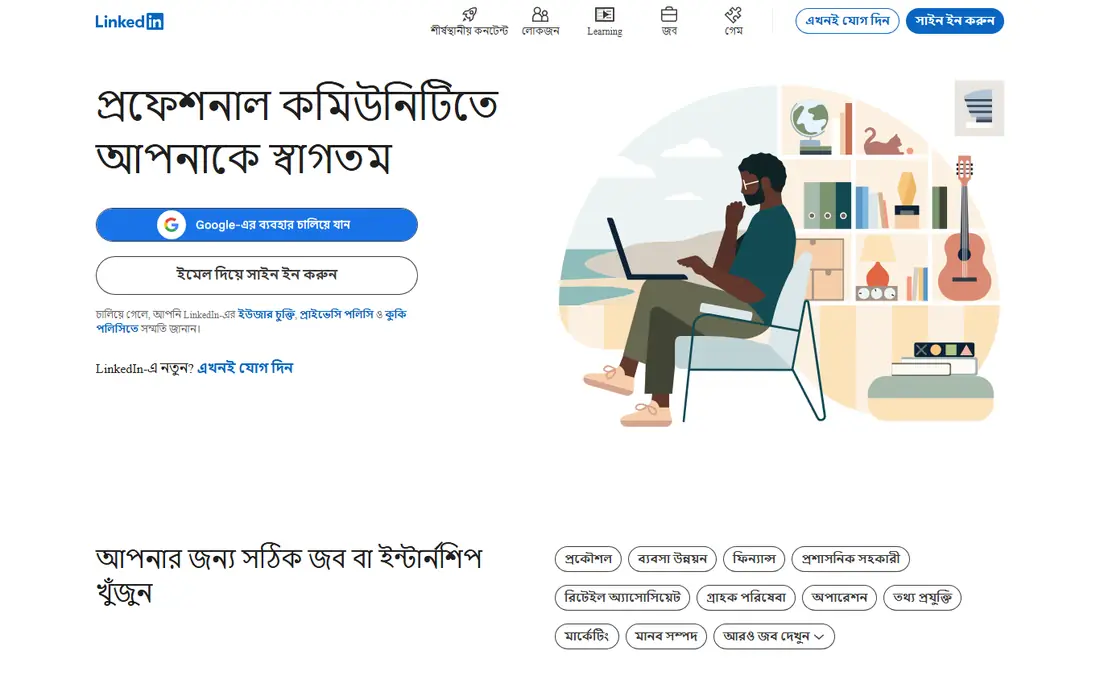
LinkedIn is the non-negotiable starting point for an executive brand. It is where boards, recruiters, clients and journalists check a leader first, and its articles and newsletters let you publish thinking under your own name with built-in distribution. A complete profile with a current photo, headline and experience section does more work than most paid tools.
The feed rewards frequent posting, which can push leaders toward shallow content, and some profile and privacy controls are less flexible than a personal site allows. Treat LinkedIn as your public front door, not your whole brand, and keep deeper material on a site you control.
For readers focused on the foundation of an executive brand, LinkedIn is worth a trial before deciding, since the free tier or trial shows its real feel fast. Check the current plan details on the vendor site, since prices and limits change, and confirm that the version you need works on your devices.
- Where recruiters and boards look first
- Articles, newsletters and video
- Strong search visibility
- Feed rewards frequent posting
- Profile controls can feel limited
Canva
Ideal for: Visuals, decks and social graphics
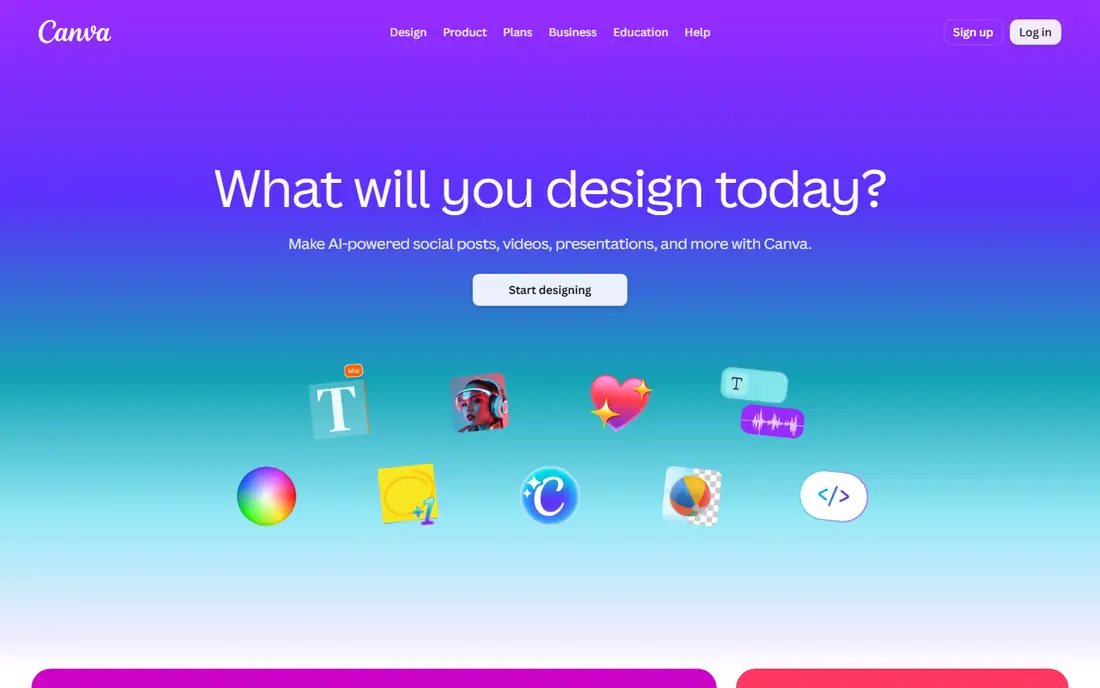
Canva gives executives and their teams a fast way to make on-brand visuals without a designer on call. Brand kits lock in colors, fonts and logos, so a talk slide, a LinkedIn graphic and a report cover look like they came from the same person. Templates cover most formats a leader needs, from presentations to social posts.
The free tier limits some premium assets, and templates cannot fix weak content or poor taste. Canva works best when someone with judgment picks the template and keeps the design quiet. For most executive needs, though, it removes the usual bottleneck of waiting for design help.
We would shortlist Canva for visuals, decks and social graphics, and compare it directly with the two options nearest it in price before paying. Check the current plan details on the vendor site, since prices and limits change, and confirm that the version you need works on your devices.
- Huge template library
- Brand kits keep colors and fonts consistent
- Easy collaboration
- Free tier limits some assets
- Design quality still depends on taste
BrandYourself
Ideal for: Search results and reputation
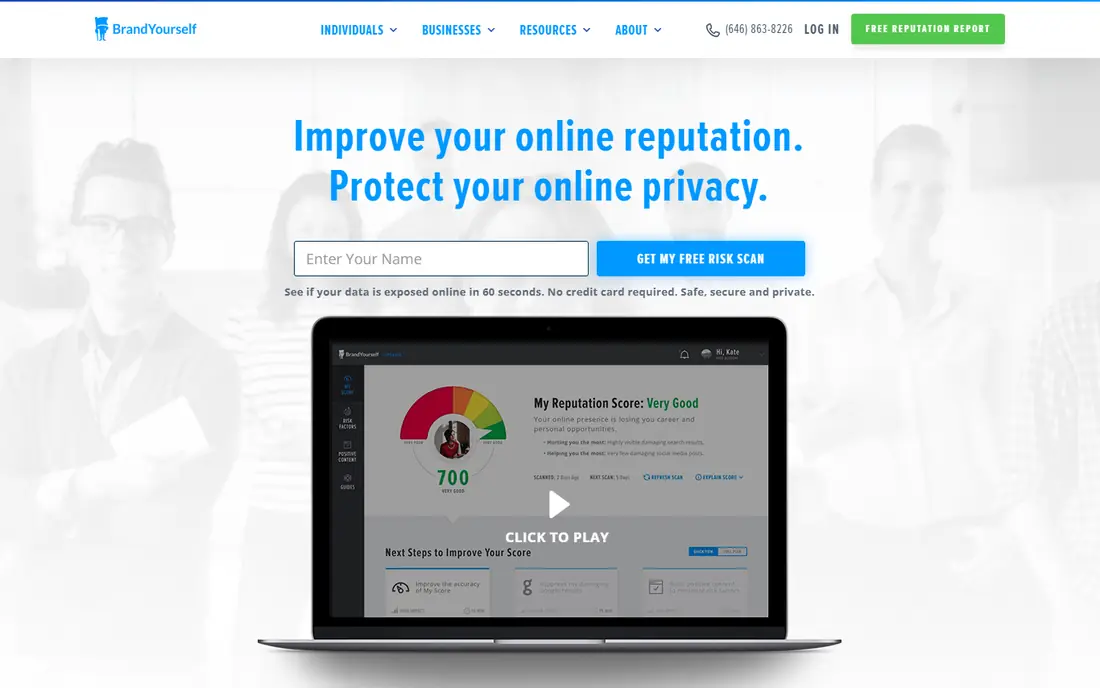
BrandYourself focuses on the part of branding most executives ignore: what appears when someone searches their name. Its free scan flags risky results and exposed personal details, then offers a plan to improve the first page of results. Privacy tools can also remove personal details from data broker sites.
Changing search results takes time, and the fuller service is paid, so it is not a quick fix before a big announcement. It also cannot remove truthful press coverage. Used steadily, it is the best tool here for making sure a search result matches the brand you claim elsewhere.
If search results and reputation is your main need, BrandYourself deserves a place on a shortlist, provided you test the catch described above first. Check the current plan details on the vendor site, since prices and limits change, and confirm that the version you need works on your devices.
- Free risk scan
- Action plan for search results
- Privacy removal tools
- Full service is paid
- Results take time to change
Hootsuite
Ideal for: Scheduling and social listening
Hootsuite suits executives with a team behind their presence. It schedules posts across networks, tracks mentions and trends, and lets a chief of staff or comms lead draft posts for approval before publishing. That approval step matters when a post carries reputational risk.
The pricing is built for teams, so a solo executive may find it expensive compared with simpler schedulers. Its interface is also deep, with features most individuals will never use. For leaders with staff support, the control and listening tools justify the cost.
Our view is that Hootsuite earns its place here for scheduling and social listening, even with the limits noted above. Check the current plan details on the vendor site, since prices and limits change, and confirm that the version you need works on your devices.
- Schedules across networks
- Tracks mentions and trends
- Team approvals
- Priced for teams, so solo users pay more
- Interface is deep
Buffer
Ideal for: Simple, steady scheduling
Buffer is the simpler scheduler, and for many executives that is the point. Its queue keeps posts going during busy weeks, its analytics show which topics get real engagement, and the interface takes minutes to learn. A leader or assistant can plan a week of posts in one sitting.
It offers less social listening than Hootsuite, so it will not track every mention of your name across the web. Advanced analytics and team features also sit behind paid plans. If your main need is consistent posting without complexity, Buffer is the easier choice.
For readers focused on simple, steady scheduling, Buffer is worth a trial before deciding, since the free tier or trial shows its real feel fast. Check the current plan details on the vendor site, since prices and limits change, and confirm that the version you need works on your devices.
- Clean scheduling and queue
- Analytics on what works
- Easy to learn
- Fewer listening tools than Hootsuite
- Advanced features are paid
Brand24
Ideal for: Tracking mentions across the web
Brand24 watches the wider web for your name, company and topics, then alerts you when mentions spike. That early warning is useful before a story spreads, and its sentiment overview helps a comms team see whether coverage is turning. It covers news, blogs and social sources in one dashboard.
Lower plans limit how many mentions you can track, and broad keywords need tuning or the feed fills with noise. It also works best paired with a human who reads the alerts and decides what needs a response. For executives in public roles, that awareness is worth the setup time.
We would shortlist Brand24 for tracking mentions across the web, and compare it directly with the two options nearest it in price before paying. Check the current plan details on the vendor site, since prices and limits change, and confirm that the version you need works on your devices.
- Monitors news, blogs and social mentions
- Alerts for spikes
- Sentiment overview
- Mention volume limits on lower plans
- Needs tuning to avoid noise
Squarespace
Ideal for: A personal site you control
Squarespace gives an executive a personal site that looks professional without hiring a developer. Its templates handle a bio, talks, articles and contact page, and the built-in blogging tools make publishing straightforward. Owning a domain and site also means search results can point to a page you control.
The monthly cost applies even to a simple site, and it is less flexible than open website platforms for unusual features. For most leaders, though, the trade-off is fine: a clean, current site that a team can update without technical help is more valuable than a clever one that goes stale.
If a personal site you control is your main need, Squarespace deserves a place on a shortlist, provided you test the catch described above first. Check the current plan details on the vendor site, since prices and limits change, and confirm that the version you need works on your devices.
- Polished templates
- Blogging and contact pages
- No code needed
- Monthly cost even for a simple site
- Less flexible than open platforms
How we picked these
We compared official feature pages, pricing pages, app store listings, privacy policies and public reviews for each option below. We checked that each product is still available and that its stated plans match what the vendor publishes. We did not run hands-on tests, so our picks rest on documented features, pricing and the fit for the reader described in each section, not on lab results. Where a price could not be confirmed on the vendor site at the time of writing, we wrote See website rather than guessing. We also looked at how each option handles the everyday details that decide whether a tool gets used: setup time, device support, what happens when you cancel or downgrade, and whether help is available when something breaks. A product that looks strong on a feature list but is hard to set up, hard to leave, or poorly supported will cost more in time than it saves, so we weighed those practical points alongside price and features. Where reviewers or users reported a recurring problem, we noted it in the honest catch for that product, rather than leaving it out because the vendor page did not mention it.
How executives should build a brand without it becoming a second job
Pick one home base, usually LinkedIn, and one personal site, then reuse everything else from those two. Write one solid insight a week rather than five thin posts, and let scheduling tools handle timing while you handle the thinking. Check search results for your name every month, since old bios, outdated photos and wrong job titles linger. Finally, keep personal and company voices separate in your head even when they overlap in public, because a personal brand should survive a job change.
A final check before you commit
Run a short trial on a real task before you pay for a year or move a whole team. Use the free plan or trial to complete one full job, from setup to export or delivery, and note where you got stuck. Check the cancellation path too: can you leave and keep your data, or does leaving mean starting over? Read the pricing page for renewal rates, not just the first-year offer, and confirm what support you get on the plan you will actually buy. Finally, ask one current user about the worst part of the product, since that answer tells you more than any feature list. If the trial feels good on a real task and the exit path is clear, the choice is much safer.
Frequently asked questions
What is the best personal branding tool for executives?
LinkedIn is the starting point, because it is where professional audiences look first. Add Canva for visuals and a scheduling tool such as Buffer or Hootsuite once posting becomes regular, and use BrandYourself to monitor search results.
How much time does executive branding take?
A workable routine is one thoughtful post a week plus a few comments on other posts. Scheduling tools and templates cut the production time, but the thinking behind a post cannot be outsourced without losing credibility.
Do executives need a personal website?
Not always, but a simple site helps when someone searches your name. It gives you a page you control, with your bio, talks and articles in one place, instead of leaving the first results to social profiles and old press pages.
Should executives use scheduling tools?
Yes, if travel or meetings make regular posting hard. Scheduling keeps a presence steady, but replies and comments should still be personal, since audiences notice when an account only broadcasts.
How do I check what the internet says about me?
Search your name in a private browser window and review the first two pages. BrandYourself offers a free scan that flags risky results and exposed personal details, and Brand24 tracks new mentions as they appear.